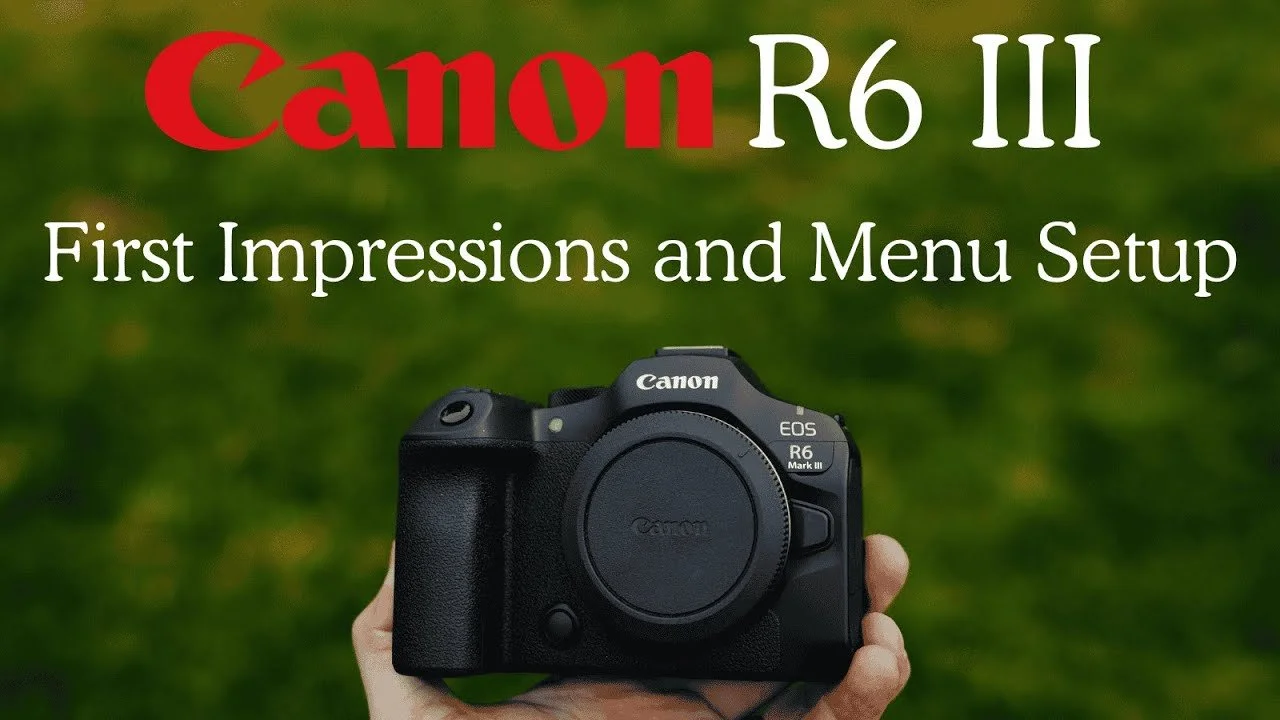
The Canon R6 III felt immediately familiar as a Canon shooter. This first look covers my early impressions and a detailed menu walkthrough for the mix of weddings, families, portraits, and commercial work I photograph.
Originally published on YouTube Dec 2, 2025.
A promising fit for my kit
I liked the handling and the balance of resolution in the files I had made so far. CFexpress Type B support was especially welcome for faster offloading. My early image use was still limited, so I held off on presenting this as a full image-quality review.
Controls tailored to the way I shoot
The walkthrough explains my button assignments, focus-area choices, subject-detection shortcuts, and separate card-recording setup. I prefer quick access to people detection and a deliberate focus point, rather than cycling through modes I rarely need.
A few early trade-offs
I tend to bump the physical mode dial while changing lenses, which remained a frustration. I also discuss differences from the R5 II and my initial experiments with open-gate recording. Some of those opinions developed with use, so the later R5 II versus R6 III comparison is a useful follow-up.
Using the setup walkthrough
Treat my settings as a starting point for your work. The video explains why I chose them, and the original description includes the settings download when available. Check your camera model and firmware before loading a saved setup.
Original samples or settings: Download here.
Related reviews
Watch on YouTube and view the original product links. Some shopping links in the original description may be affiliate links.
