Gear Reviews
Hands-on camera, lens, iPhone accessory, lighting, and editing software reviews by Ely Roberts. Browse the latest reviews below, or use the Reviews menu to explore a category.
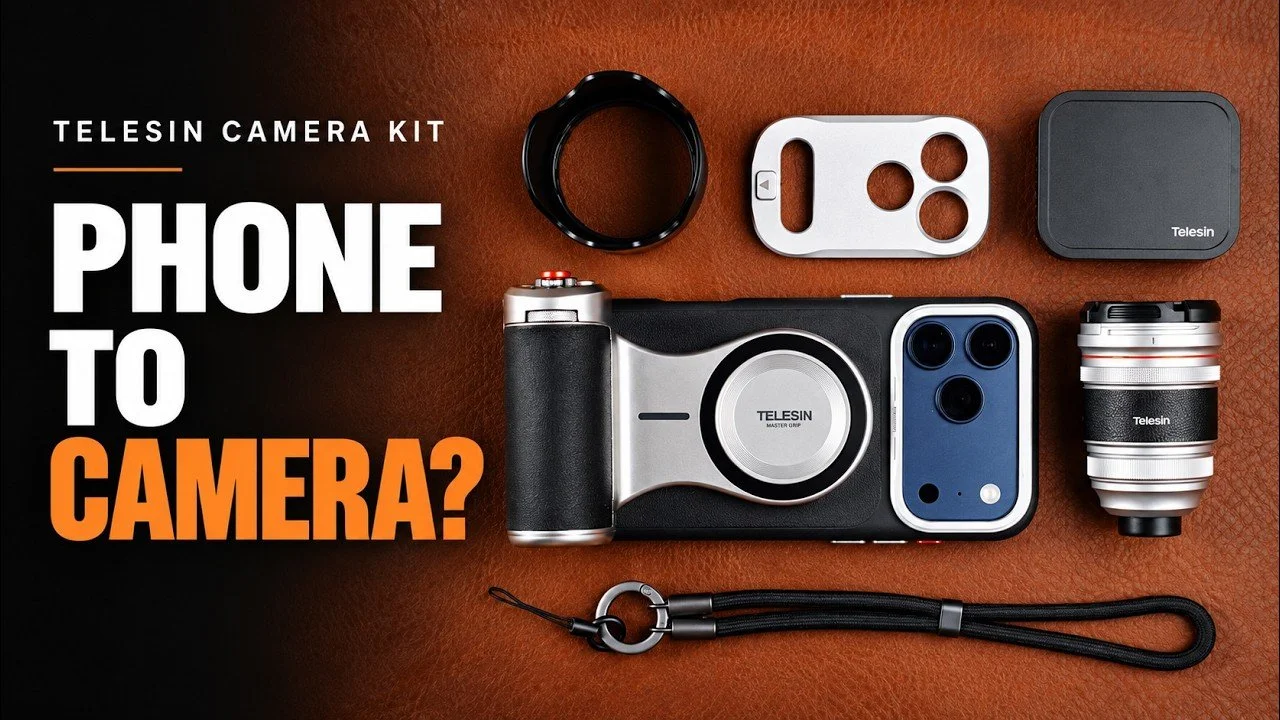
Telesin Master Grip Classic 3.5x Lens Kit: First Look
The Telesin Master Grip Classic kit pairs a magnetic camera grip with a 3.5x add-on telephoto lens.
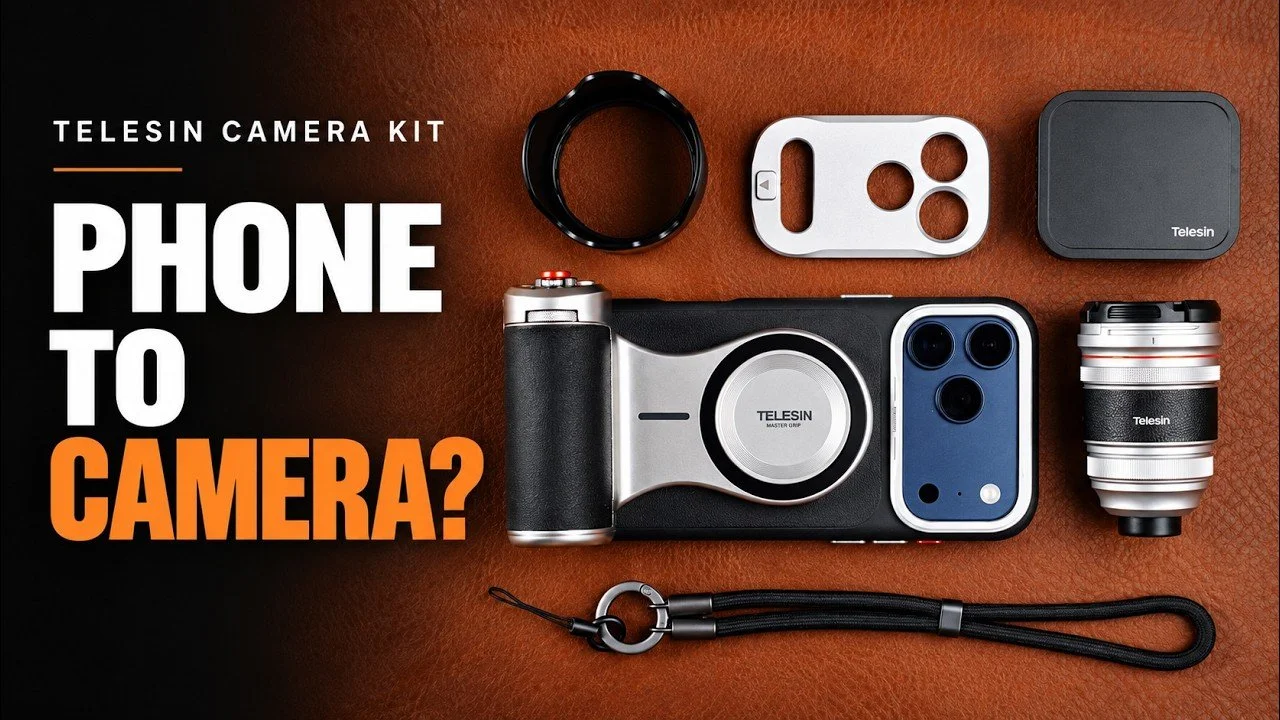
The Telesin Master Grip Classic kit pairs a magnetic camera grip with a 3.5x add-on telephoto lens. This first look focuses on the hardware, app controls, and a few quick backyard photographs—not an extended travel test.
Originally published on YouTube Sep 9, 2026.
A phone setup that feels more like a camera
The magnetic grip rotates between horizontal and vertical shooting, with a shutter control, dial, zoom control, and customizable buttons. I liked the strong magnetic attachment and premium feel of the case. The kit also includes a hood, lens cap, lanyard, and a compartmented storage bag.
Use the intended phone camera
An app that lets you select the telephoto camera is important for this kind of accessory. In the demonstration, I used the app controls to set shutter speed and exposure compensation, and showed the stabilization setting. I also mentioned Moment as another app I had used.
Early image impressions
My quick backyard examples looked sharp and left me interested in using the lens for more distant subjects. Close focus was limited in the indoor demonstration, so this is primarily a way to gain reach rather than a close-up accessory. Check the exact case and phone compatibility before buying; the demonstration used my current phone while I was waiting for an upgrade.
Watch on YouTube and view the original product links. Some shopping links in the original description may be affiliate links.
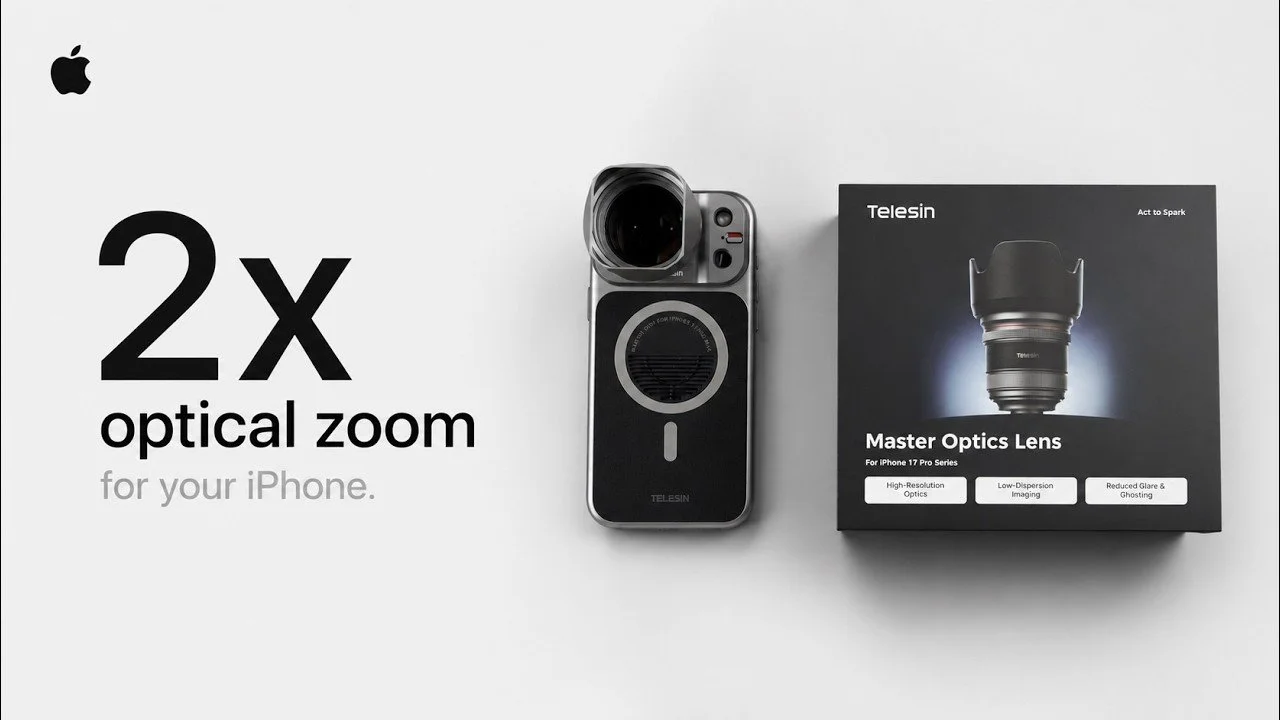
Telesin 2x Master Optic Lens: More Reach for iPhone Photography
Telesin’s Master Optic lens adds optical reach to the phone’s telephoto camera.
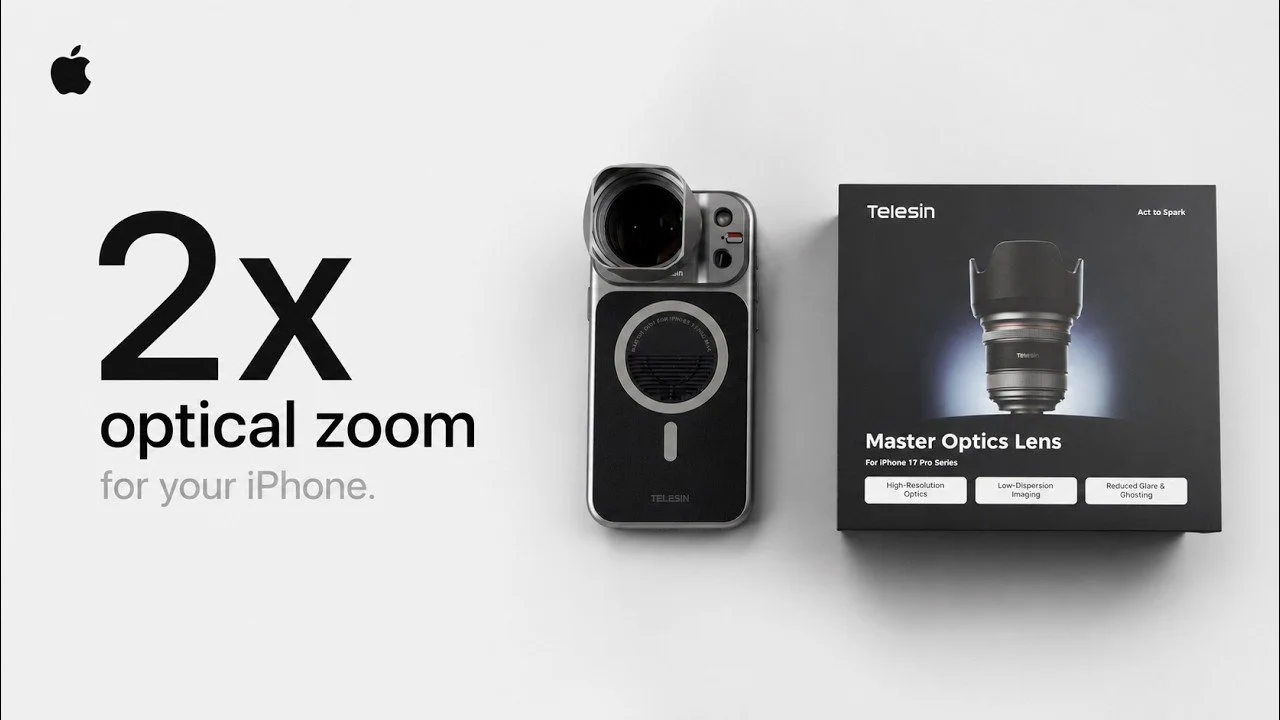
Telesin’s Master Optic lens adds optical reach to the phone’s telephoto camera. This hands-on overview covers how the lens, case, and optional grip fit together, with an emphasis on handling rather than a controlled image-quality test.
Originally published on YouTube Jun 22, 2026.
Select the telephoto camera
I use the Moment app so I can choose the camera behind the accessory and avoid automatic lens switching. The appeal is extra optical reach for distant subjects such as landscapes, rather than simply cropping farther into the same image.
The case and grip system
The threaded lens mount attaches to a removable section of the case. I liked the secure locking arrangement, thin case, and strong magnetic attachment for the optional Master Grip. Rotating the grip makes it easy to move between horizontal and vertical shooting.
My first impressions
The hood, cap, and small lens-like design make this a fun kit to carry. The video introduces the stabilized telephoto accessory and shows its operation, but does not establish a measured stabilization rating. For me, the appeal is turning the phone into a more tactile photography setup with greater reach.
Watch on YouTube and view the original product links. Some shopping links in the original description may be affiliate links.
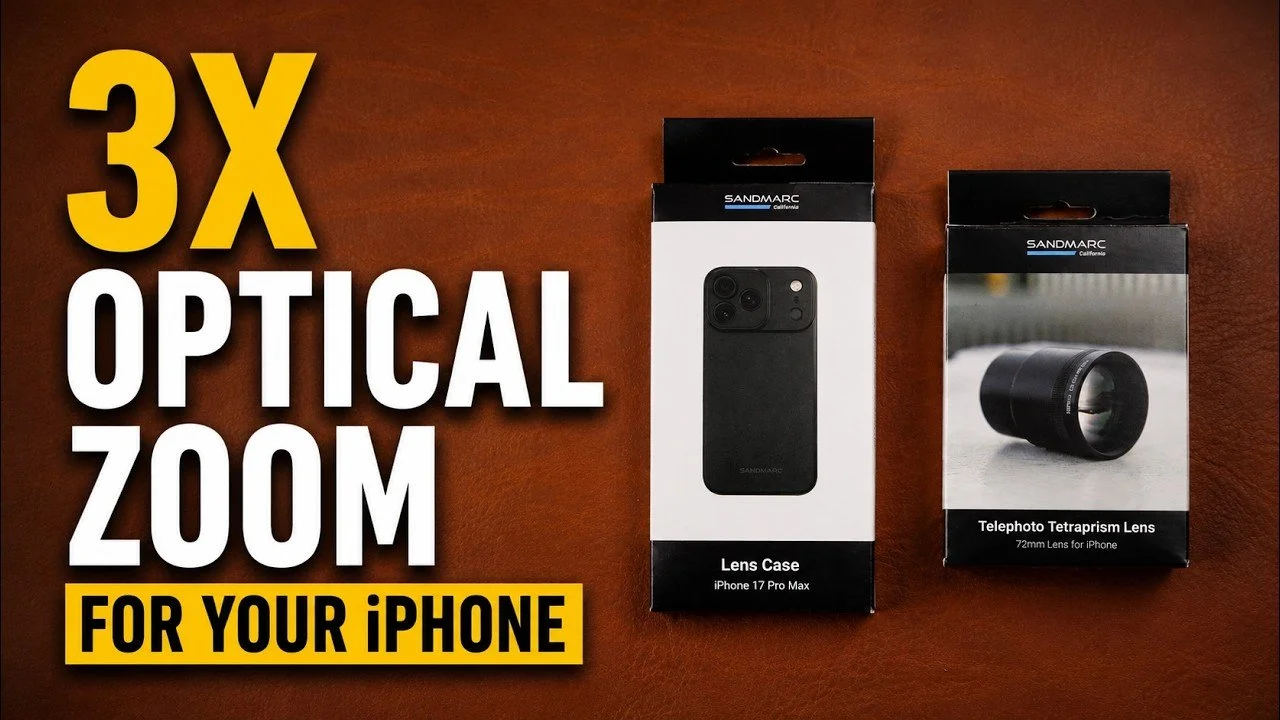
Sandmarc 72mm Telephoto Lens Review for iPhone
The Sandmarc 72mm accessory adds 3x optical magnification to a compatible iPhone telephoto setup.
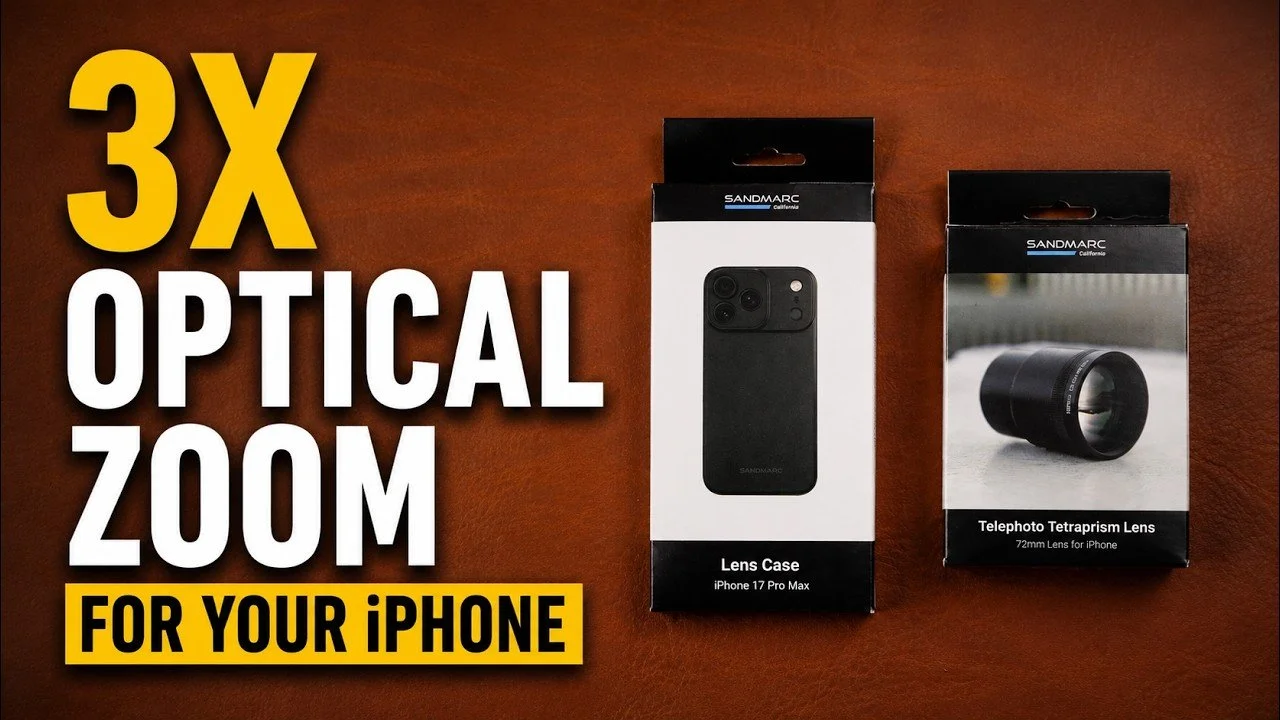
The Sandmarc 72mm accessory adds 3x optical magnification to a compatible iPhone telephoto setup. I compared its handling with the earlier 48mm version and liked how little additional bulk came with the extra reach.
Originally published on YouTube Jun 20, 2026.
More reach in a compact kit
The newer lens is only slightly longer than the 48mm version in my side-by-side demonstration. I see it as a useful option for distant landscapes and other subjects you cannot easily approach. It is not a close-focusing accessory; my approximate focus-distance comments in the video are observations, not a measured specification.
App and mounting choices
I use Moment to select the intended phone camera. The threaded case gives a straightforward mount, and the video also demonstrates a clip-style alternative. My thin case had an Ohsnap magnetic accessory added to it, so the magnetic charging arrangement shown is my modified setup.
Filters and my verdict
The system includes options for filters, and I discuss my experience with polarization and mist effects. I enjoyed the compact form and extra reach. If you need less magnification, the 48mm option remains worth considering; the video shows the size comparison and how the accessories attach.
Related reviews
Watch on YouTube and view the original product links. Some shopping links in the original description may be affiliate links.
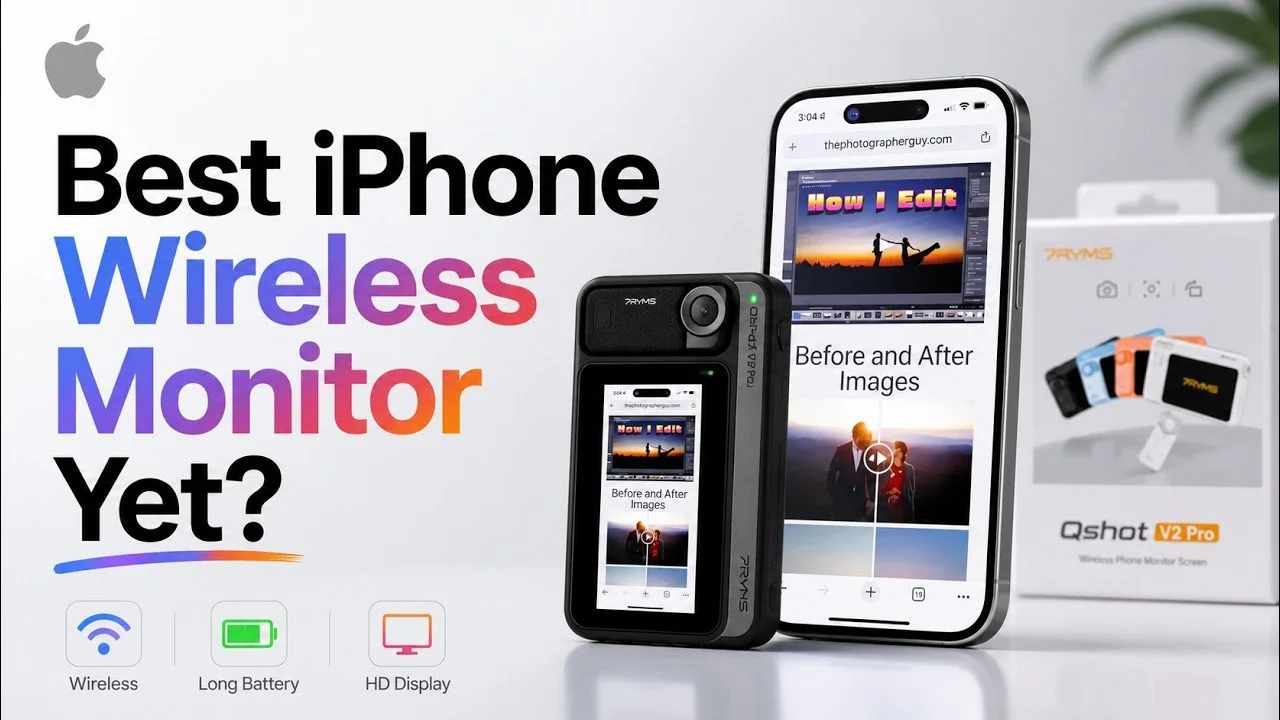
7RYMS Qshot V2 Pro Review: An iPhone Monitor and Remote
The 7RYMS Qshot V2 Pro lets me frame myself using the iPhone’s rear cameras.
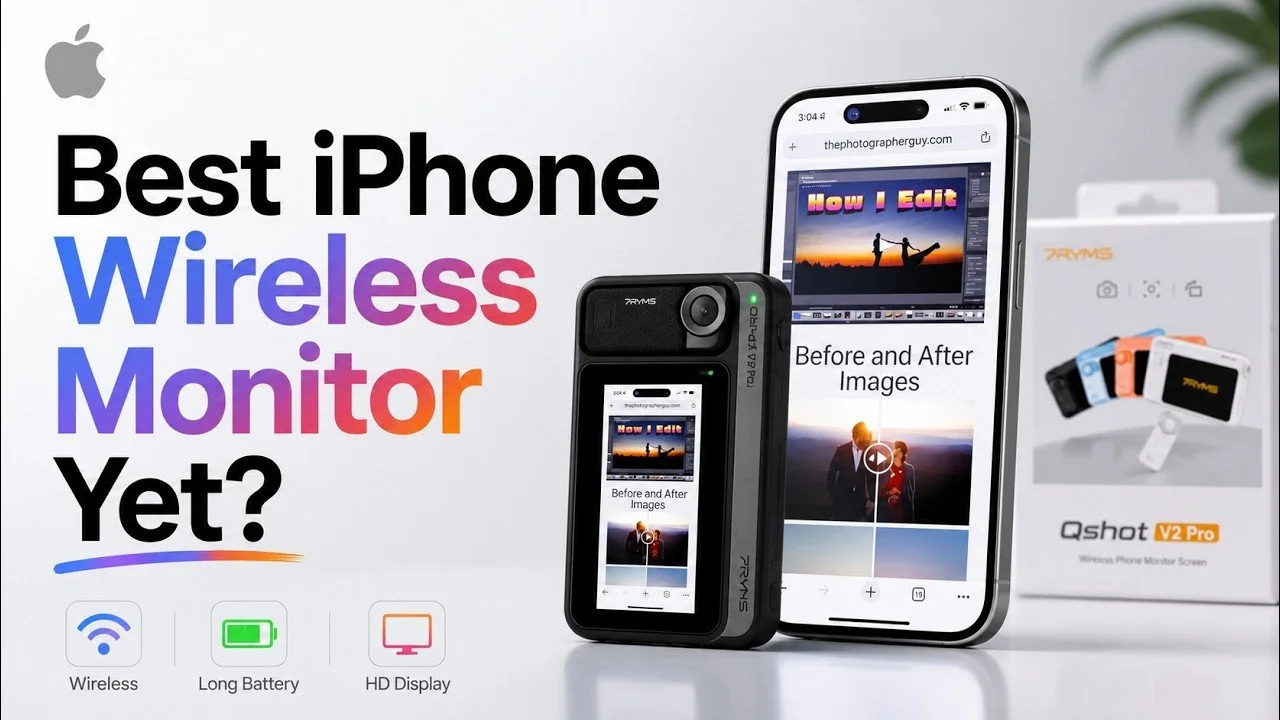
The 7RYMS Qshot V2 Pro lets me frame myself using the iPhone’s rear cameras. I tested its magnetic monitor and remote with my iPhone 17 Pro Max, including both wireless and wired connections.
Originally published on YouTube Jun 19, 2026.
Useful for talking-head and overhead video
The monitor can attach to the phone or sit separately where I can see it during a top-down demonstration. The remote controls recording, zoom, and switching between photo and video. Brightness, image flipping, and display zoom help tailor the view.
Wireless convenience versus a cable
Wireless screen mirroring worked with a small amount of lag in my demonstration. Connecting through the phone/UVC USB-C port removed the noticeable delay for me. The device has separate ports for charging, microphone use, and the phone connection, so identifying the right port matters.
My verdict and disclosure
I liked the controls and flexibility; my main wish was a larger screen. 7RYMS sent the unit for review. For someone making videos with an iPhone, it offers a practical way to monitor framing without buying a separate camera.
Related reviews
Watch on YouTube and view the original product links. Some shopping links in the original description may be affiliate links.
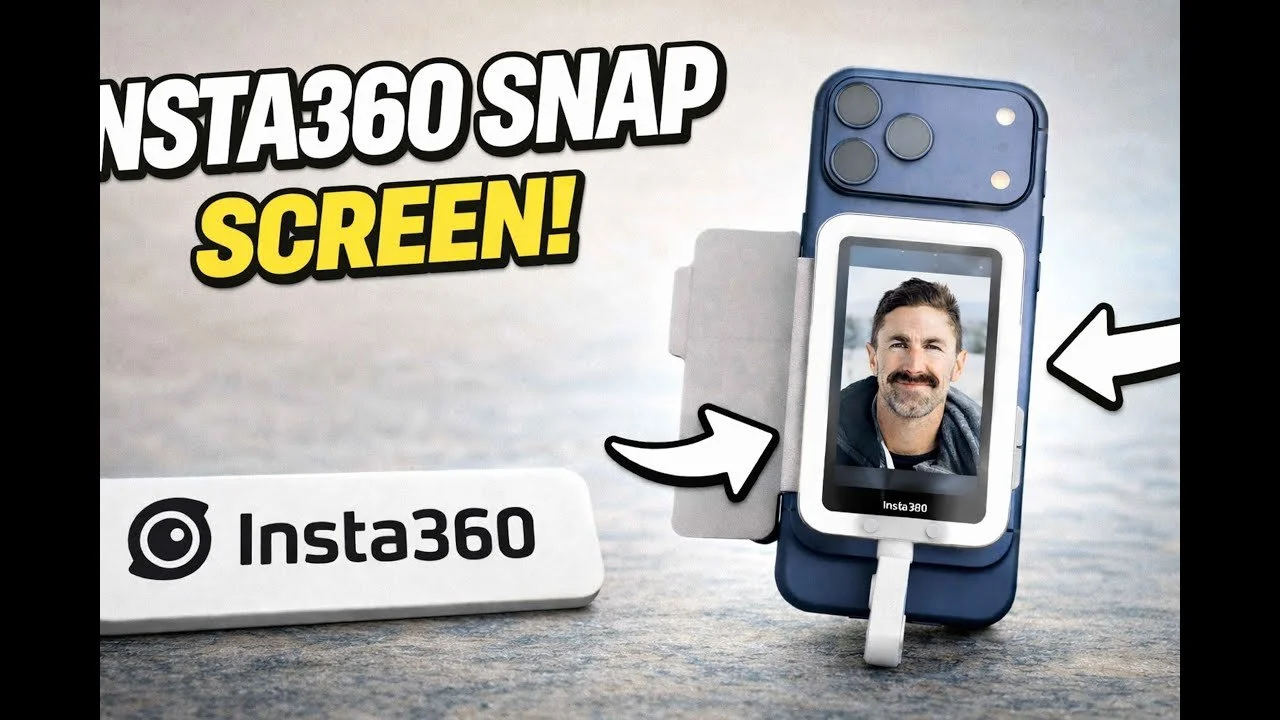
Insta360 Snap Review: A Rear-Camera Selfie Screen for iPhone
The Insta360 Snap gave me a straightforward way to see myself while using my phone’s rear cameras.
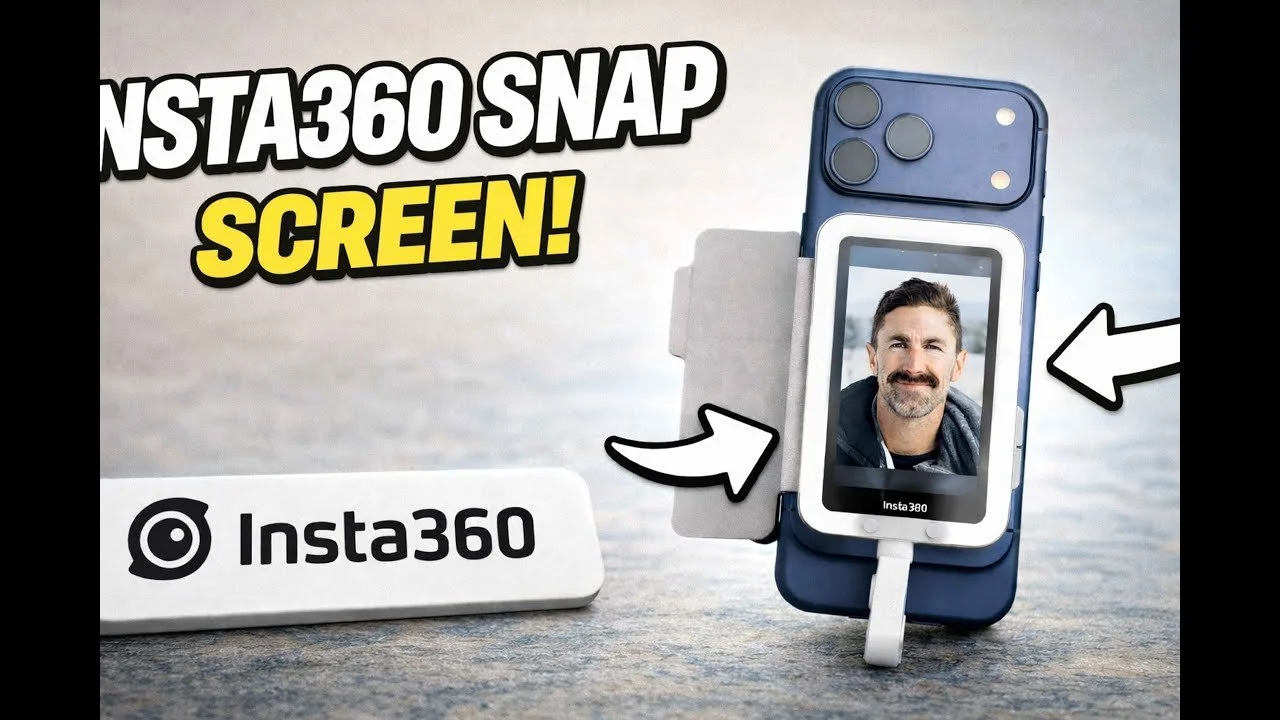
The Insta360 Snap gave me a straightforward way to see myself while using my phone’s rear cameras. My favorite feature was the wired touchscreen connection: I could plug it in and start framing without managing a wireless link.
Originally published on YouTube Apr 8, 2026.
A simple connection and useful controls
I demonstrated the Snap with my iPhone 17 Pro Max. The magnetic attachment felt secure, and the screen started quickly after I connected the cable. Touch controls let me work with the camera interface, while the cover protects the screen in a bag.
The light-equipped version
The version I tried has a small light with three brightness levels and three color-temperature settings. I preferred having that option available, even though a small light will not replace a larger lighting setup.
The trade-off
The short cable keeps the monitor close to the phone, so it is better suited to handheld self-recording than placing a monitor across the room. I liked that it draws power from the phone and needs no separate charging routine. My demonstration covers one phone setup; check compatibility for your device before purchasing.
Related reviews
Watch on YouTube and view the original product links. Some shopping links in the original description may be affiliate links.
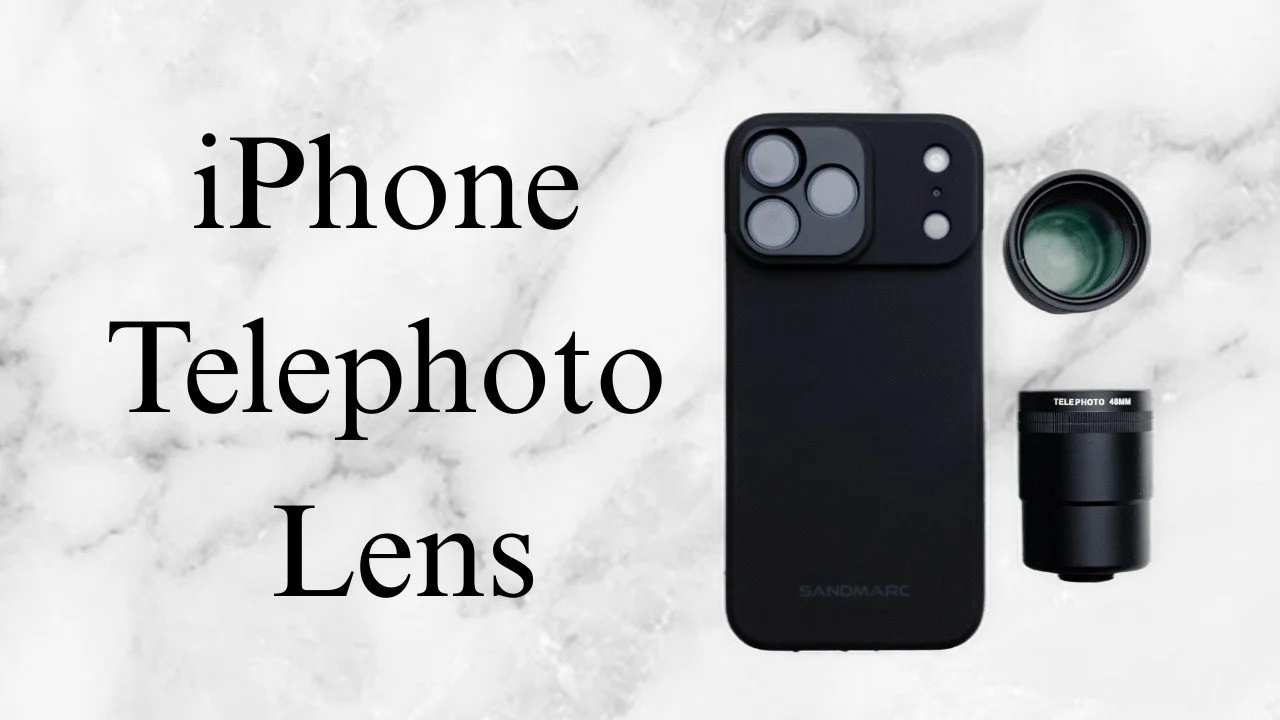
Sandmarc 48mm Tetraprism Lens Review for iPhone
The Sandmarc 48mm Tetraprism accessory doubles the optical reach of the compatible phone telephoto setup.
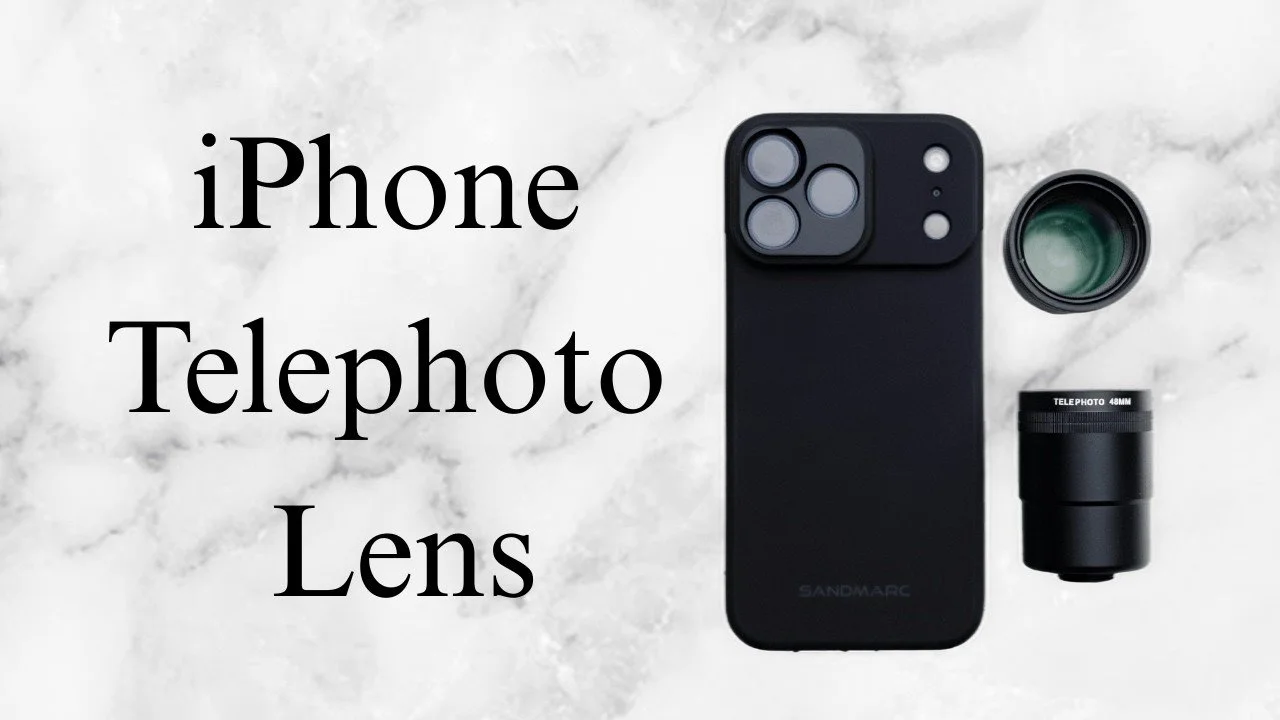
The Sandmarc 48mm Tetraprism accessory doubles the optical reach of the compatible phone telephoto setup. I took it out for duck and landscape photographs, then reviewed the results in Lightroom.
Originally published on YouTube Feb 19, 2026.
Extra reach for distant subjects
I liked the compact size and secure threaded mounting. The added reach is most useful for subjects farther away. Close focus was limited in my use, so I would not choose it primarily for nearby portraits when the phone’s own telephoto camera already works well.
Use an app that selects the camera
I used Moment to select the intended camera and prevent the phone from switching around the attached lens. A grip or small tripod can also make the longer view easier to handle. The video demonstrates the case mount, an alternative clip, and filter options.
What the samples showed
The duck and landscape examples looked sharp to me, and I enjoyed editing them with my mobile preset. These are early field examples, with more testing still ahead at recording time. Sandmarc supplied the lens for review. The later 72mm review offers another option if you want even more reach.
Related reviews
Watch on YouTube and view the original product links. Some shopping links in the original description may be affiliate links.
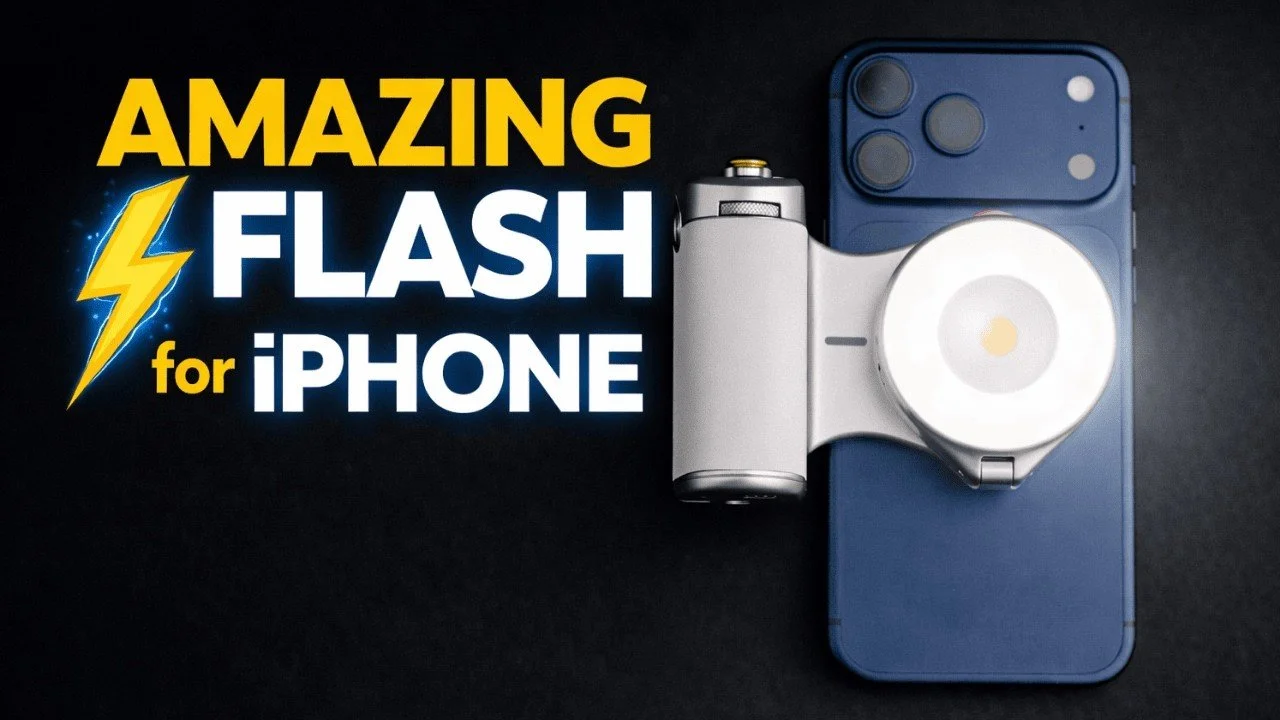
Telesin ProShot Grip and Magnetic Flash Review for iPhone
The Telesin ProShot grip adds physical camera controls to an iPhone, while the magnetic flash opens up a different style of lighting.
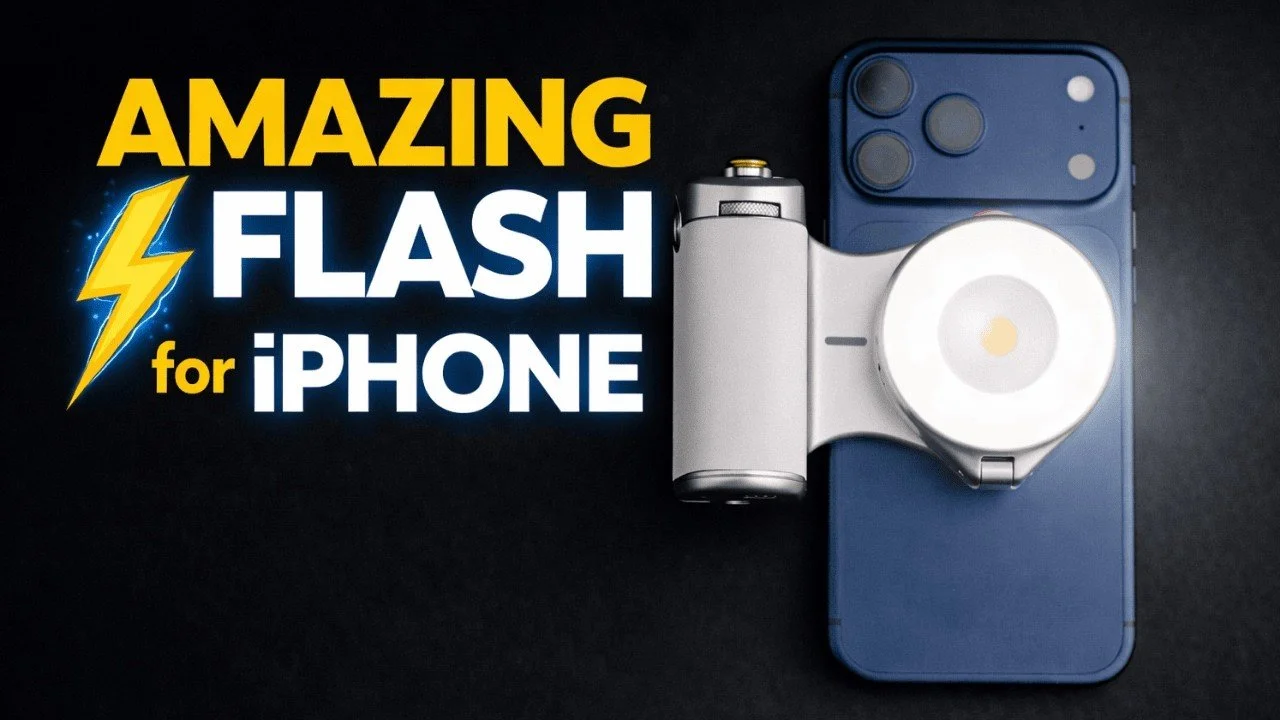
The Telesin ProShot grip adds physical camera controls to an iPhone, while the magnetic flash opens up a different style of lighting. This review brings together my original grip demonstration and the later hands-on flash test.
Originally published on YouTube Feb 17, 2026.
Physical controls and a magnetic grip
The grip attaches magnetically and rotates for horizontal or vertical shooting. I demonstrated the shutter, zoom lever, mode dial, and camera-switching control. Its built-in battery also provides phone charging, and I liked the supplied lanyard.
A flash you can move off camera
In the later video, I connected the flash and used the Reef Color app to adjust brightness and test photographs. Detaching the light lets me change its direction while holding the phone separately. It also works as a continuous video light with adjustable brightness and color temperature.
A fun creative accessory
I enjoyed trying harder side lighting and different looks with family photographs. The important distinction is choosing the correct flash version and compatible app setup; the video discusses more than one light configuration. These are hands-on demonstrations, not a measured flash-output or battery-runtime test.
Disclosure
Telesin supplied products for me to test. The earlier grip-only video is included below so you can see the controls before deciding whether you want the additional flash.
Earlier hands-on overview
Watch on YouTube and view the original product links. Some shopping links in the original description may be affiliate links.
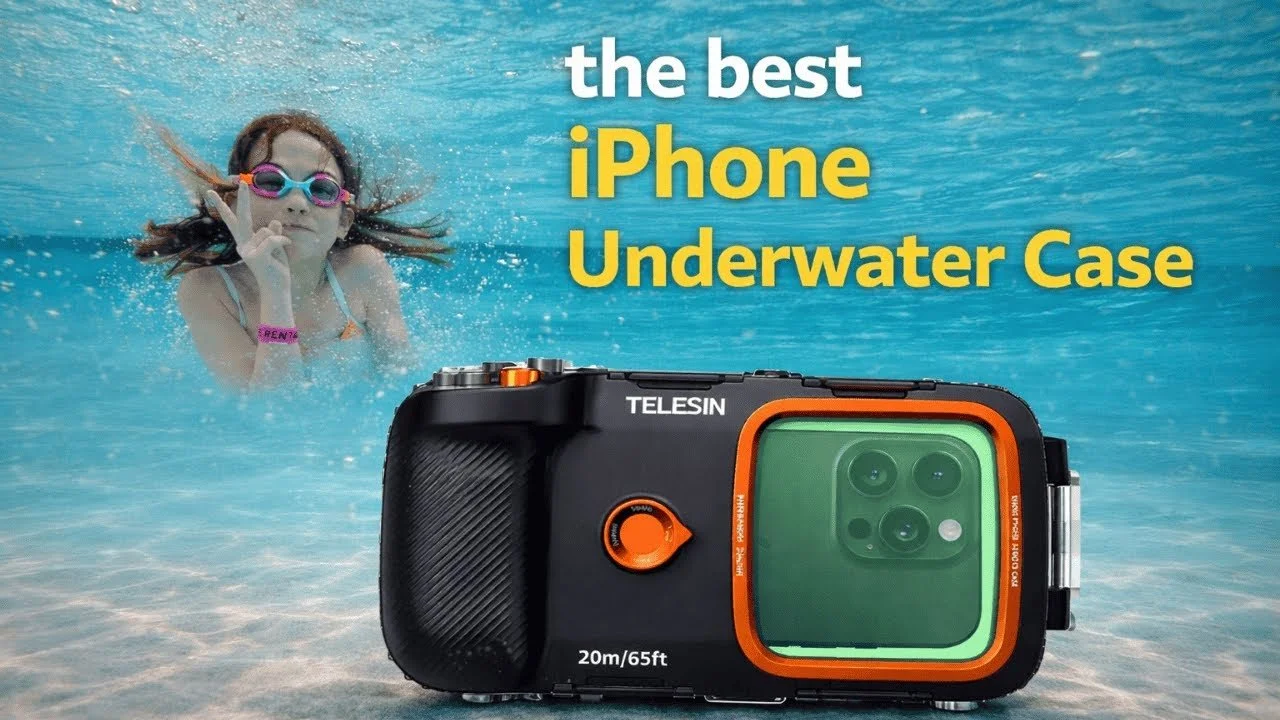
Telesin Underwater Phone Housing Review: My Water-Park Test
I used the Telesin underwater housing with my iPhone 17 Pro Max at an indoor water park.
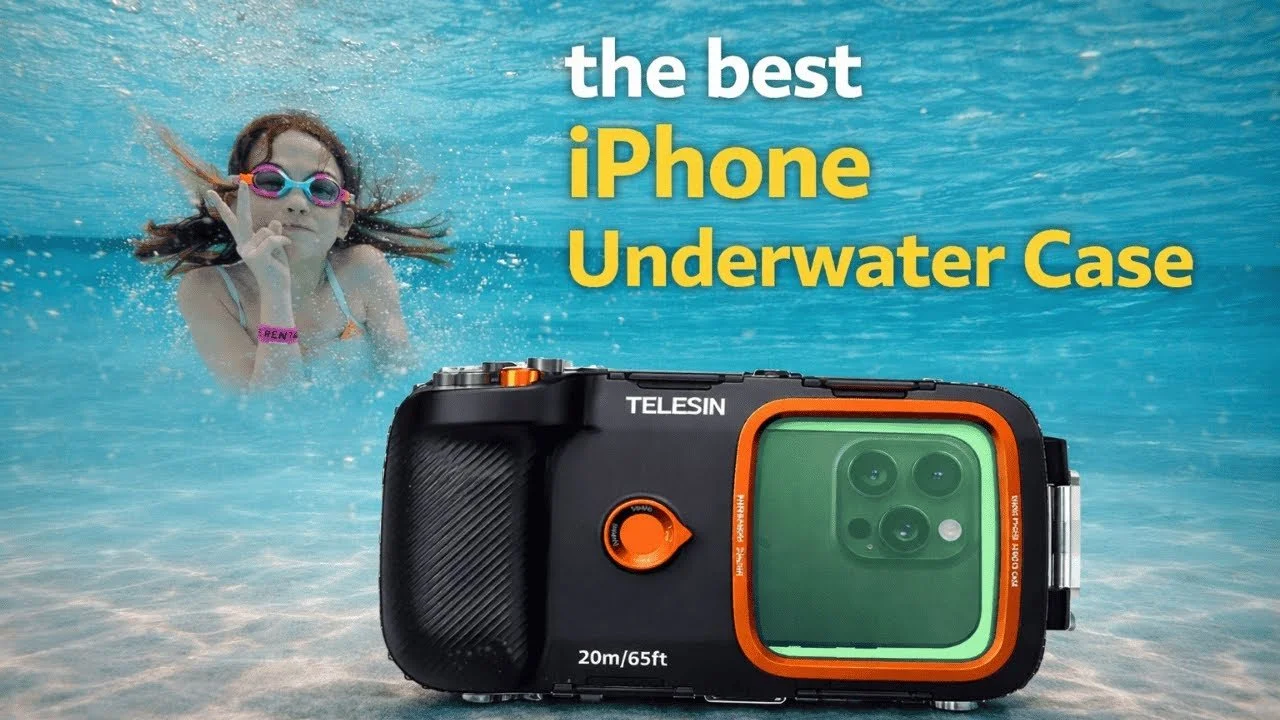
I used the Telesin underwater housing with my iPhone 17 Pro Max at an indoor water park. The video combines footage from that outing with a demonstration of the controls and what I learned while using the housing.
Originally published on YouTube Feb 2, 2026.
Why Bluetooth controls helped
The external controls let me trigger photographs, switch modes, and zoom without touching the phone screen. I connected and checked the controls before closing the housing, then mostly used the wide view during our day in the water.
Fit and setup observations
The housing uses an adjustable internal phone support, multiple latches, and a pump system. My phone had a little movement inside, which I discuss in the video. For your own setup, follow the manufacturer’s sealing and testing instructions and keep anything added inside clear of the seals.
My practical verdict
I enjoyed capturing family memories without bringing another camera system. This was a water-park outing, not a depth-rating or long-term waterproofing test. I liked the control layout and the flexibility of the phone holder, while recognizing that the phone needs to remain ready inside the case.
Disclosure and earlier overview
Telesin supplied the housing for testing. The earlier overview is included below for a closer look at the hardware, while the opening video shows the later real-world outing.
Earlier hands-on overview
Watch on YouTube and view the original product links. Some shopping links in the original description may be affiliate links.
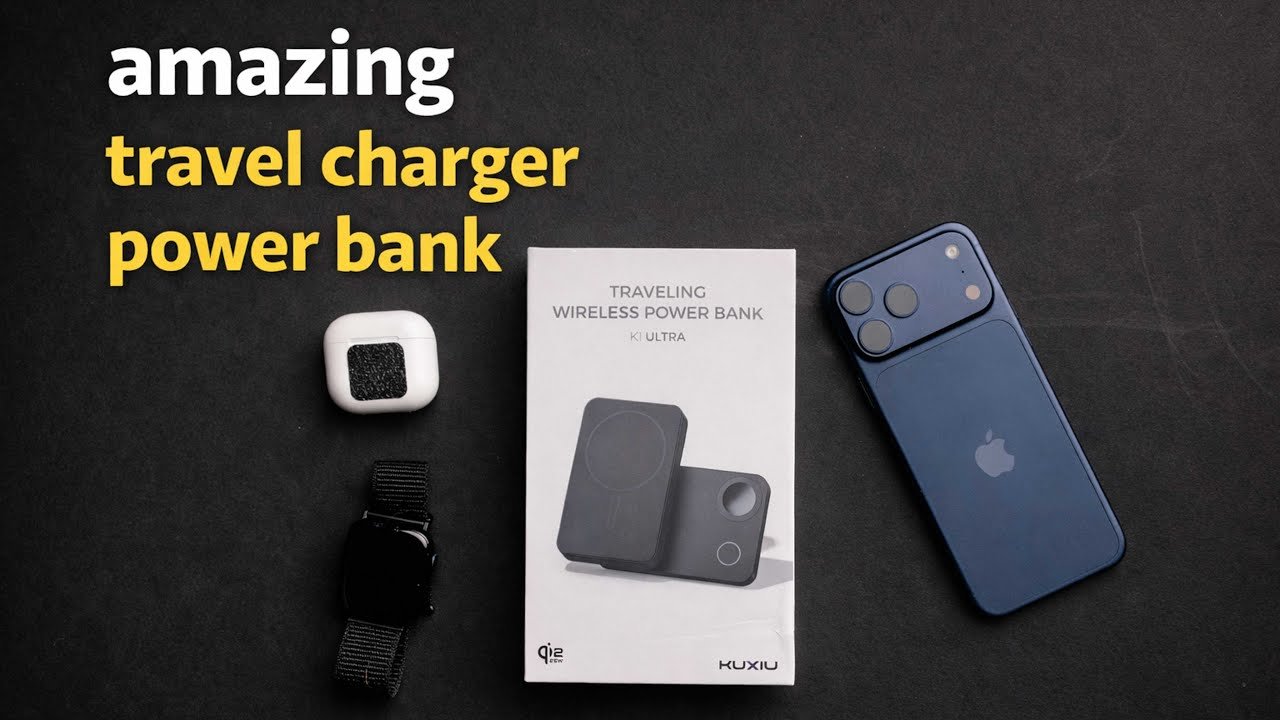
KU XIU Travel Power Bank Review: Phone, Watch, and AirPods
This KU XIU travel charger combines a magnetic phone charger, a fold-out charging arrangement, and a built-in power bank.
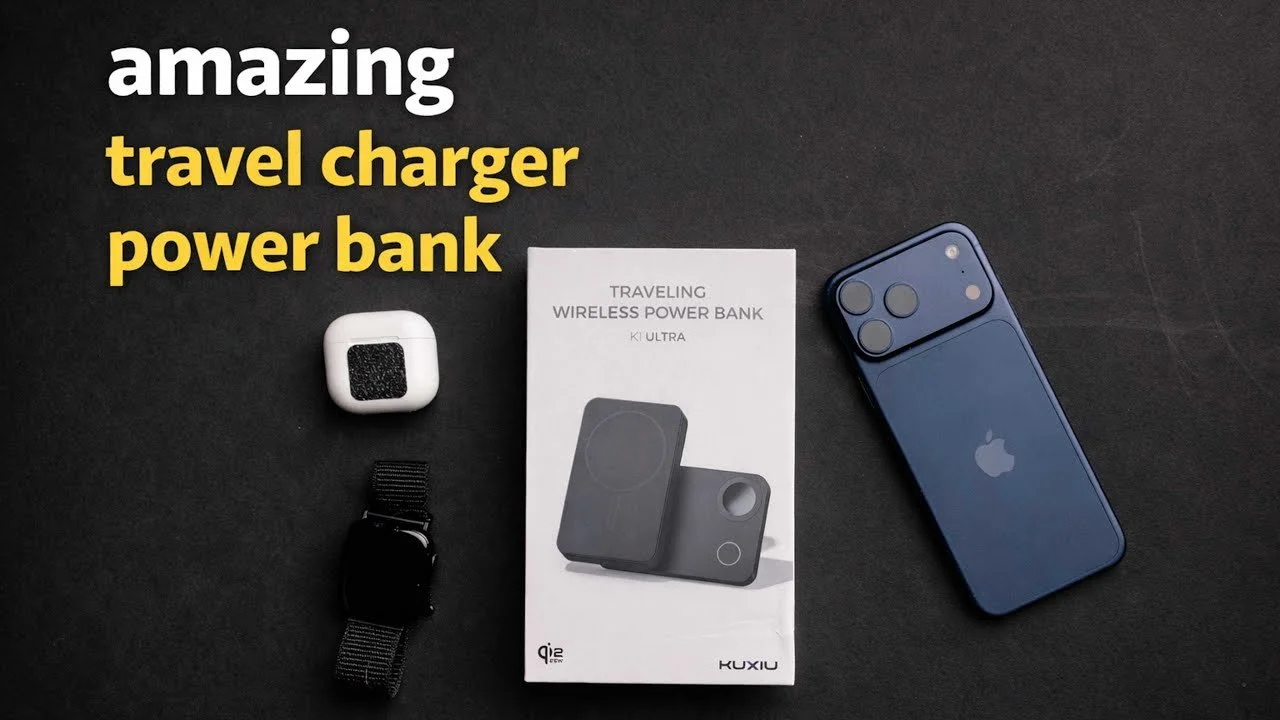
This KU XIU travel charger combines a magnetic phone charger, a fold-out charging arrangement, and a built-in power bank. My first impression was that it could simplify both an airplane setup and a hotel nightstand.
Originally published on YouTube Jan 29, 2026.
A compact charging arrangement
I demonstrated charging a phone, AirPods, and an Apple Watch using the different positions. The rotating section and stand make it possible to prop the phone up while charging, then fold the charger into a smaller shape for travel.
What I liked
The construction felt solid, and the included braided USB-C cable made a good impression. I liked the idea of carrying one device that could act as a battery during the day and a charging station after reaching the hotel.
What I did not measure
The product is described as a 10,000mAh power bank with up to 25W wireless charging, but I did not run a capacity, charging-speed, or efficiency test. The number of full charges will depend on the phone and losses during charging. This video reflects a few days of hands-on use around the house.
Watch on YouTube and view the original product links. Some shopping links in the original description may be affiliate links.
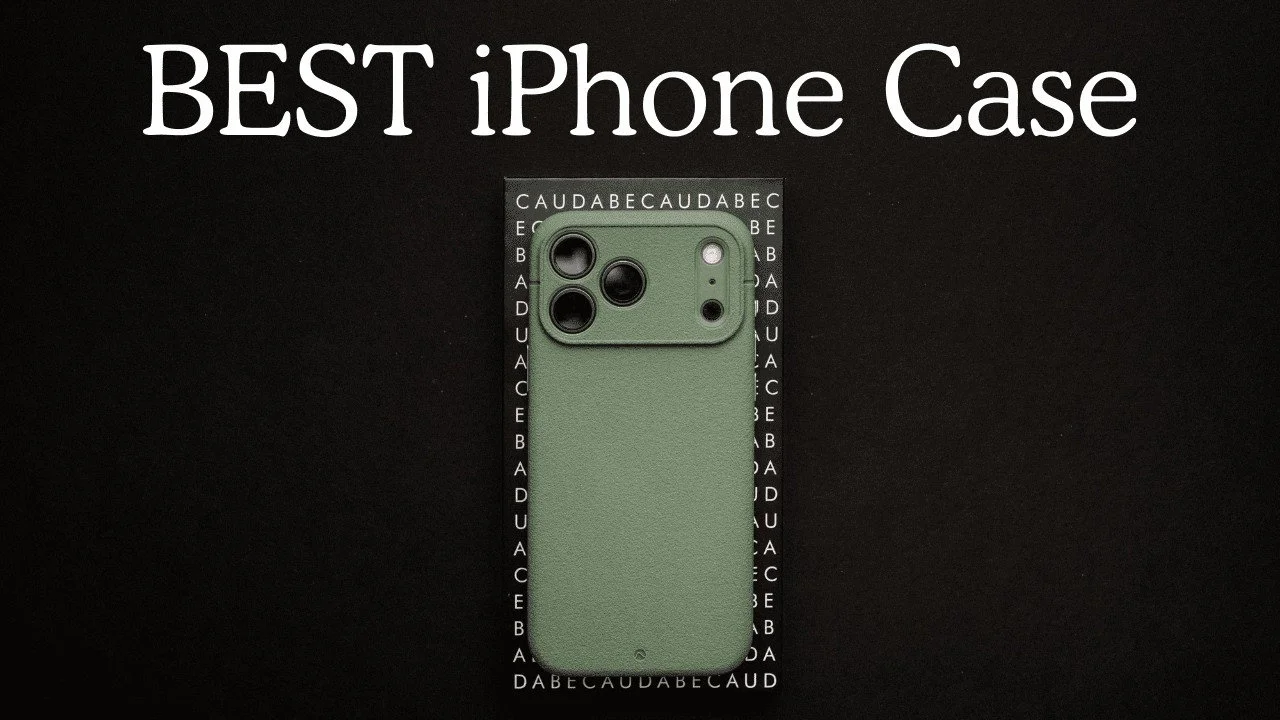
Caudabe Sheath Review: My Favorite Everyday iPhone Case
The Caudabe Sheath became my favorite everyday iPhone case because it balances grip, slimness, and easy pocket access.
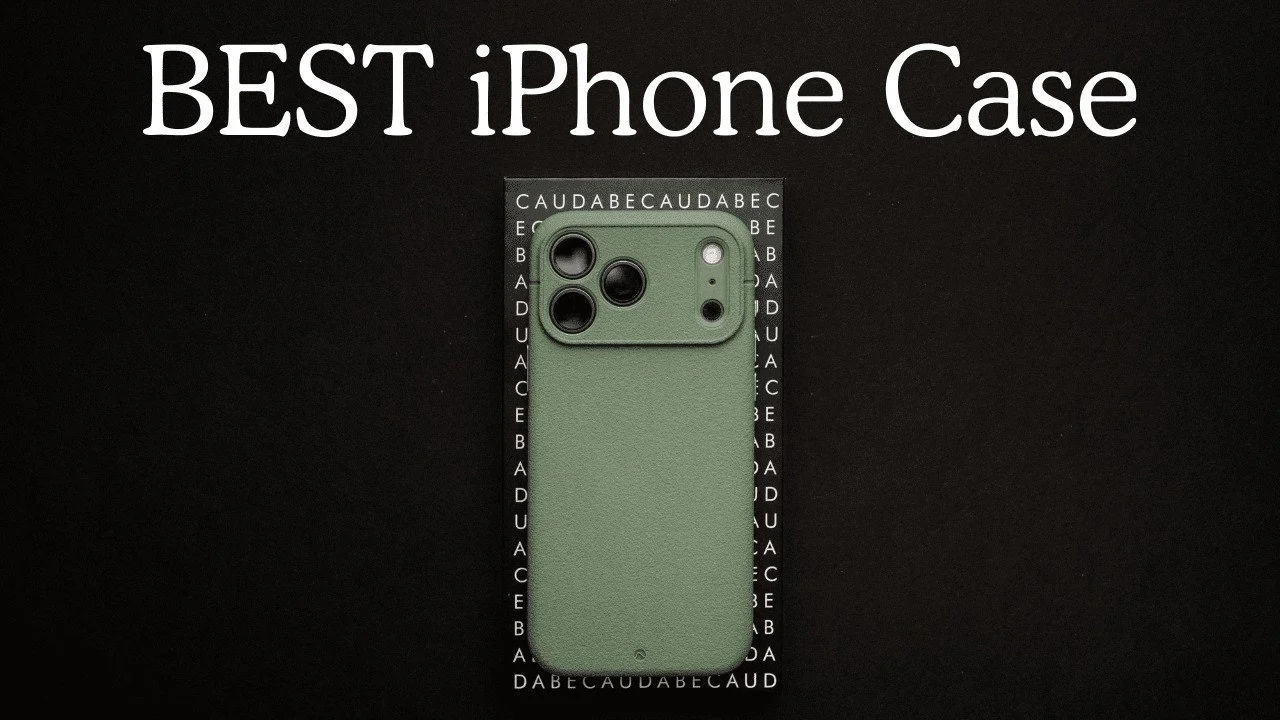
The Caudabe Sheath became my favorite everyday iPhone case because it balances grip, slimness, and easy pocket access. I had used the previous version for a year before trying the newer case shown here.
Originally published on YouTube Dec 20, 2025.
Grip without the pocket struggle
I liked the textured surface and found it easier to slide in and out of a pocket than silicone cases I had used, including when wet. My previous case held up well over that year in my experience.
Small details that matter daily
The case fits closely, has tactile buttons, and provides a raised edge around the screen. I demonstrate the camera-control area and discuss the available button variations. Choose the version made for your phone rather than assuming all case details are identical across models.
My verdict
I own other cases for particular camera accessories, but this is the one I prefer for ordinary daily use. This is a personal durability and handling review, not a standardized drop-protection test.
Watch on YouTube and view the original product links. Some shopping links in the original description may be affiliate links.
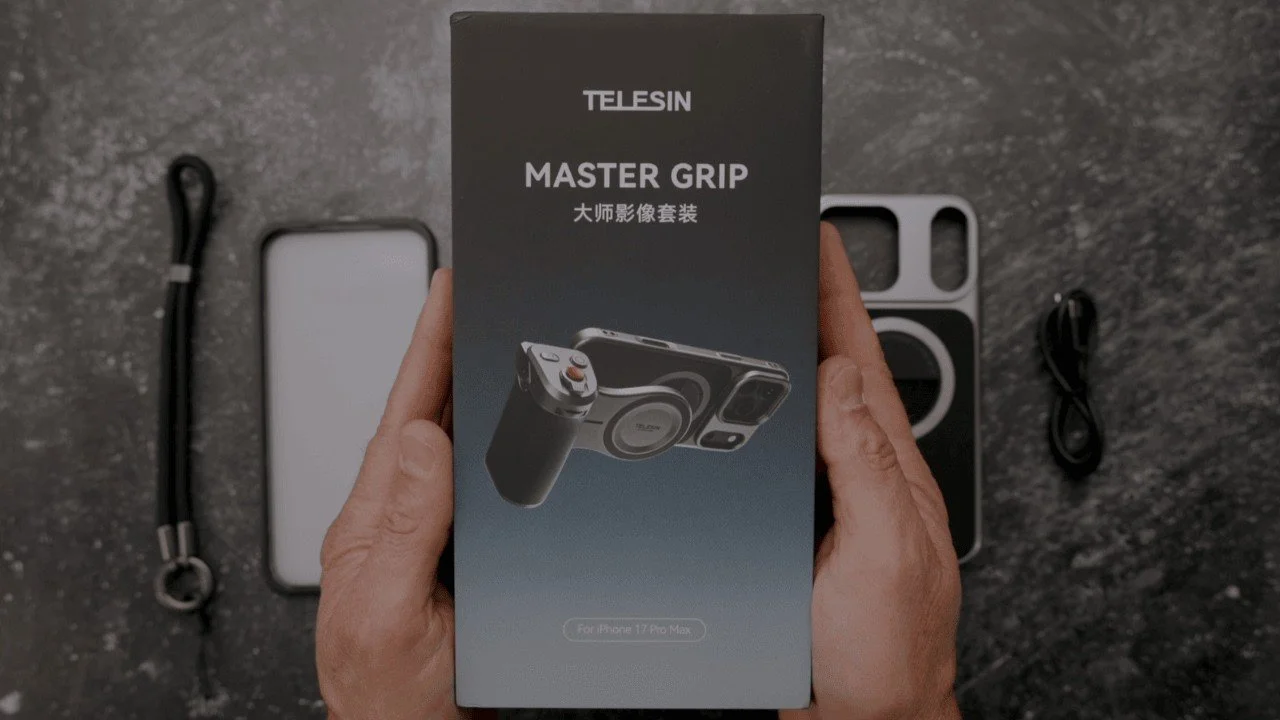
Telesin Master Grip Review for iPhone 17 Pro Max
The Telesin Master Grip turns an iPhone into a more comfortable handheld camera setup, with a detachable grip, physical controls, and an accessory light.
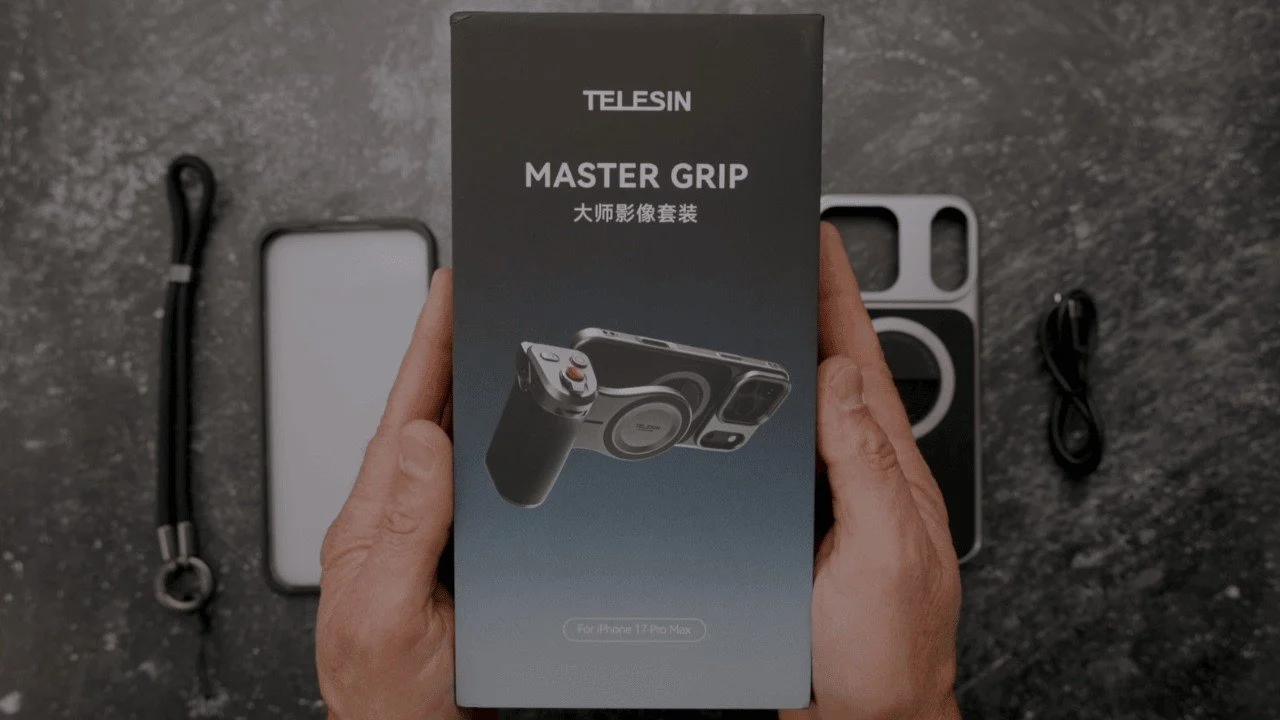
The Telesin Master Grip turns an iPhone into a more comfortable handheld camera setup, with a detachable grip, physical controls, and an accessory light.
Originally published on YouTube Sep 30, 2025.
What comes in the kit
The supplied kit includes a case, magnetic grip, light with three color-temperature modes, mirror, lanyard, and protectors. I walk through assembly, portrait and landscape positioning, the tripod connection, and the camera controls. Telesin supplied this kit for review.
Handling and connection details
The open bottom of the case makes connecting accessories easier, but cables and adapters can still interfere with your hand position. I show an angled USB-C adapter and discuss how I use the setup handheld. In this first look, I demonstrate the kit with my iPhone 16 Pro Max while waiting for my 17 Pro Max.
My experience
I liked the packaging, tactile controls, and how quickly the grip detaches when I want to use the phone normally. I would like more button customization. Watch the demonstrations to judge whether the controls and light suit your way of filming.
Watch on YouTube and view the original product links. Some shopping links in the original description may be affiliate links.
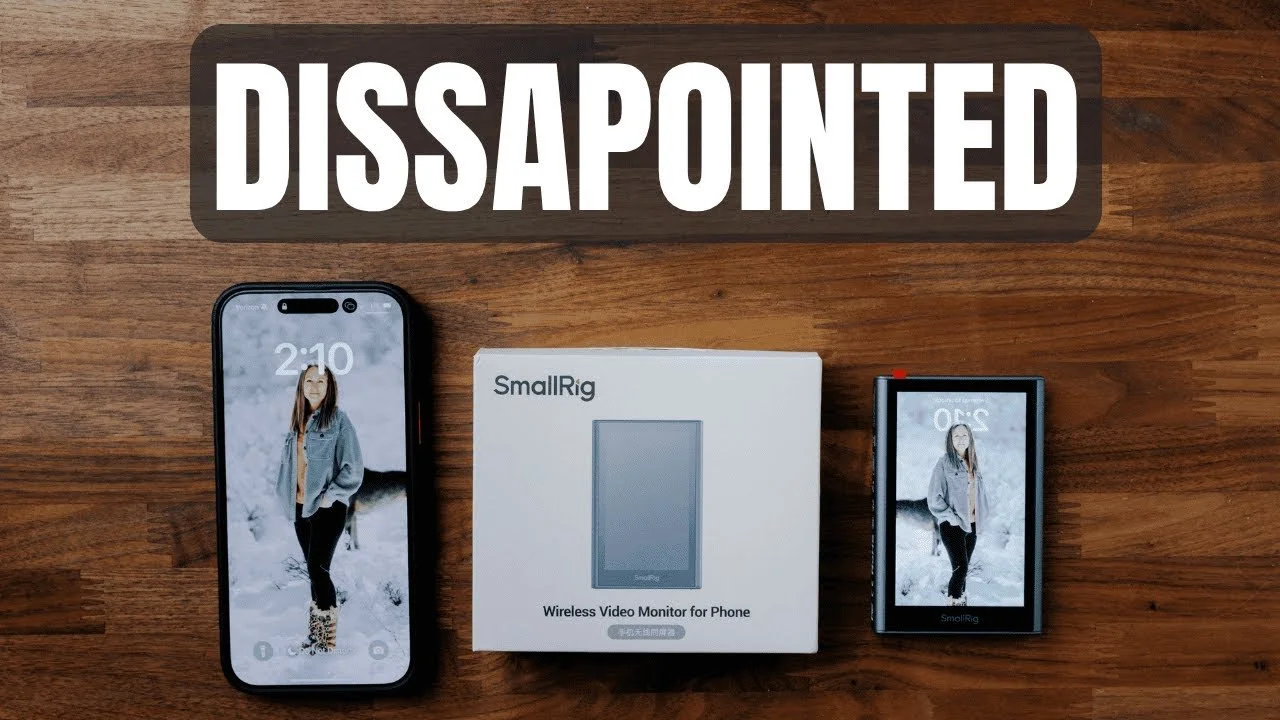
SmallRig Wireless iPhone Monitor Review: Why I Did Not Keep It
The SmallRig wireless phone monitor offers a compact way to frame yourself with an iPhone’s rear camera, but connection problems and lag kept it from working well for…
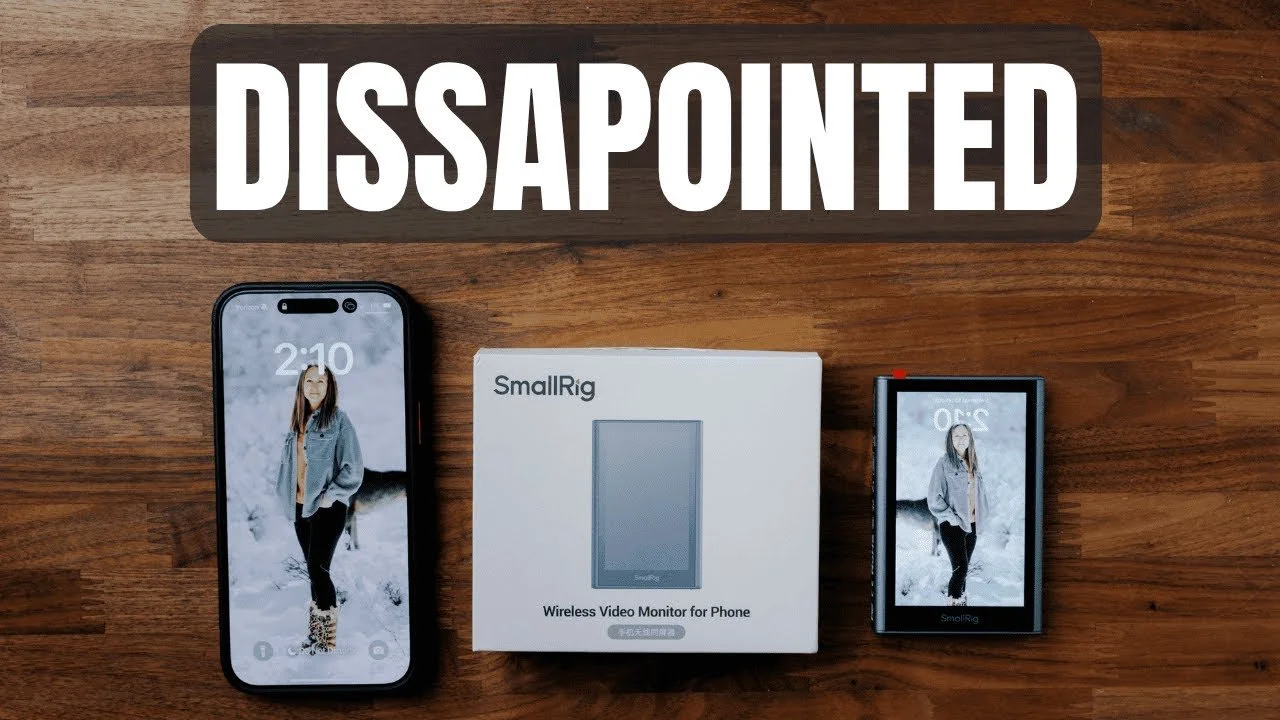
The SmallRig wireless phone monitor offers a compact way to frame yourself with an iPhone’s rear camera, but connection problems and lag kept it from working well for me.
Originally published on YouTube Jul 3, 2025.
The idea is useful
The kit includes the monitor, a remote button, a USB-C cable, and a shoe attachment. Magnetic mounting, brightness controls, and a reversible display are convenient features for a small filming setup.
Where my test fell short
In the demonstration, QR-code pairing was inconsistent, the connection dropped, and screen mirroring lagged. Those issues made framing less dependable than I wanted. I show the problems on screen so you can judge the experience rather than relying only on the specification list.
My verdict
I decided not to keep this unit because of the inconsistent connection and delay. This describes the device and setup tested in the original review; it is not a claim that every phone or later software version behaves identically.
Watch on YouTube and view the original product links. Some shopping links in the original description may be affiliate links.
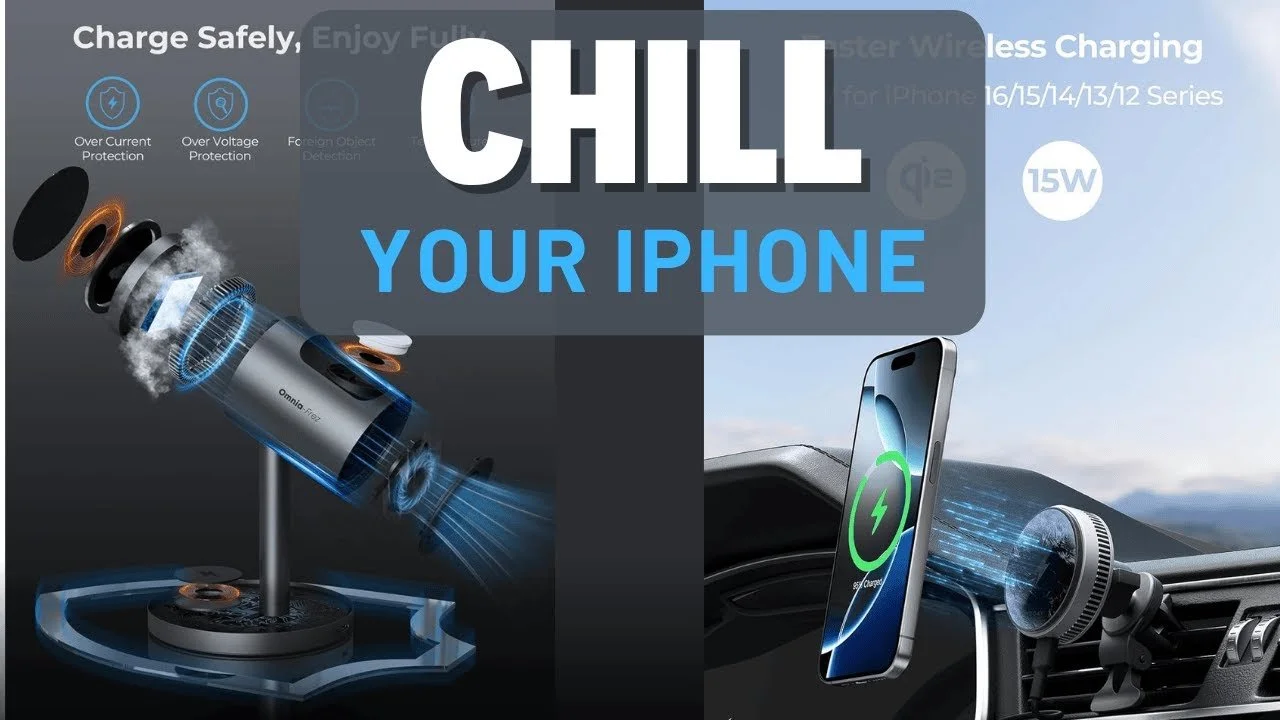
Cooling MagSafe Chargers Compared: My iPhone Heat Test
After my phone repeatedly overheated in the car, I compared cooling chargers from ESR and the Meguette/AI-branded options shown in this review.
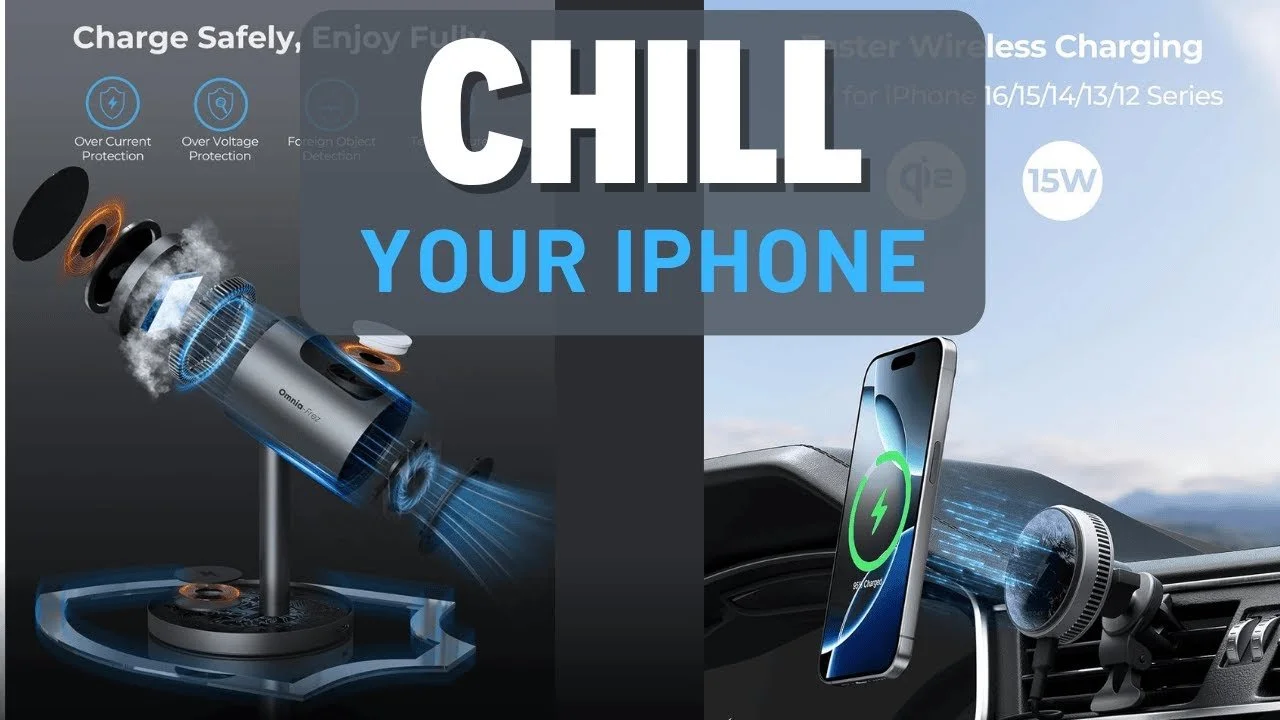
After my phone repeatedly overheated in the car, I compared cooling chargers from ESR and the Meguette/AI-branded options shown in this review.
Originally published on YouTube Jul 3, 2025.
Why cooling mattered to me
I wanted more than a convenient place to mount the phone. The video compares a fan-based setup with the active-cooling models I tested, including a desktop charging stand and an in-car option.
What my test showed
I measured a surface temperature around 59°F on the active-cooling stand in this demonstration. That is a result from my particular setup, not a guaranteed phone temperature or charging speed. I preferred the active-cooling units in this comparison.
Check the complete setup
The video shows the phone, watch, and earbud charging positions, along with the car mount and power supply. Check the exact model and included adapter when shopping, because the car unit and desktop packages are different.
Watch on YouTube and view the original product links. Some shopping links in the original description may be affiliate links.
Sandmarc Retro Filter and iPhone Case Review
I tested the Sandmarc Retro filter and iPhone case during a trip to Hawaii, using the filter to add a soft glow to everyday photographs.
I tested the Sandmarc Retro filter and iPhone case during a trip to Hawaii, using the filter to add a soft glow to everyday photographs.
Originally published on YouTube Dec 17, 2024.
A creative effect rather than extra sharpness
The sample photographs show the dreamy rendering I enjoyed from the filter. That look is a creative choice: bright areas and the way light falls on a face are part of the effect.
Case and camera control
I discuss the supplied case for my iPhone 16 Pro Max and the screw-in accessory mounting. When using an attached lens, an app that lets me select and hold the intended camera is useful because automatic camera switching can interfere.
What this review covers
Sandmarc sent the products for testing. The video also introduces a telephoto accessory, but I was still learning it and reserved a fuller opinion for later. The main experience here is the filter, case, and travel photographs.
Watch on YouTube and view the original product links. Some shopping links in the original description may be affiliate links.