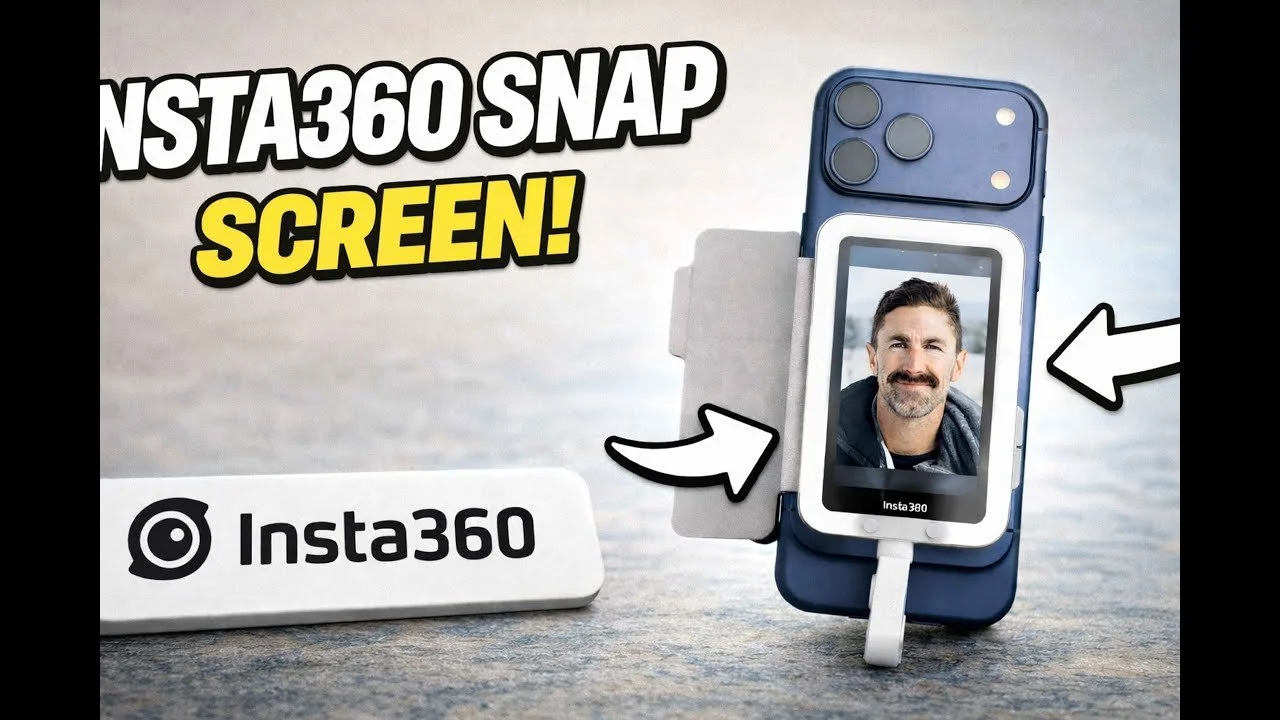
The Insta360 Snap gave me a straightforward way to see myself while using my phone’s rear cameras. My favorite feature was the wired touchscreen connection: I could plug it in and start framing without managing a wireless link.
Originally published on YouTube Apr 8, 2026.
A simple connection and useful controls
I demonstrated the Snap with my iPhone 17 Pro Max. The magnetic attachment felt secure, and the screen started quickly after I connected the cable. Touch controls let me work with the camera interface, while the cover protects the screen in a bag.
The light-equipped version
The version I tried has a small light with three brightness levels and three color-temperature settings. I preferred having that option available, even though a small light will not replace a larger lighting setup.
The trade-off
The short cable keeps the monitor close to the phone, so it is better suited to handheld self-recording than placing a monitor across the room. I liked that it draws power from the phone and needs no separate charging routine. My demonstration covers one phone setup; check compatibility for your device before purchasing.
Related reviews
Watch on YouTube and view the original product links. Some shopping links in the original description may be affiliate links.
