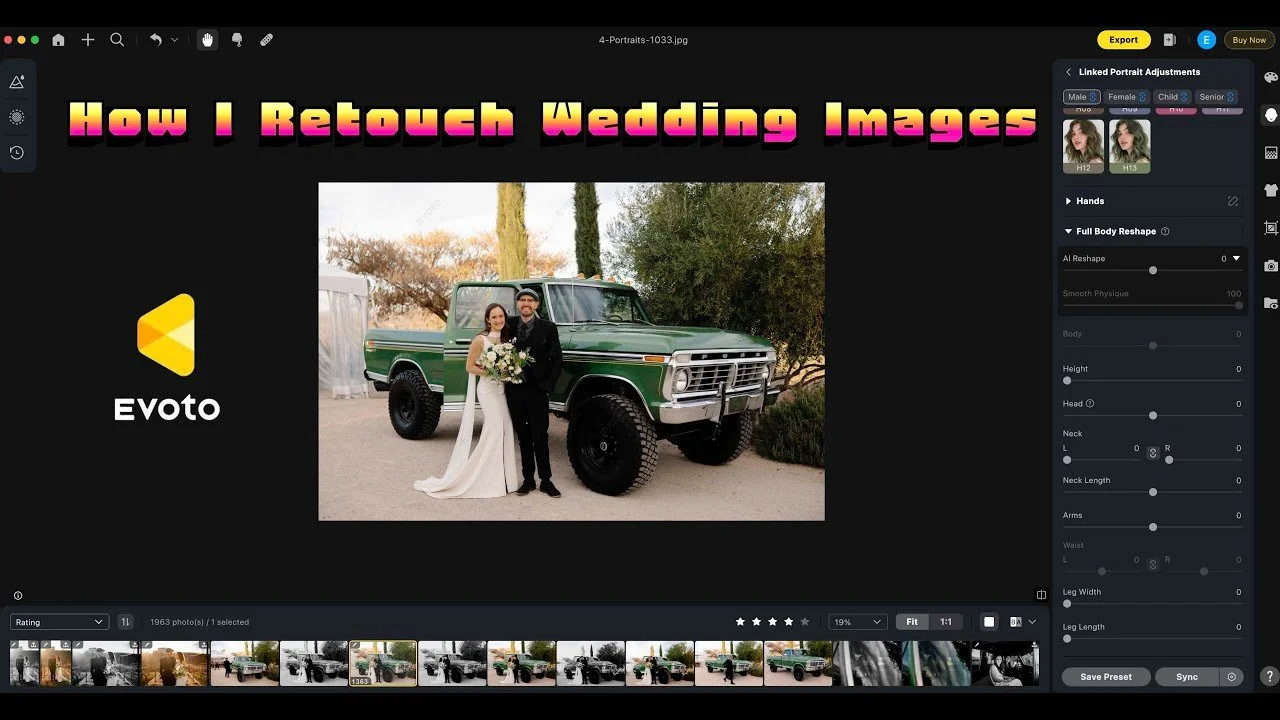
Evoto AI helps me retouch selected portraits in batches after editing in Lightroom. This walkthrough shows how I use it for stray hairs and small skin distractions.
Originally published on YouTube Mar 6, 2025.
Select the images that need retouching
I use Lightroom ratings and facial recognition to narrow down the photographs before exporting them for retouching. In the example, that separates the selected portraits from a much larger delivered gallery.
Keep the adjustments controlled
I demonstrate the tools I use most, then synchronize the adjustments and inspect the results. Automated retouching still needs a human check, especially where hair, faces, or backgrounds vary between images.
A focused finishing step
This is software coverage using a real wedding gallery, not a wedding film. The video explains why I use Evoto as a finishing step and how I export the results for delivery. Prices and credit offers mentioned in the original recording may have changed.
Watch on YouTube and view the original product links. Some shopping links in the original description may be affiliate links.
