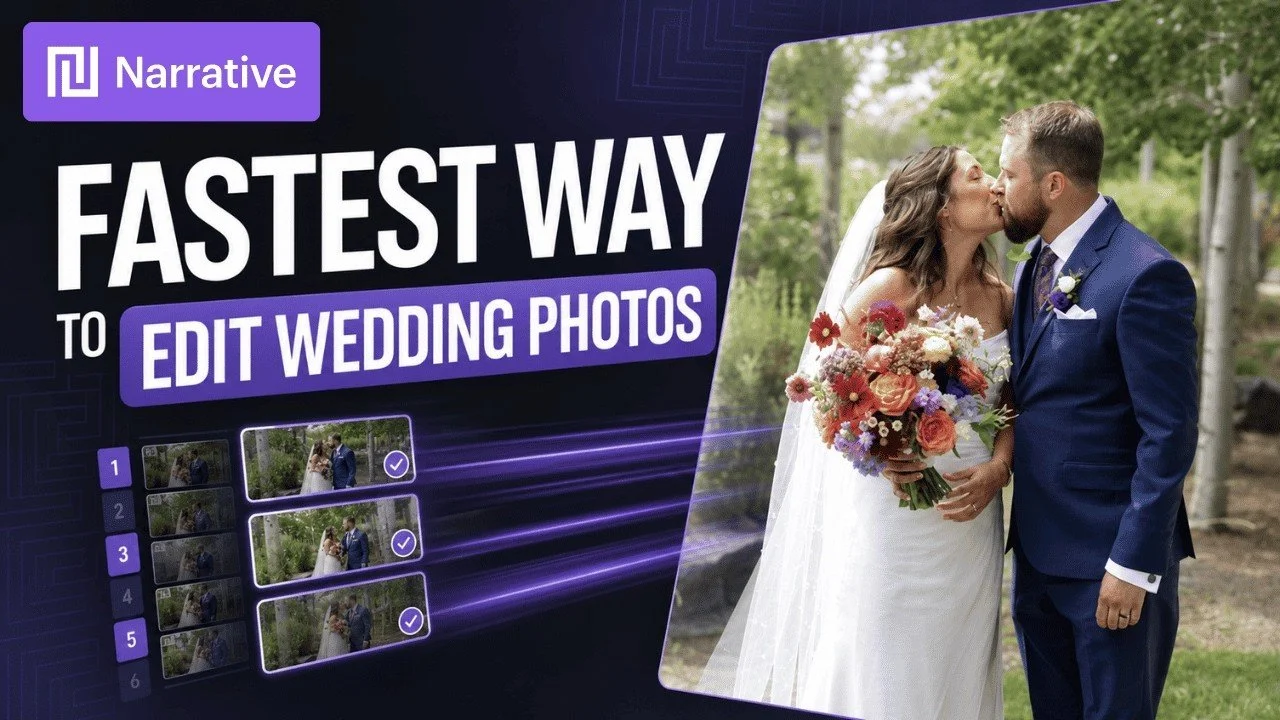
Narrative Select and Edit helps me work through large shoots while keeping the final decisions in my hands. This walkthrough uses a real wedding project to show why I have continued using the software since 2021.
Originally published on YouTube Aug 9, 2026.
Why it fits my work
I want post-production to stay manageable alongside a busy shooting schedule and family life. After trying several editing and culling tools, Narrative was the best fit for my own workflow. That is a personal preference, not a controlled ranking of every competing product.
AI assessments support my decisions
In the example, the initial scan of almost 12,000 photographs took about 35 minutes. Focus and eye assessments, face grouping, and scene comparisons help me review the files. For a wedding, I still go through every image because an automated assessment may miss the creative reason I want to keep it.
Two passes, then editing
I first select the images I want, then make another pass to refine that selection. The video also shows training an editing profile from previous Lightroom work and sending the selected photographs into the editing workflow. I keep the final review and finishing adjustments part of the process.
Who this review is for
If selecting and editing large shoots is slowing you down, the video gives a detailed look at my actual workflow. Times and results depend on the project, computer, and how you work. I am a Narrative ambassador, as disclosed in the original video.
Watch on YouTube and view the original product links. Some shopping links in the original description may be affiliate links.
