Gear Reviews
Hands-on camera, lens, iPhone accessory, lighting, and editing software reviews by Ely Roberts. Browse the latest reviews below, or use the Reviews menu to explore a category.
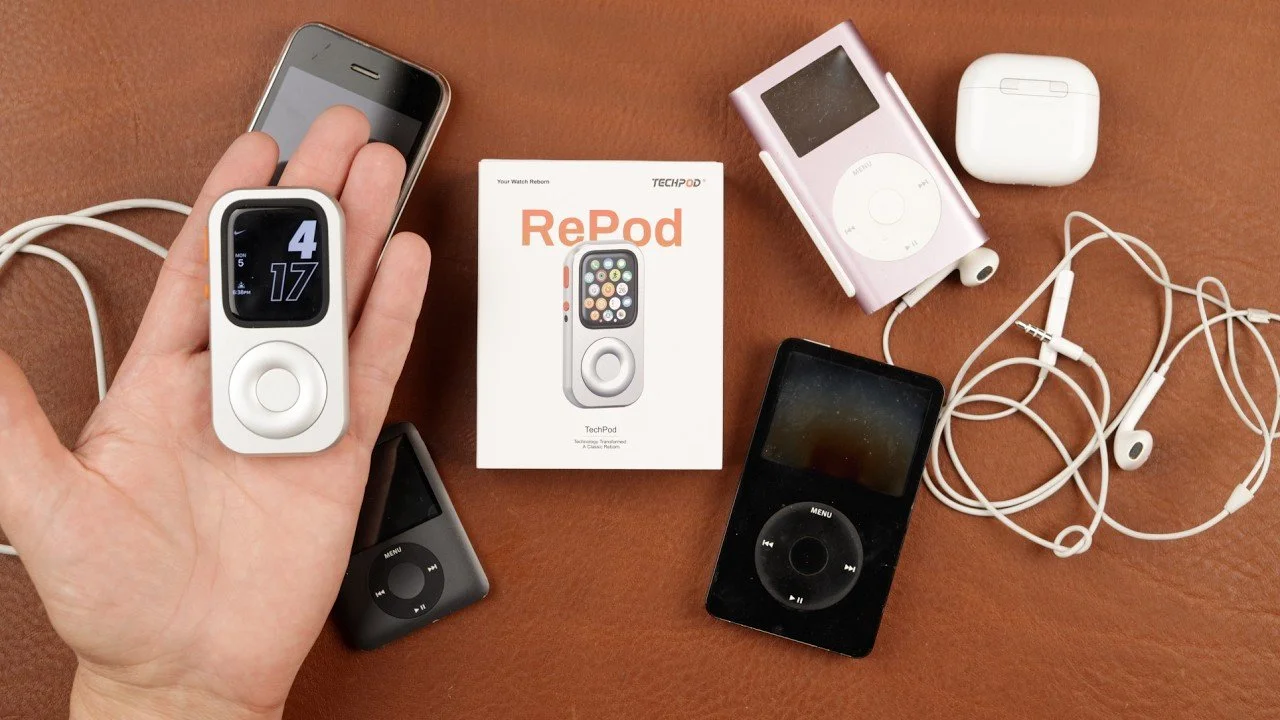
TechPod RePod Review: Turn an Apple Watch Into a Pocket Music Player
The TechPod RePod gave my unused Apple Watch a fun second life.
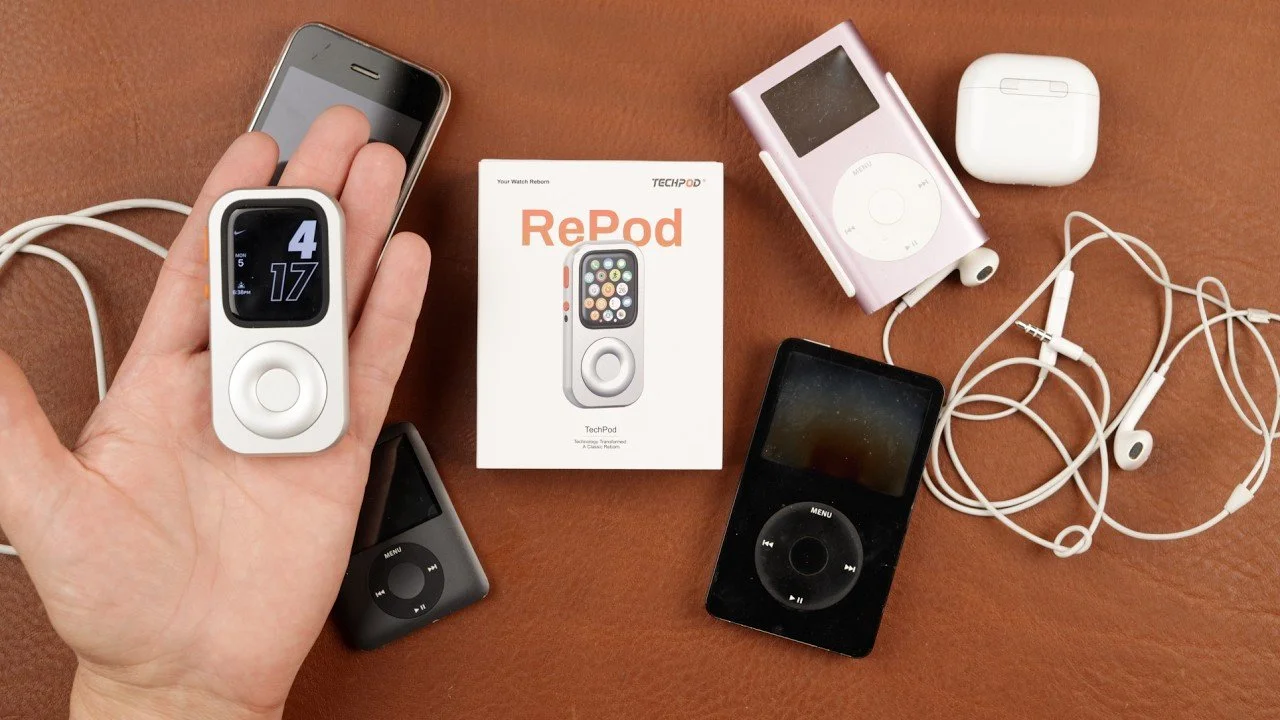
The TechPod RePod gave my unused Apple Watch a fun second life. After my daughter wanted to use our old iPods and their batteries would not hold a charge, this small aluminum case offered a practical alternative using a watch we already owned.
Originally published on YouTube Oct 5, 2026.
A mechanical case with a real click wheel
I tested the RePod with my 45mm Apple Watch Series 9. The case contains no electronics: its wheel mechanically connects to the watch’s Digital Crown. The tactile clicking is a big part of its appeal, and the watch still handles the music, apps, and touchscreen controls.
Installation and everyday use
The back opens with a simple twist, and the watch sits inside with its crown aligned to the controls. An opening lets you charge it without removing the case. I demonstrated Apple Music with AirPods and found the finished setup small enough for a pocket. My daughter enjoyed using it over the first few days.
My first impressions
The machined aluminum felt nicely made, and the ability to reuse an idle watch was the main attraction for me. Choose the version that matches your watch’s size and series, and follow its setup guide. This is an early hands-on impression, rather than a long-term battery or durability test.
Watch on YouTube and view the original product links. Some shopping links in the original description may be affiliate links.
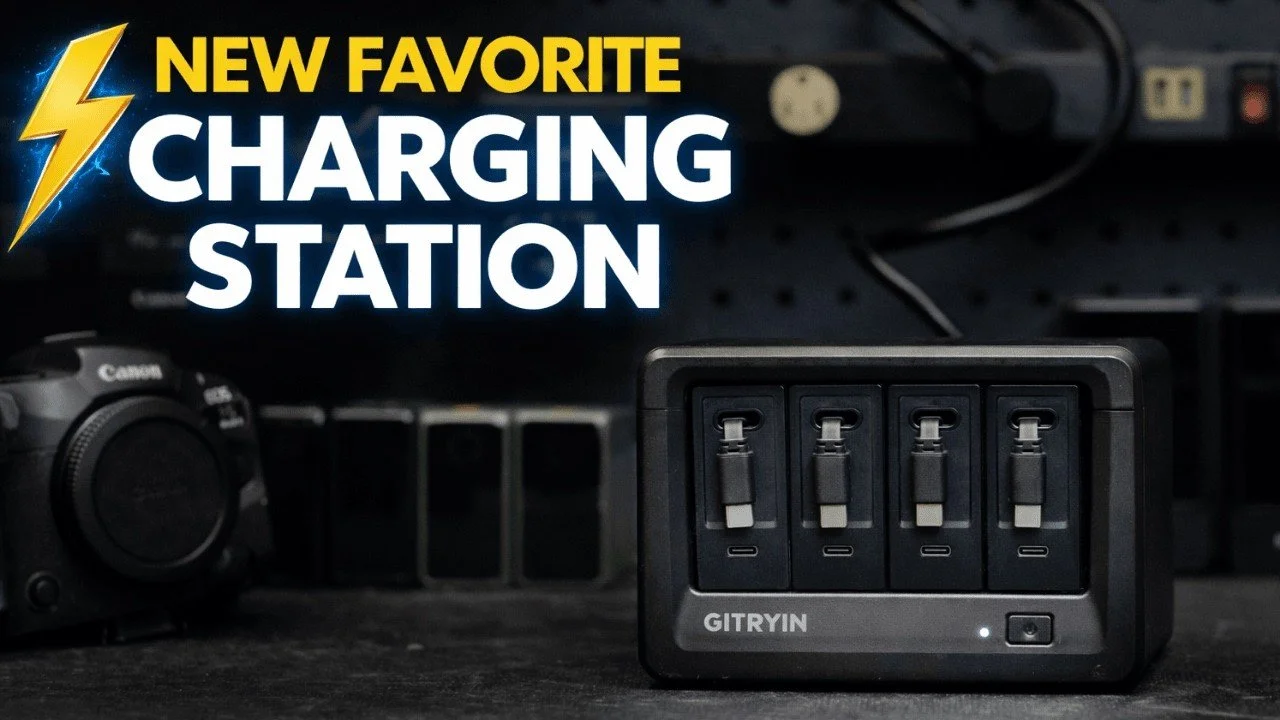
GITRYIN Modular Charging Station Review
The GITRYIN charging station helped tidy the loose charging cables around my desk.
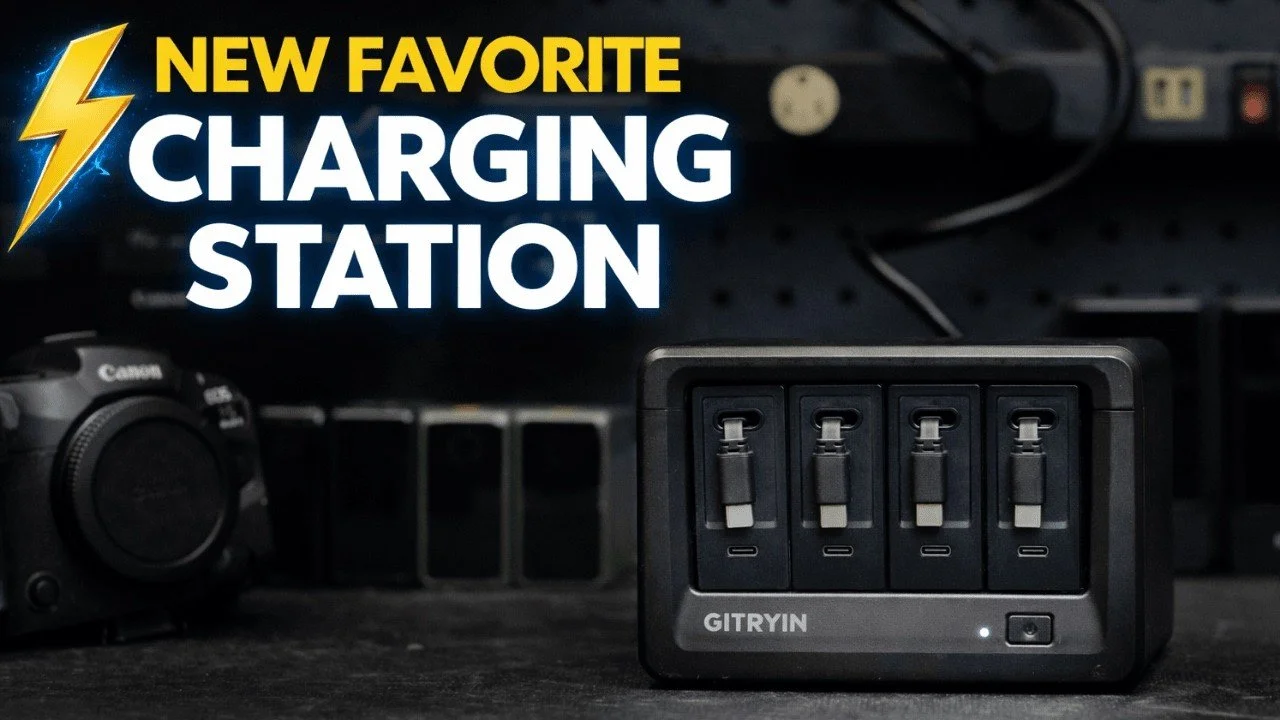
The GITRYIN charging station helped tidy the loose charging cables around my desk. Its removable charging modules and retractable leads make it convenient to charge several pieces of camera gear and then put the cables away.
Originally published on YouTube Feb 18, 2026.
A cleaner charging desk
I demonstrated the station with DJI microphones, a SmallRig battery, a V-mount battery, and a Canon R5 II. The retractable cables extend to the device and return to their slots when finished, with magnetic ends that sit neatly in place.
Modules that can travel
The top opens so the individual modules can be removed or changed. I liked being able to take one charger on a trip instead of bringing the whole station. The model shown also has additional USB-C connections and outlets.
My impression
For my studio, the benefit is organization and convenience. This video demonstrates charging and cable management; it does not measure simultaneous output, efficiency, or long-term electrical performance. Match the charger’s rated output and connections to the devices you need to power.
Watch on YouTube and view the original product links. Some shopping links in the original description may be affiliate links.
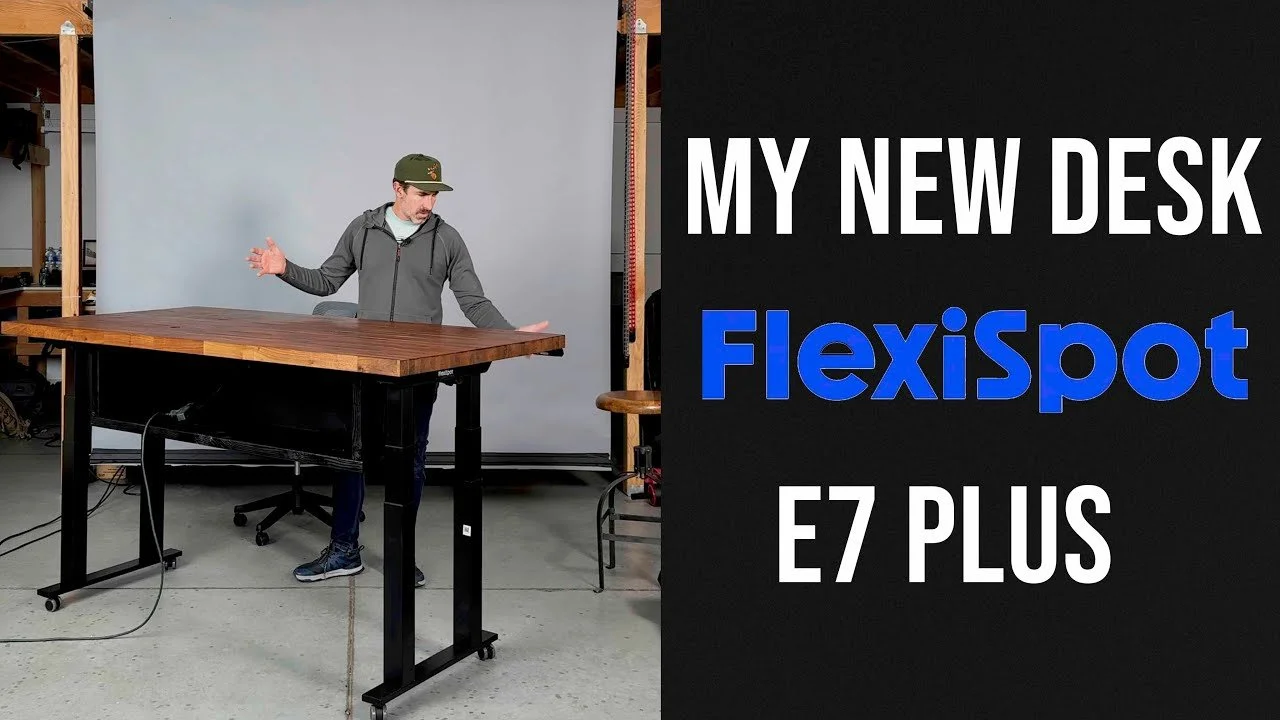
FlexiSpot E7 Plus Standing Desk Review and Photography Workspace
I rebuilt my photography workspace around a FlexiSpot E7 Plus base to support my heavy desktop and make the desk more stable and practical.
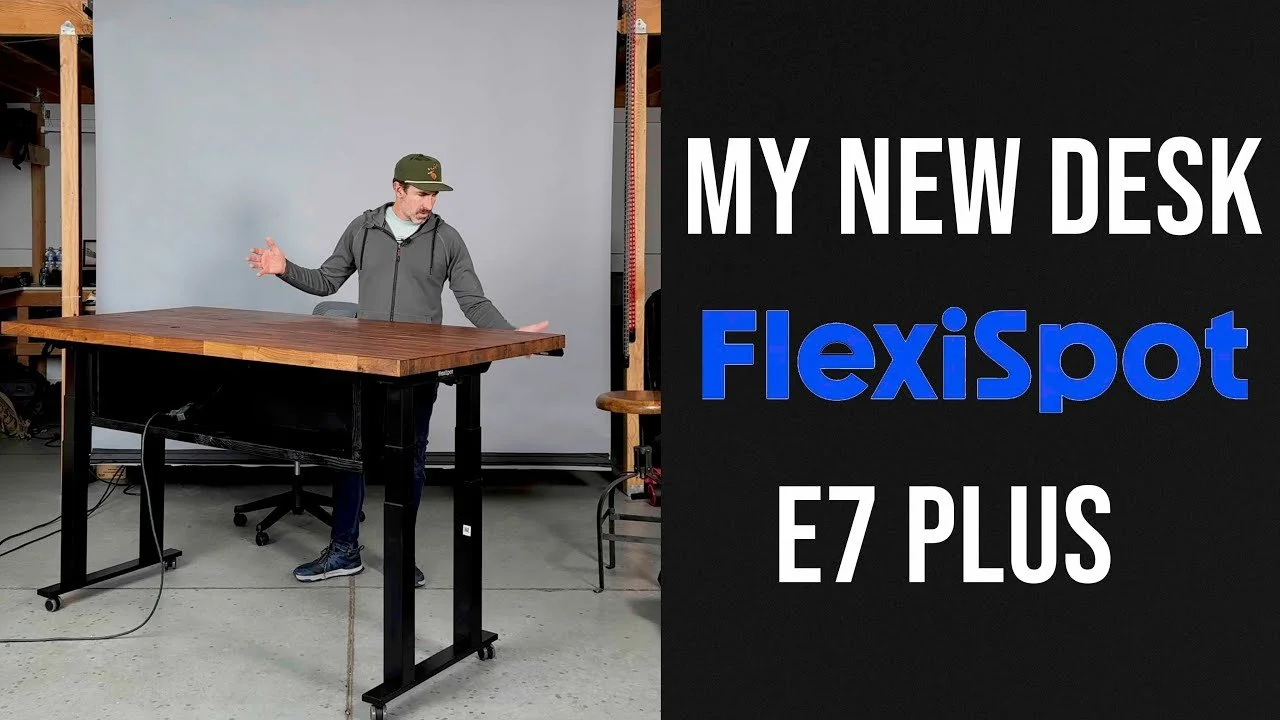
I rebuilt my photography workspace around a FlexiSpot E7 Plus base to support my heavy desktop and make the desk more stable and practical.
Originally published on YouTube Jan 24, 2025.
Why I changed the base
After an obstruction damaged my old desk setup, I wanted a four-legged base with collision detection. I explain why the E7 Plus fit my height requirements, including the use of casters in my studio.
A working photographer’s desk
The video includes the build and a tour of the monitors, storage, audio gear, and overhead filming equipment around the desk. The aim is to make editing and recording easier in the same workspace.
Plan around your own setup
My desktop is unusually heavy, so my priorities may differ from someone using a laptop and one screen. Consider the complete load, lowest working height, cable routing, and room to move before choosing a base.
Watch on YouTube and view the original product links. Some shopping links in the original description may be affiliate links.
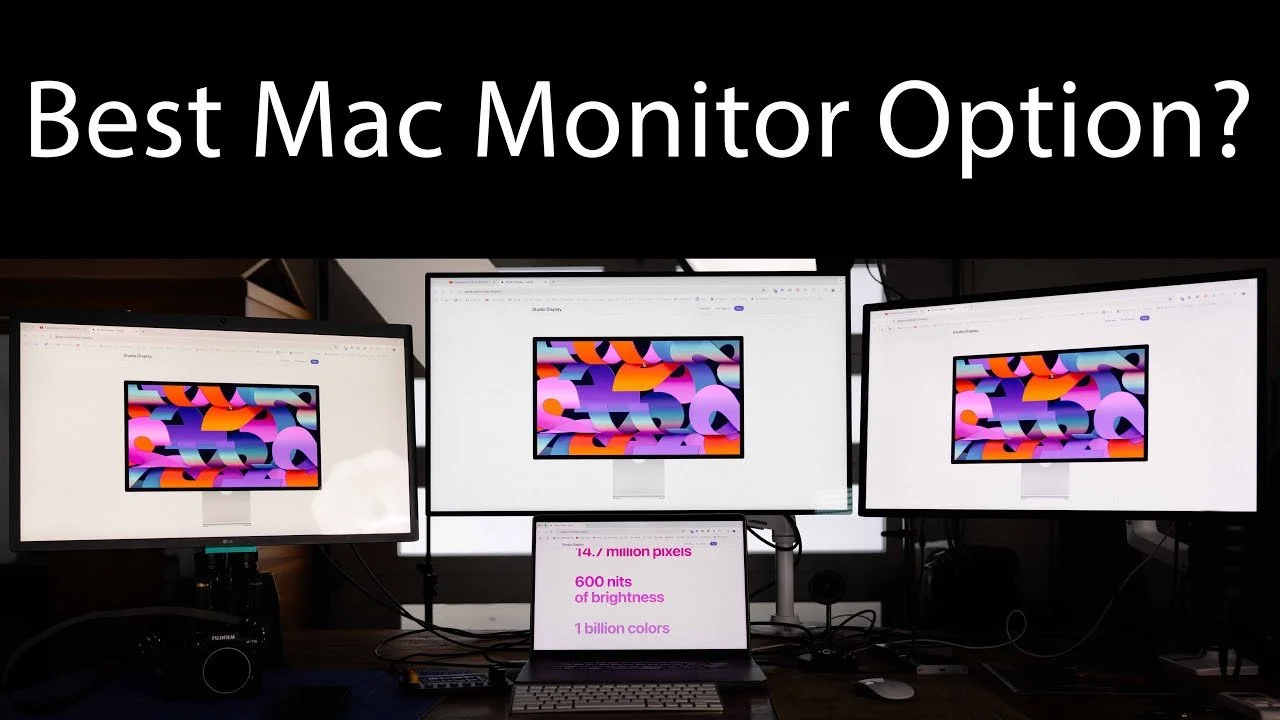
Apple Studio Display vs Pro Display XDR vs LG 5K: Photo Editing Review
I compared the Apple Studio Display, Pro Display XDR, and my longtime LG 5K monitor from the perspective of a photographer editing every day.
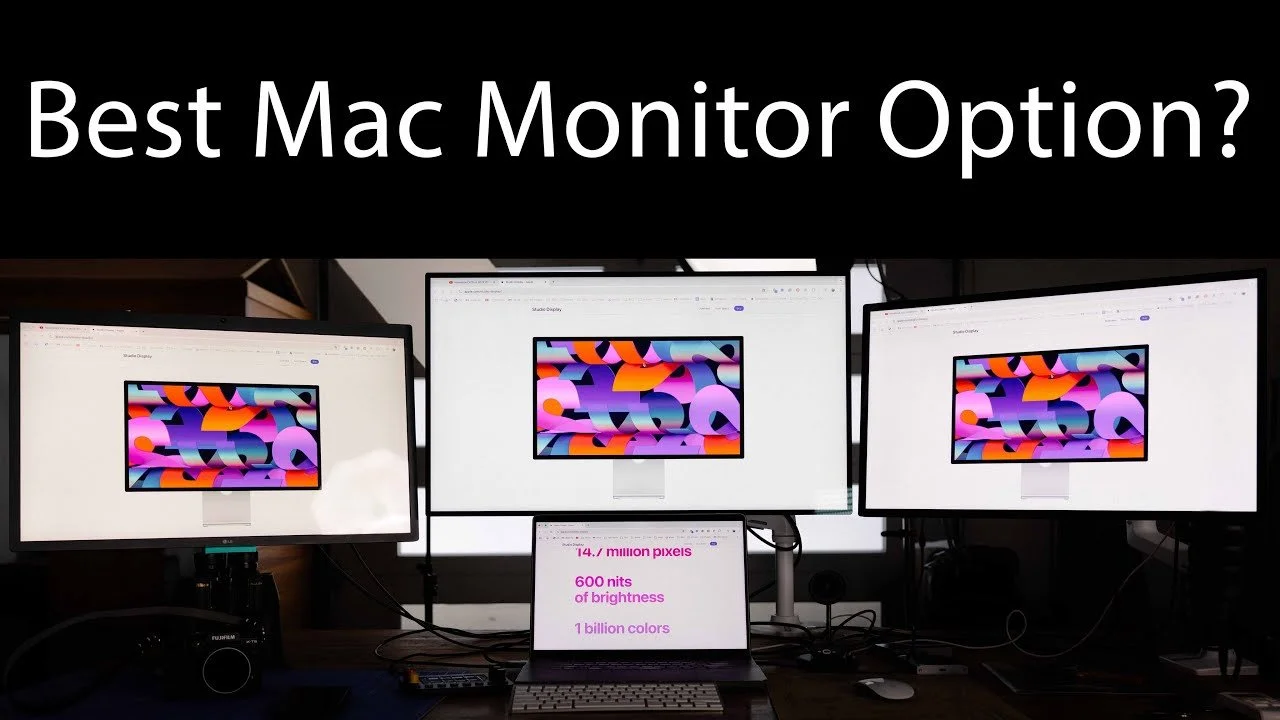
I compared the Apple Studio Display, Pro Display XDR, and my longtime LG 5K monitor from the perspective of a photographer editing every day.
Originally published on YouTube Dec 16, 2024.
Why I preferred the Studio Display
In my workspace, the 27-inch Studio Display offered the balance I wanted: a crisp image, useful brightness, built-in speakers, and a practical size. This is my editing experience, not a laboratory display ranking.
The XDR trade-offs for my work
The larger 32-inch XDR gave me more screen area, but I noticed viewing-angle and scaling differences when moving between displays. Its advanced HDR capabilities were not central to my photography workflow.
Consistency across the desk
Calibration and room lighting matter. I discuss my measured brightness results and why matching displays can make a multi-monitor setup easier to use. Consider your own work, especially if HDR video is a priority.
Watch on YouTube and view the original product links. Some shopping links in the original description may be affiliate links.
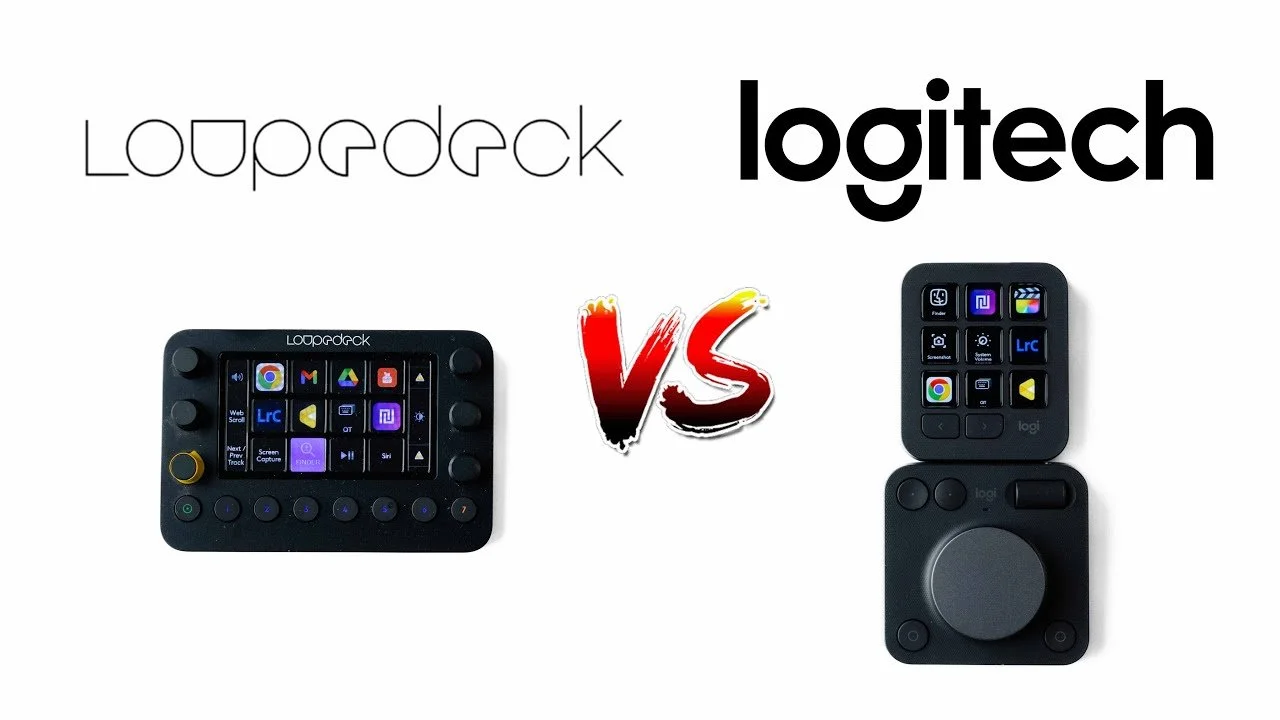
Logitech MX Creative Console vs Loupedeck Live Review
After more than two years with the Loupedeck Live, I compared it directly with the Logitech MX Creative Console.
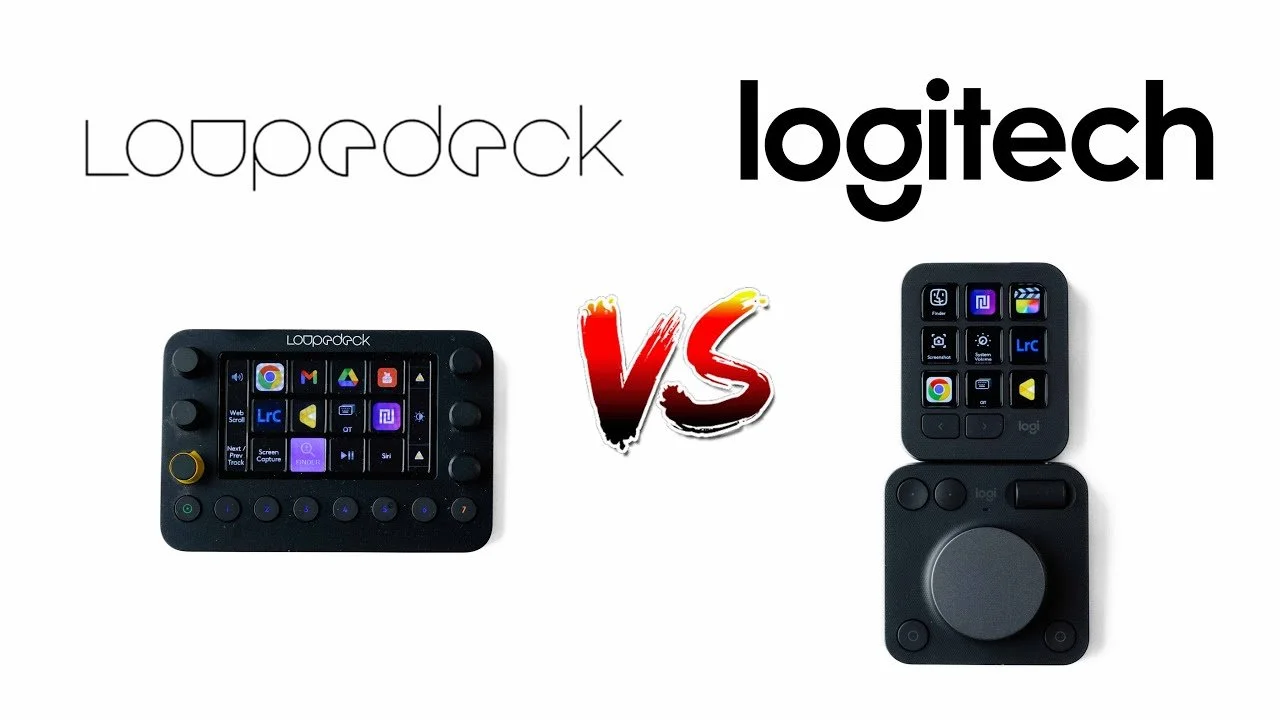
After more than two years with the Loupedeck Live, I compared it directly with the Logitech MX Creative Console.
Originally published on YouTube Dec 4, 2024.
A practical comparison
The video walks through the two editing control systems and the experience of using them. It includes issues with both devices and a small amount of troubleshooting, rather than treating either one as a perfect upgrade.
Watch before choosing a controller
An editing console needs to fit the applications and shortcuts you actually use. Watch the demonstrations to compare the controls with your own workflow and decide whether a dedicated device would save you time.
Watch on YouTube and view the original product links. Some shopping links in the original description may be affiliate links.