Quick take: I tested SD and CFexpress Type B cards with AJA and recorded repeated read and write results. These are results from my setup, intended to help compare the cards alongside capacity, compatibility, and cost.
Test method and review disclosure
Lexar supplied the cards and portable SSD featured in this review. I purchased the OWC cards and compared the products with cards already in my kit. I ran five read/write tests with AJA. These are measured transfer speeds from my setup, not guaranteed sustained recording speeds in every camera.
The averages below have been recalculated from the five measurements printed beside each result. This corrects arithmetic discrepancies in the original article; the underlying measurements are unchanged. The video’s spoken numbers sometimes differ from this written data, so use the individual runs below when comparing results.
What matters in my photo workflow
Read speed matters to me when importing a large wedding. I also want enough writing performance for the way I shoot, rather than buying a card solely for its advertised maximum. In this review I generally kept RAW files on SD and JPEG backups on CFexpress Type B in my R5 bodies. I preferred 256GB SD cards because they could cover a wedding and stay set aside until editing was finished.
For editing, I kept originals on an external SSD, generated Lightroom Smart Previews, and disconnected the drive while working through the previews. I also maintained separate drive backups. The original prices below are historical September 2023 references.
These benchmarks and price references come from my original September 2023 tests. Retail prices and availability change; use the linked listings to check current options.
In this video, I discuss memory cards, CF Express type B cards, and solid-state drives. I start by mentioning that Lexar sent me some memory cards to review, including a CF Express type B card. I decided to compare these new cards to the ones I've been using. I also talk about my practice of periodically replacing memory cards due to concerns about their longevity, especially since I shoot a lot and often use multiple cameras.
I share the results of the tests I conducted on various memory cards, including Lexar, OWC (Other World Computing), Angelbird, SanDisk, and Sony Tough cards. I compare their read and write speeds, discussing their performance and price points. I mentioned my preference for 256GB SD cards for my workflow.
Next, I discuss CF Express type B cards, which I primarily use as backups and for video work. I compare the performance and prices of Angelbird, OWC, and Lexar CF Express type B cards, with Lexar being the fastest and most cost-effective option.
Towards the end, I touch on the use of external SSDs for editing and recommend a specific model for its speed and affordability. I stress the importance of regular backups and suggest color-coding Thunderbolt cables for easy identification.
In conclusion, the video provides my recommendations and insights into memory cards and SSDs, including their performance and pricing. I also invite viewers to share their favorite memory cards, CF Express cards, or portable hard drives in the comments section and direct them to a webpage for detailed statistics and additional information.
SD Card Test Results
Here are the megabytes per second Speed results that I got using AJA and prices will vary over time.
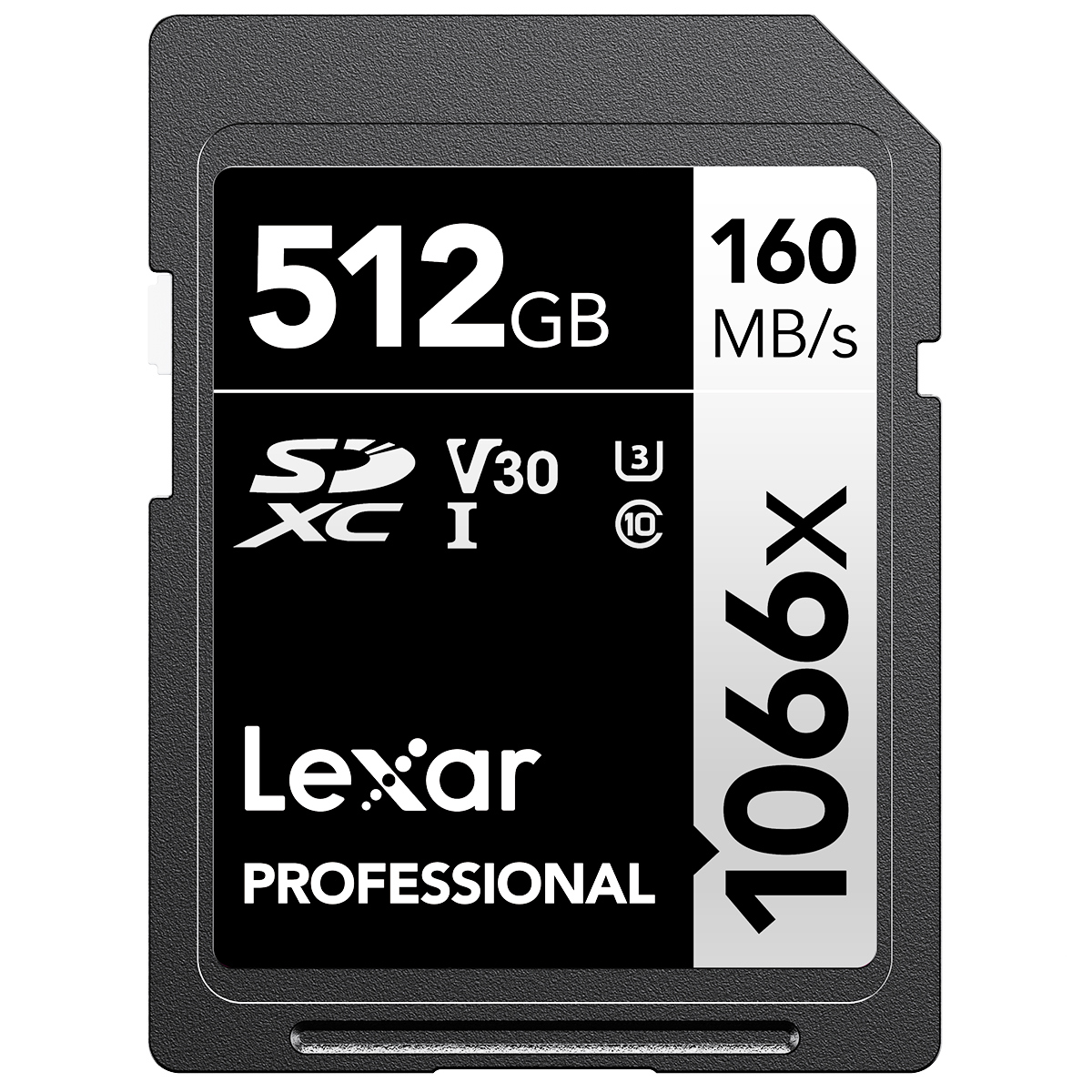 Lexar Silver Pro V60 ($59 - 256GB)($99 - 512GB)
Read 269.4 MB/s (271,270,270,268,268)
Write 134.8 MB/s (136,137,127,137,137)
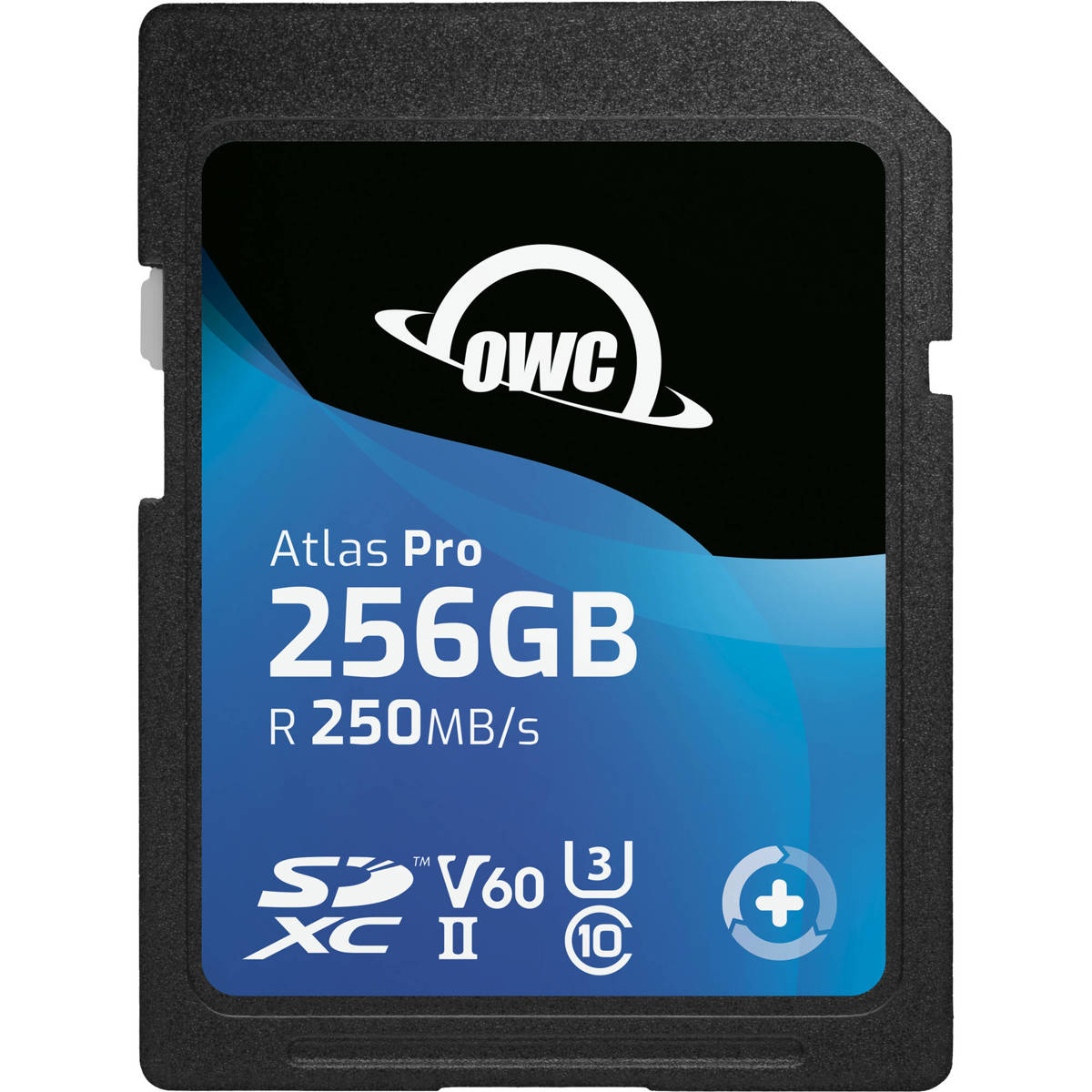 OWC Atlas PRO V60 ($54 - 256GB)($109 - 512GB)
Read 244.8 MB/s (242,246,244,243,249)
Write 128.8 MB/s (129,128,129,129,129)
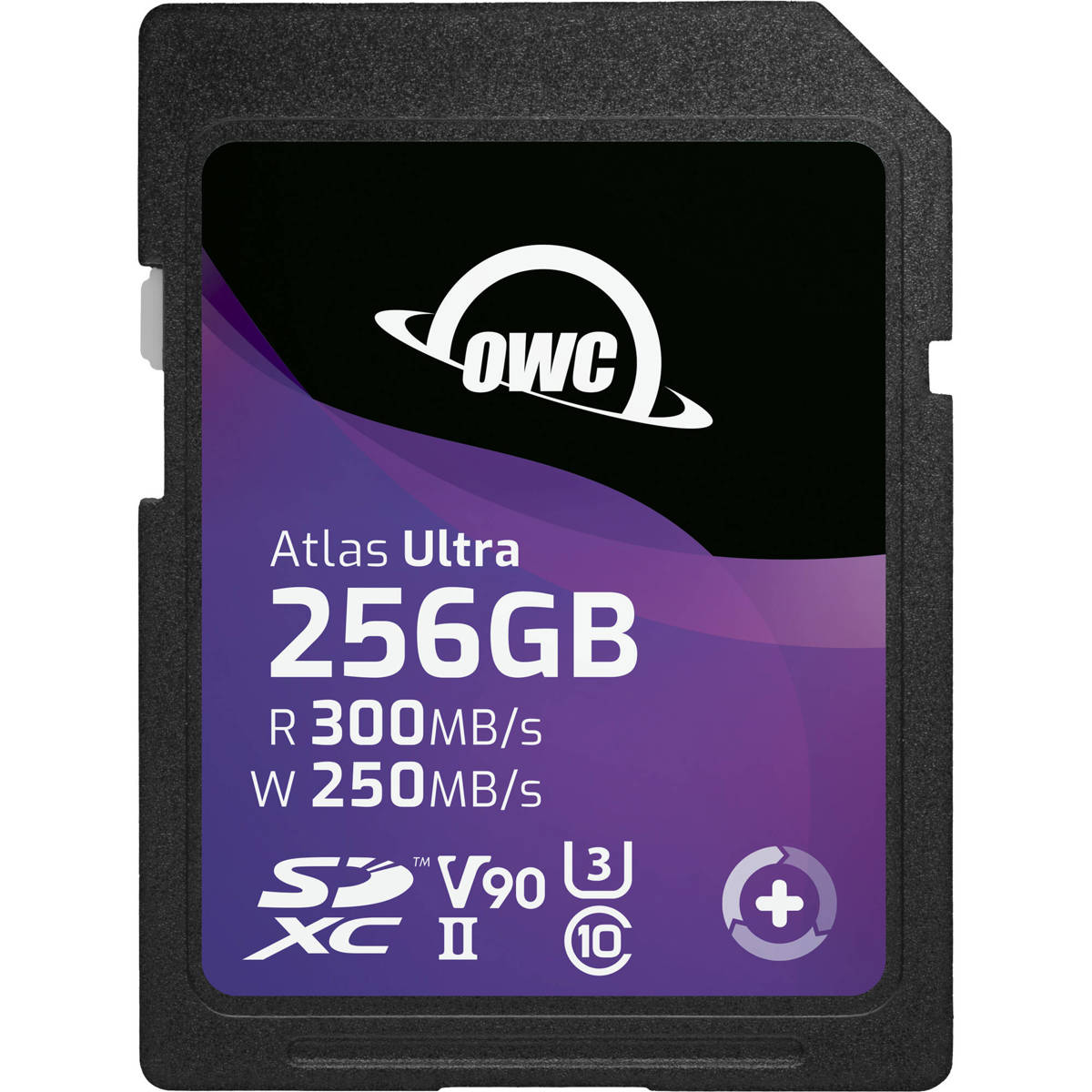 OWC Atlas Ultra V90 ($229 - 256GB) ($499 - 512GB)
Read 271.4 MB/s (278,269,273,269,268)
Write 186.8 MB/s (163,183,201,186,201)
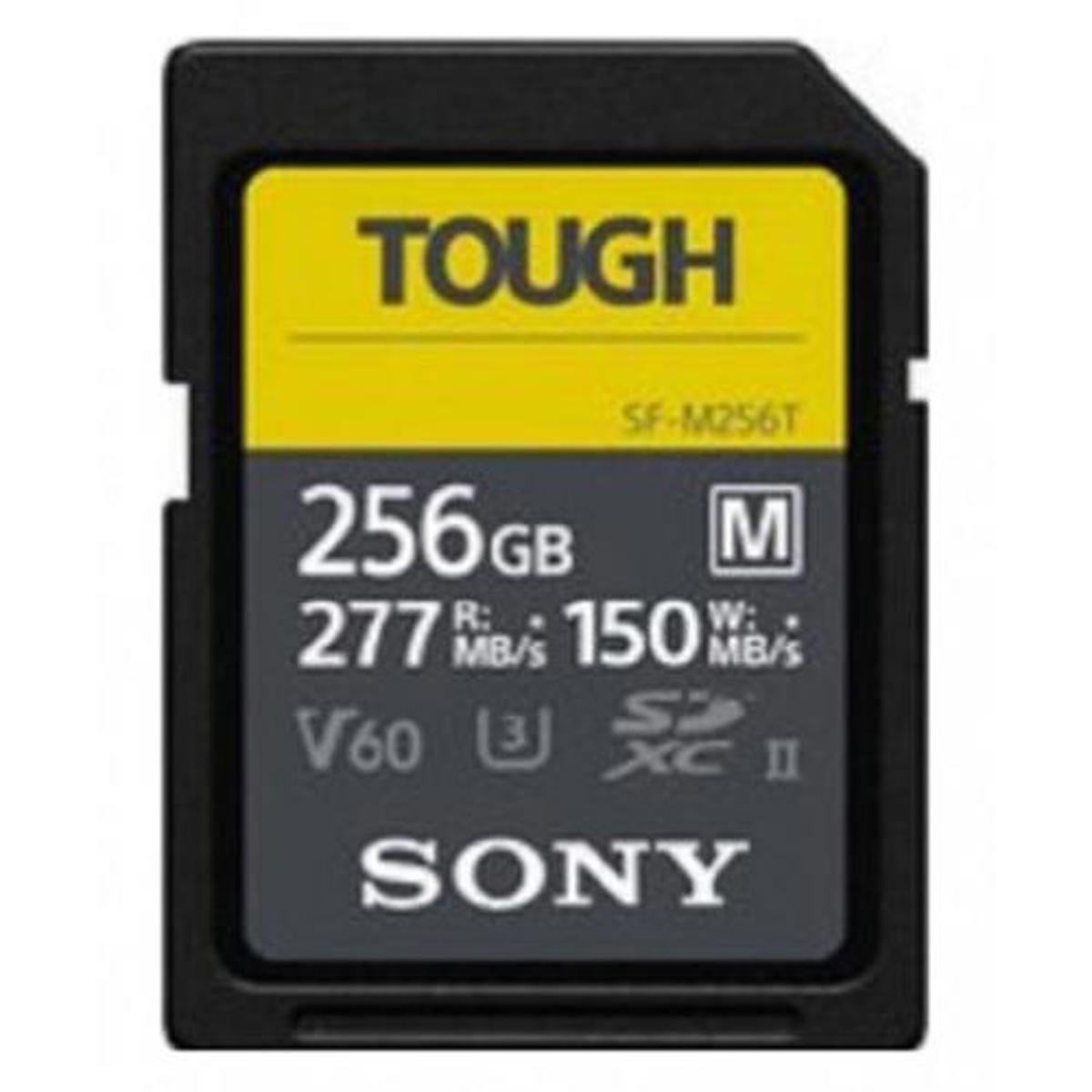 SONY Tough V60($114 on Sale - 256GB)($229 - 512GB)
Read 268.2 MB/s (268,268,268,269,268)
Write 102.2 MB/s (88,105,106,106,106)
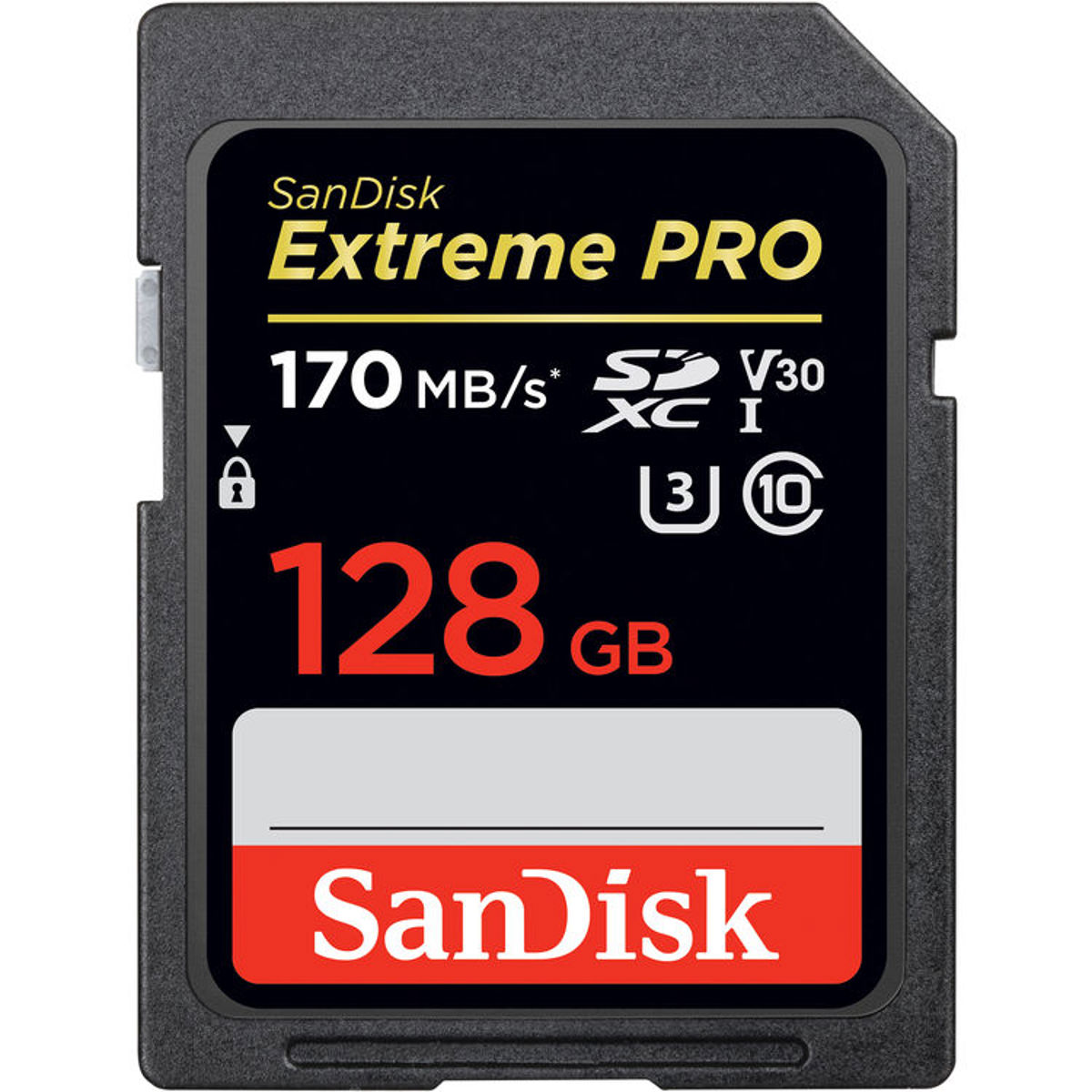 SanDisk V30 ($199 - 512GB) (256GB — price not recorded)
Read 169.6 MB/s (171,168,172,168,169)
Write 88.4 MB/s (79,99,100,67,97)
CF Express Type-B Results
Here are the megabytes per second Speed results that I got using AJA and prices will vary over time.
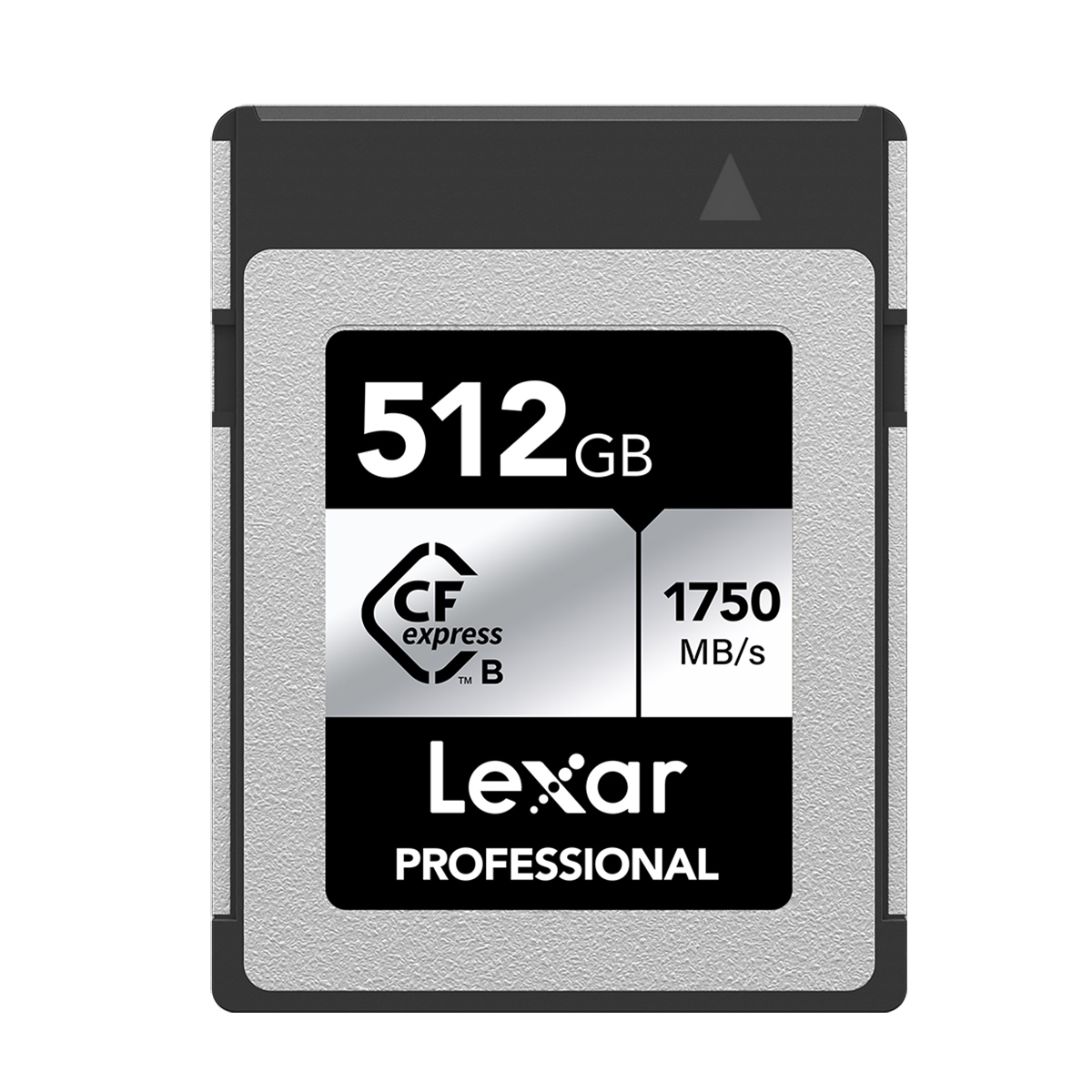 Lexar Silver Pro ($159 512GB)
Read 834.2 MB/s (835,833,836,832,835)
Write 870.0 MB/s (872,872,868,867,871)
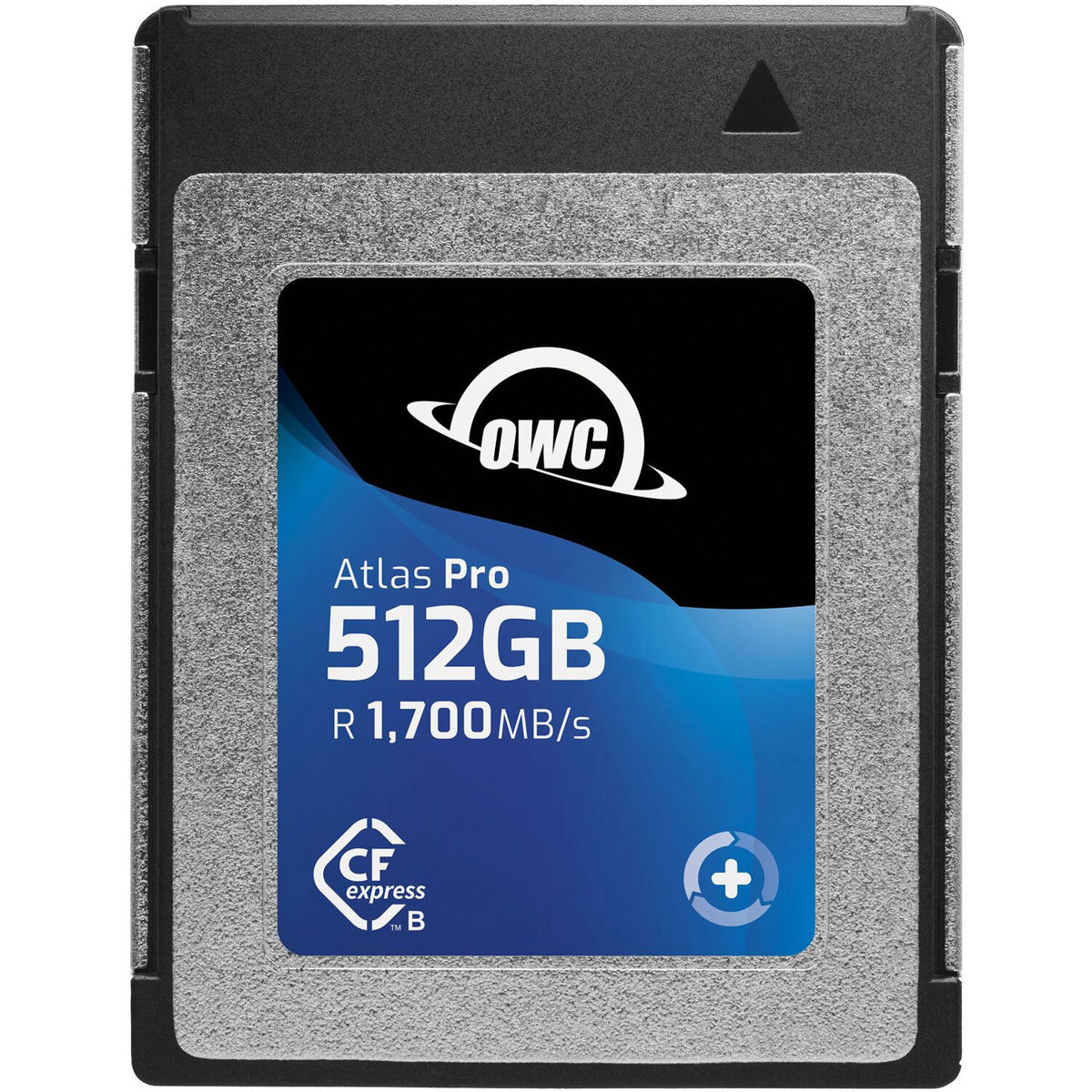 OWC Atlas Pro ($169 512GB)
Read 648.8 MB/s (648,642,641,656,657)
Write 369.4 MB/s (393,307,384,389,374)
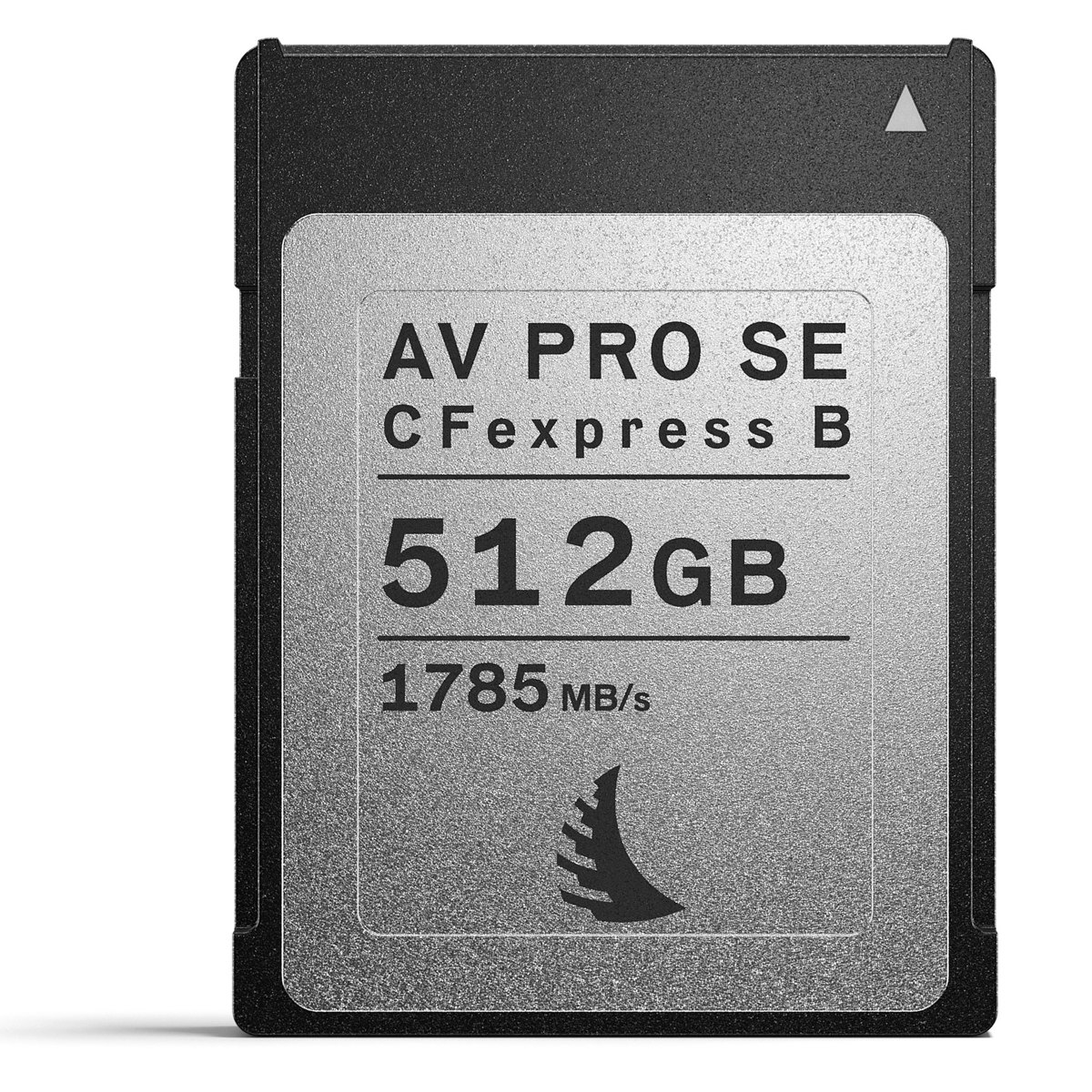 Angelbird AV Pro SE ($109 512GB)
Read 556.0 MB/s (555,556,556,554,559)
Write 793.4 MB/s (791,793,795,798,790)
 Read 928.2 MB/s (921,927,933,926,934)
Write 901.8 MB/s (888,904,902,916,899)
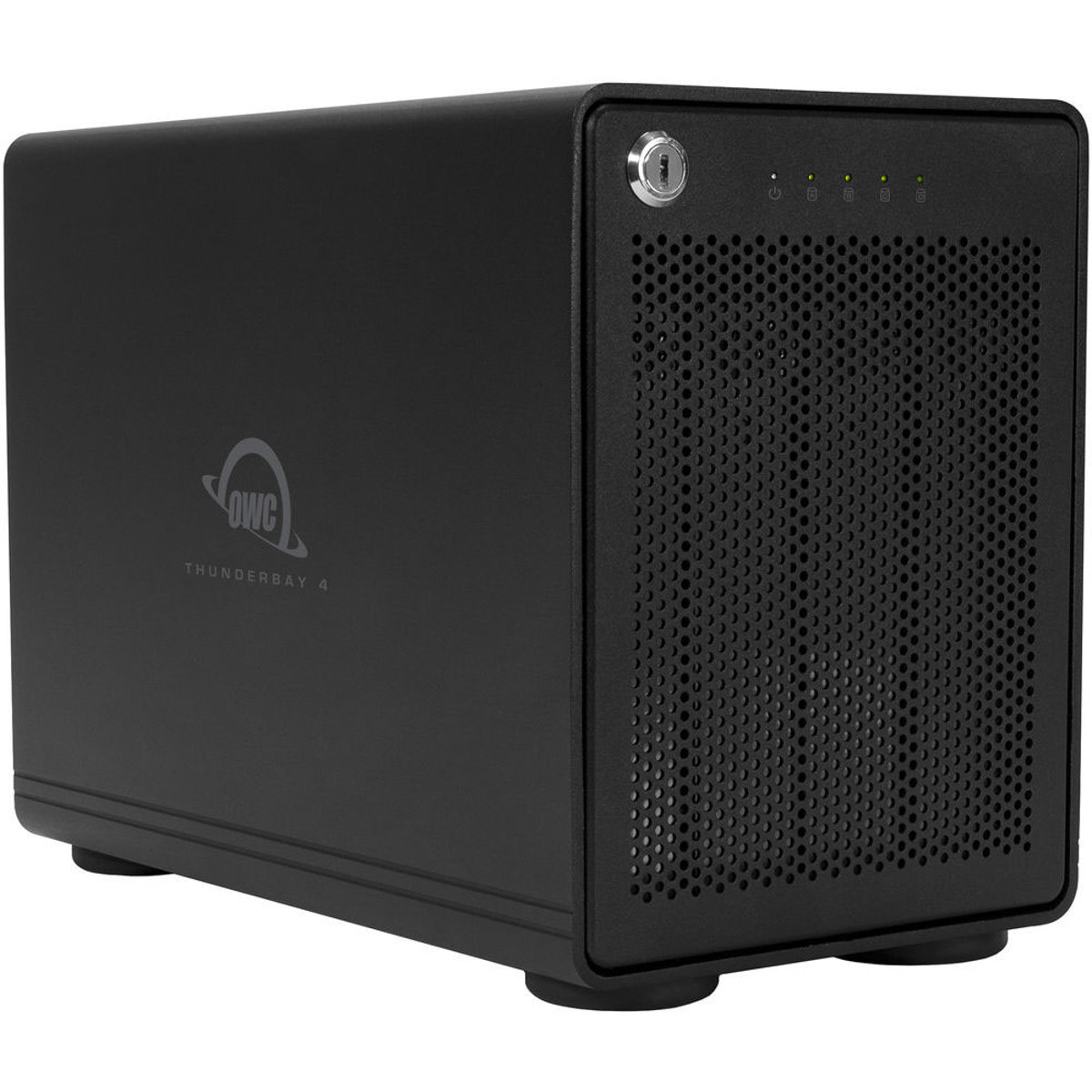 Here is the Raid Drive I use for backups and my portfolio. I have a 32TB setup on Raid 5 which gives me good speeds and 24 TB of storage.
https://eshop.macsales.com/shop/thunderbay-4/thunderbolt-3-raid-5
Carbon Copy Cloner is my favorite Backup Automation Software. https://bombich.com/
