Gear Reviews
Hands-on camera, lens, iPhone accessory, lighting, and editing software reviews by Ely Roberts. Browse the latest reviews below, or use the Reviews menu to explore a category.

Wanderlust Videos Review: My Wedding Video Editing Workflow
Why I use Wanderlust Videos for outsourced wedding video editing, including my experience with collaboration, revisions, delivery, and workflow.
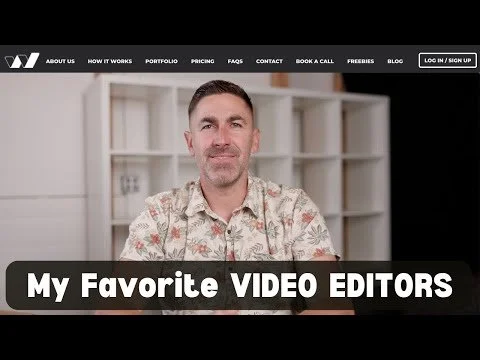
How I Found My Video Groove with WANDERLUST VIDEOS
By Ely Roberts
For the past 17 years, I’ve been immersed in the world of wedding photography—chasing light, capturing emotion, and telling love stories through still images. Photography has been my language, my livelihood, and my art. But something changed in the last couple of years. I started to feel the pull to add movement to those moments. To go beyond a single frame and capture the sounds, energy, and emotion of the day through film.
That’s how my journey into videography began.
Wanderlust Videos (Discount code shared in my original review (check current availability): ELYROBERTS10)
📽️ From Behind the Camera to the Editing Suite
My experience behind a video camera wasn’t new—I’ve worked as a video operator in various capacities over the years. But editing? That was foreign territory.
About three years ago, I decided to invest time in learning Final Cut Pro X. I dove deep into tutorials, practiced cutting footage, and slowly started piecing together elopement trailers and wedding highlight reels. And while I loved seeing the story unfold in motion, I quickly ran into a wall: time and technical limits.
As any photographer who’s dipped into video knows, editing is a whole different beast. Between running my photography business, editing galleries, managing bookings, and being present for my family, I just couldn’t keep up. I started to feel the weight of creative burnout, not because I didn’t love the process, but because I was trying to do it all.
🎬 Why I Added Videography in the First Place
Adding video to my services wasn’t just about curiosity—it was strategic. Couples today are looking for complete storytelling experiences. And offering both photography and cinematic films helped me stand out in a crowded market.
Elopement trailers, wedding highlight films, and full ceremony videos allow my clients to relive their day in a deeper way. It’s emotional, engaging, and shareable. Plus, it gave me a marketing edge—especially on social platforms like Instagram and YouTube, where video content is king.
But I needed help.
🌀 Enter Wanderlust Videos
Wanderlust Videos came highly recommended, and from the first project I handed over, I knew I had found a creative partner who just got it. Their team of editors isn’t just technically sharp—they’re storytellers. They understand pacing, emotion, music, and what makes a wedding day feel magical on screen.
But beyond the editing talent, what blew me away was their backend workflow. As a business owner juggling multiple projects, efficiency is everything. Wanderlust’s process is smooth, responsive, and built for creators like me. I can focus on filming and connecting with couples, knowing my footage is in good hands.
🛠️ Why Wanderlust Works for Me
- Professional-grade editing with a personal touch
- Time-saving workflows that keep my business moving
- Creative collaboration without the stress
- A seamless backend that takes care of revisions, delivery, and file management
💡 Is Wanderlust Right for You?
Whether you’re brand new to video or you’ve been editing for years and just need to offload the grind, Wanderlust might be exactly what you’re looking for. You don’t have to be an expert at everything—sometimes the best thing you can do for your creativity and your clients is to ask for help.
For me, partnering with Wanderlust wasn’t about giving up control—it was about growing as an artist and a business.
Examples from my original review
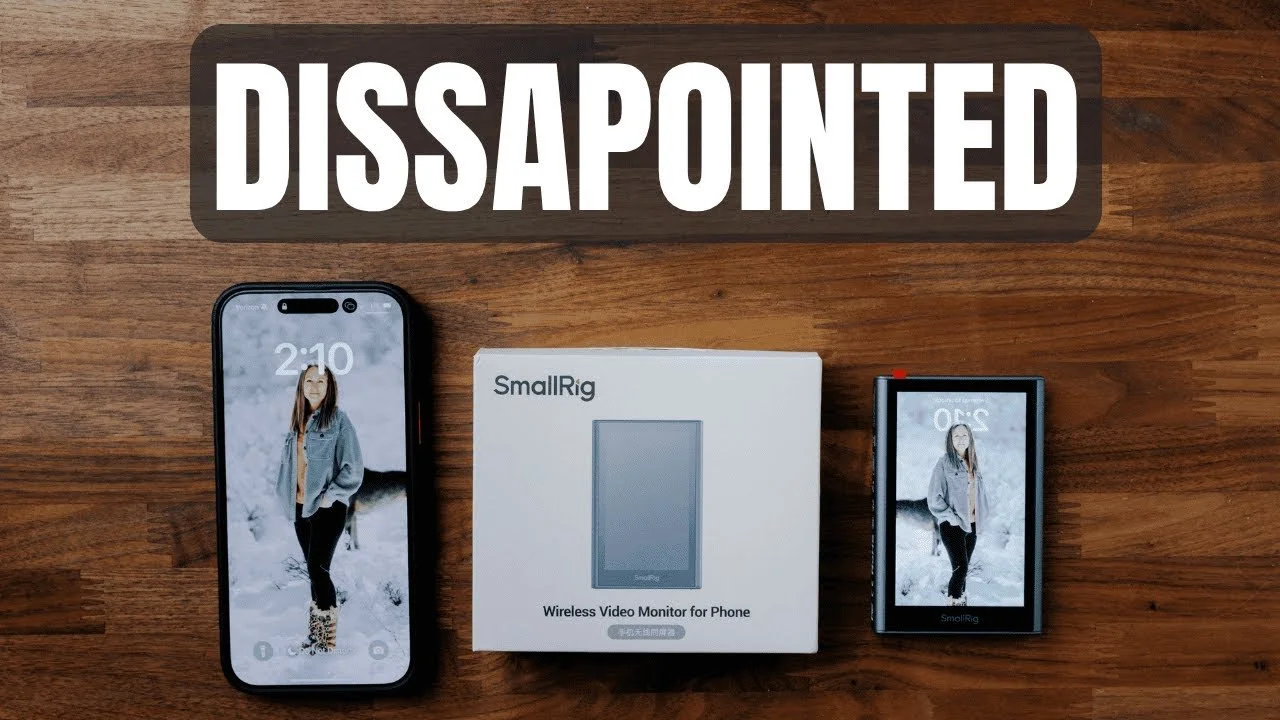
SmallRig Wireless iPhone Monitor Review: Why I Did Not Keep It
The SmallRig wireless phone monitor offers a compact way to frame yourself with an iPhone’s rear camera, but connection problems and lag kept it from working well for…
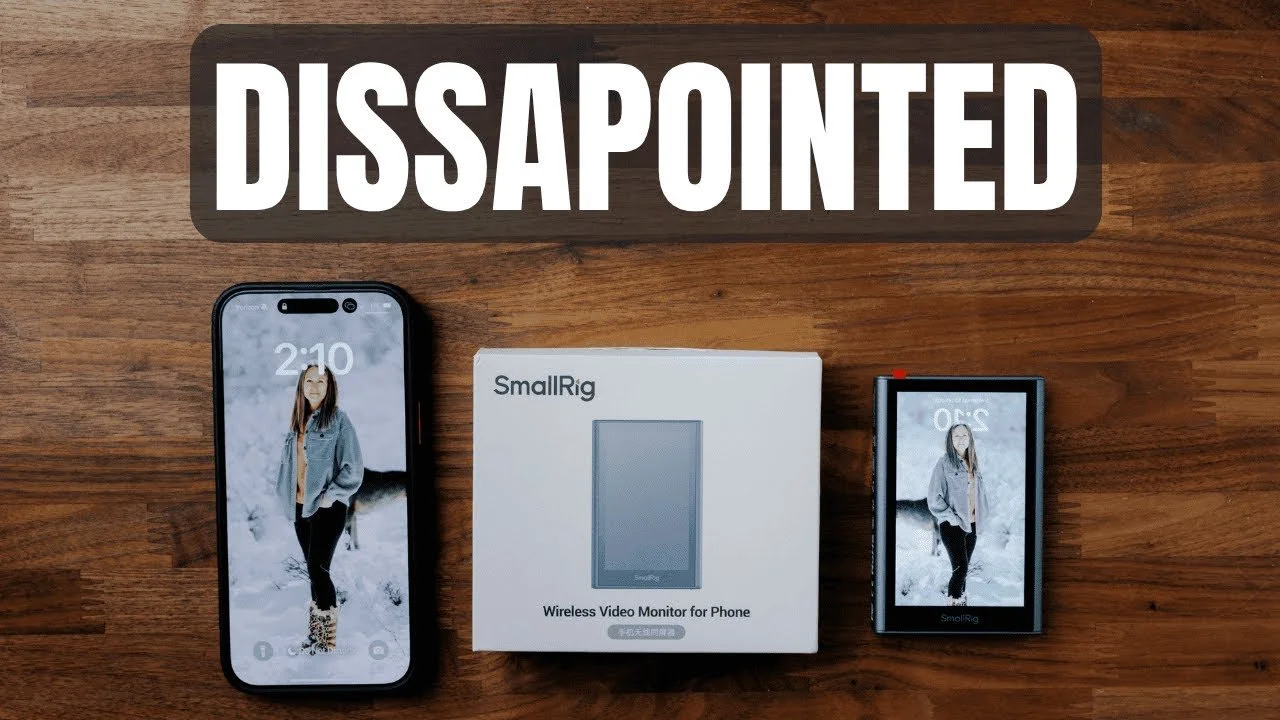
The SmallRig wireless phone monitor offers a compact way to frame yourself with an iPhone’s rear camera, but connection problems and lag kept it from working well for me.
Originally published on YouTube Jul 3, 2025.
The idea is useful
The kit includes the monitor, a remote button, a USB-C cable, and a shoe attachment. Magnetic mounting, brightness controls, and a reversible display are convenient features for a small filming setup.
Where my test fell short
In the demonstration, QR-code pairing was inconsistent, the connection dropped, and screen mirroring lagged. Those issues made framing less dependable than I wanted. I show the problems on screen so you can judge the experience rather than relying only on the specification list.
My verdict
I decided not to keep this unit because of the inconsistent connection and delay. This describes the device and setup tested in the original review; it is not a claim that every phone or later software version behaves identically.
Watch on YouTube and view the original product links. Some shopping links in the original description may be affiliate links.

Cooling MagSafe Chargers Compared: My iPhone Heat Test
After my phone repeatedly overheated in the car, I compared cooling chargers from ESR and the Meguette/AI-branded options shown in this review.

After my phone repeatedly overheated in the car, I compared cooling chargers from ESR and the Meguette/AI-branded options shown in this review.
Originally published on YouTube Jul 3, 2025.
Why cooling mattered to me
I wanted more than a convenient place to mount the phone. The video compares a fan-based setup with the active-cooling models I tested, including a desktop charging stand and an in-car option.
What my test showed
I measured a surface temperature around 59°F on the active-cooling stand in this demonstration. That is a result from my particular setup, not a guaranteed phone temperature or charging speed. I preferred the active-cooling units in this comparison.
Check the complete setup
The video shows the phone, watch, and earbud charging positions, along with the car mount and power supply. Check the exact model and included adapter when shopping, because the car unit and desktop packages are different.
Watch on YouTube and view the original product links. Some shopping links in the original description may be affiliate links.
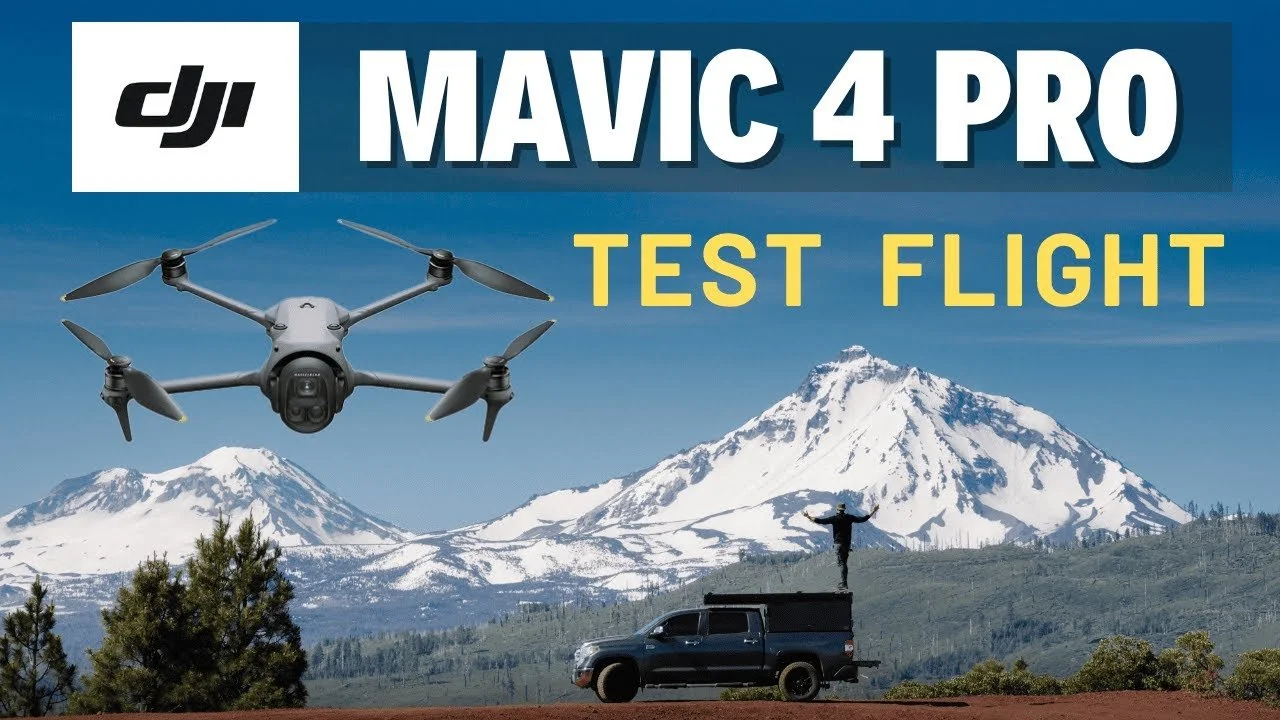
DJI Mavic 4 Pro Flight Review: Three Cameras in the Field
My DJI Mavic 4 Pro review combines a real flight near Sisters, Oregon, with a discussion of tracking and footage from its three cameras.
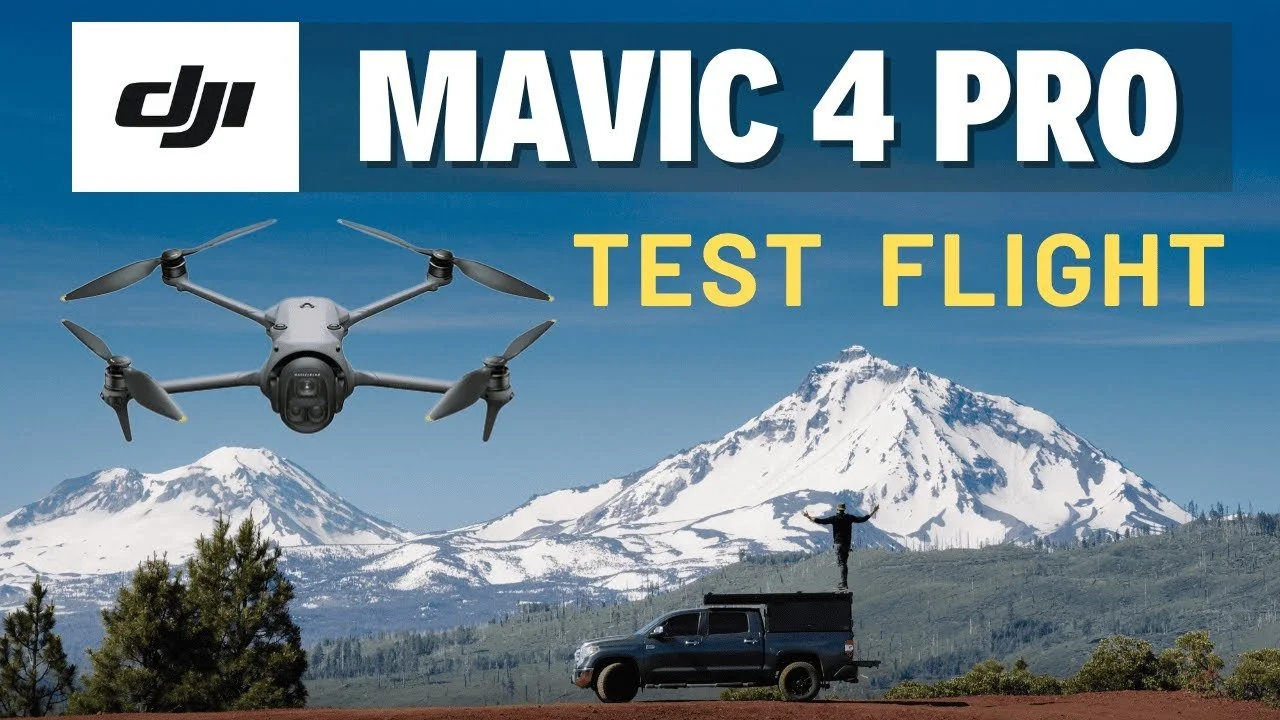
My DJI Mavic 4 Pro review combines a real flight near Sisters, Oregon, with a discussion of tracking and footage from its three cameras.
Originally published on YouTube Jun 5, 2025.
What we tested
Mike and I tested the 28mm, 70mm, and 168mm views, including panning, tracking, and circling movements. The video includes an extended screen recording so you can see the process and our commentary.
The long lens changes the experience
The telephoto view impressed me, but it did not offer the same automated circling behavior in our test as the wider cameras. We also tried a manual circle with the 168mm view. These are observations from the flight and software shown, not a substitute for checking your current flight settings.
Footage and examples
The original description includes downloadable sample footage. Compare the files and the full flight recording to judge image quality and the kinds of movement you want to capture.
Original samples or settings: Download here.
Watch on YouTube and view the original product links. Some shopping links in the original description may be affiliate links.
Ulanzi R101 MagSafe Mount and Neewer Magic Arm Review
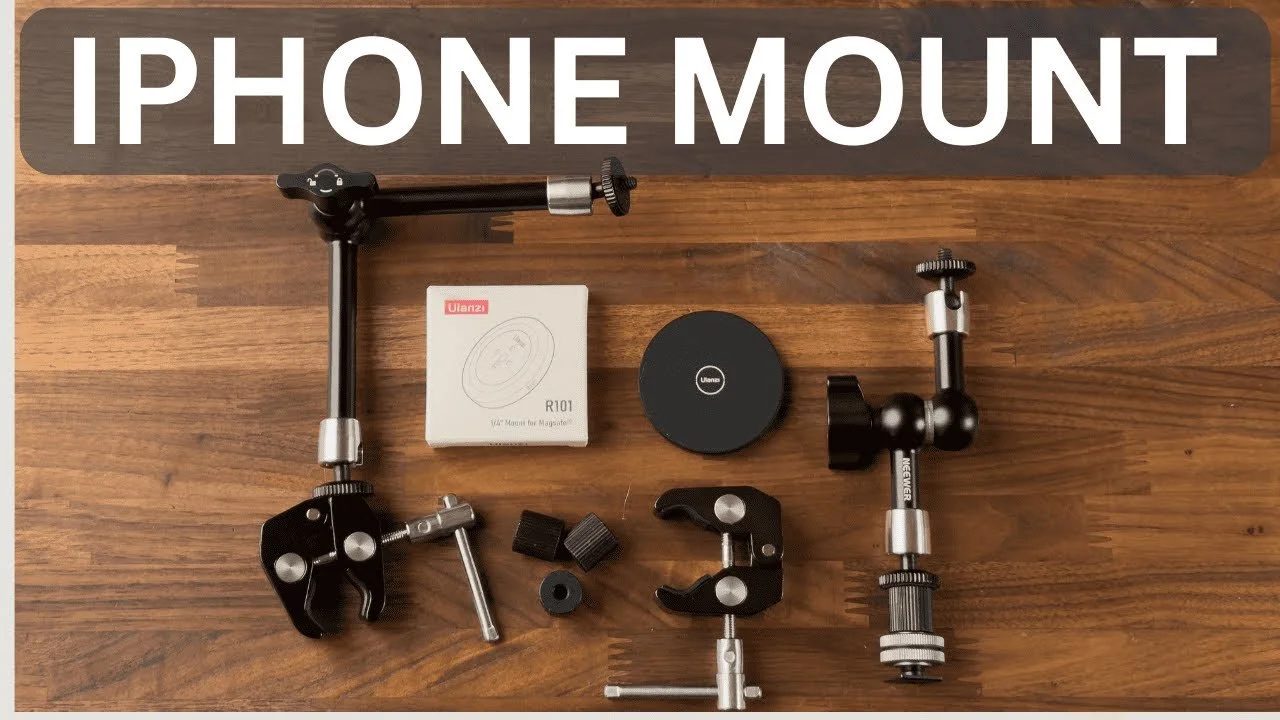
Pairing the Ulanzi R101 magnetic phone mount with a Neewer magic arm gives me a quick way to position an iPhone on a camera or above a desk.
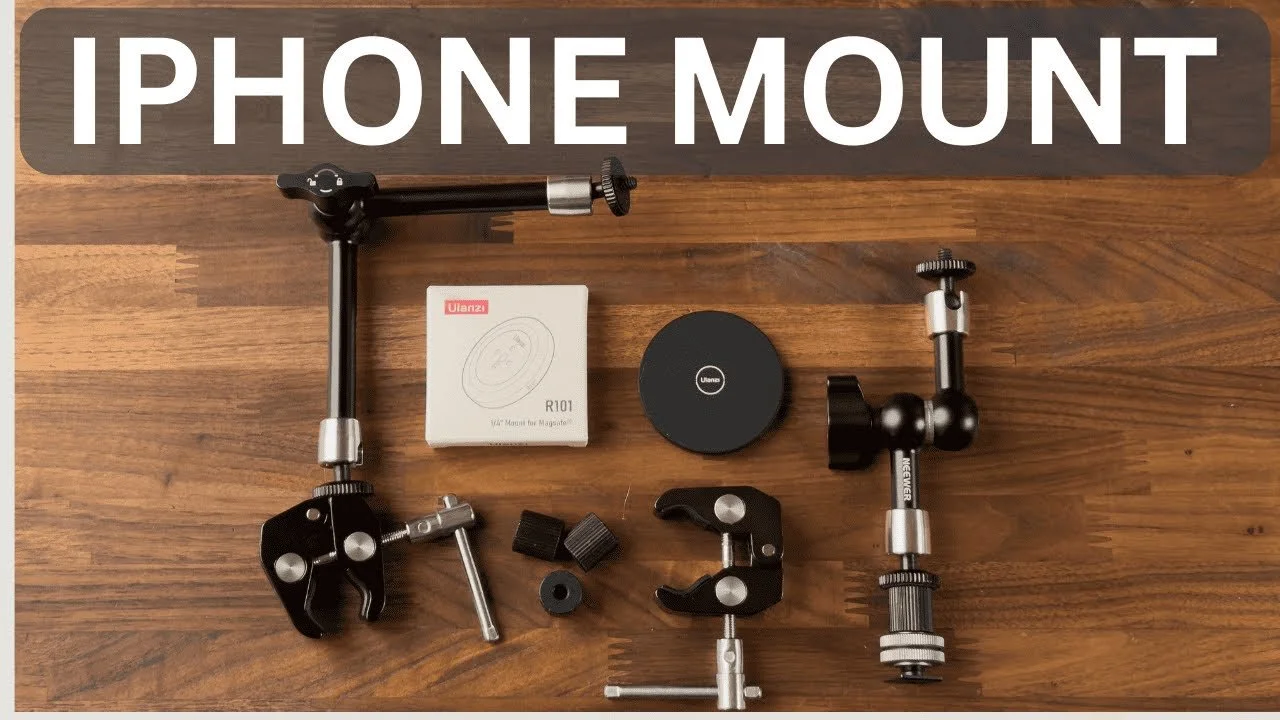
Pairing the Ulanzi R101 magnetic phone mount with a Neewer magic arm gives me a quick way to position an iPhone on a camera or above a desk.
Originally published on YouTube Apr 29, 2025.
A flexible mounting combination
I show the R101’s quarter-inch connection, the magic arm, clamps, shoe adapter, and small threaded connectors that hold the setup together. The appeal is being able to reposition the phone without rebuilding the rig.
How I use it
One setup puts the phone on my camera for a second video angle. Another supports overhead product videos at my desk. The magnetic connection lets me remove the phone to answer a message and return it to the same position.
Fit the setup to your gear
The video demonstrates the particular arms and adapters I use. Check the mount, phone case, and load before trusting any custom assembly with your equipment.
Watch on YouTube and view the original product links. Some shopping links in the original description may be affiliate links.

AI Photo Culling and Editing: My Wedding Workflow Notes
My early experience using AI tools for high-volume wedding photography, including culling 10,000 photos and editing with a personal Imagen profile.
Quick take: These notes document my early AI workflow in 2022. They focus on the practical experience of managing a large wedding shoot and using Imagen-assisted edits, while keeping final image selection and review in my hands.
Why I started using AI tools for weddings
In 2022, the volume of images from a wedding day made AI-assisted culling and editing especially interesting to me. On one eight-hour wedding, I photographed more than 7,000 frames with the Canon R3. Including my other camera and second photographer, the total exceeded 10,000.
These are notes from my early experience in 2022. They describe that workflow rather than a comparison of today’s software features or prices.
Culling a large wedding shoot
Culling is the process of selecting the images that deserve further editing. AI-assisted tools can help identify potential keepers, but the final selection still needs to tell the story of the day. On a recent wedding at the time, I narrowed about 10,000 images to 1,200 in a couple of hours.
Narrative Select and Aftershoot were on my list of culling tools to explore. My original notes did not include a completed comparison of them, so I am not ranking them here.
My early experience with Imagen
After about five months of testing Imagen, the biggest benefit was time saved on white balance and exposure. In my experience, it got those adjustments about 95% of the way there. I still went through every image before delivery.
Building a personal editing profile
My workflow involved using previously edited Lightroom images to teach a personal profile my editing style, then submitting catalog information for new edits. At the time, I used the color-editing option and a dated profile name, such as “Wedding 2022.MAY,” so I could keep track of changes to my look.
The edits typically came back in about 10–20 minutes in that early workflow. I then reviewed the results and made the final adjustments myself.
How I evaluated the cost
In my 2022 notes, editing 1,000 delivered images at five cents per image worked out to about $50 per wedding. That was the pricing example I used to weigh the time savings; it is not a current quote.
Where AI fit into my workflow
For me, the useful role of AI was getting a large set of images closer to a consistent starting point. It did not replace choosing the moments, refining the edits, or reviewing every photograph before a client received it.
My Fujifilm X-T5 Travel Kit: XF 16–55mm II and CineBloom
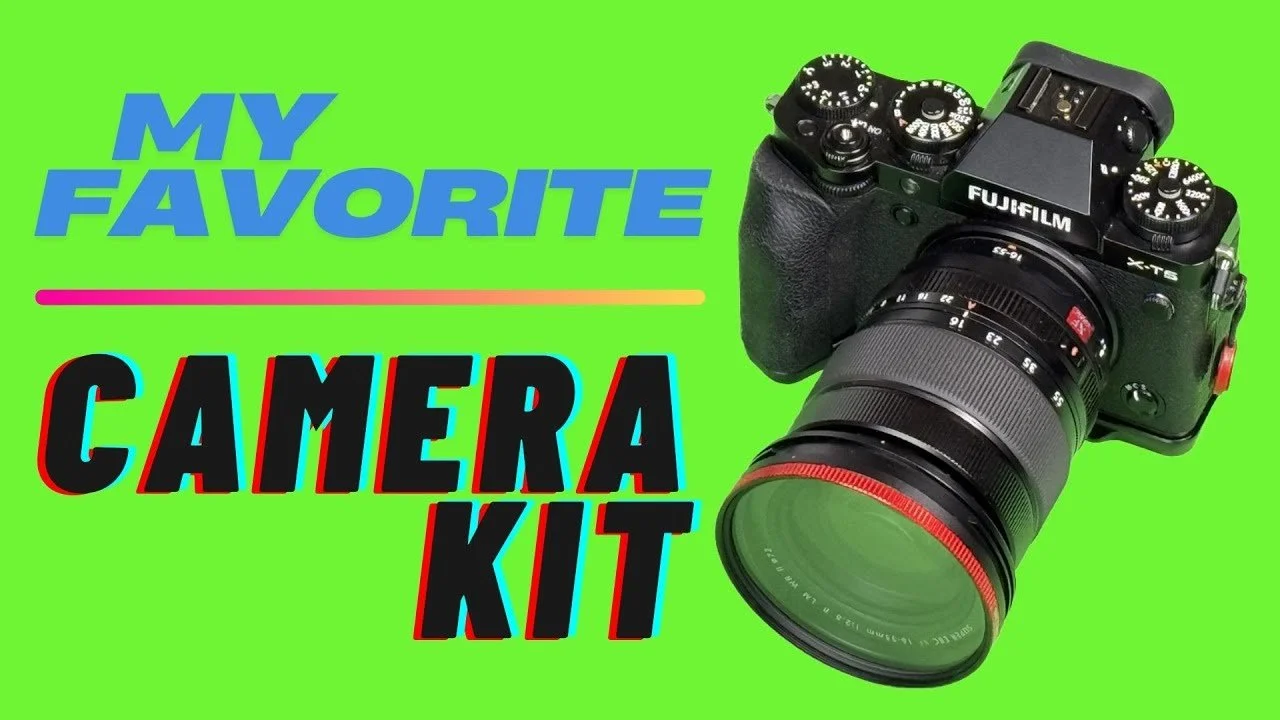
My everyday travel kit pairs the Fujifilm X-T5 with the XF 16–55mm F2.8 II and a Moment 10% CineBloom filter.
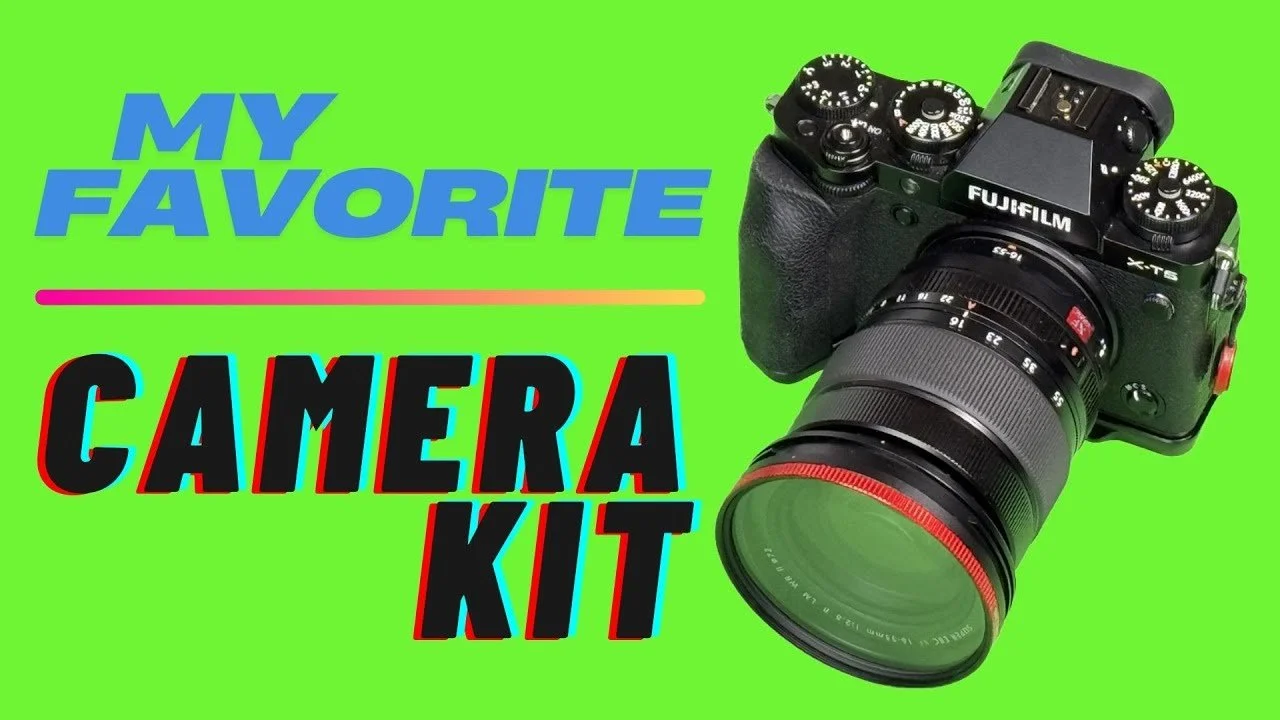
My everyday travel kit pairs the Fujifilm X-T5 with the XF 16–55mm F2.8 II and a Moment 10% CineBloom filter. It is a setup that makes me want to take photographs for fun.
Originally published on YouTube Apr 16, 2025.
Why I prefer this zoom for travel
I like the flexibility of a zoom when moments are changing quickly. The 16–55mm II gives me a versatile range, and I have been impressed by its sharpness on the X-T5. I discuss the lens and show sample photographs in the video.
The accessories I actually carry
The kit includes a SmallRig grip, a compact iM30 flash, Peak Design strap attachments, and small carrying bags. The CineBloom filter adds a softer glow, which is a creative choice rather than a setting I would want for every photograph.
Handling matters
I keep the aperture ring on A and use a camera dial because I can bump the ring. The video also touches on the X-H2S as a different option for someone placing more emphasis on video.
Original samples or settings: Download here.
Watch on YouTube and view the original product links. Some shopping links in the original description may be affiliate links.
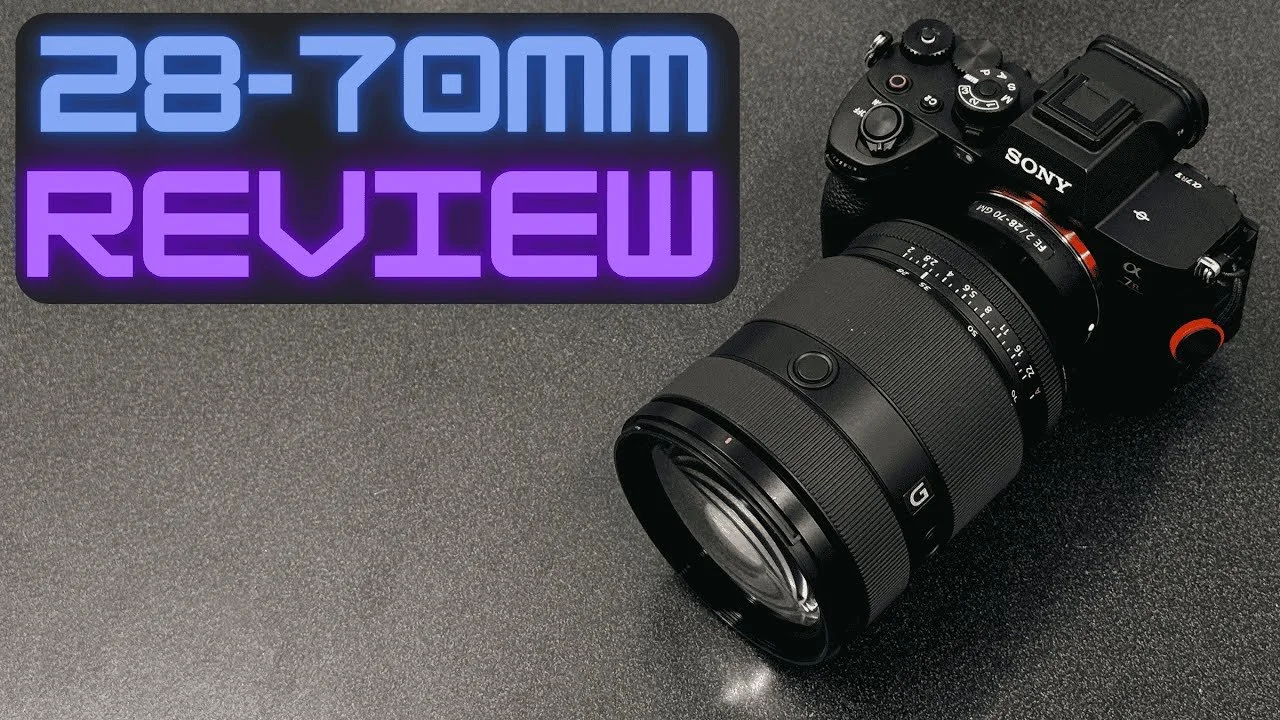
Sony 28–70mm F2 and A7R V Review: A Canon User’s Experience
Renting the Sony 28–70mm F2 and A7R V for a job in Canada gave me an unexpected opportunity to compare the experience with my usual Canon setup.
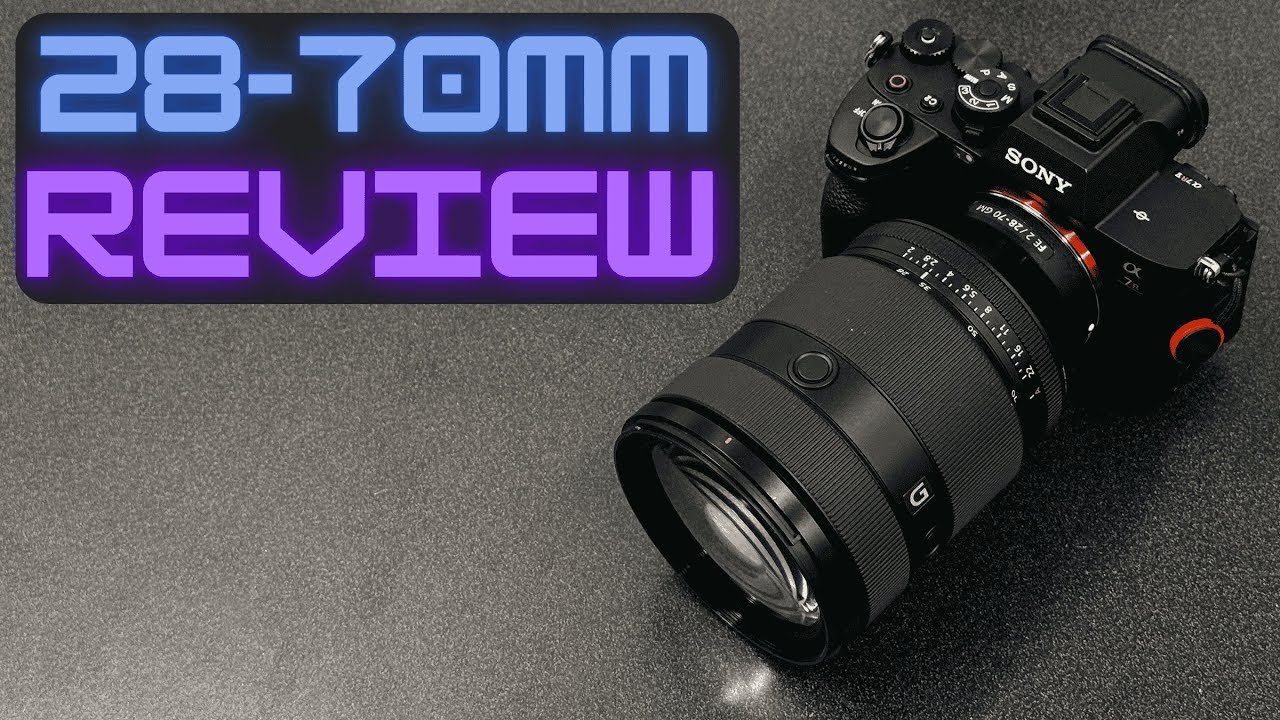
Renting the Sony 28–70mm F2 and A7R V for a job in Canada gave me an unexpected opportunity to compare the experience with my usual Canon setup.
Originally published on YouTube Apr 14, 2025.
Two days of practical use
This is a short-term rental experience, not a long-term ownership review. I was impressed by the lens’s size, weight, sharpness, and autofocus compared with the large Canon 28–70mm F2 I normally use.
Familiar files versus a different system
I still enjoy editing Canon files because I know them well. The Sony kit nevertheless made a strong impression in real work. In the video I discuss both the equipment and the circumstances that led me to rent it.
Who this comparison helps
If you are weighing a fast standard zoom for portraits or professional assignments, the first part of the video gives a working photographer’s perspective on the Sony combination.
Watch on YouTube and view the original product links. Some shopping links in the original description may be affiliate links.
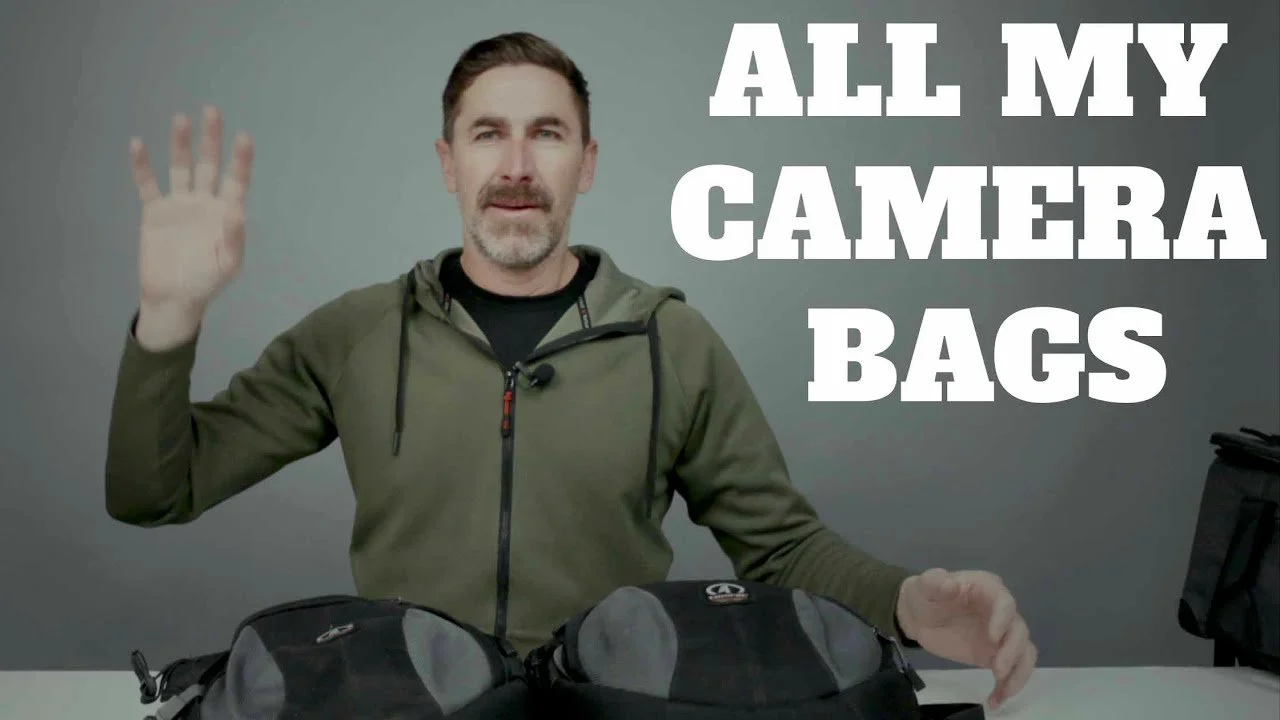
Camera Bags I Actually Use for Work and Travel
These are the camera bags I return to for paid shoots, travel, and everyday photography, based on years of carrying real equipment.
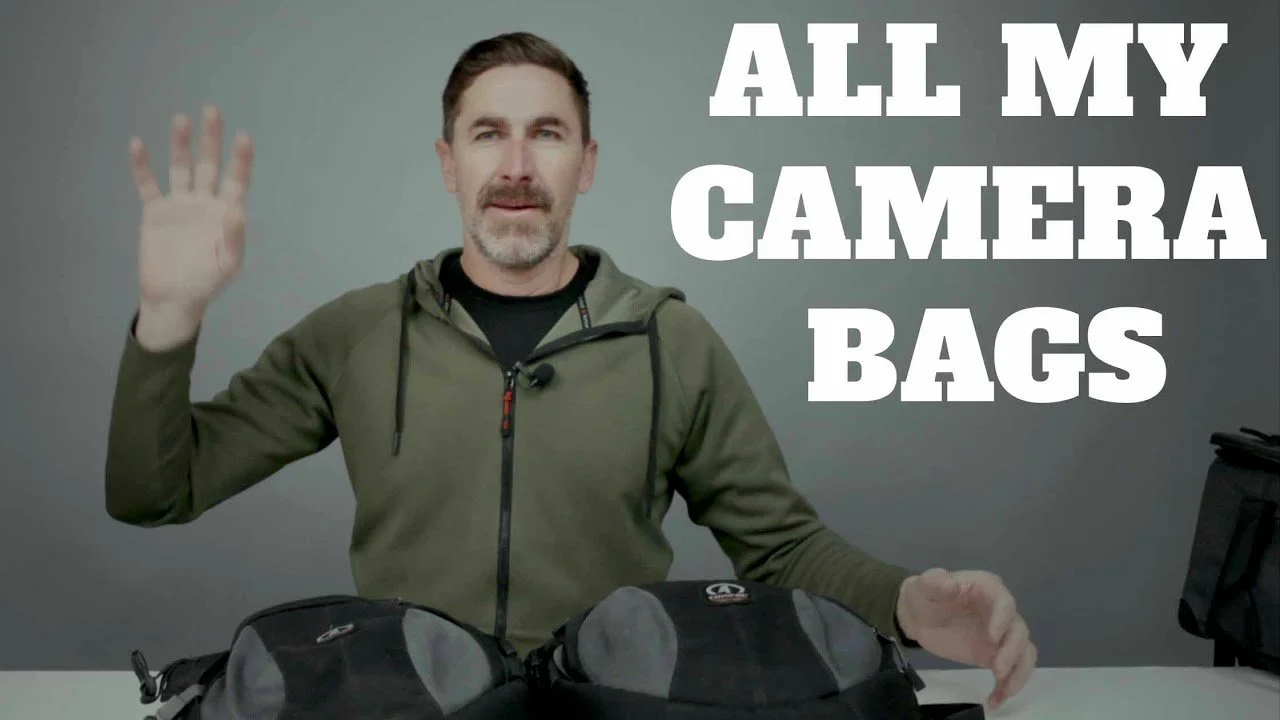
These are the camera bags I return to for paid shoots, travel, and everyday photography, based on years of carrying real equipment.
Originally published on YouTube Mar 14, 2025.
Access matters more than appearance
My longtime Tamrac crossbody bag remains a favorite because it sits securely against my body and keeps a camera within reach. It is discontinued, so the discussion is about the design and my experience rather than a promise of current availability.
Working bags and protective cases
I show my Tenba DNA 16 Pro messenger with a BYOB 13 insert, the CineLux Shoulder Bag 16, and an Evergreen rolling case. Each serves a different purpose: quick access, carrying a rig, or moving heavier equipment.
What to look for in your own bag
The review covers pocket placement, inserts, straps, weight, and how bags sit against the body. A bag that works for a small travel kit may be a poor choice for several heavy lenses. Watch the packing demonstrations to compare with your own gear.
Watch on YouTube and view the original product links. Some shopping links in the original description may be affiliate links.

Canon RF 100mm F2.8 Macro Review: Portraits and Close-Up Details
The Canon RF 100mm macro earned a place in my kit for product details, ring photographs, portraits, and headshots.
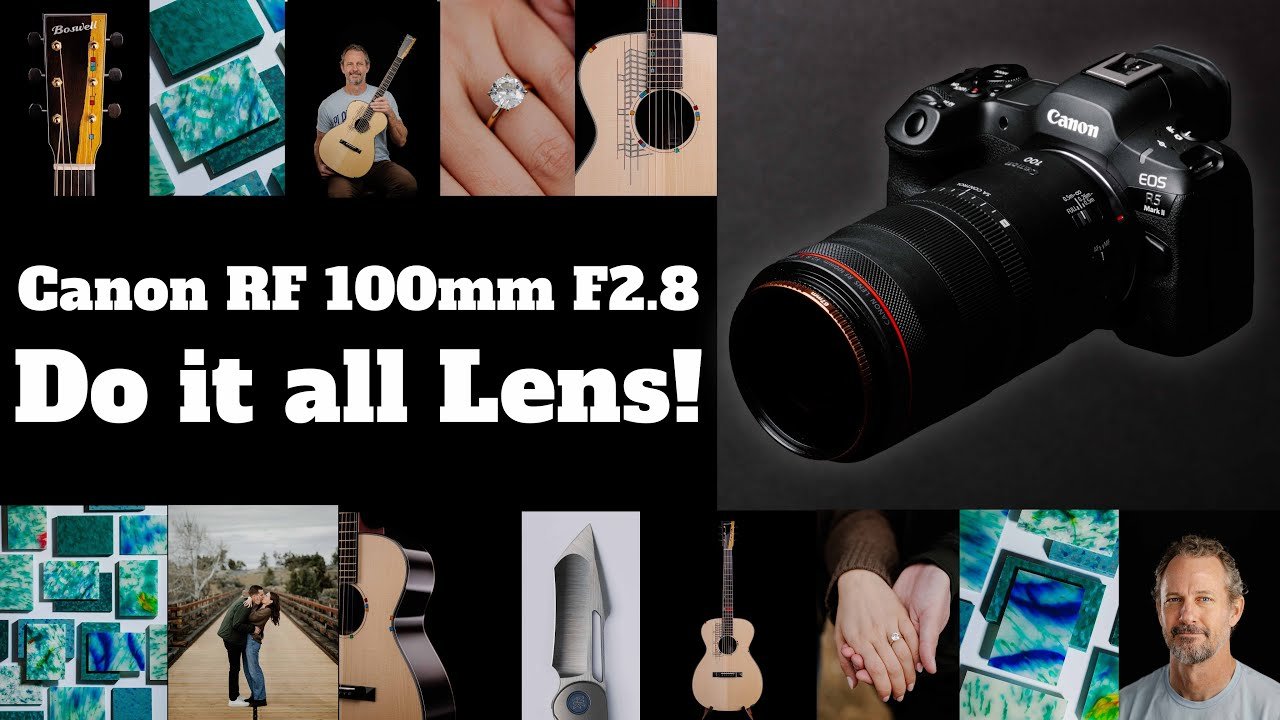
The Canon RF 100mm macro earned a place in my kit for product details, ring photographs, portraits, and headshots.
Originally published on YouTube Mar 12, 2025.
Why I added a macro lens
Borrowing the EF version reminded me how useful a dedicated macro lens can be. I then bought a used RF version and began using it for detailed product work and people. This video records my early experience after about two weeks.
More than close-up photographs
I show examples from portraits, a proposal, and product photography. The 100mm focal length works for people as well as small details, which makes the lens useful beyond occasional ring photographs.
Controls and handling
I cover the focus limiter, stabilization, control ring, and spherical-aberration control. I also discuss using a circular polarizer for reflections. My emphasis is on the photographs and how the lens fits into a working kit.
Watch on YouTube and view the original product links. Some shopping links in the original description may be affiliate links.

Evoto AI Review: Batch Portrait Retouching in My Workflow
Evoto AI helps me retouch selected portraits in batches after editing in Lightroom.
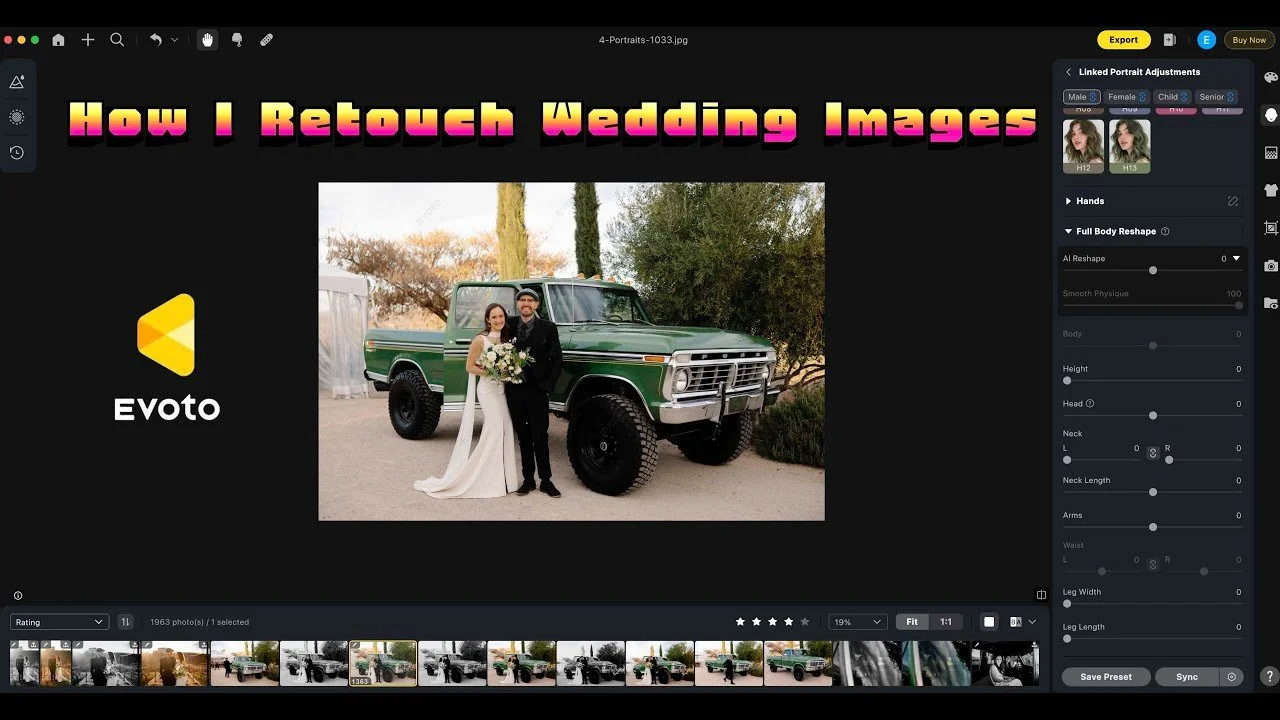
Evoto AI helps me retouch selected portraits in batches after editing in Lightroom. This walkthrough shows how I use it for stray hairs and small skin distractions.
Originally published on YouTube Mar 6, 2025.
Select the images that need retouching
I use Lightroom ratings and facial recognition to narrow down the photographs before exporting them for retouching. In the example, that separates the selected portraits from a much larger delivered gallery.
Keep the adjustments controlled
I demonstrate the tools I use most, then synchronize the adjustments and inspect the results. Automated retouching still needs a human check, especially where hair, faces, or backgrounds vary between images.
A focused finishing step
This is software coverage using a real wedding gallery, not a wedding film. The video explains why I use Evoto as a finishing step and how I export the results for delivery. Prices and credit offers mentioned in the original recording may have changed.
Watch on YouTube and view the original product links. Some shopping links in the original description may be affiliate links.
SmallRig RF10C Review: Creative Patterns and Brightness Limits
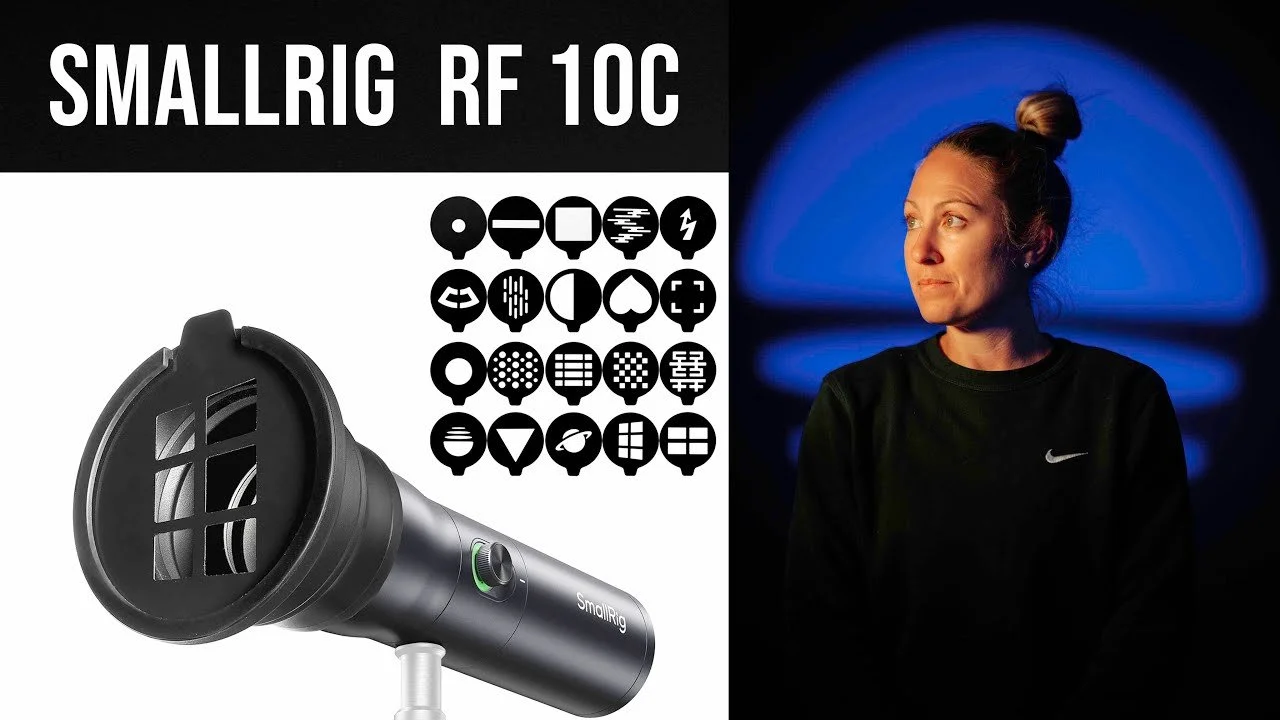
The SmallRig RF10C is a small focusable LED light with colored output and projection patterns.
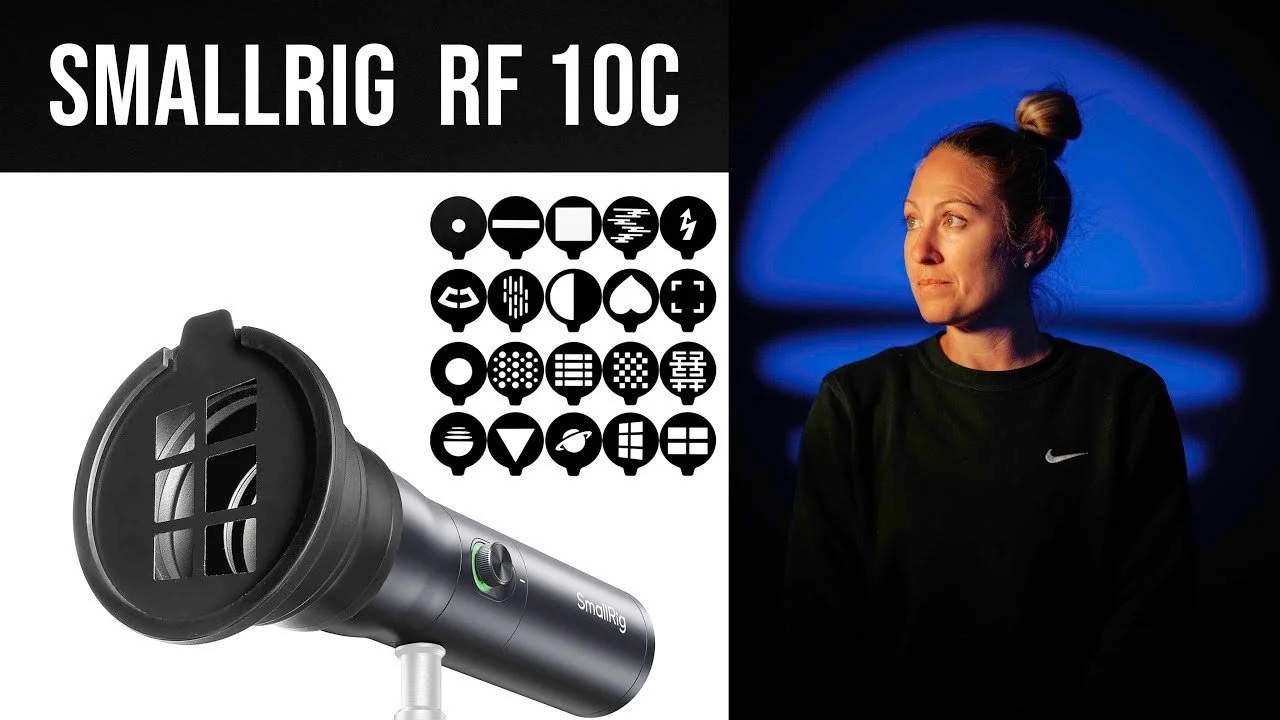
The SmallRig RF10C is a small focusable LED light with colored output and projection patterns. It is fun for portraits, provided you understand its brightness limits.
Originally published on YouTube Feb 25, 2025.
Patterns in a compact light
I demonstrate the focusing control, colored LEDs, and pattern inserts. Blue was my favorite color for contrast against skin tones. Changing the LED color can shift the pattern position, so I adjust the light again after a change.
Best in controlled light
This is not a powerful daylight light. I found it more useful indoors with low ambient light or at night. The sample portraits show what it can do when the surrounding light is controlled.
My buying advice
Watch the brightness demonstrations before buying it for a particular job. Its creative appeal is real, but the output needs to match your environment and working distance.
Watch on YouTube and view the original product links. Some shopping links in the original description may be affiliate links.

Dehancer Lite for Final Cut Pro Review: My Film-Style Workflow
Dehancer Lite gives me a practical starting point for film-style color in Final Cut Pro.
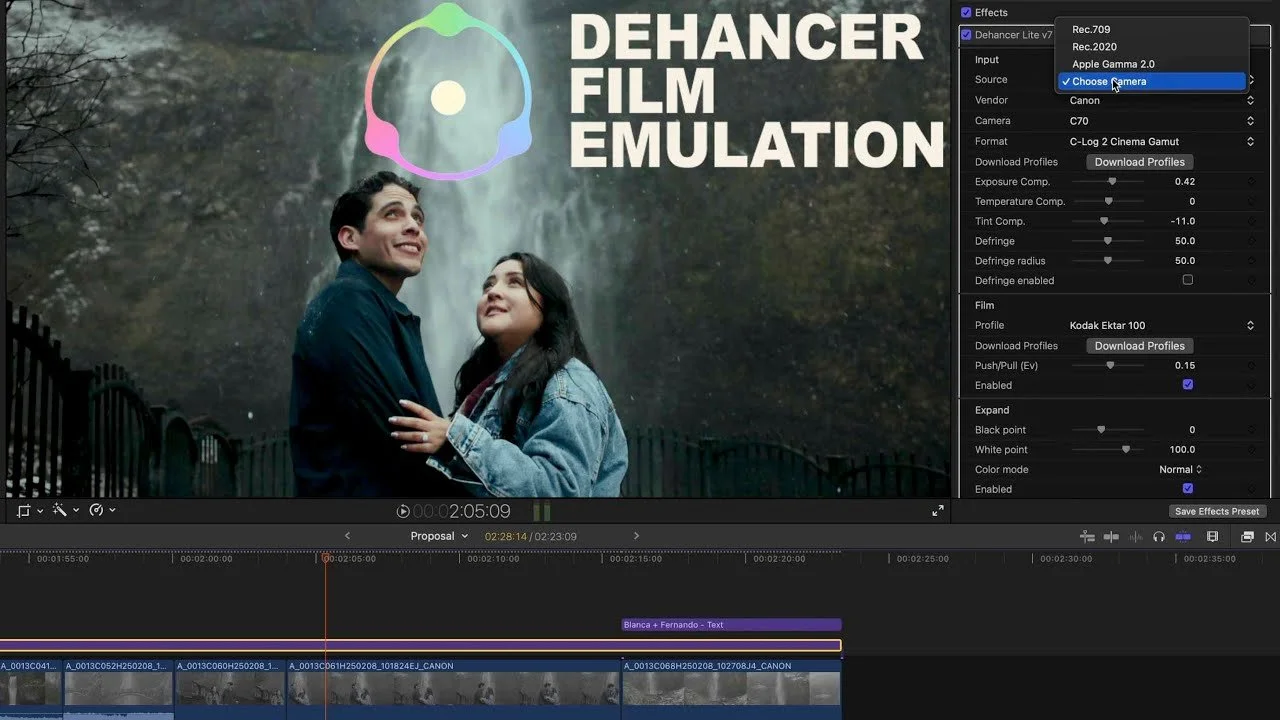
Dehancer Lite gives me a practical starting point for film-style color in Final Cut Pro. This review shows how I use it on Canon Log footage.
Originally published on YouTube Feb 11, 2025.
How I use the plugin
I demonstrate film profiles, color adjustments, grain, and other finishing controls using real clips. An adjustment layer lets me apply a consistent starting point, then refine the look for the footage.
Useful, with occasional hiccups
The plugin has helped me as I learn more about shooting and grading Log footage. I have also had occasions where reinstalling it resolved a display problem. I include that experience because reliability matters alongside the look.
Lite versus Pro
The video discusses why I was interested in testing Pro, including LUT export. The workflow demonstrated centers on the version I was using at the time. Check the current edition’s feature list before buying, since software packages change.
Watch on YouTube and view the original product links. Some shopping links in the original description may be affiliate links.
Godox and Flashpoint iM30 Mini Flash Review
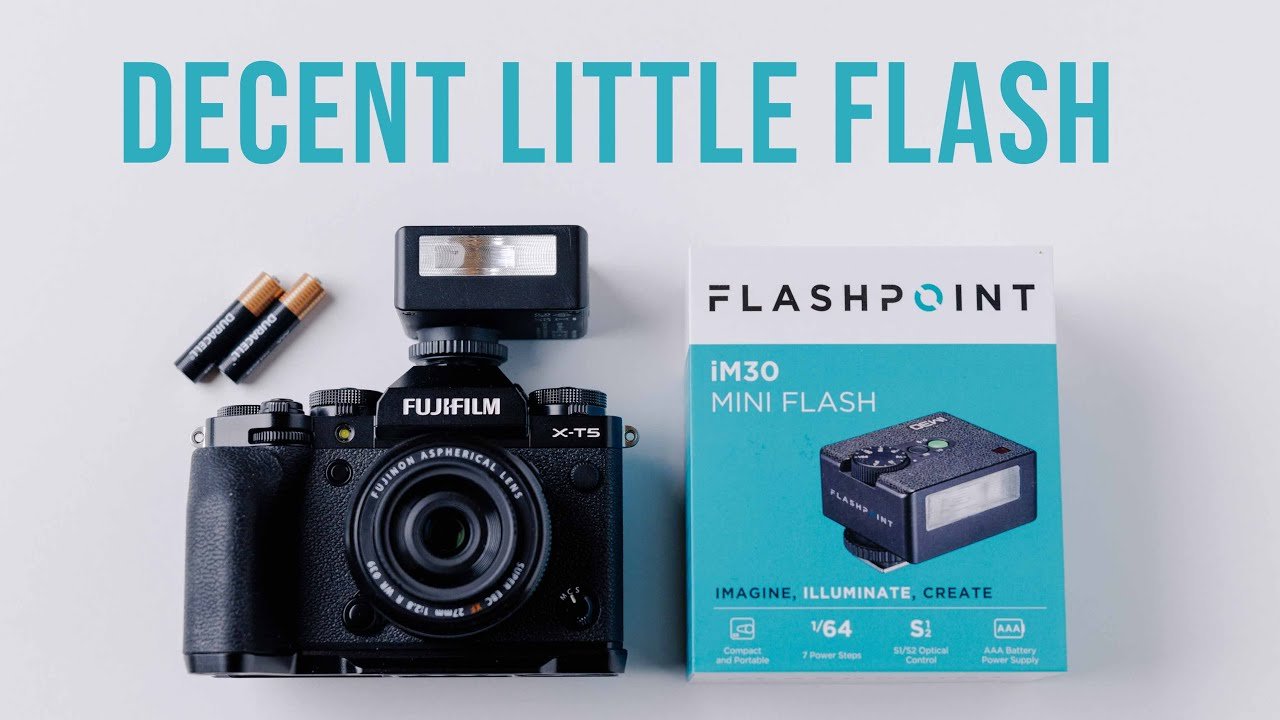
The iM30 is a small manual flash that runs on two AAA batteries.
The iM30 is a small manual flash that runs on two AAA batteries. My review covers the fun of a compact flash alongside the controls and recycling compromises.
Originally published on YouTube Feb 7, 2025.
Small and adjustable
The flash offers seven output levels from 1/64 to full power. I demonstrate it on my Fujifilm X-T5 and discuss where a tiny direct flash can fit into casual photography.
What I did not like
The battery-door design was awkward for me, and startup and full-power recycling could be slow in my use. The video shows the wait between flashes rather than just quoting a specification.
My verdict
I see it as a fun, occasional-use accessory rather than my first choice for demanding work. The review also compares the experience with the smaller Reflx Lab flash and the larger flashes I use professionally.
Watch on YouTube and view the original product links. Some shopping links in the original description may be affiliate links.
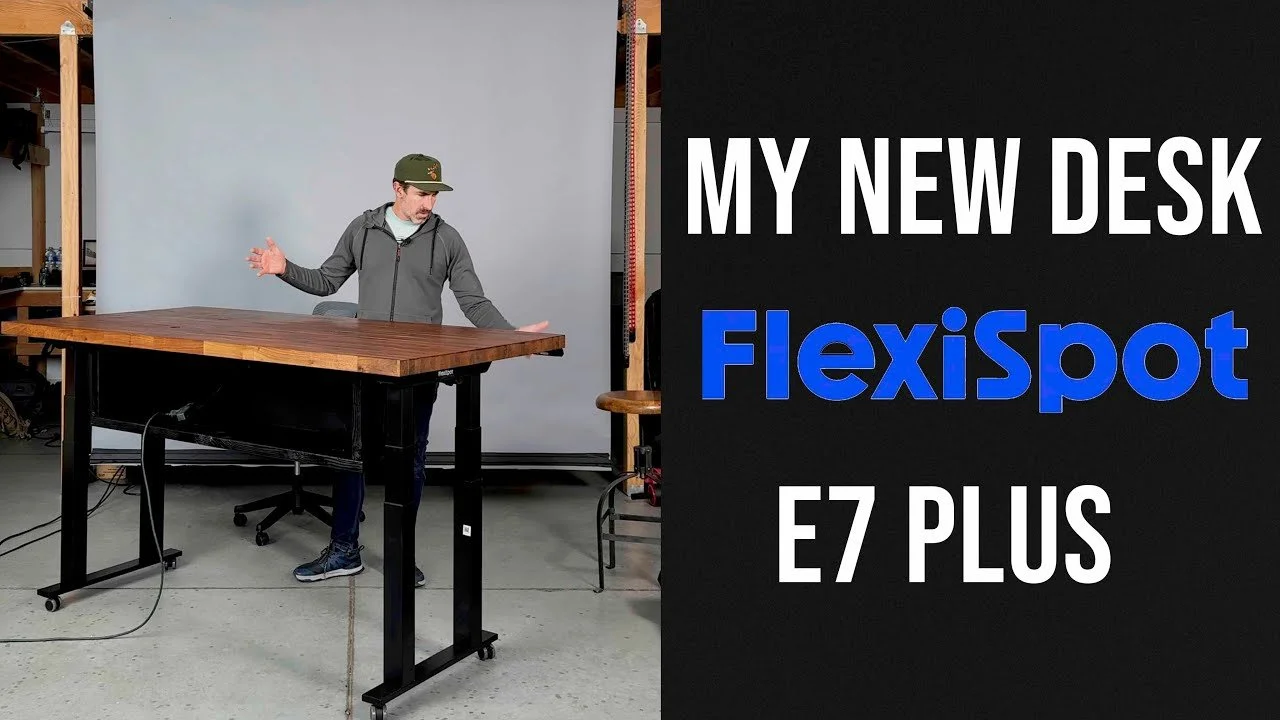
FlexiSpot E7 Plus Standing Desk Review and Photography Workspace
I rebuilt my photography workspace around a FlexiSpot E7 Plus base to support my heavy desktop and make the desk more stable and practical.
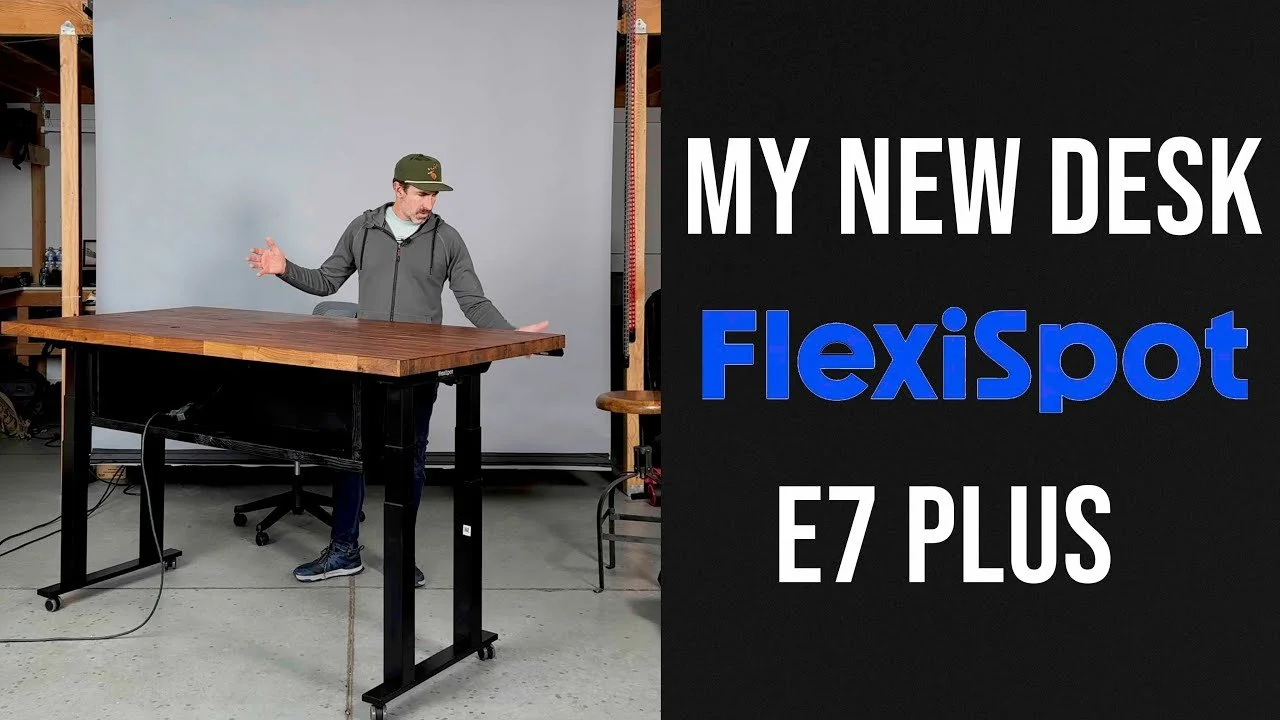
I rebuilt my photography workspace around a FlexiSpot E7 Plus base to support my heavy desktop and make the desk more stable and practical.
Originally published on YouTube Jan 24, 2025.
Why I changed the base
After an obstruction damaged my old desk setup, I wanted a four-legged base with collision detection. I explain why the E7 Plus fit my height requirements, including the use of casters in my studio.
A working photographer’s desk
The video includes the build and a tour of the monitors, storage, audio gear, and overhead filming equipment around the desk. The aim is to make editing and recording easier in the same workspace.
Plan around your own setup
My desktop is unusually heavy, so my priorities may differ from someone using a laptop and one screen. Consider the complete load, lowest working height, cable routing, and room to move before choosing a base.
Watch on YouTube and view the original product links. Some shopping links in the original description may be affiliate links.
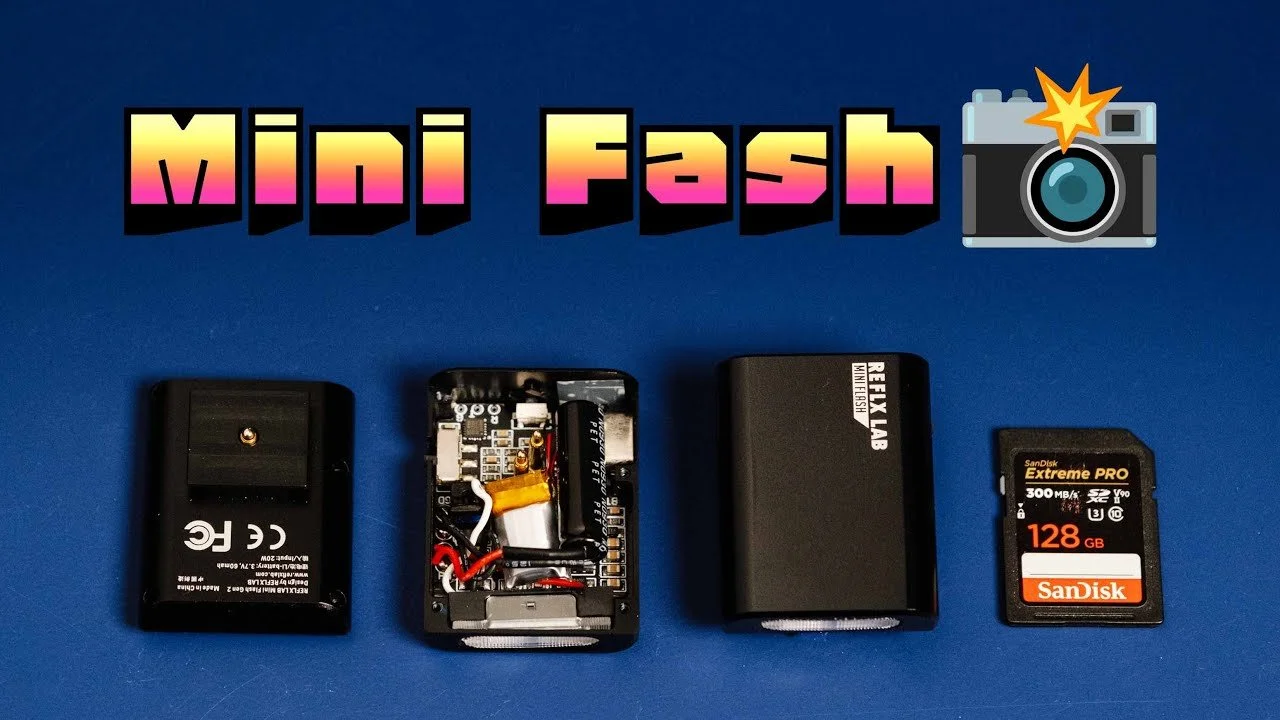
Reflx Lab Mini Flash Review: Tiny Size, Real Trade-Offs
The Reflx Lab mini flash is small enough to disappear in a camera bag.
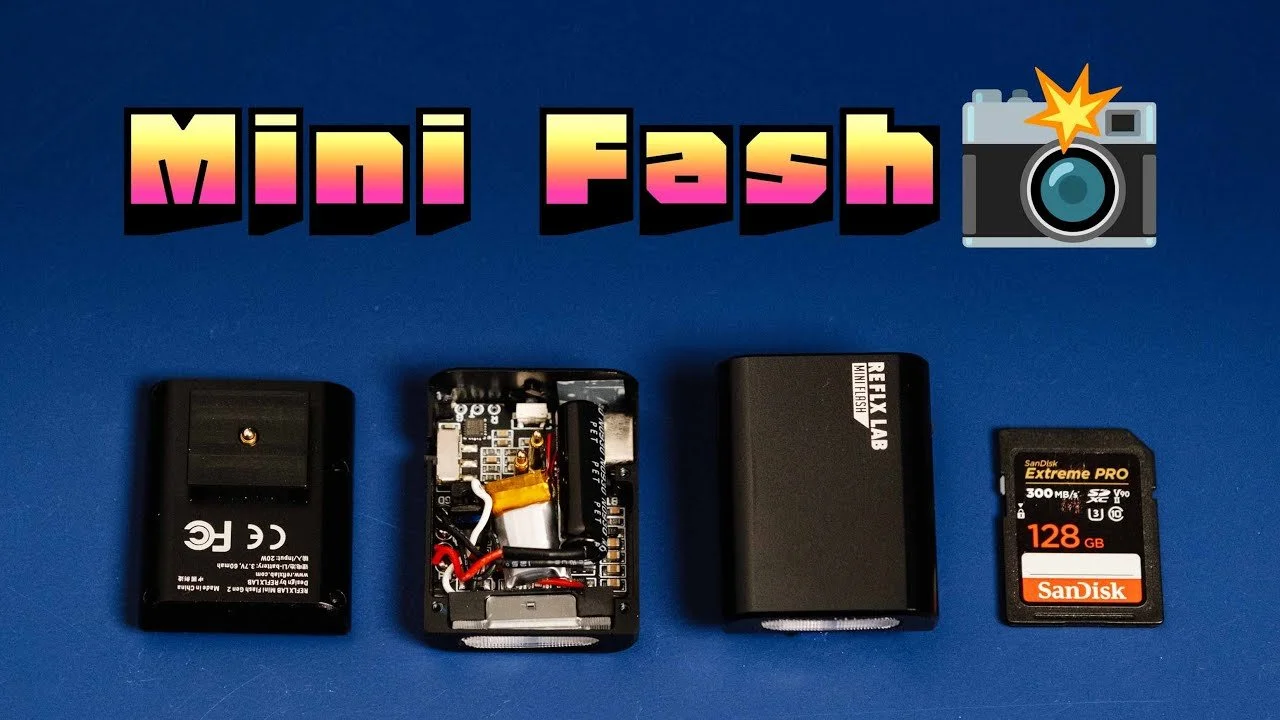
The Reflx Lab mini flash is small enough to disappear in a camera bag. I tested it with compact lenses and found both a fun direct-flash look and some limitations.
Originally published on YouTube Jan 17, 2025.
What I enjoyed
The simple switch and quick startup made the flash easy to grab for casual photographs. I show it alongside memory cards for scale and demonstrate it on small camera-and-lens combinations.
Lens shadows matter
A larger lens can block the light because the flash sits so low. My sample images show how that shadow changes with framing and focal length. A small pancake lens was a better match for the look I wanted.
Reliability and support
My first unit stopped working, and Reflx Lab sent a replacement after I contacted support. I include that experience in the review, along with the supplied charging-cable guidance.
Watch on YouTube and view the original product links. Some shopping links in the original description may be affiliate links.
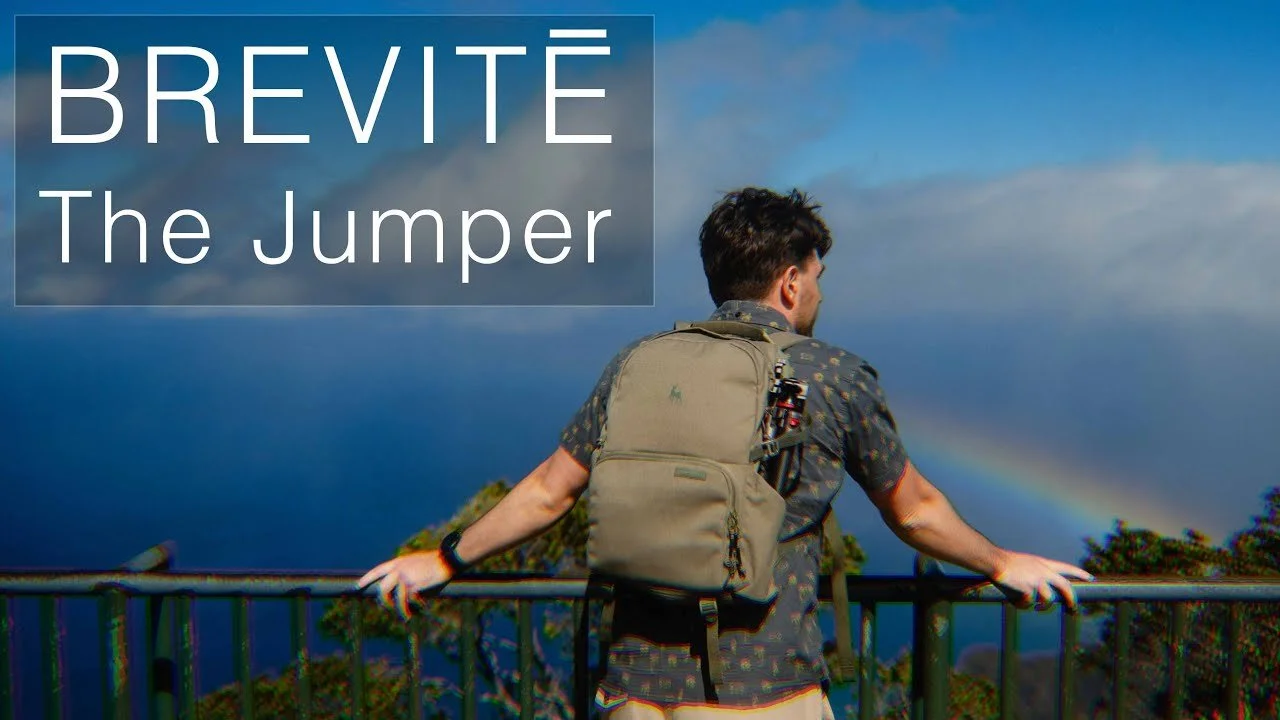
Brevite Jumper Backpack Review: A Small Travel Camera Bag
I took the Brevite Jumper backpack to Hawaii to see how it worked as an everyday camera bag for a smaller travel kit.
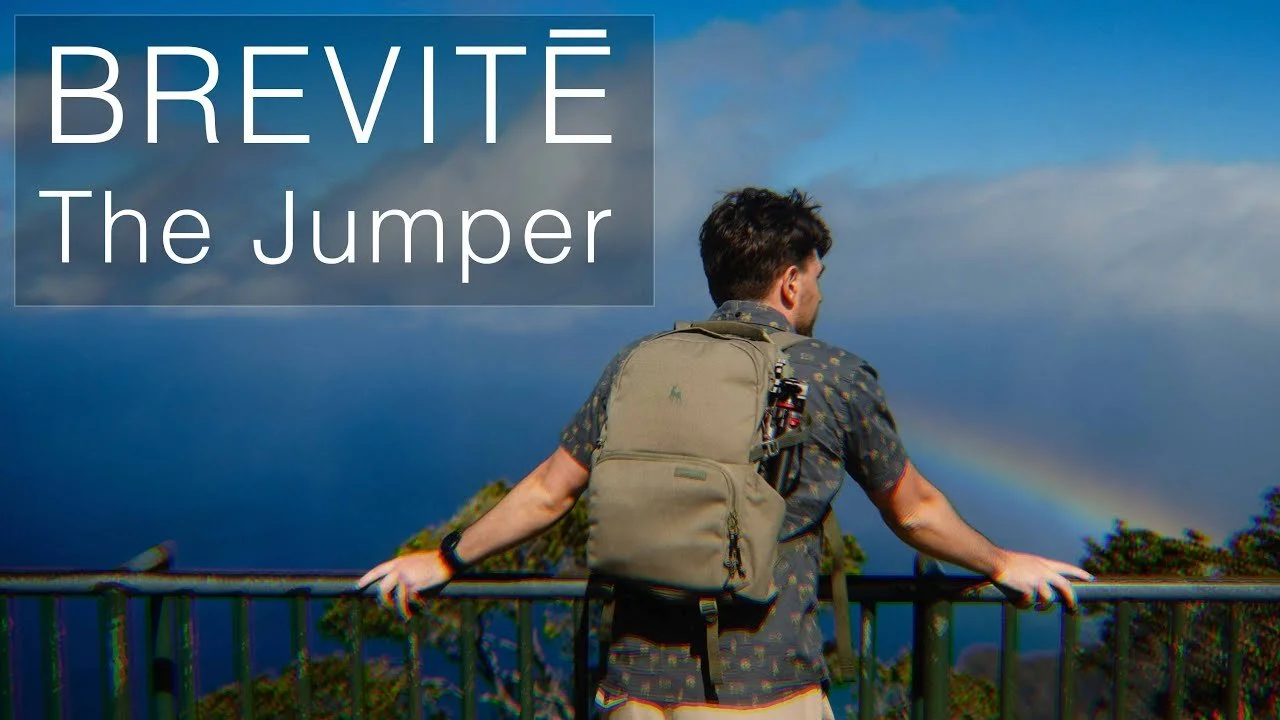
I took the Brevite Jumper backpack to Hawaii to see how it worked as an everyday camera bag for a smaller travel kit.
Originally published on YouTube Dec 18, 2024.
Packing a compact kit
The video shows the configurable camera compartment, side and top access, front accessory pockets, and space for a light layer. I liked having a bag that felt less cumbersome than my larger working backpacks.
Laptop fit and travel details
My 16-inch MacBook was a tight fit with its additional case; without that case it fit more easily. I also used the luggage pass-through while traveling with a rolling case.
My experience
Brevite supplied the bag for testing. I enjoyed the soft feel, simple layout, and compact size for this trip. Watch the packing walkthrough to judge whether your own lenses and laptop would fit comfortably.
Watch on YouTube and view the original product links. Some shopping links in the original description may be affiliate links.
Sandmarc Retro Filter and iPhone Case Review
I tested the Sandmarc Retro filter and iPhone case during a trip to Hawaii, using the filter to add a soft glow to everyday photographs.
I tested the Sandmarc Retro filter and iPhone case during a trip to Hawaii, using the filter to add a soft glow to everyday photographs.
Originally published on YouTube Dec 17, 2024.
A creative effect rather than extra sharpness
The sample photographs show the dreamy rendering I enjoyed from the filter. That look is a creative choice: bright areas and the way light falls on a face are part of the effect.
Case and camera control
I discuss the supplied case for my iPhone 16 Pro Max and the screw-in accessory mounting. When using an attached lens, an app that lets me select and hold the intended camera is useful because automatic camera switching can interfere.
What this review covers
Sandmarc sent the products for testing. The video also introduces a telephoto accessory, but I was still learning it and reserved a fuller opinion for later. The main experience here is the filter, case, and travel photographs.
Watch on YouTube and view the original product links. Some shopping links in the original description may be affiliate links.
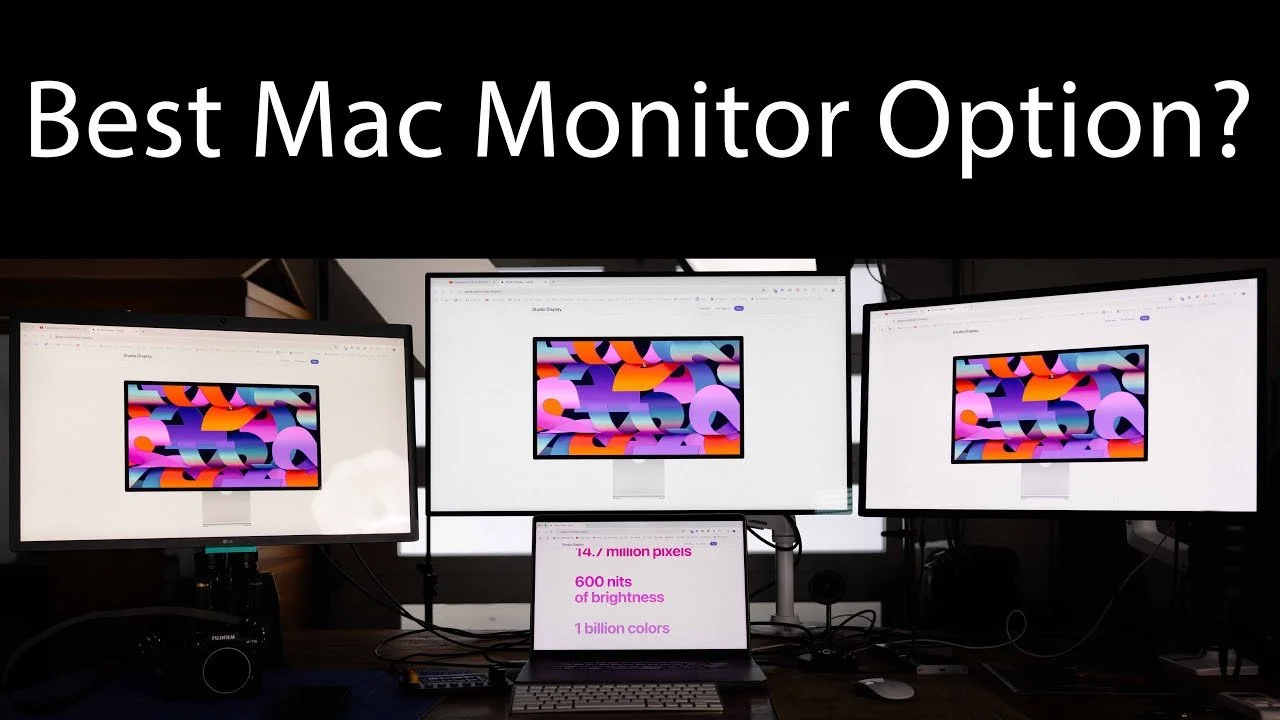
Apple Studio Display vs Pro Display XDR vs LG 5K: Photo Editing Review
I compared the Apple Studio Display, Pro Display XDR, and my longtime LG 5K monitor from the perspective of a photographer editing every day.
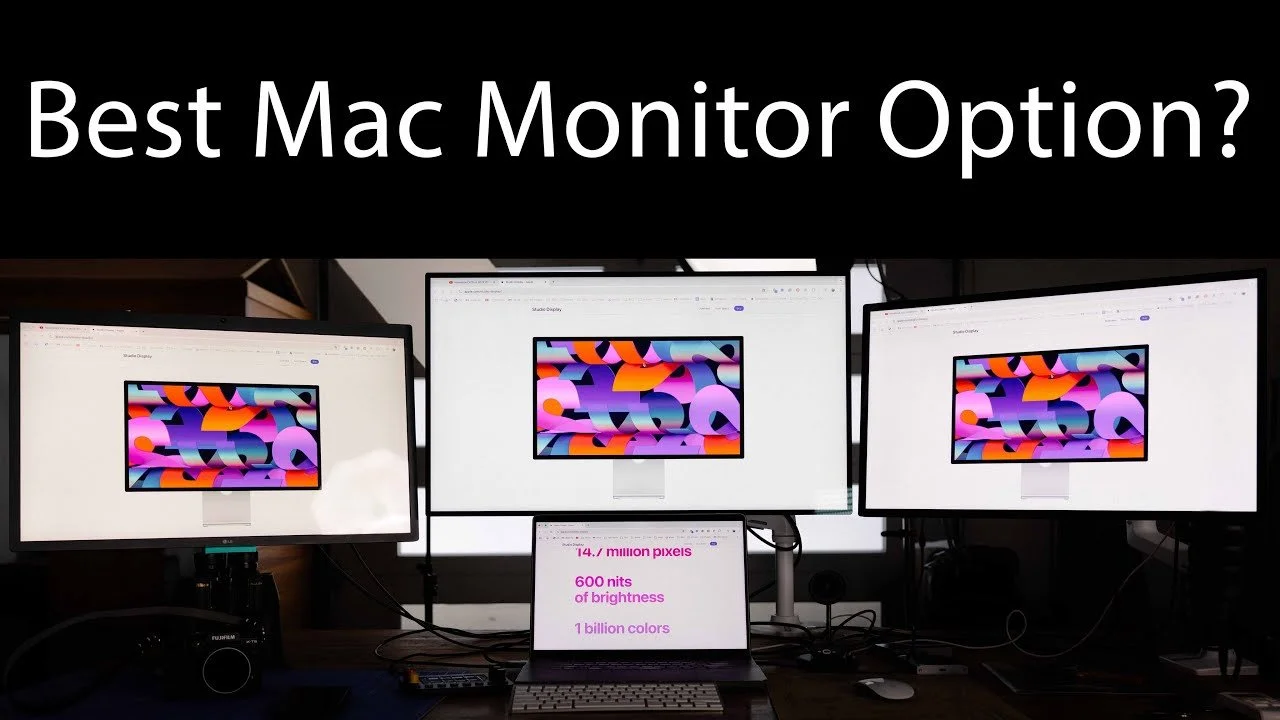
I compared the Apple Studio Display, Pro Display XDR, and my longtime LG 5K monitor from the perspective of a photographer editing every day.
Originally published on YouTube Dec 16, 2024.
Why I preferred the Studio Display
In my workspace, the 27-inch Studio Display offered the balance I wanted: a crisp image, useful brightness, built-in speakers, and a practical size. This is my editing experience, not a laboratory display ranking.
The XDR trade-offs for my work
The larger 32-inch XDR gave me more screen area, but I noticed viewing-angle and scaling differences when moving between displays. Its advanced HDR capabilities were not central to my photography workflow.
Consistency across the desk
Calibration and room lighting matter. I discuss my measured brightness results and why matching displays can make a multi-monitor setup easier to use. Consider your own work, especially if HDR video is a priority.
Watch on YouTube and view the original product links. Some shopping links in the original description may be affiliate links.
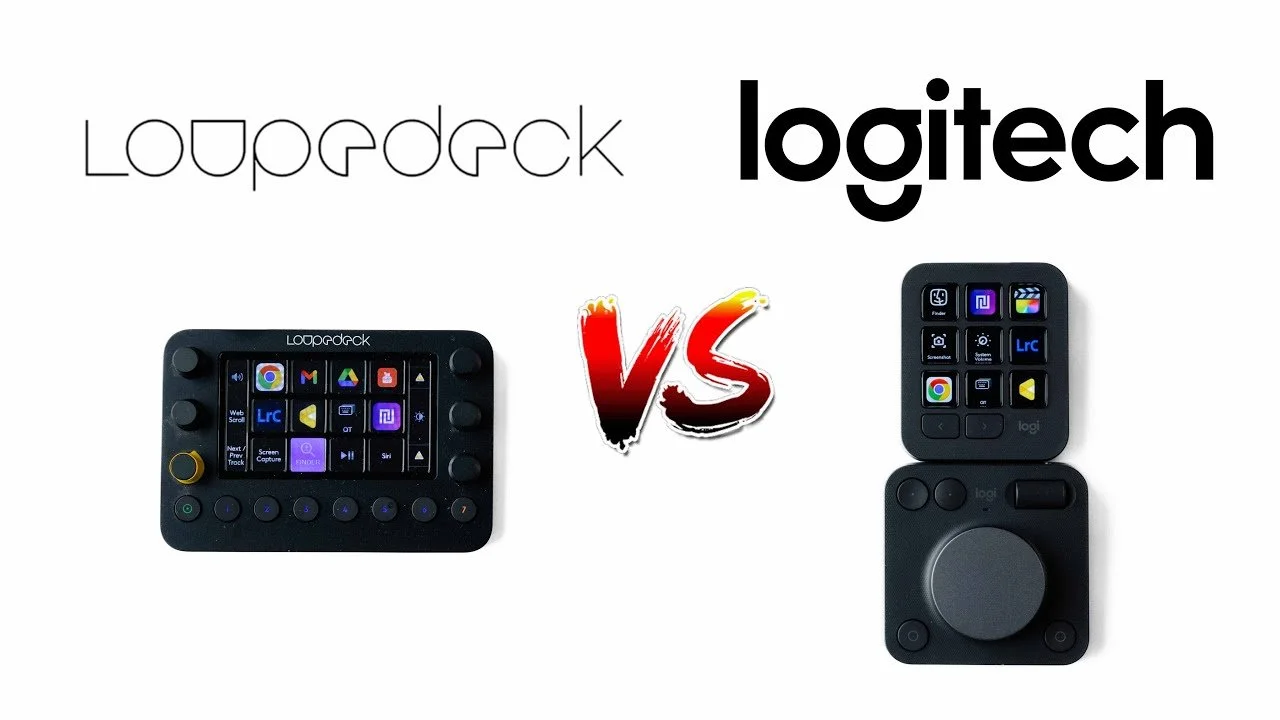
Logitech MX Creative Console vs Loupedeck Live Review
After more than two years with the Loupedeck Live, I compared it directly with the Logitech MX Creative Console.
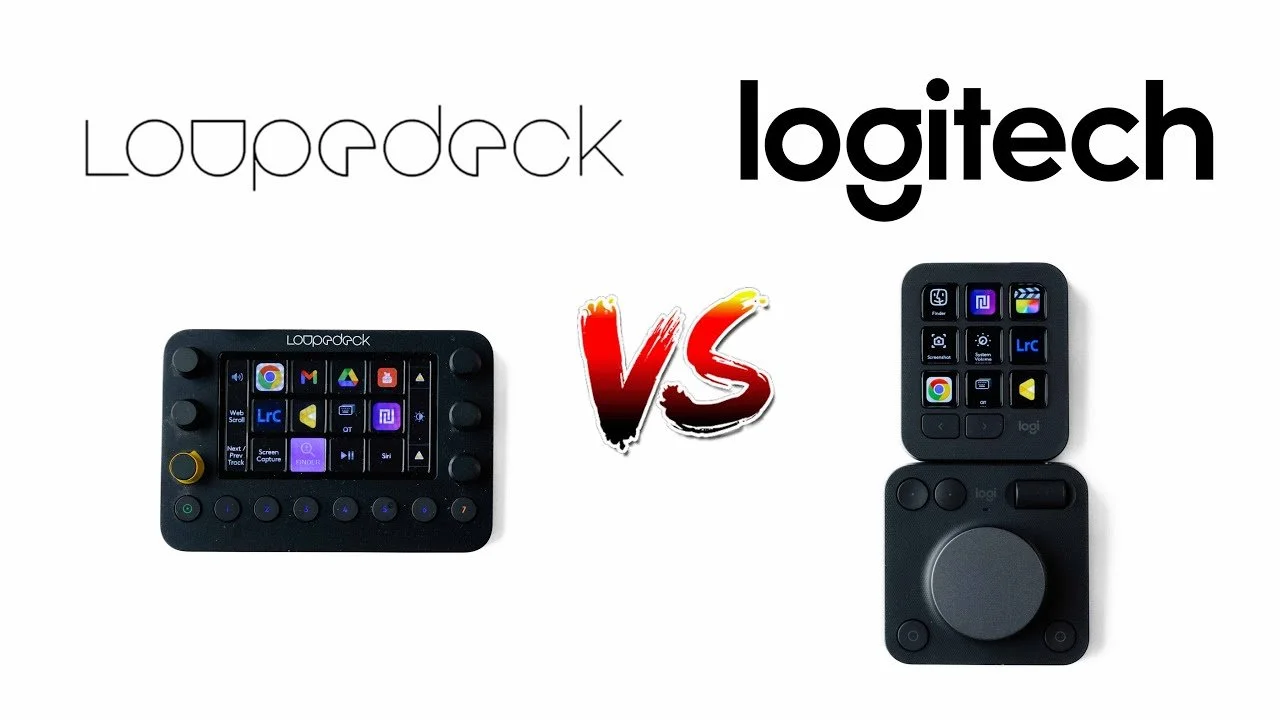
After more than two years with the Loupedeck Live, I compared it directly with the Logitech MX Creative Console.
Originally published on YouTube Dec 4, 2024.
A practical comparison
The video walks through the two editing control systems and the experience of using them. It includes issues with both devices and a small amount of troubleshooting, rather than treating either one as a perfect upgrade.
Watch before choosing a controller
An editing console needs to fit the applications and shortcuts you actually use. Watch the demonstrations to compare the controls with your own workflow and decide whether a dedicated device would save you time.
Watch on YouTube and view the original product links. Some shopping links in the original description may be affiliate links.