Gear Reviews
Hands-on camera, lens, iPhone accessory, lighting, and editing software reviews by Ely Roberts. Browse the latest reviews below, or use the Reviews menu to explore a category.
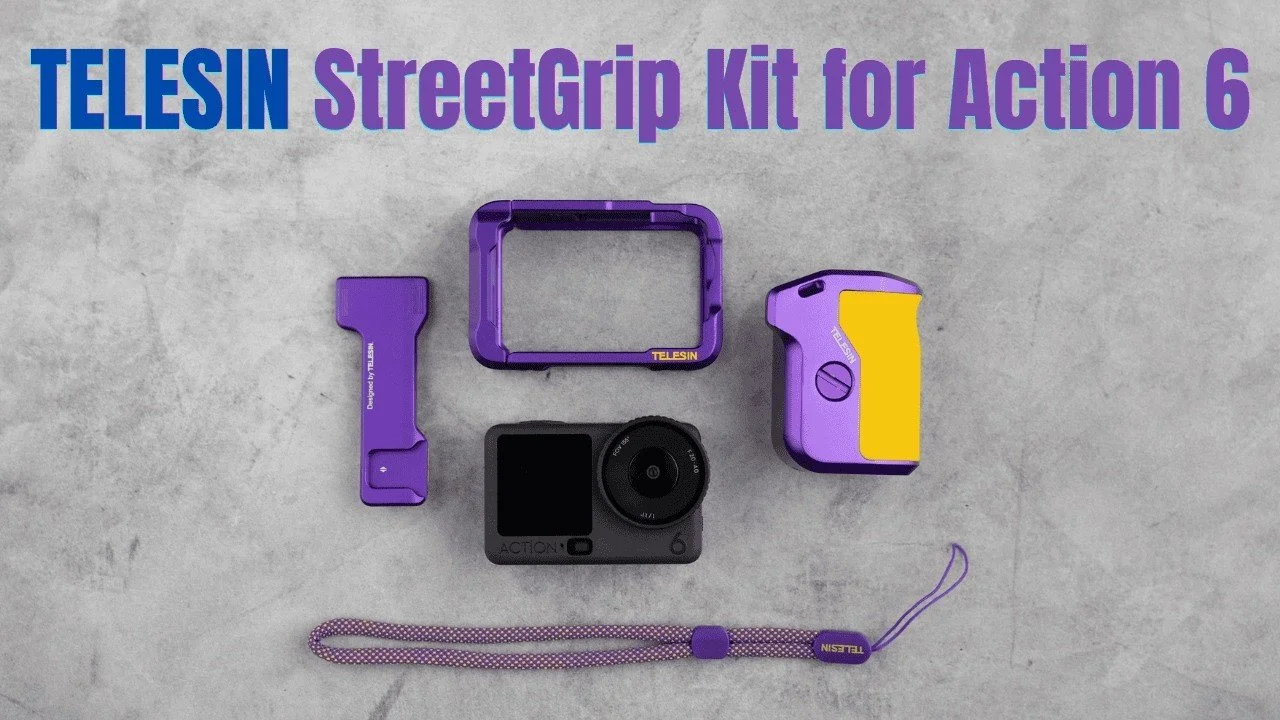
Telesin Street Photography Kit for DJI Action 6: First Look
Telesin’s purple-and-gold Street Photography Kit turns the DJI Action 6 into a small camera with a grip and a more familiar shutter button.
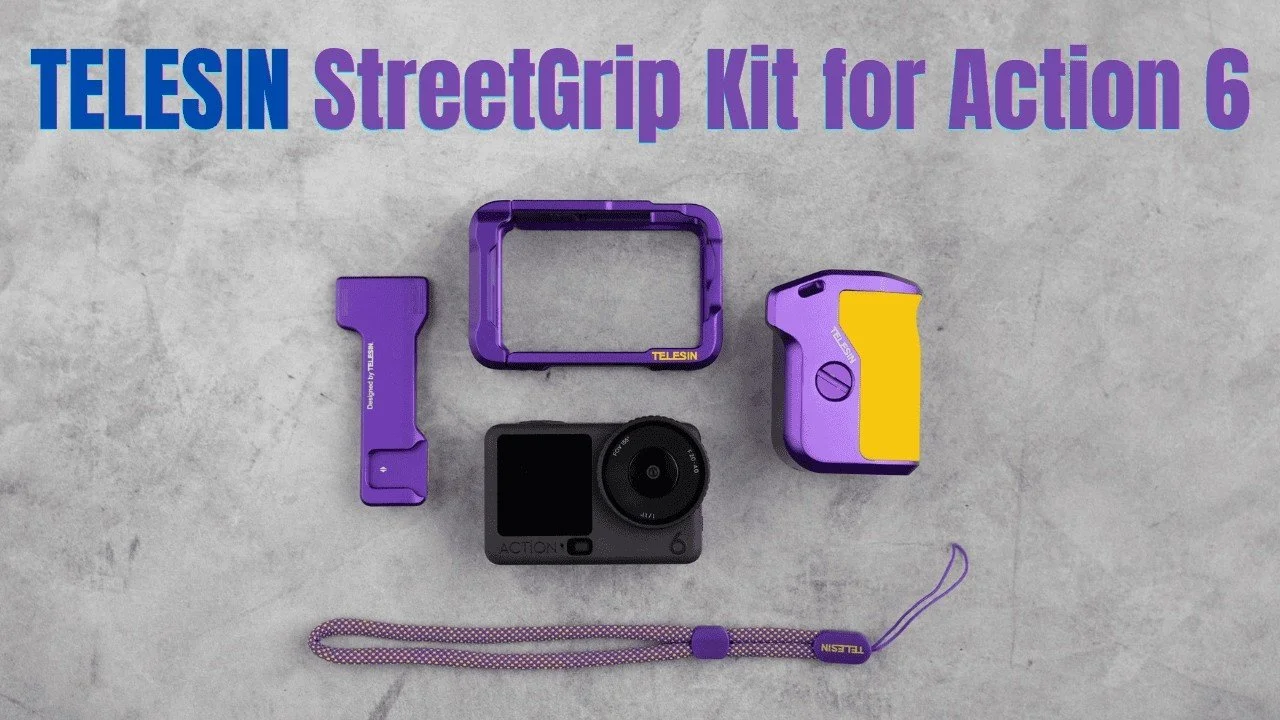
Telesin’s purple-and-gold Street Photography Kit turns the DJI Action 6 into a small camera with a grip and a more familiar shutter button. This is an initial hands-on overview before a family trip, not a completed travel review.
Originally published on YouTube Mar 13, 2026.
A solid cage with thoughtful details
The cage felt well built and kept the main mounting points and ports accessible. The grip includes storage for a microSD card and the small assembly tool. Locating pins help keep the grip aligned, and the lanyard opening was easy to use.
Easy enough for my daughter to assemble
My daughter was drawn to the colors and figured out the assembly herself. I liked the simple shutter mechanism and the ability to use the setup for either photographs or handheld video. Changing the battery still requires opening the cage.
What this overview establishes
I walk through installation, controls, and basic photo settings in the video. I was looking forward to testing it on our trip, so I do not present long-term protection or travel results here. Telesin supplied the kit and filters for me to try.
Watch on YouTube and view the original product links. Some shopping links in the original description may be affiliate links.

Canon RF 16-28mm and 28-70mm F2.8 STM Review
I replaced my RF 24-70mm F2.8 with the smaller RF 16-28mm and 28-70mm F2.8 STM lenses, mainly for video.
I replaced my RF 24-70mm F2.8 with the smaller RF 16-28mm and 28-70mm F2.8 STM lenses, mainly for video. After using them for personal photography and paid work, I was very happy with the size, weight, and results.
Originally published on YouTube Feb 27, 2026.
Why these two zooms fit my kit
The wide zoom works well for a camera facing me, while the 28-70mm is useful for tighter and overhead video. Together they cover much of my studio YouTube work without making the rig heavy. For still photographs, I still use my RF 28-70mm F2 when I want that lens’s particular look.
Small handling details
Both lenses need to be rotated out of their retracted position before shooting. They also look similar enough that I use physical identifiers to tell them apart in a bag. Filters and a grippy step-up ring are part of my video setup.
Image quality in practical use
I found the results satisfactory for the way I work. My discussion of distortion concerns the corrected view and normal editing workflow, rather than uncorrected optical performance. This is a practical opinion after using the lenses, not a laboratory comparison.
Who I would recommend them to
They make sense to me for a lighter Canon hybrid kit, especially when video and travel matter. I liked the balance enough to move away from the larger standard zoom, while keeping other lenses for jobs that need a different look.
Watch on YouTube and view the original product links. Some shopping links in the original description may be affiliate links.
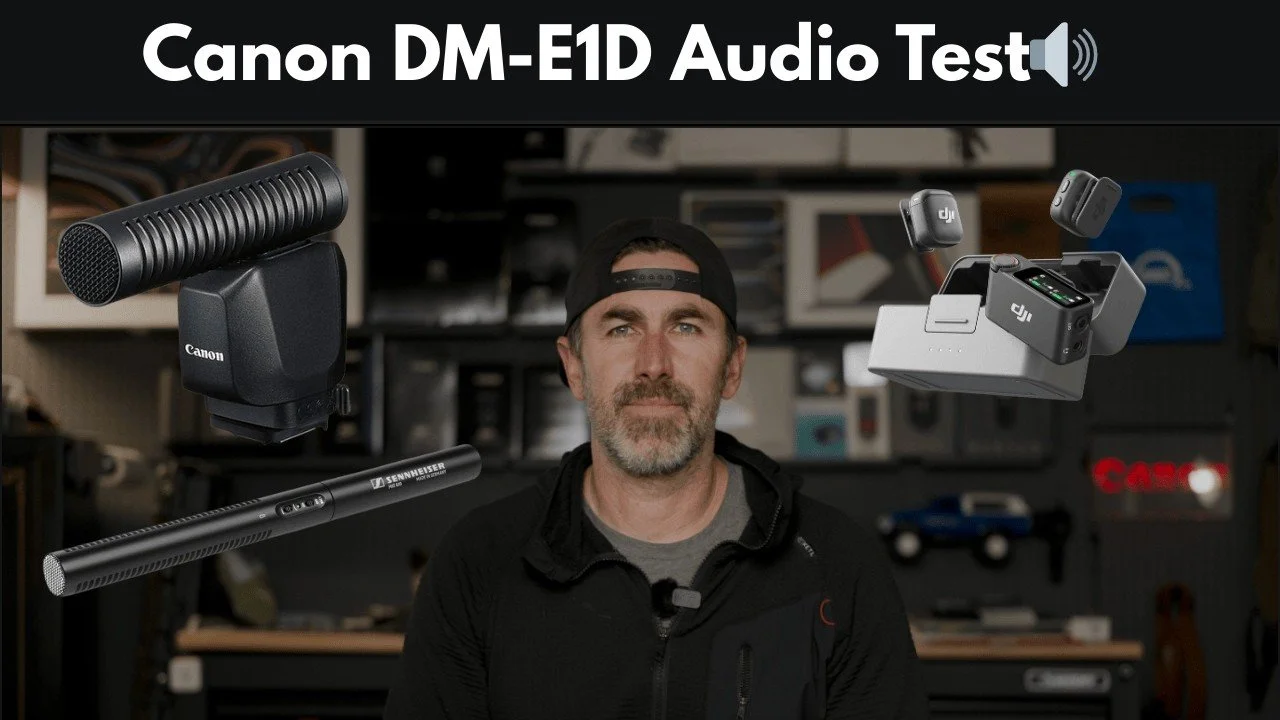
Canon DM-E1D Microphone Test: Hear the Differences
This video compares the Canon DM-E1D with a Sennheiser MKE 600, a DJI wireless microphone, and the camera’s internal microphones.
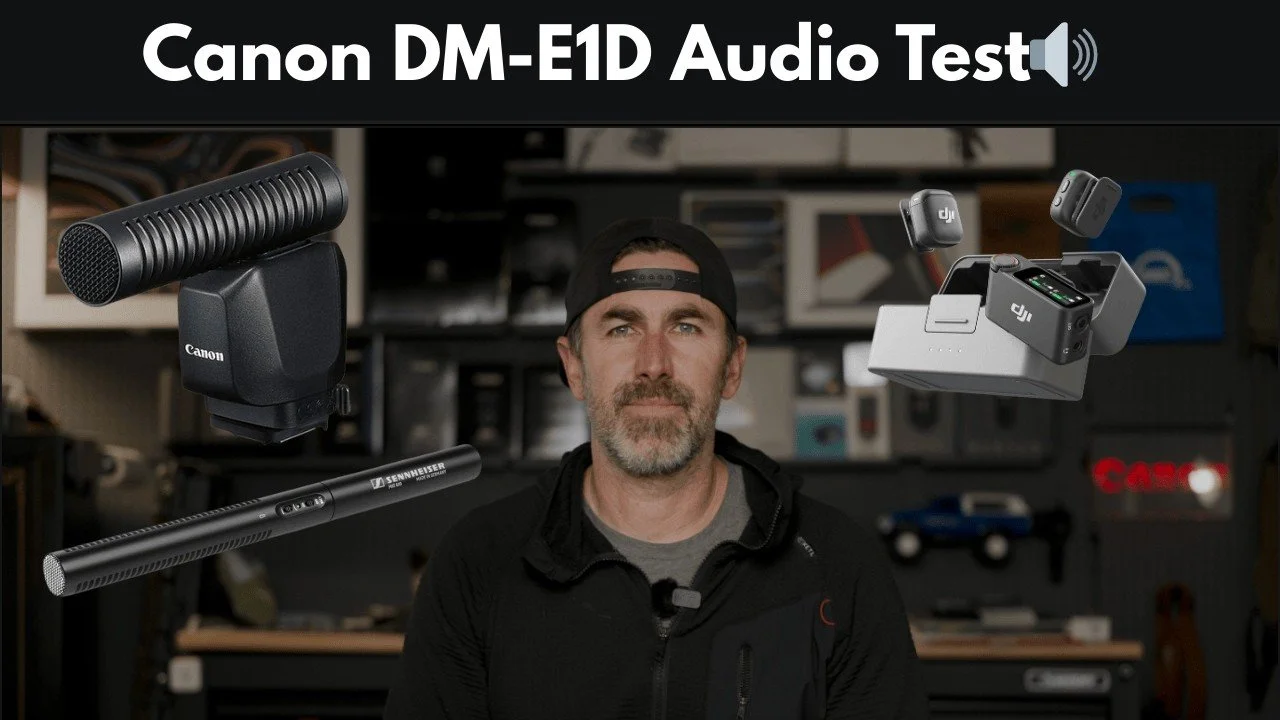
This video compares the Canon DM-E1D with a Sennheiser MKE 600, a DJI wireless microphone, and the camera’s internal microphones. The point is to let you hear the recordings rather than choose a winner from a specification sheet.
Originally published on YouTube Feb 23, 2026.
Why I bought the Canon microphone
I wanted a microphone that mounts on the camera without its own battery and provides another source of audio alongside the camera’s input jack. A second source can be useful when a wireless microphone is not connected or another recording has a problem.
How I set up the comparison
I played background mall noise and spoke at a distance from the camera. The repeated passages let you compare the microphones with the same spoken material. I included wireless-microphone audio with and without its noise reduction, then compared the Canon microphone with the camera’s built-in audio.
Listen for the differences that matter to you
Pay attention to voice clarity, room sound, and how much background noise each setup captures. Placement differs between an on-camera mic and one worn close to the speaker, so this is a practical setup comparison rather than an identical-distance laboratory test. The video contains the actual audio samples.
Watch on YouTube and view the original product links. Some shopping links in the original description may be affiliate links.
Sandmarc 48mm Tetraprism Lens Review for iPhone
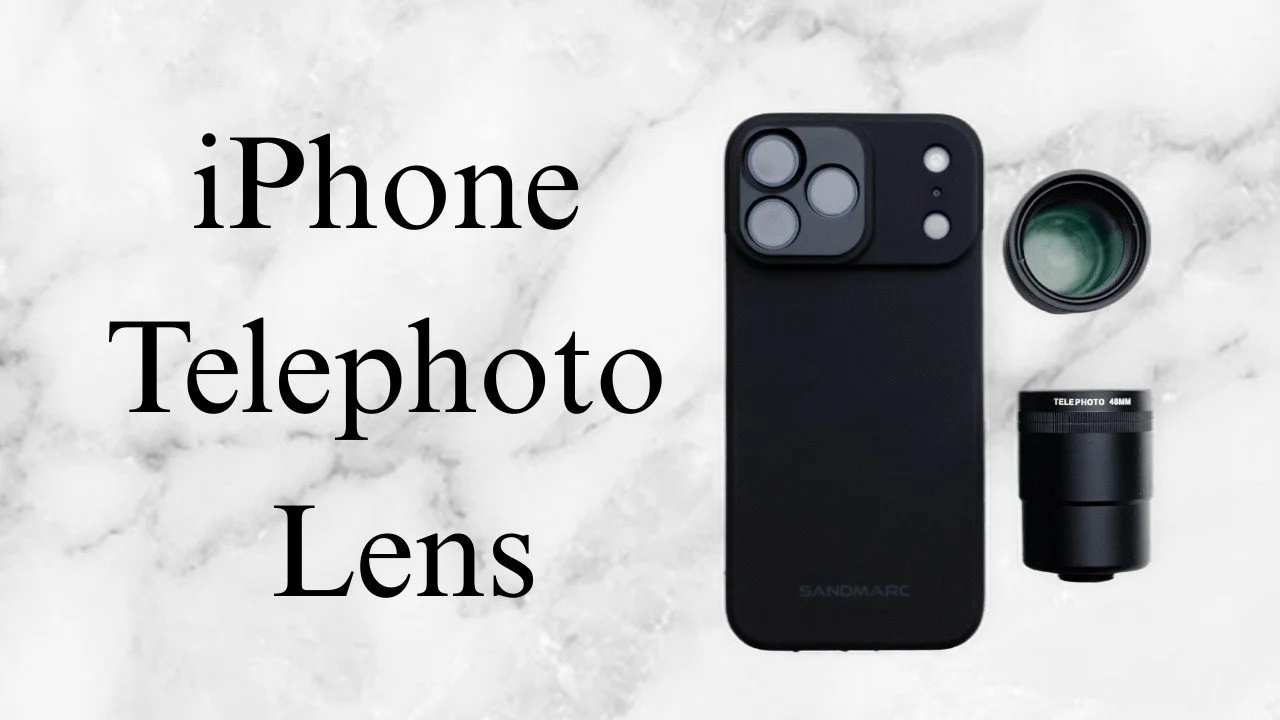
The Sandmarc 48mm Tetraprism accessory doubles the optical reach of the compatible phone telephoto setup.
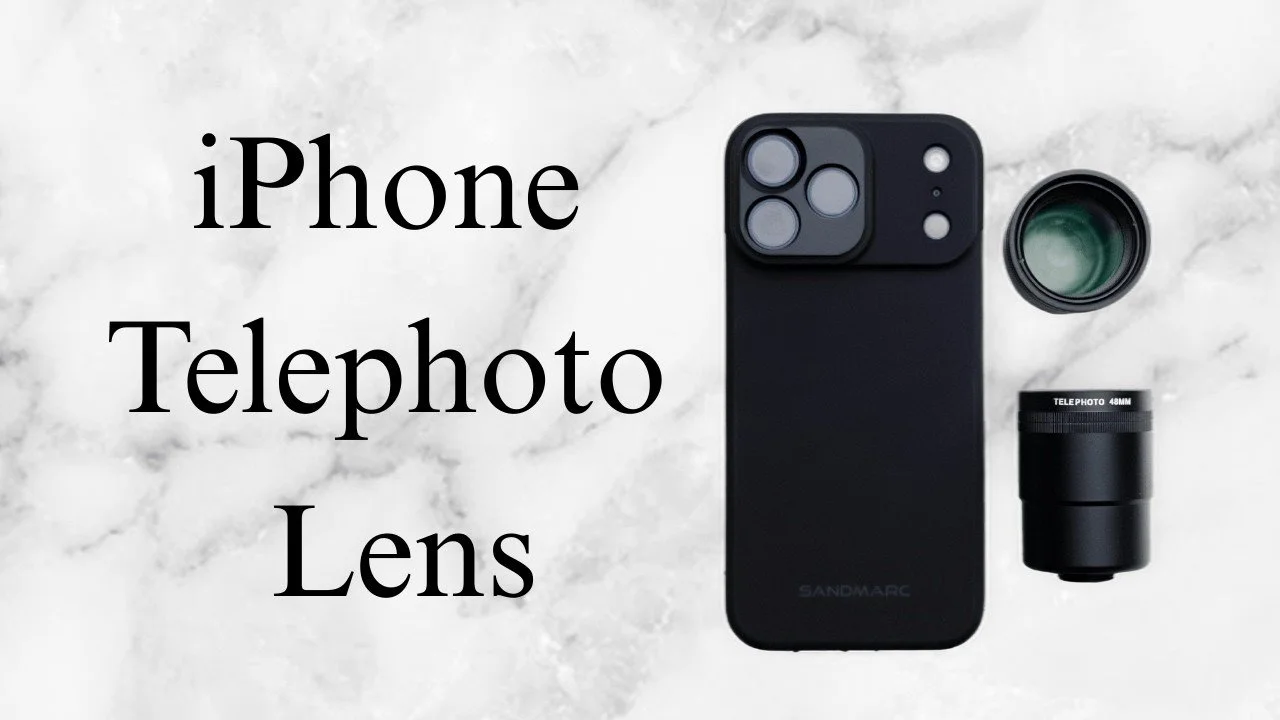
The Sandmarc 48mm Tetraprism accessory doubles the optical reach of the compatible phone telephoto setup. I took it out for duck and landscape photographs, then reviewed the results in Lightroom.
Originally published on YouTube Feb 19, 2026.
Extra reach for distant subjects
I liked the compact size and secure threaded mounting. The added reach is most useful for subjects farther away. Close focus was limited in my use, so I would not choose it primarily for nearby portraits when the phone’s own telephoto camera already works well.
Use an app that selects the camera
I used Moment to select the intended camera and prevent the phone from switching around the attached lens. A grip or small tripod can also make the longer view easier to handle. The video demonstrates the case mount, an alternative clip, and filter options.
What the samples showed
The duck and landscape examples looked sharp to me, and I enjoyed editing them with my mobile preset. These are early field examples, with more testing still ahead at recording time. Sandmarc supplied the lens for review. The later 72mm review offers another option if you want even more reach.
Related reviews
Watch on YouTube and view the original product links. Some shopping links in the original description may be affiliate links.
GITRYIN Modular Charging Station Review
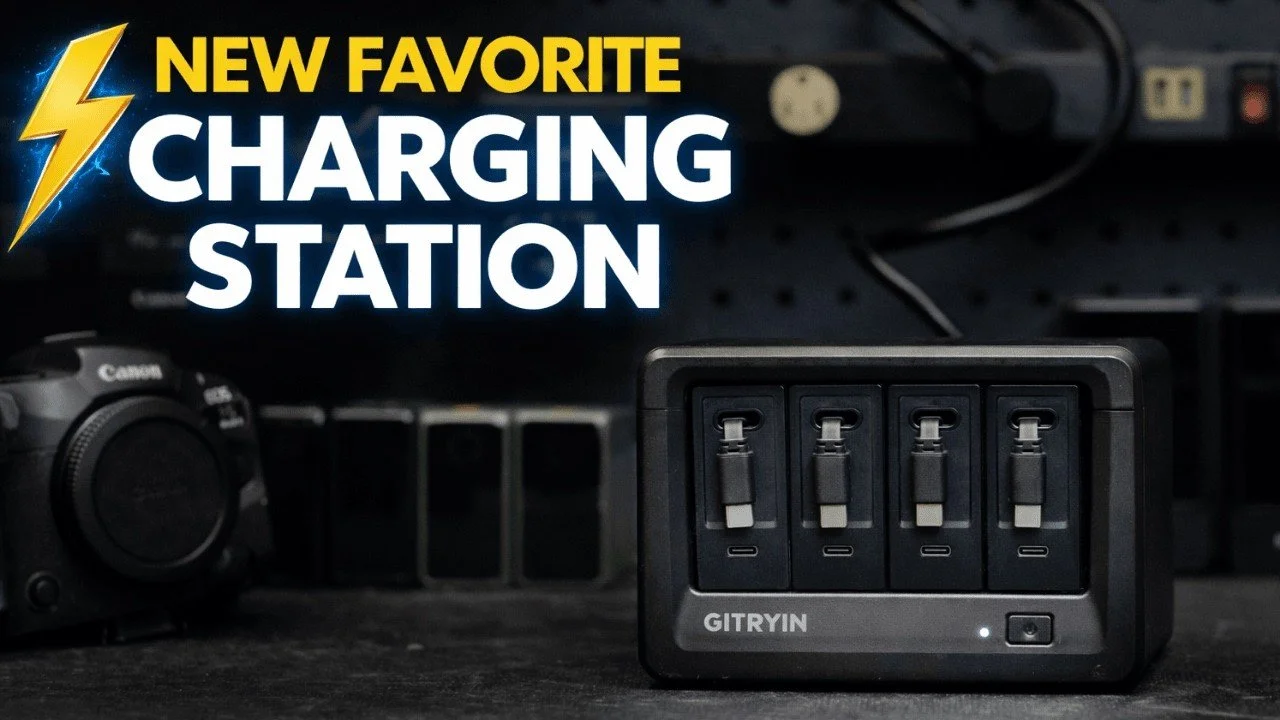
The GITRYIN charging station helped tidy the loose charging cables around my desk.
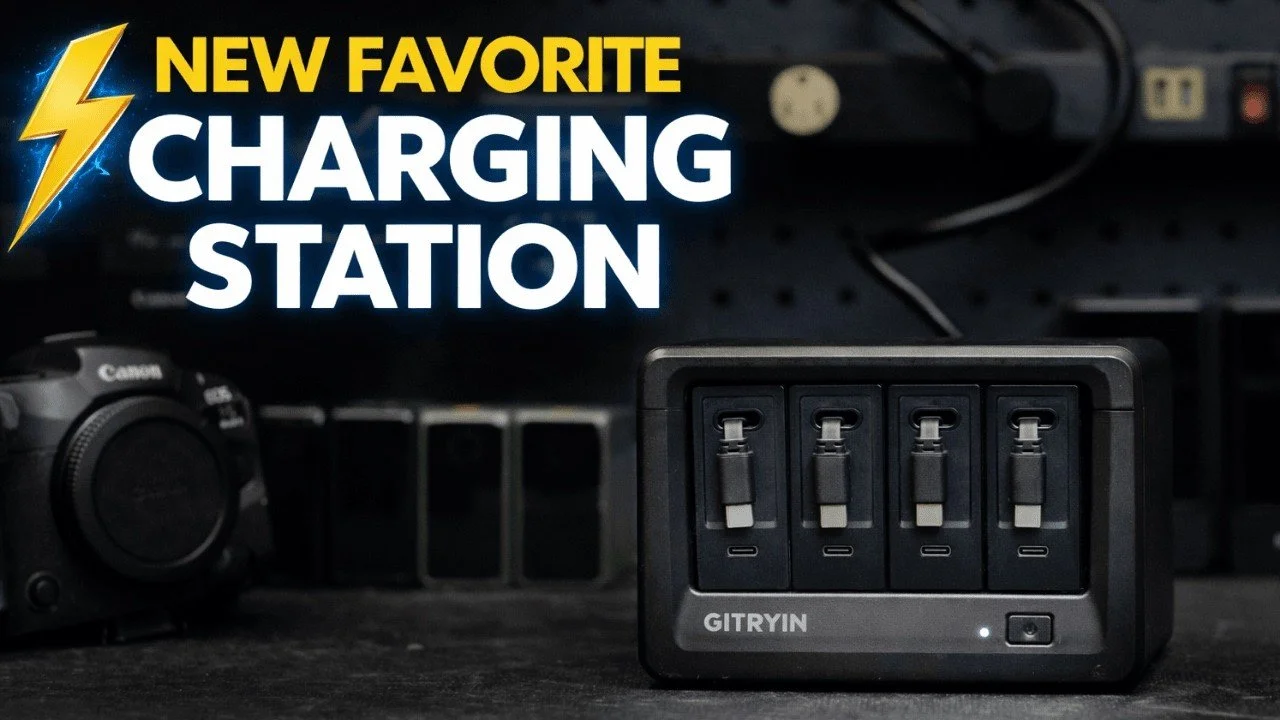
The GITRYIN charging station helped tidy the loose charging cables around my desk. Its removable charging modules and retractable leads make it convenient to charge several pieces of camera gear and then put the cables away.
Originally published on YouTube Feb 18, 2026.
A cleaner charging desk
I demonstrated the station with DJI microphones, a SmallRig battery, a V-mount battery, and a Canon R5 II. The retractable cables extend to the device and return to their slots when finished, with magnetic ends that sit neatly in place.
Modules that can travel
The top opens so the individual modules can be removed or changed. I liked being able to take one charger on a trip instead of bringing the whole station. The model shown also has additional USB-C connections and outlets.
My impression
For my studio, the benefit is organization and convenience. This video demonstrates charging and cable management; it does not measure simultaneous output, efficiency, or long-term electrical performance. Match the charger’s rated output and connections to the devices you need to power.
Watch on YouTube and view the original product links. Some shopping links in the original description may be affiliate links.
Telesin ProShot Grip and Magnetic Flash Review for iPhone
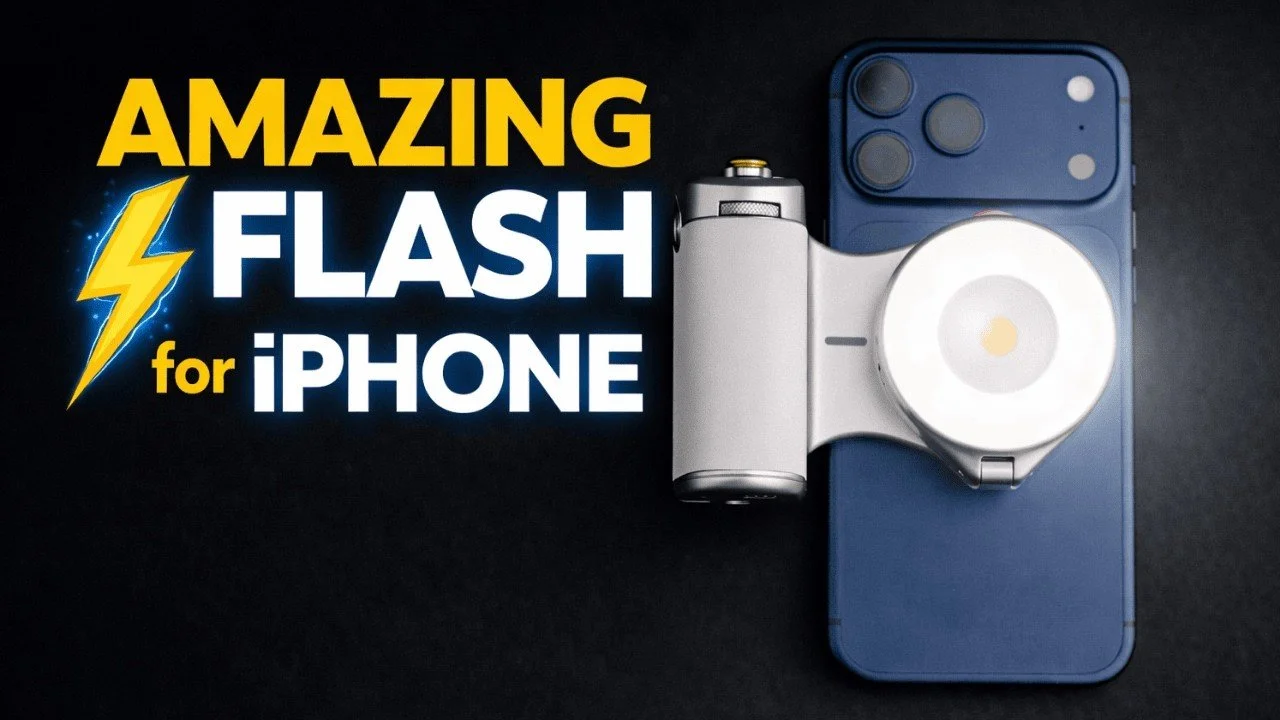
The Telesin ProShot grip adds physical camera controls to an iPhone, while the magnetic flash opens up a different style of lighting.
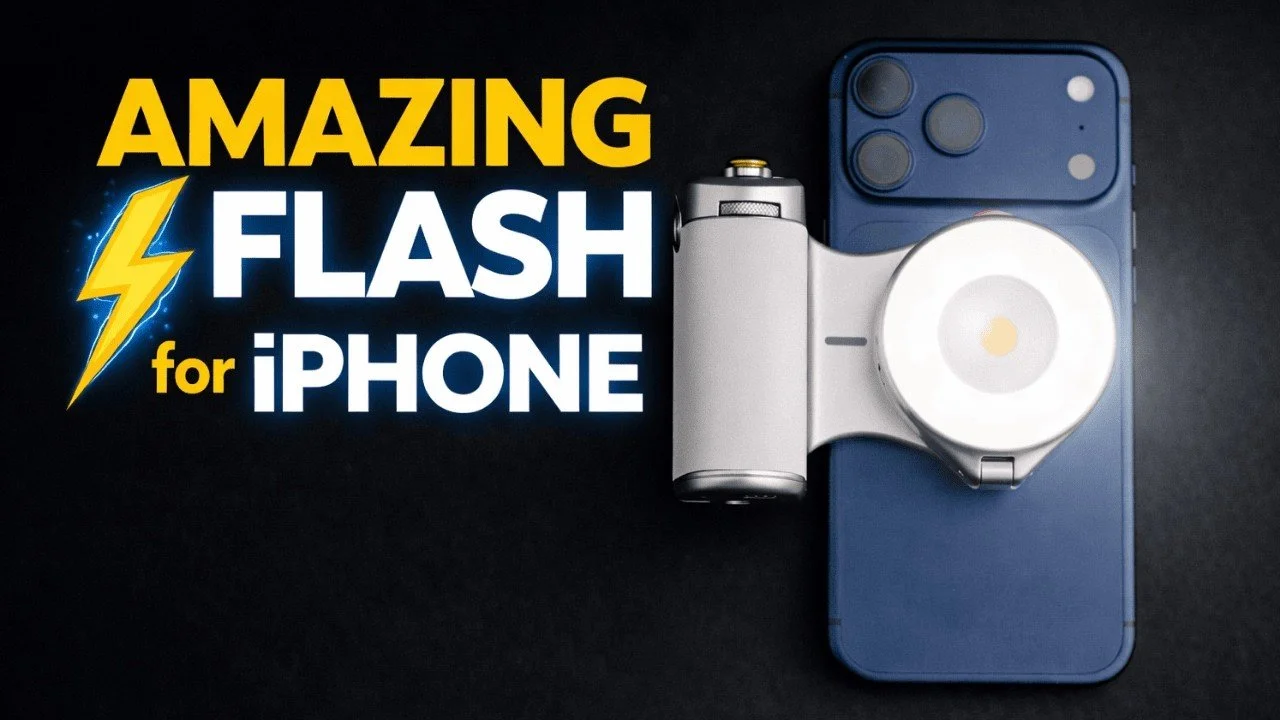
The Telesin ProShot grip adds physical camera controls to an iPhone, while the magnetic flash opens up a different style of lighting. This review brings together my original grip demonstration and the later hands-on flash test.
Originally published on YouTube Feb 17, 2026.
Physical controls and a magnetic grip
The grip attaches magnetically and rotates for horizontal or vertical shooting. I demonstrated the shutter, zoom lever, mode dial, and camera-switching control. Its built-in battery also provides phone charging, and I liked the supplied lanyard.
A flash you can move off camera
In the later video, I connected the flash and used the Reef Color app to adjust brightness and test photographs. Detaching the light lets me change its direction while holding the phone separately. It also works as a continuous video light with adjustable brightness and color temperature.
A fun creative accessory
I enjoyed trying harder side lighting and different looks with family photographs. The important distinction is choosing the correct flash version and compatible app setup; the video discusses more than one light configuration. These are hands-on demonstrations, not a measured flash-output or battery-runtime test.
Disclosure
Telesin supplied products for me to test. The earlier grip-only video is included below so you can see the controls before deciding whether you want the additional flash.
Earlier hands-on overview
Watch on YouTube and view the original product links. Some shopping links in the original description may be affiliate links.
Clever Supply Co Anchor Harness Review After 400+ Shoots
The Clever Supply Co Anchor Harness had been part of my working kit since 2021 when I recorded this review.
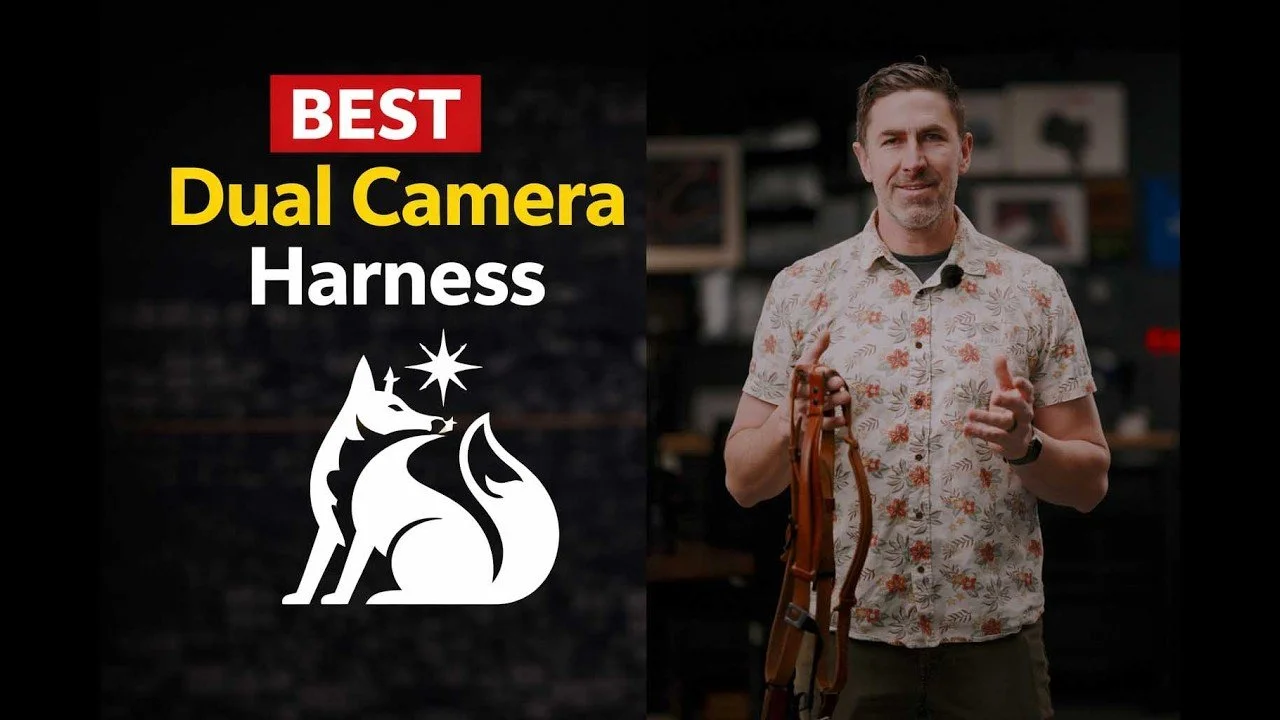
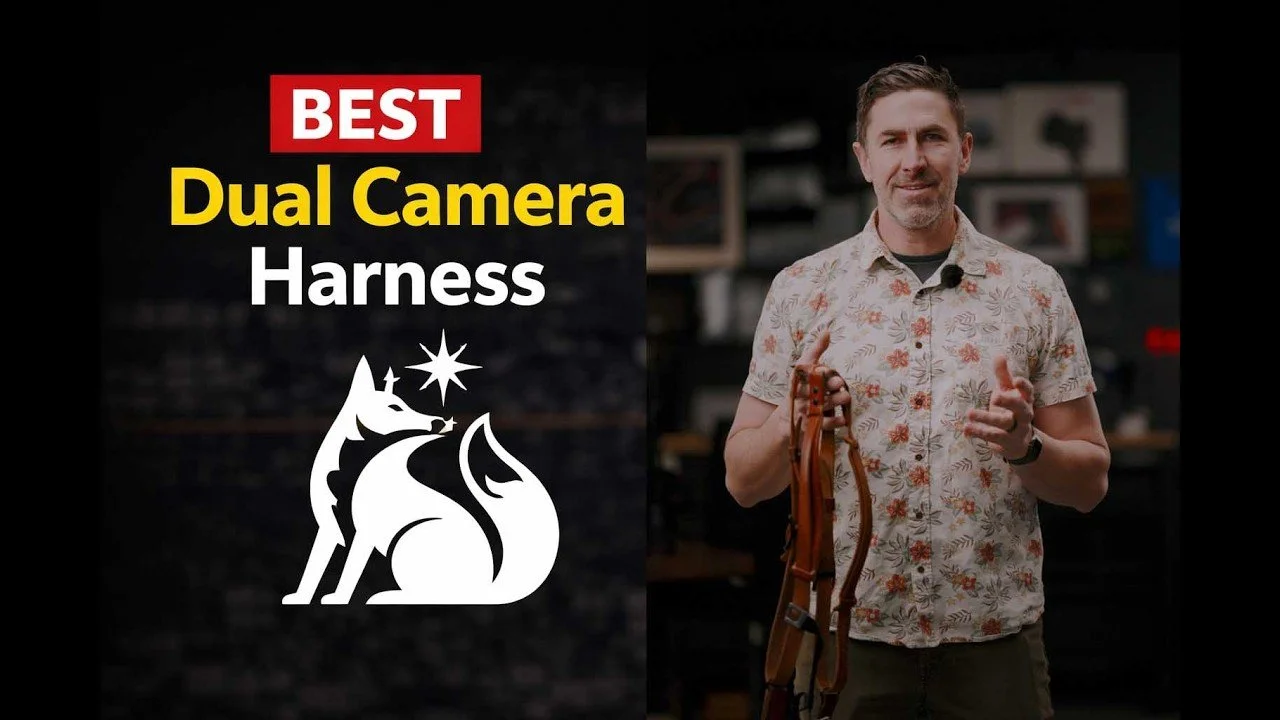
The Clever Supply Co Anchor Harness had been part of my working kit since 2021 when I recorded this review. After more than 400 sessions and shoots, I valued its quiet operation, leather construction, and quick camera connections.
Originally published on YouTube Feb 11, 2026.
Why it became part of my routine
The Peak Design-style anchor connections let me take either camera off quickly for a different angle. Compared with a previous system with more metal hardware, I found this harness quieter and less clunky at weddings. I used it with substantial camera-and-lens combinations, including the RF 28-70mm F2.
The modifications in my setup
I added a sternum strap to reduce movement and a small magnetic arrangement to keep a hanging camera from swinging forward. Those additions are part of the setup shown, rather than standard features to assume are included. I still check each connection before letting a camera hang.
A long-term favorite, with a later comparison
At the time, this was the system I wanted at every shoot. My later four-harness comparison adds more options and explains why I eventually preferred a modified Spider setup. Both videos reflect my experience at their respective dates.
Related reviews
Watch on YouTube and view the original product links. Some shopping links in the original description may be affiliate links.

Canon R5 II vs R6 III: My Real-World Photography Choice
After using both cameras, I would be comfortable photographing my work with the Canon R6 III.
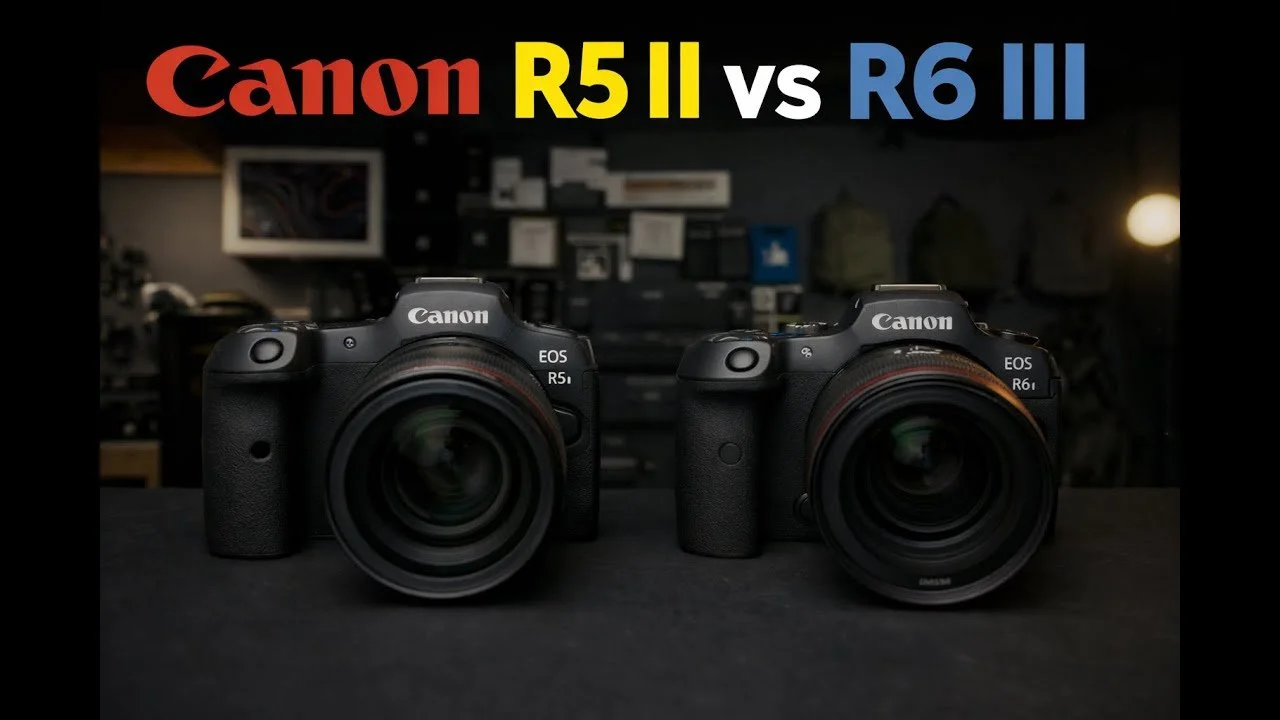
After using both cameras, I would be comfortable photographing my work with the Canon R6 III. This comparison explains which R5 II advantages matter to me and why the R6 III may be the better value for my own kit.
Originally published on YouTube Feb 5, 2026.
Where the R5 II still appeals
I value its higher-resolution files, viewfinder, and the electronic-shutter performance I have experienced. Its controls also avoid the mode dial I tend to bump on the R6 III. Those differences may justify the extra cost if they matter to your work.
Why I like the R6 III
The files give me enough resolution, the autofocus felt excellent in my use, and CFexpress Type B support made offloading more convenient. Its familiar handling makes it easy to integrate into my Canon workflow. I do not need maximum burst speed or resolution for most of my assignments.
Video and practical value
I found open-gate recording more useful than I initially expected, especially when changing the final framing of studio video. The value decision also includes how many matching bodies I can afford for work and backup. Prices mentioned in the video reflect the recording date.
The scope of this comparison
This is a discussion based on my experience, without a controlled image or sensor benchmark. My electronic-shutter observations should not be read as a guarantee against banding in every lighting situation. Choose around the features you actually need, rather than assuming the more expensive body is automatically the better fit.
Related reviews
Watch on YouTube and view the original product links. Some shopping links in the original description may be affiliate links.
Telesin Underwater Phone Housing Review: My Water-Park Test
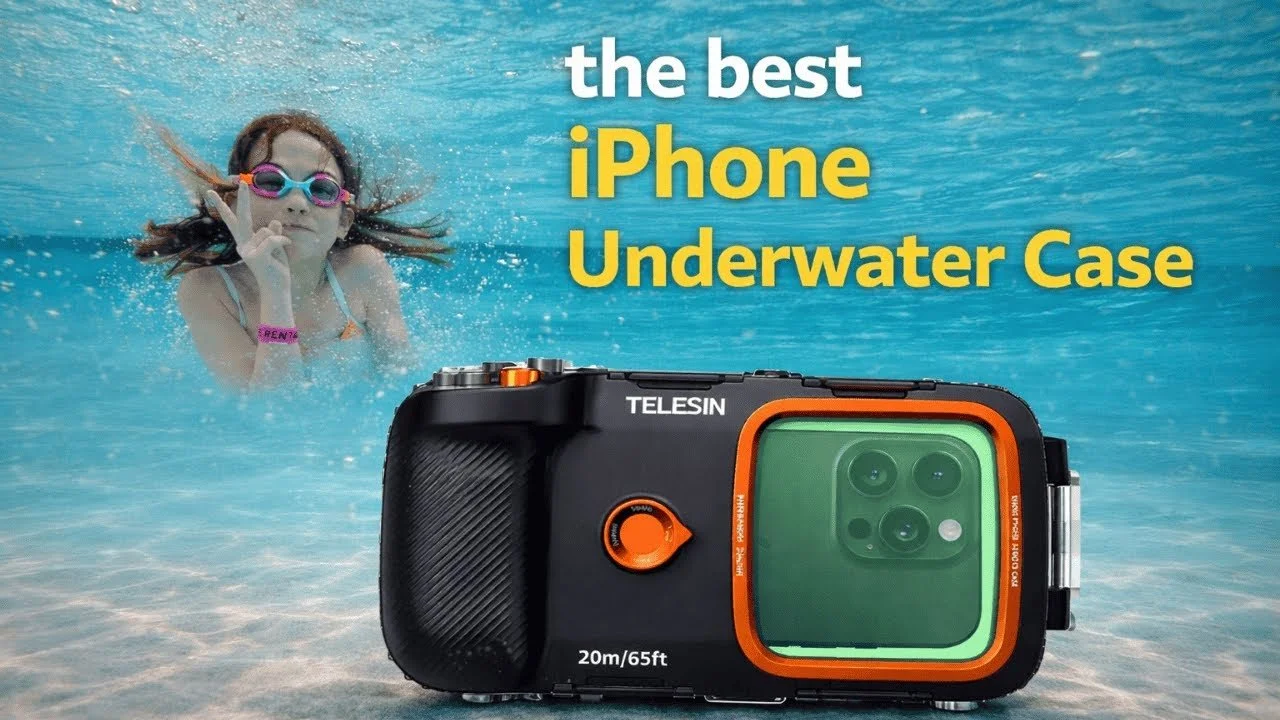
I used the Telesin underwater housing with my iPhone 17 Pro Max at an indoor water park.
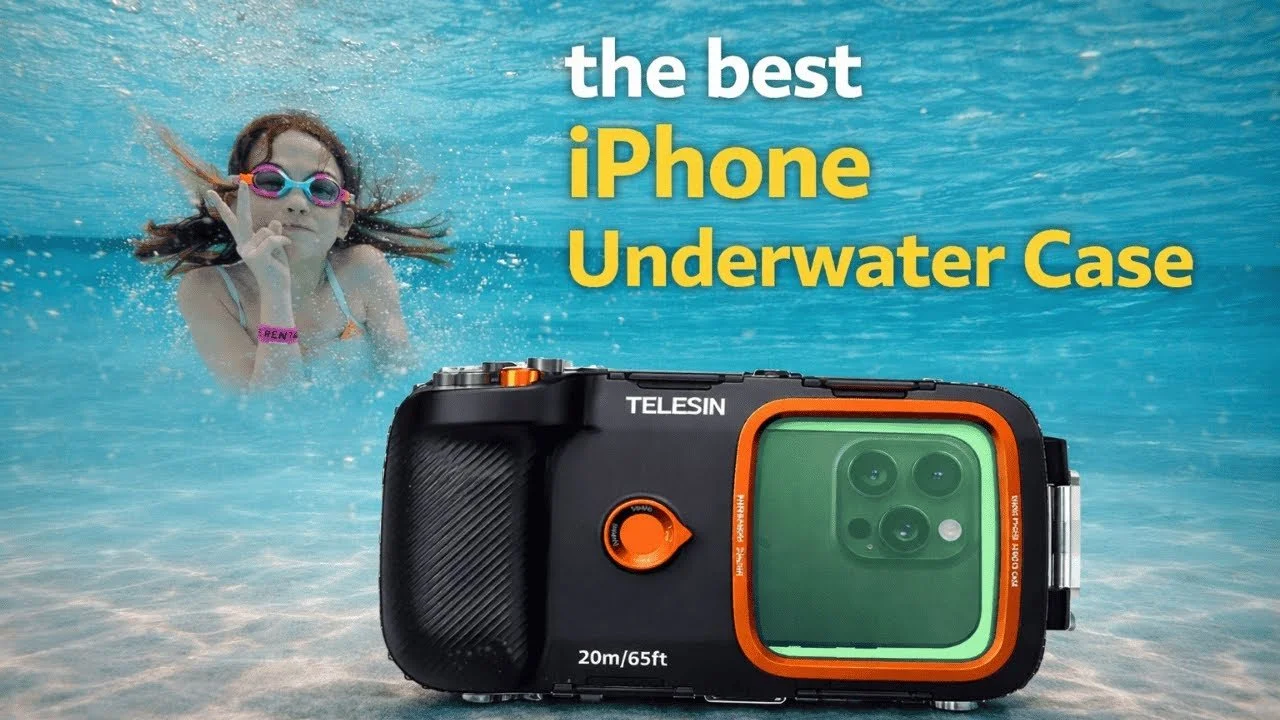
I used the Telesin underwater housing with my iPhone 17 Pro Max at an indoor water park. The video combines footage from that outing with a demonstration of the controls and what I learned while using the housing.
Originally published on YouTube Feb 2, 2026.
Why Bluetooth controls helped
The external controls let me trigger photographs, switch modes, and zoom without touching the phone screen. I connected and checked the controls before closing the housing, then mostly used the wide view during our day in the water.
Fit and setup observations
The housing uses an adjustable internal phone support, multiple latches, and a pump system. My phone had a little movement inside, which I discuss in the video. For your own setup, follow the manufacturer’s sealing and testing instructions and keep anything added inside clear of the seals.
My practical verdict
I enjoyed capturing family memories without bringing another camera system. This was a water-park outing, not a depth-rating or long-term waterproofing test. I liked the control layout and the flexibility of the phone holder, while recognizing that the phone needs to remain ready inside the case.
Disclosure and earlier overview
Telesin supplied the housing for testing. The earlier overview is included below for a closer look at the hardware, while the opening video shows the later real-world outing.
Earlier hands-on overview
Watch on YouTube and view the original product links. Some shopping links in the original description may be affiliate links.
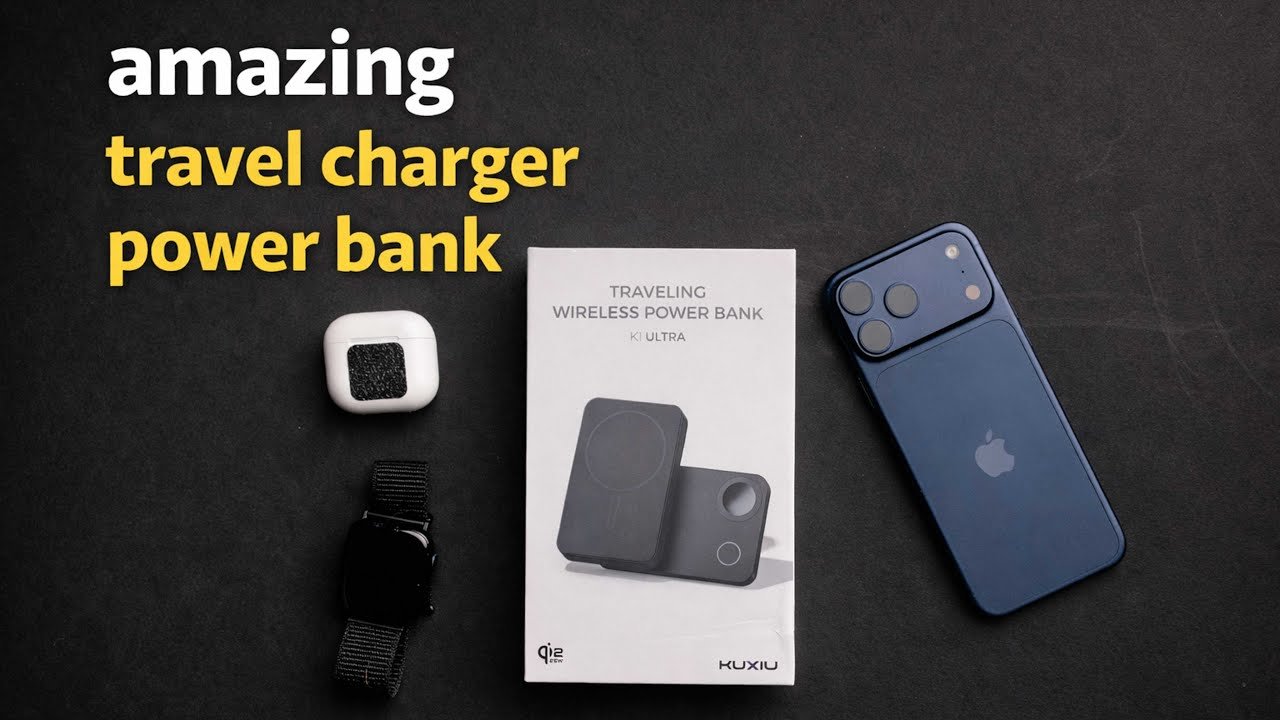
KU XIU Travel Power Bank Review: Phone, Watch, and AirPods
This KU XIU travel charger combines a magnetic phone charger, a fold-out charging arrangement, and a built-in power bank.
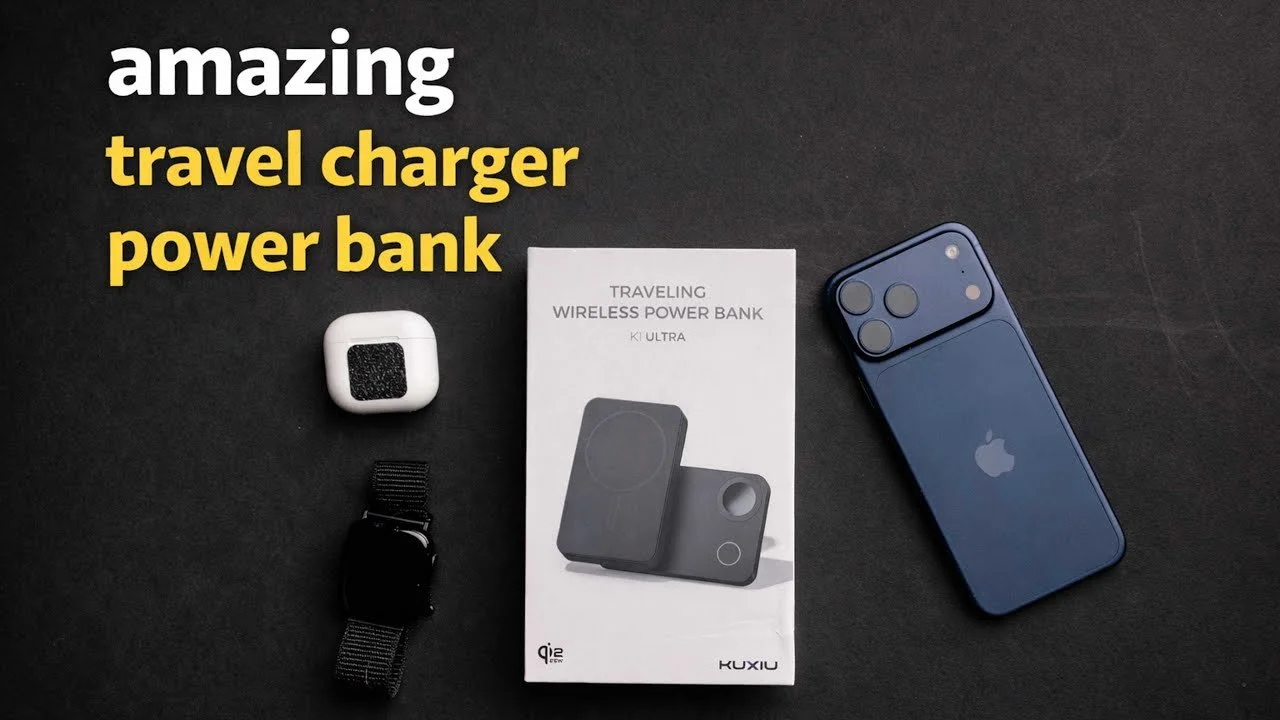
This KU XIU travel charger combines a magnetic phone charger, a fold-out charging arrangement, and a built-in power bank. My first impression was that it could simplify both an airplane setup and a hotel nightstand.
Originally published on YouTube Jan 29, 2026.
A compact charging arrangement
I demonstrated charging a phone, AirPods, and an Apple Watch using the different positions. The rotating section and stand make it possible to prop the phone up while charging, then fold the charger into a smaller shape for travel.
What I liked
The construction felt solid, and the included braided USB-C cable made a good impression. I liked the idea of carrying one device that could act as a battery during the day and a charging station after reaching the hotel.
What I did not measure
The product is described as a 10,000mAh power bank with up to 25W wireless charging, but I did not run a capacity, charging-speed, or efficiency test. The number of full charges will depend on the phone and losses during charging. This video reflects a few days of hands-on use around the house.
Watch on YouTube and view the original product links. Some shopping links in the original description may be affiliate links.
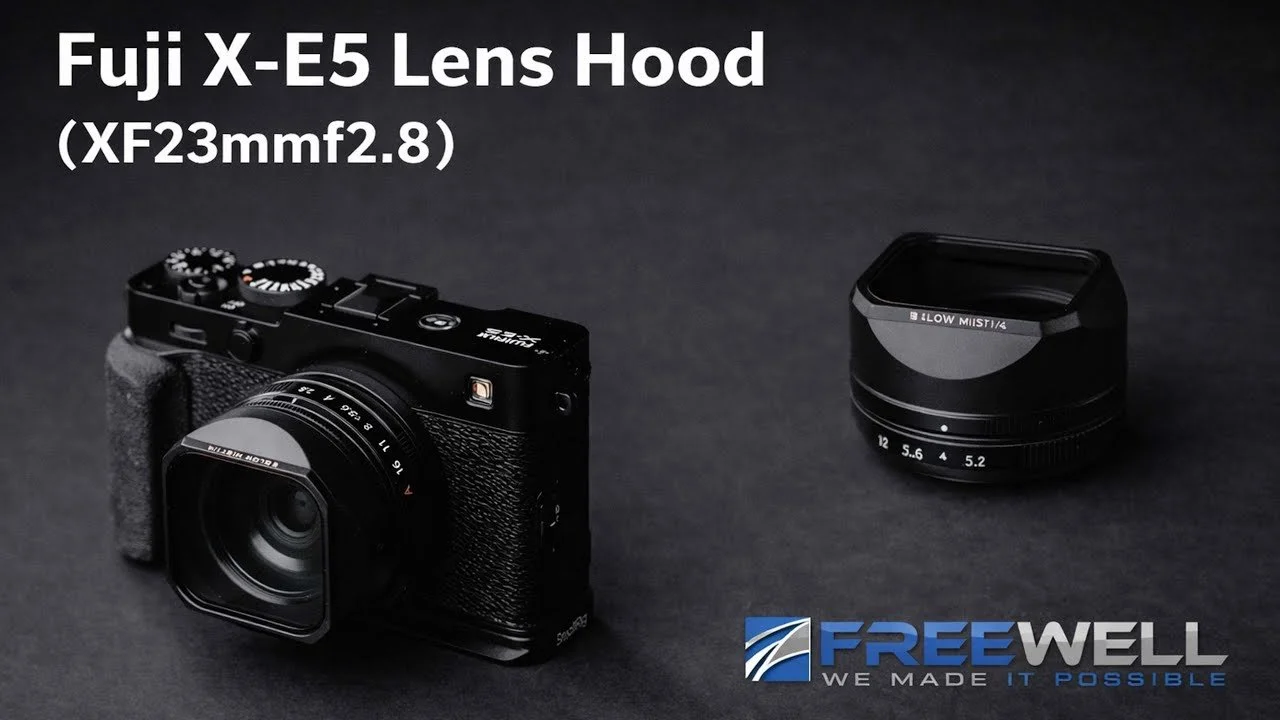
Freewell Pro Lens Hood Kit for Fujifilm XF 23mm
The Freewell Pro Lens Hood Kit adds a compact hood and magnetic filters to my Fujifilm X-E5 and XF 23mm setup.
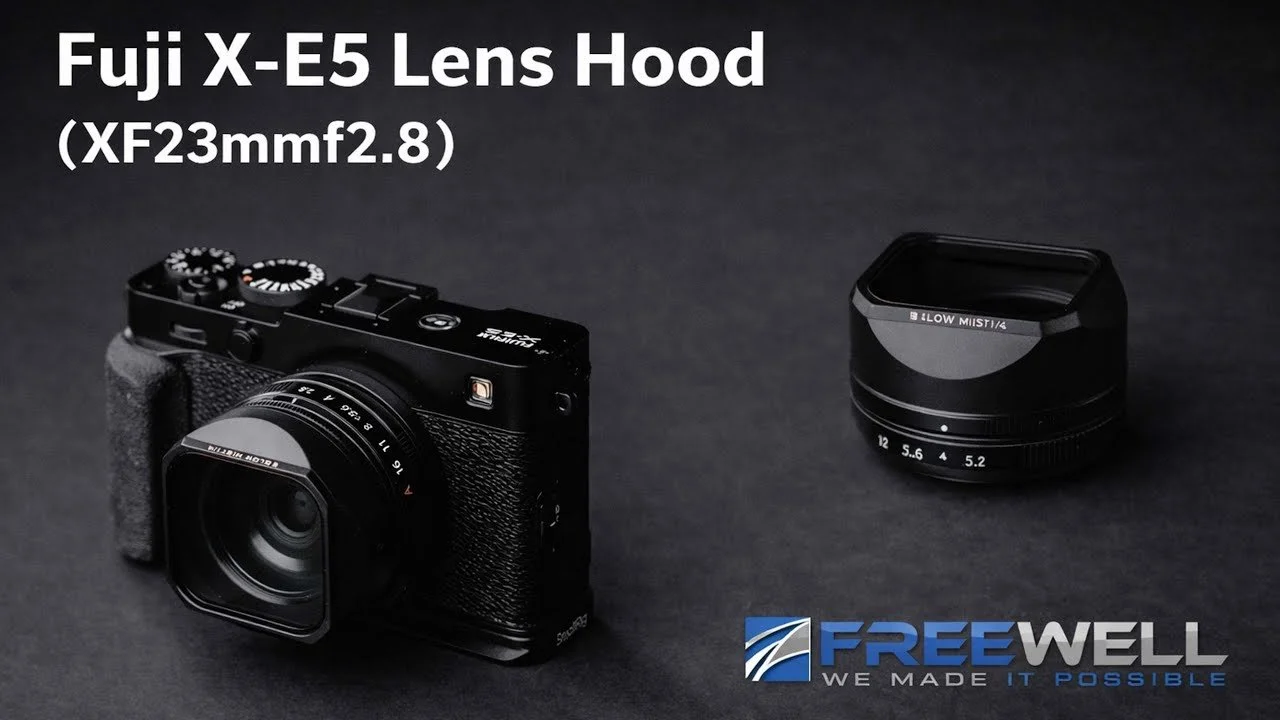
The Freewell Pro Lens Hood Kit adds a compact hood and magnetic filters to my Fujifilm X-E5 and XF 23mm setup. I liked the way it matched the camera and made changing between UV, polarizing, and mist filters easy.
Originally published on YouTube Jan 26, 2026.
A neat fit with accessible controls
The hood secures with small screws and leaves access to the lens’s focus ring. The magnetic filters lift off easily, and the included divided case gives them a place in the bag. In my setup, the hood also cleared the small Godox iT20 flash without the shadow I was concerned about.
Why I use mist
The mist filter is the one I reached for most. I like the glow around bright areas and the softer, nostalgic character it can give my personal photographs. That effect is a creative choice rather than an improvement in optical sharpness.
My impression and disclosure
The kit felt thoughtfully designed for this small camera-and-lens combination. I had not used the polarizer extensively at recording time, so the review is strongest on fit, handling, and the mist look. Freewell sent the kit for testing.
Watch on YouTube and view the original product links. Some shopping links in the original description may be affiliate links.

Canon RF 45mm F1.2 Review: Affordable Speed with Trade-offs
After about a month with the Canon RF 45mm F1.2, I found it a fun, lightweight way to get a very wide aperture.
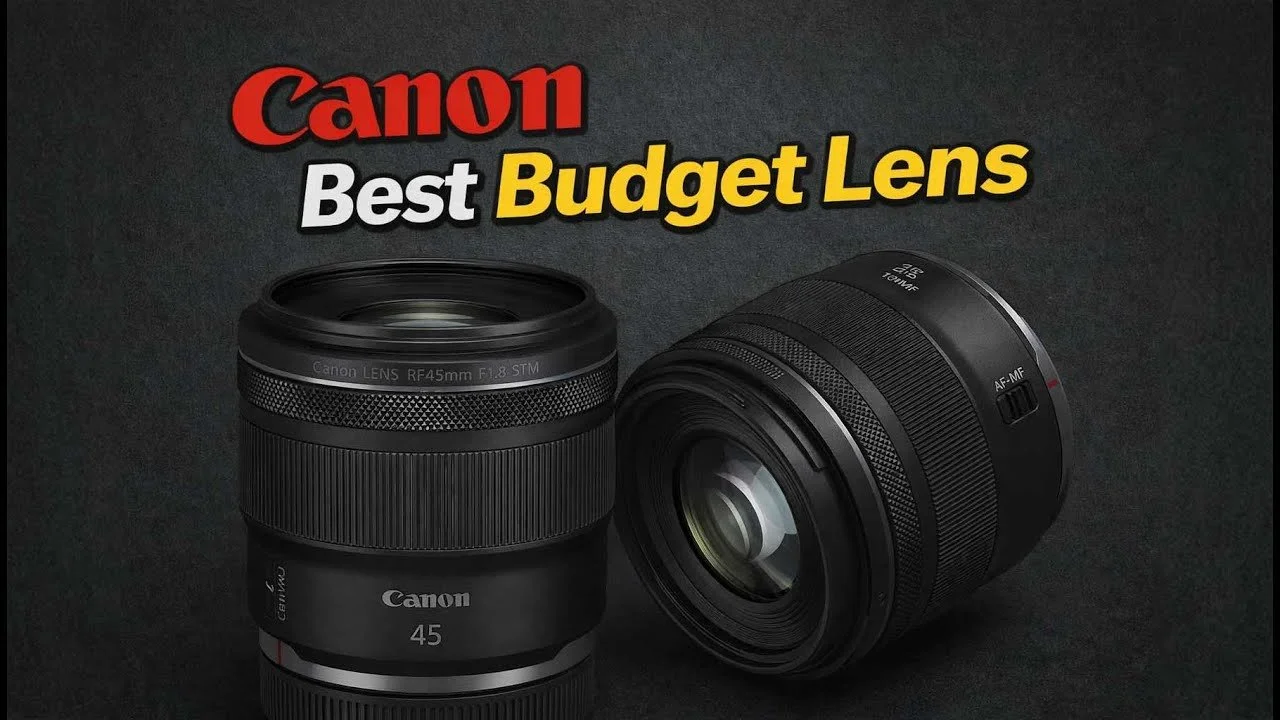
After about a month with the Canon RF 45mm F1.2, I found it a fun, lightweight way to get a very wide aperture. I compared it with lenses I already owned, including the RF 50mm F1.2, 50mm F1.4 VCM, and 28-70mm F2.
Originally published on YouTube Jan 25, 2026.
Size and price are the appeal
The compact size and lower price make this lens interesting beside Canon’s larger, more expensive options. My test includes portraits, everyday photographs, and side-by-side examples intended to help you judge the look for yourself.
The compromises I noticed
Autofocus felt slower than my 50mm F1.2 and much slower than the 50mm F1.4 VCM. Some photographs showed strong flare, chromatic aberration, and busier background blur. I still found many of the portrait results perfectly usable for my needs.
Who it makes sense for
For static subjects and portraits, the slower focusing may matter less than it does for children running toward the camera. I probably would not keep it because I already owned alternatives that filled the same role. That does not make it a poor choice for someone building a different kit.
Use the examples to decide
The video includes sample-image comparisons and an autofocus demonstration. Download the linked examples if available and judge the rendering at your intended output size; my preferences are not a substitute for your own priorities.
Original samples or settings: Download here.
Watch on YouTube and view the original product links. Some shopping links in the original description may be affiliate links.
Fujifilm X-E5 Review After Two Months
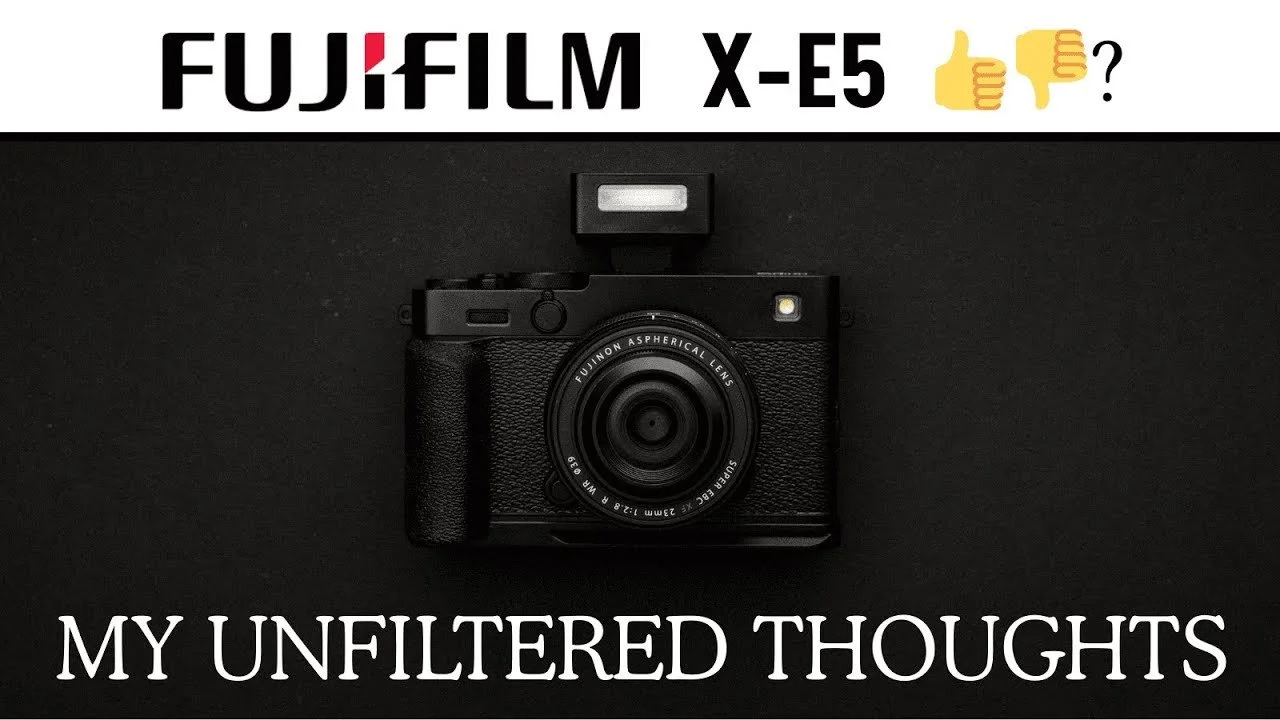
I moved from the X-T5 to the smaller Fujifilm X-E5 because I wanted a fun personal camera I would bring along more often.
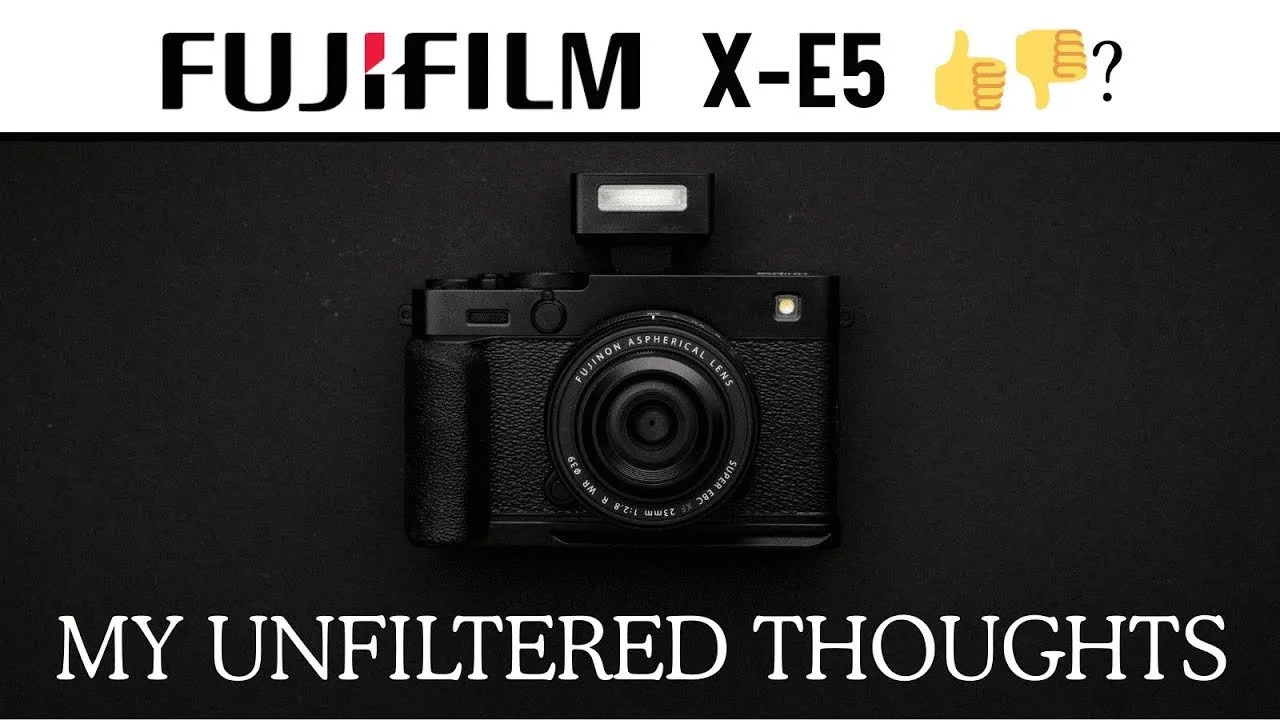
I moved from the X-T5 to the smaller Fujifilm X-E5 because I wanted a fun personal camera I would bring along more often. After the first couple of months, its colors and compact form appealed to me, while autofocus and controls remained compromises.
Originally published on YouTube Dec 23, 2025.
Why I enjoyed the photographs
I loved Fujifilm’s film simulations and image character, especially for family memories. I used the small 23mm lens and the 16-55mm zoom, sometimes with a CineBloom filter. The JPEGs and matching profiles in my editing workflow made it easy to get a look I enjoyed.
Handling in a small body
The corner viewfinder and compact shape were enjoyable, and a SmallRig grip helped my larger hands. I disliked how easily the command dials pressed inward, and removing the memory card was awkward. USB-C charging and offloading were convenient alternatives.
My autofocus expectations
For my fast-moving daughter and paid work, I preferred the response of my Canon cameras. The X-E5 still made photographs I loved, but I did not choose it as my wedding workhorse. These are practical impressions from my own shooting, rather than a controlled autofocus benchmark.
Read the six-month follow-up
This article reflects my earlier, two-month opinion. After more travel and use, I sold the camera; the later follow-up explains why. Reading both gives a clearer picture of how my enthusiasm and frustrations developed.
Related reviews
Watch on YouTube and view the original product links. Some shopping links in the original description may be affiliate links.

Caudabe Sheath Review: My Favorite Everyday iPhone Case
The Caudabe Sheath became my favorite everyday iPhone case because it balances grip, slimness, and easy pocket access.

The Caudabe Sheath became my favorite everyday iPhone case because it balances grip, slimness, and easy pocket access. I had used the previous version for a year before trying the newer case shown here.
Originally published on YouTube Dec 20, 2025.
Grip without the pocket struggle
I liked the textured surface and found it easier to slide in and out of a pocket than silicone cases I had used, including when wet. My previous case held up well over that year in my experience.
Small details that matter daily
The case fits closely, has tactile buttons, and provides a raised edge around the screen. I demonstrate the camera-control area and discuss the available button variations. Choose the version made for your phone rather than assuming all case details are identical across models.
My verdict
I own other cases for particular camera accessories, but this is the one I prefer for ordinary daily use. This is a personal durability and handling review, not a standardized drop-protection test.
Watch on YouTube and view the original product links. Some shopping links in the original description may be affiliate links.
Godox X3 Pro Trigger Review for Canon
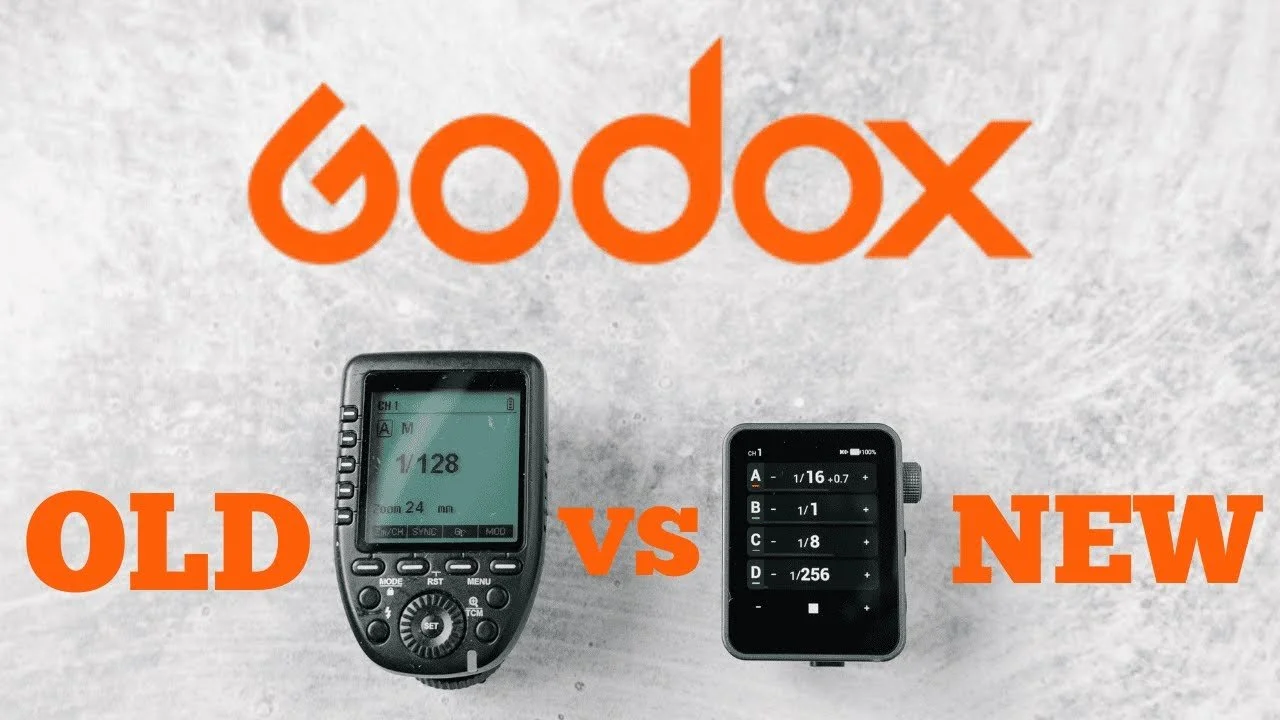
The Godox X3 Pro gave me a more convenient way to adjust my studio lights than the older trigger I had kept in my bag for years.
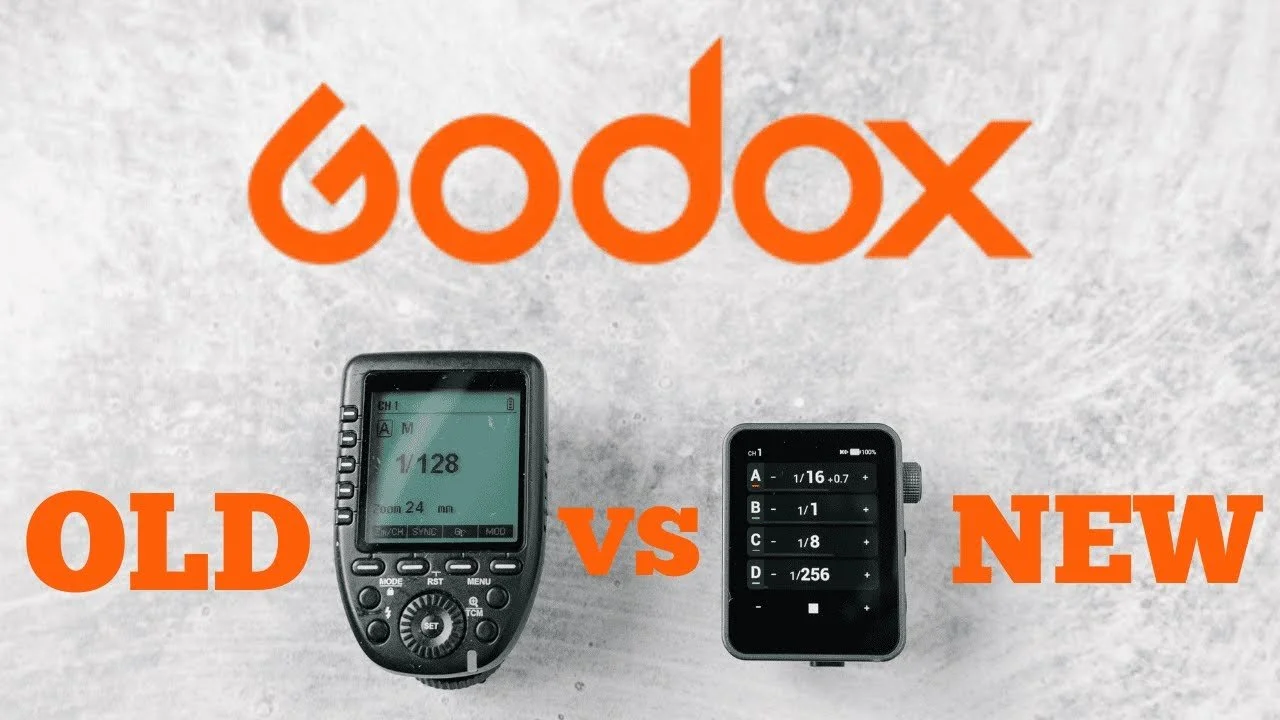
The Godox X3 Pro gave me a more convenient way to adjust my studio lights than the older trigger I had kept in my bag for years. This overview shows the Canon version in my headshot and product-photography workflow.
Originally published on YouTube Dec 3, 2025.
Fast control of separate lights
I organize lights into groups for the key and side lighting, then adjust them from the camera. The touchscreen makes changing power quick, while the side dial offers another control option. Switching groups off temporarily helps me judge each light’s contribution.
Useful everyday improvements
USB-C charging, screen locking, and automatic shutoff were welcome changes for me. I also liked being able to simplify the visible groups to match the setup I was actually using. The video walks through those controls without claiming to test every menu feature.
My experience and disclosure
I had already used the trigger for product work and appreciated adjusting lights without disturbing a carefully arranged subject. Godox supplied it for this overview. I did not own the intermediate generation, so this is not a complete generation-by-generation comparison. Choose the camera-system version that matches your setup.
Watch on YouTube and view the original product links. Some shopping links in the original description may be affiliate links.

Canon R6 III First Impressions and Photography Setup
The Canon R6 III felt immediately familiar as a Canon shooter.
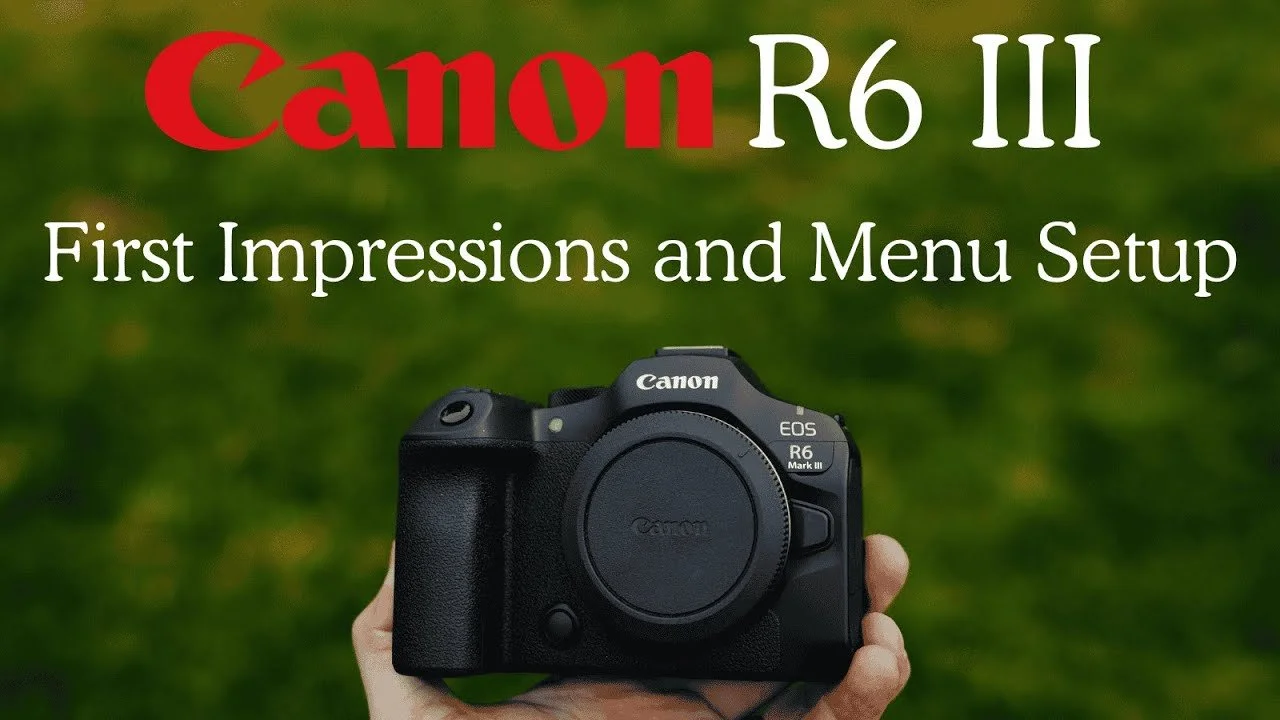
The Canon R6 III felt immediately familiar as a Canon shooter. This first look covers my early impressions and a detailed menu walkthrough for the mix of weddings, families, portraits, and commercial work I photograph.
Originally published on YouTube Dec 2, 2025.
A promising fit for my kit
I liked the handling and the balance of resolution in the files I had made so far. CFexpress Type B support was especially welcome for faster offloading. My early image use was still limited, so I held off on presenting this as a full image-quality review.
Controls tailored to the way I shoot
The walkthrough explains my button assignments, focus-area choices, subject-detection shortcuts, and separate card-recording setup. I prefer quick access to people detection and a deliberate focus point, rather than cycling through modes I rarely need.
A few early trade-offs
I tend to bump the physical mode dial while changing lenses, which remained a frustration. I also discuss differences from the R5 II and my initial experiments with open-gate recording. Some of those opinions developed with use, so the later R5 II versus R6 III comparison is a useful follow-up.
Using the setup walkthrough
Treat my settings as a starting point for your work. The video explains why I chose them, and the original description includes the settings download when available. Check your camera model and firmware before loading a saved setup.
Original samples or settings: Download here.
Related reviews
Watch on YouTube and view the original product links. Some shopping links in the original description may be affiliate links.

Canon RF 50mm and 85mm F1.4 VCM Review: Are They Worth It?
My Canon VCM lens comparison looks at the RF 50mm and 85mm F1.4 lenses alongside the F1.2 primes, Samyang 85mm F1.4, and my 28–70mm F2 workhorse.
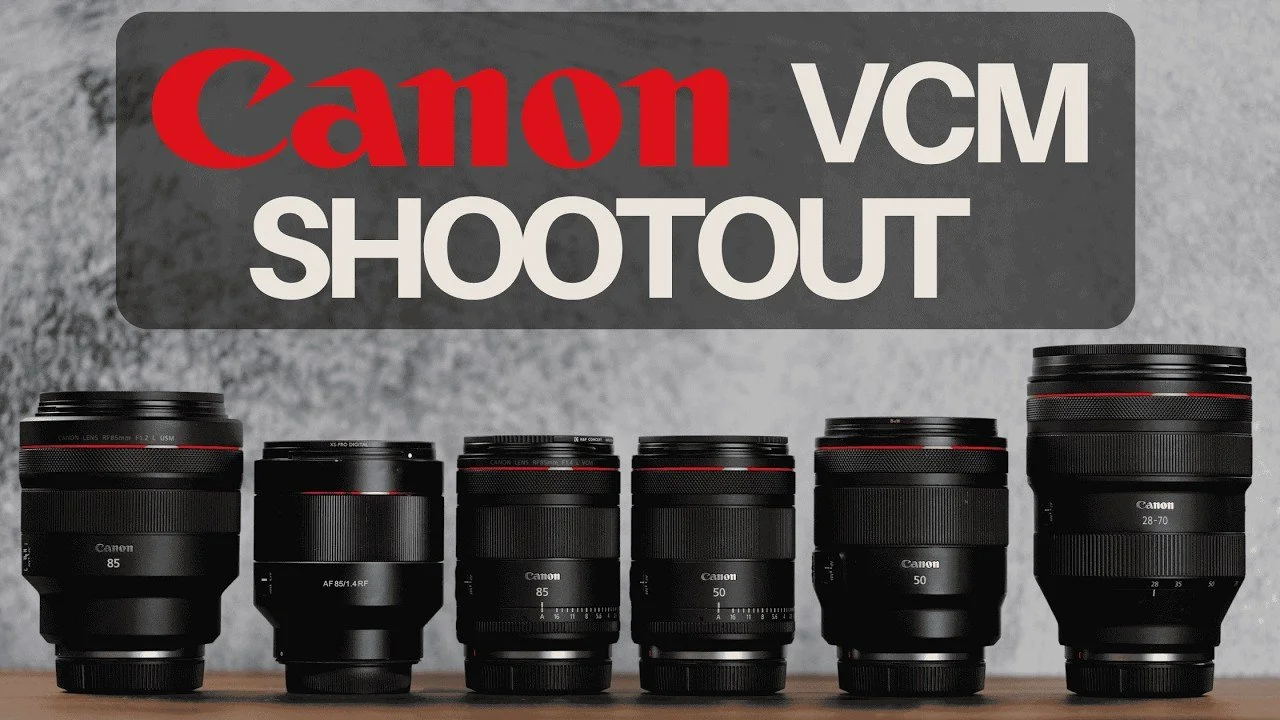
My Canon VCM lens comparison looks at the RF 50mm and 85mm F1.4 lenses alongside the F1.2 primes, Samyang 85mm F1.4, and my 28–70mm F2 workhorse.
Originally published on YouTube Nov 8, 2025.
My pick: the 85mm F1.4 VCM
The 85mm F1.4 VCM stood out for its smaller size, lighter weight, and fast autofocus. For the way I photograph people, handling and consistent results matter as much as the widest possible aperture. The F1.2 still has its own rendering, so this is a practical trade-off rather than a universal winner.
50mm character versus convenience
The 50mm F1.4 VCM impressed me with its speed, color, and usability. I still see a different character in the 50mm F1.2. The video compares real photographs and a field session in Boise, including flare, focus, and background rendering.
Compare the files yourself
The original sample files are linked below. Look at the portraits and the way each lens handles light, then weigh those differences against the size and speed you want in your own kit.
Original samples or settings: Download here.
Watch on YouTube and view the original product links. Some shopping links in the original description may be affiliate links.
Telesin Master Grip Review for iPhone 17 Pro Max
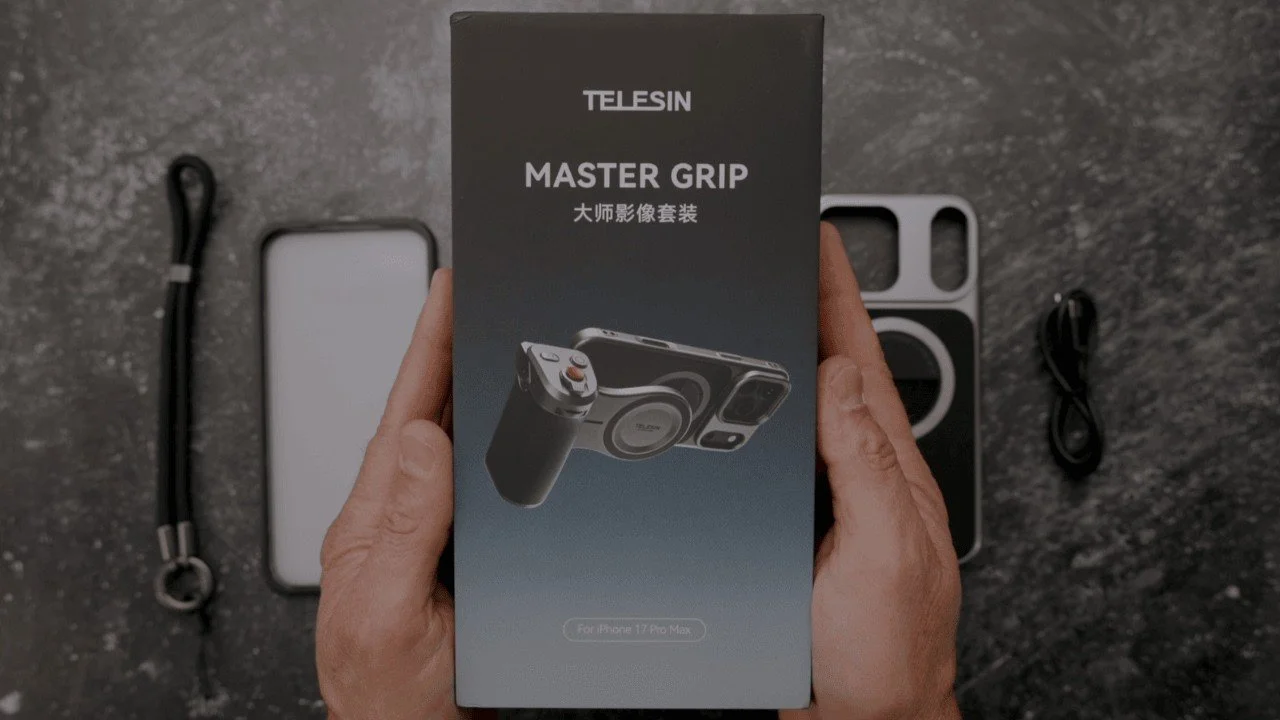
The Telesin Master Grip turns an iPhone into a more comfortable handheld camera setup, with a detachable grip, physical controls, and an accessory light.
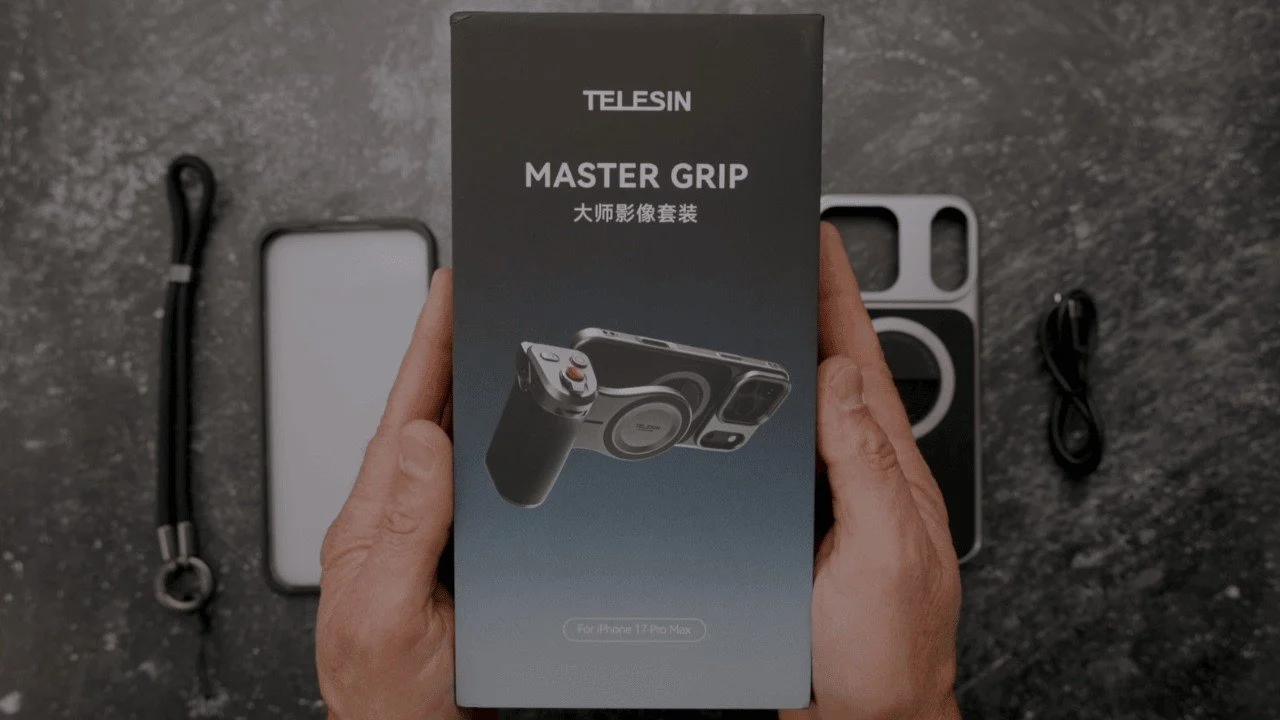
The Telesin Master Grip turns an iPhone into a more comfortable handheld camera setup, with a detachable grip, physical controls, and an accessory light.
Originally published on YouTube Sep 30, 2025.
What comes in the kit
The supplied kit includes a case, magnetic grip, light with three color-temperature modes, mirror, lanyard, and protectors. I walk through assembly, portrait and landscape positioning, the tripod connection, and the camera controls. Telesin supplied this kit for review.
Handling and connection details
The open bottom of the case makes connecting accessories easier, but cables and adapters can still interfere with your hand position. I show an angled USB-C adapter and discuss how I use the setup handheld. In this first look, I demonstrate the kit with my iPhone 16 Pro Max while waiting for my 17 Pro Max.
My experience
I liked the packaging, tactile controls, and how quickly the grip detaches when I want to use the phone normally. I would like more button customization. Watch the demonstrations to judge whether the controls and light suit your way of filming.
Watch on YouTube and view the original product links. Some shopping links in the original description may be affiliate links.
Godox iT20 Compact TTL Flash Review
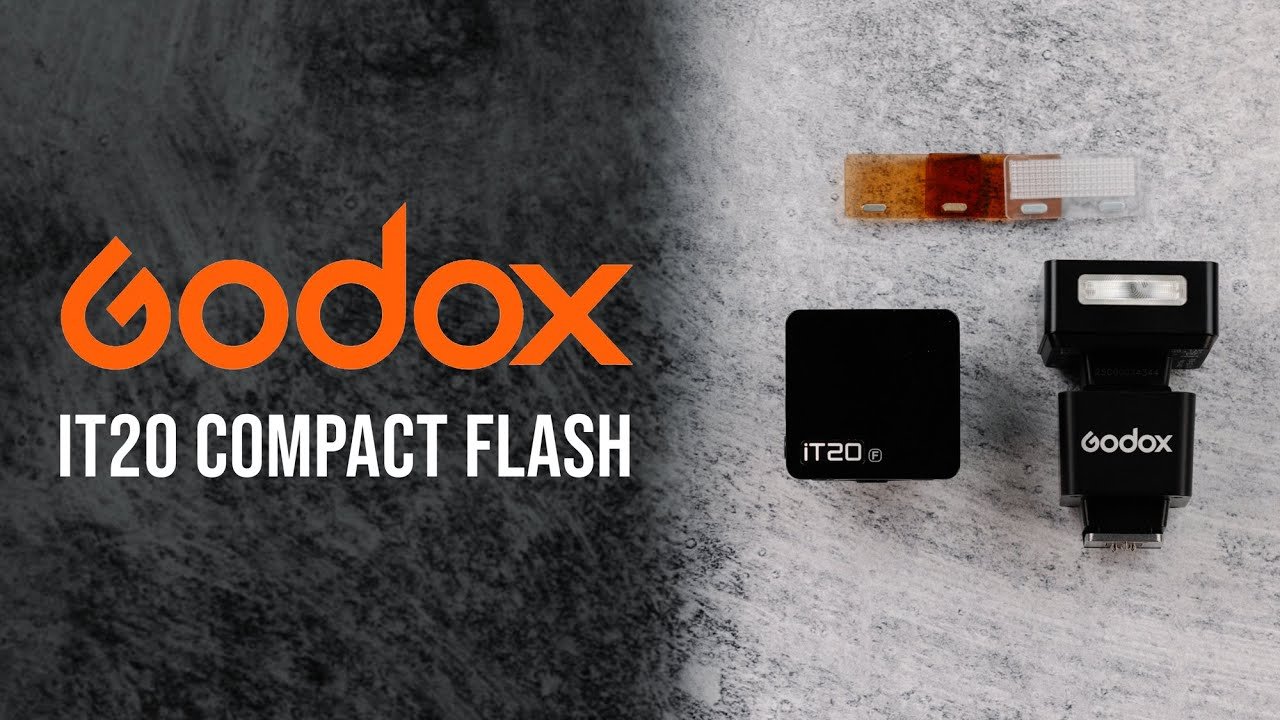
The Godox iT20 is a compact rechargeable TTL flash.
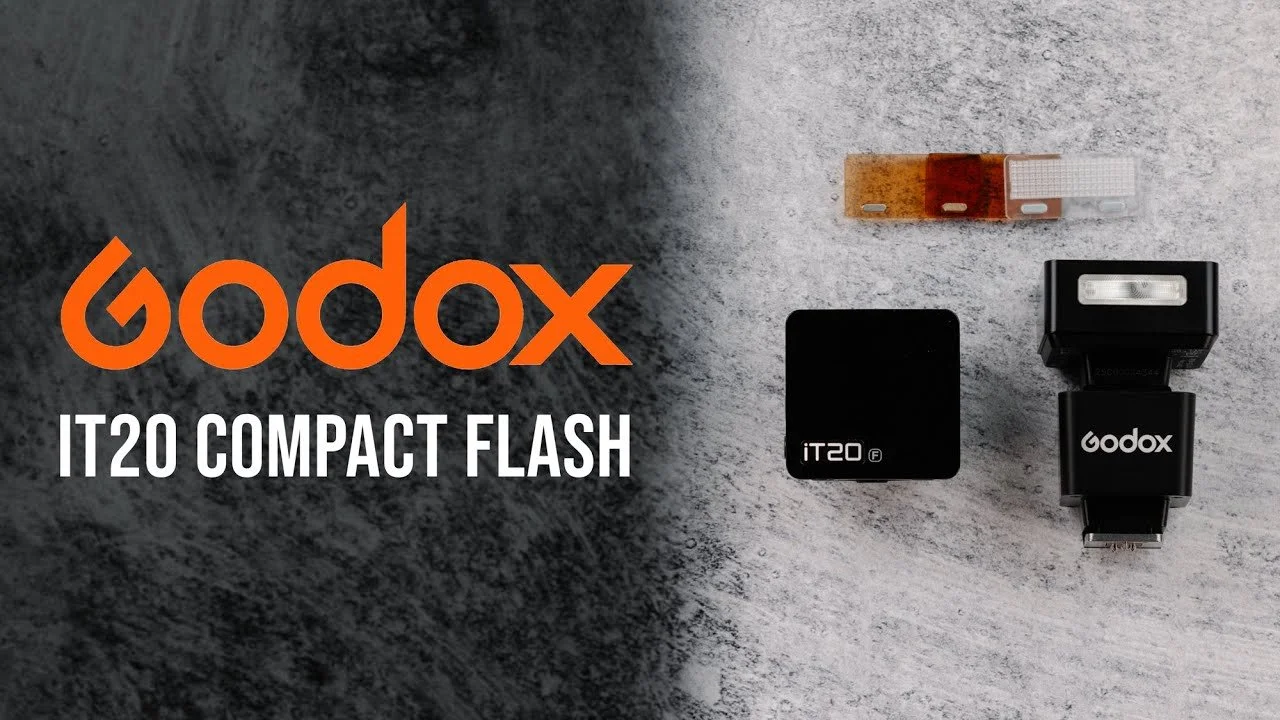
The Godox iT20 is a compact rechargeable TTL flash. I test its controls, magnetic modifiers, recycling, and practical limits on a small camera kit.
Originally published on YouTube Sep 28, 2025.
A small flash with useful accessories
The review covers the included diffuser and CTO filters, USB-C charging, and the controls. Choose the version that matches your camera system: the original description separates Canon, Fujifilm, and Sony models.
Watch for lens shadows
A low-mounted flash can cast a shadow when a lens blocks its light. I demonstrate the issue and discuss the Godox TR-F riser as a possible remedy. The size of your lens and your framing matter when judging this kind of compact flash.
See the performance test
The video includes a recycle test and a comparison with the iT22. Watch the practical examples before deciding whether a tiny direct flash is enough for your work.
Watch on YouTube and view the original product links. Some shopping links in the original description may be affiliate links.
Neewer 99Wh V-Mount Battery Review: Powering Cameras and Lights
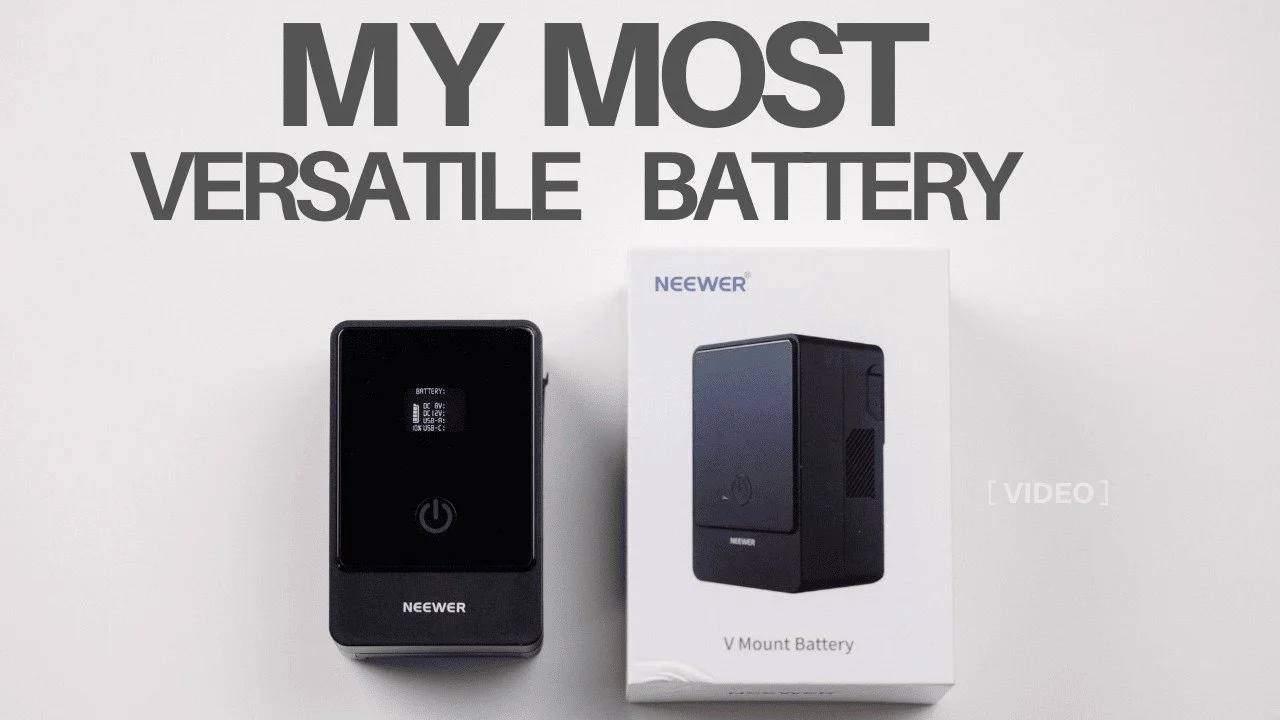
The Neewer 99Wh V-mount battery has become a useful power source for my Canon cameras, LED lights, and accessories.
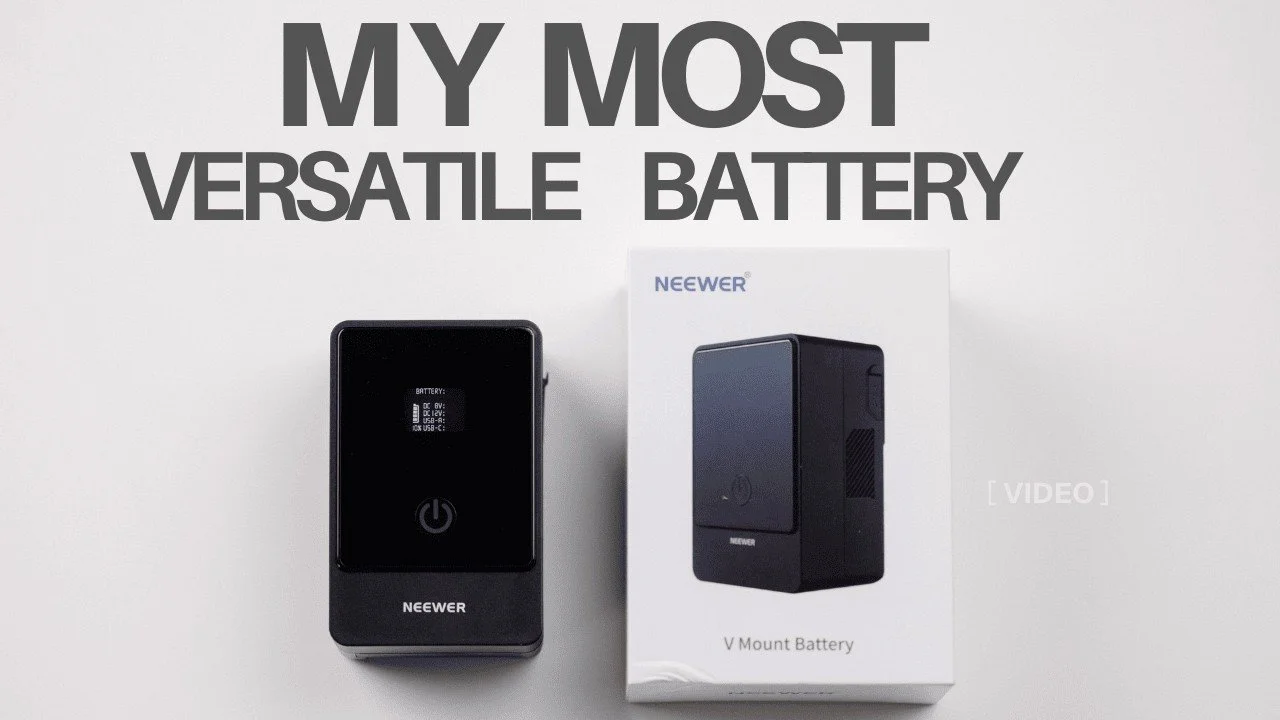
The Neewer 99Wh V-mount battery has become a useful power source for my Canon cameras, LED lights, and accessories.
Originally published on YouTube Sep 28, 2025.
One battery for several jobs
I demonstrate the USB-C, USB-A, D-Tap, 12V, and 8V connections, plus the adapter plate and cables I use. My main examples are powering a Canon R5 or R5 II over USB-C and running compatible Godox lights.
What I have learned in use
A battery remains inside the camera when I use external USB-C power. My experience has been reliable, but runtime depends on the equipment and output level. The video shows the actual connections rather than treating one runtime figure as universal.
Long-term experience
Neewer sent a battery for review after I had already owned and used one for roughly fourteen months. That made this a review based on existing use, including full shooting days and lighting setups.
Watch on YouTube and view the original product links. Some shopping links in the original description may be affiliate links.