Gear Reviews
Hands-on camera, lens, iPhone accessory, lighting, and editing software reviews by Ely Roberts. Browse the latest reviews below, or use the Reviews menu to explore a category.
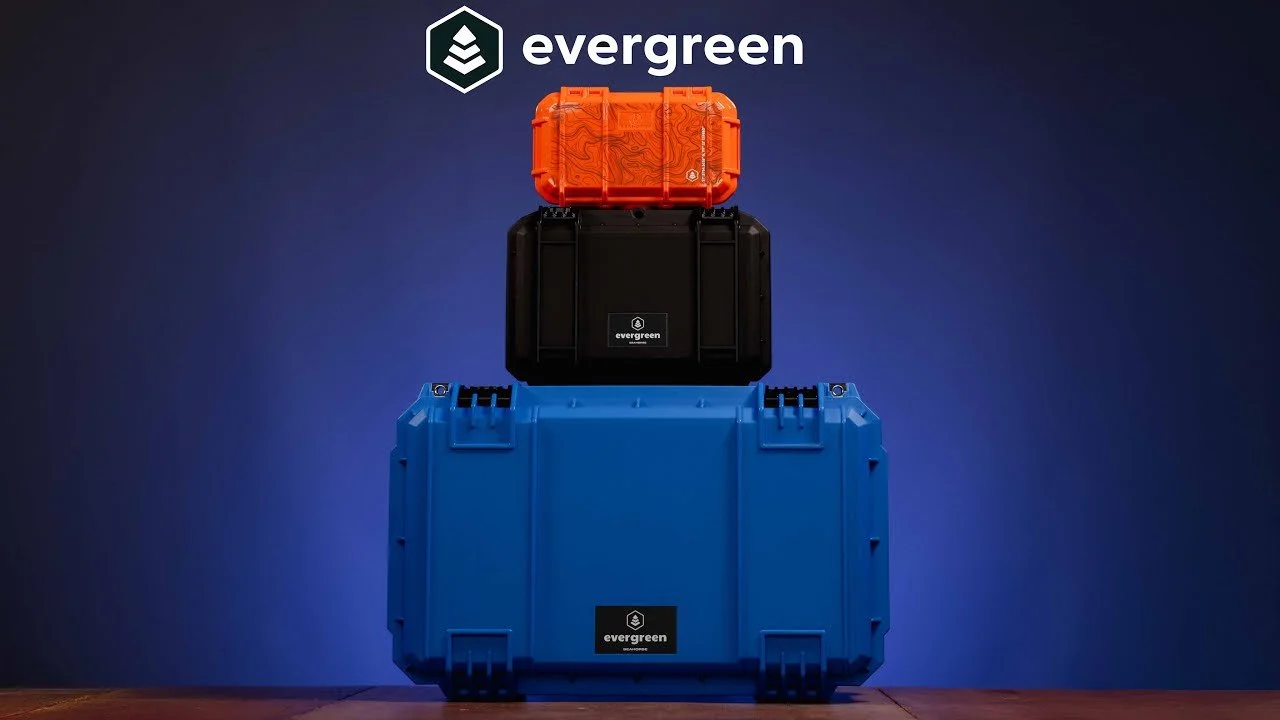
Evergreen Camera Cases Review and Product Overview
Evergreen sent four protective cases for me to try.
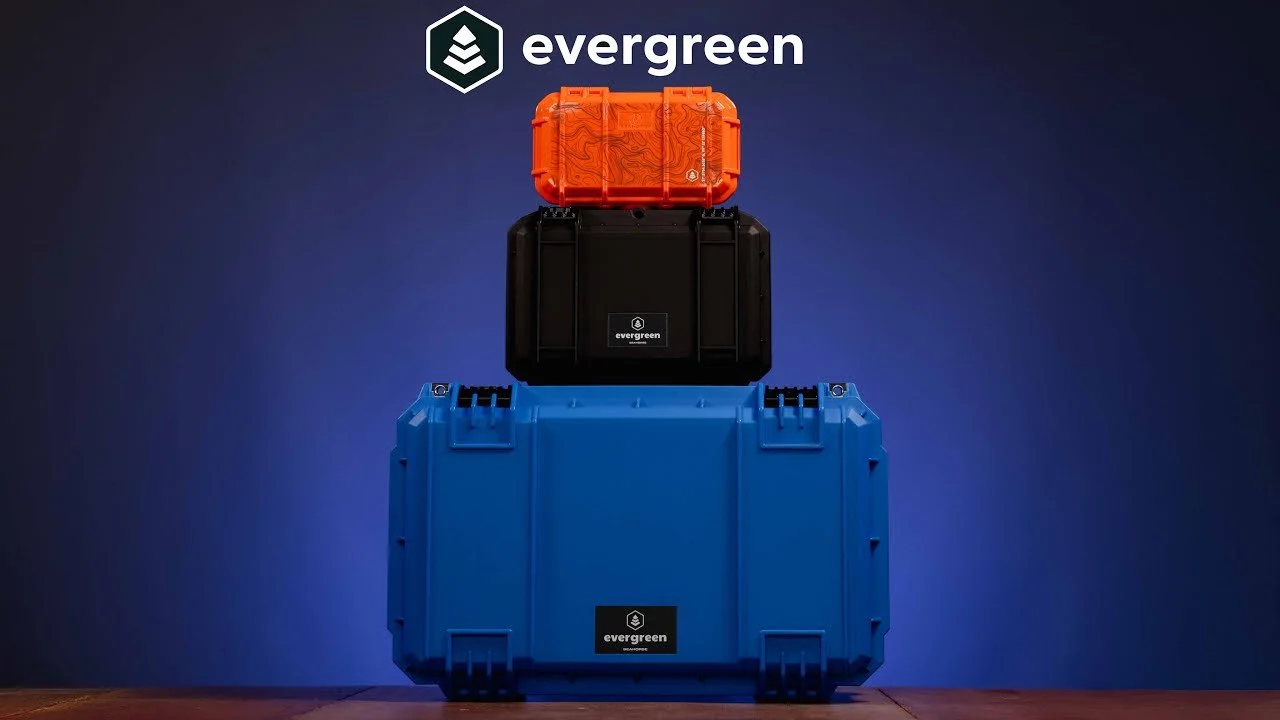
Evergreen sent four protective cases for me to try. This overview looks at how they could fit into my photography work and travel setup.
Originally published on YouTube Nov 21, 2024.
The rolling case that interested me most
The Seahorse 830 was the main attraction: a rolling case with customizable internal organization and space for a substantial camera kit. I show the latches, handle, divider setup, and lid storage.
Protection and organization
I discuss smaller cases as well as the larger travel case, focusing on keeping expensive equipment organized and protected. The configurable inserts are useful when a generic bag layout does not match the gear.
First impressions, not years of testing
This video is an initial product overview. Later camera-bag coverage adds more experience with the rolling case. Check your airline’s current size rules for your own trip rather than relying on a general carry-on claim.
Watch on YouTube and view the original product links. Some shopping links in the original description may be affiliate links.
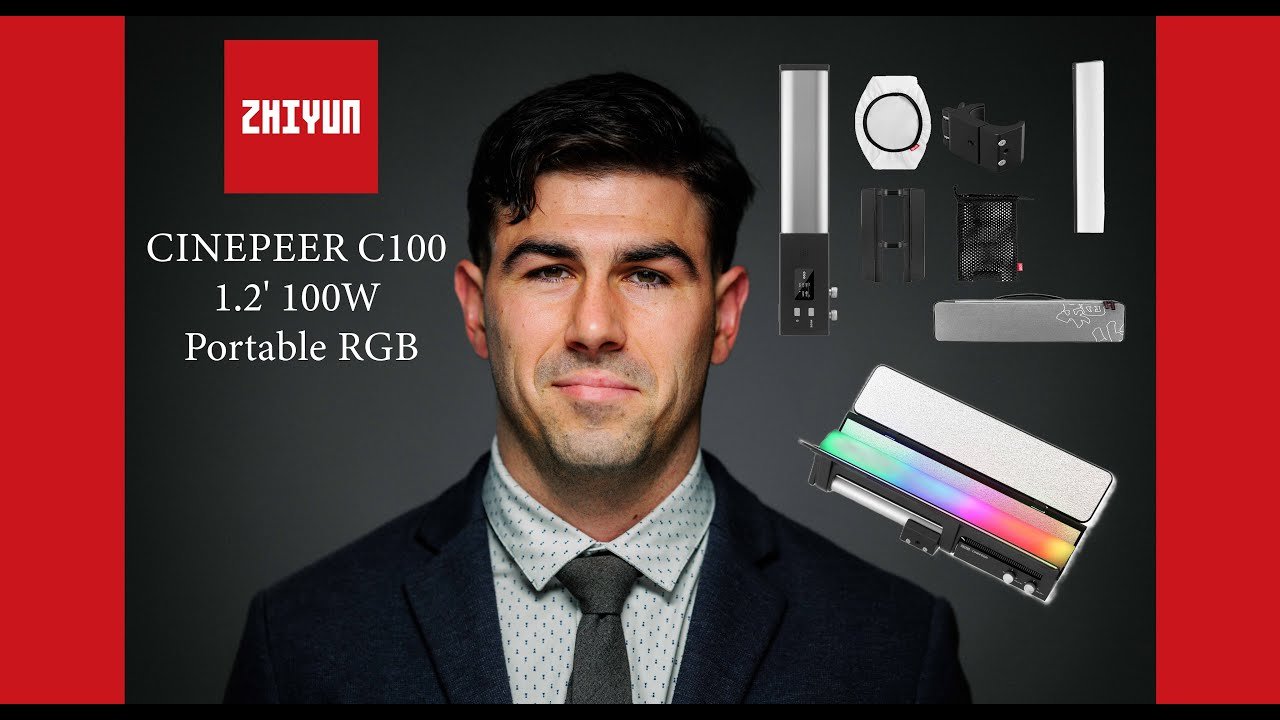
Zhiyun Cinepeer C100 LED Light Review: Headshots and Creative Color
The Zhiyun Cinepeer C100 combines a tube-like shape with a panel-style light source.
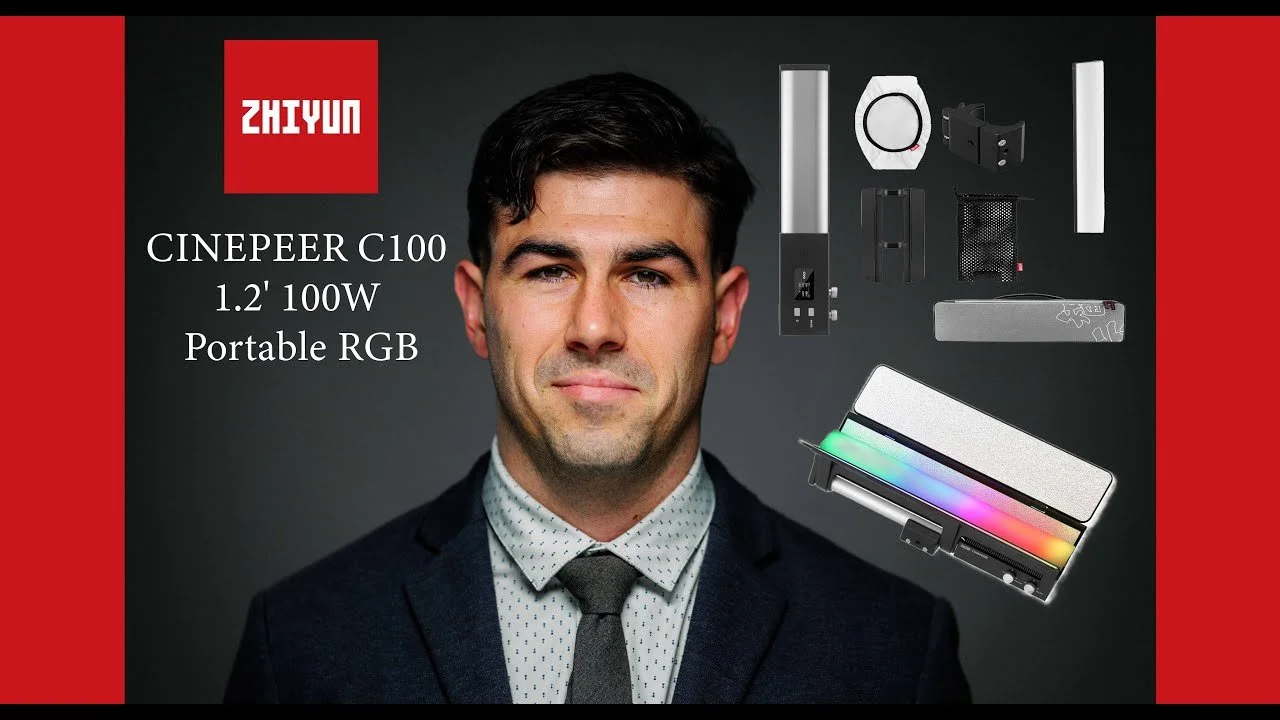
The Zhiyun Cinepeer C100 combines a tube-like shape with a panel-style light source. I tested it for headshots and creative portrait lighting.
Originally published on YouTube Nov 20, 2024.
A flexible shape and modifiers
The review walks through the removable barn doors, diffusion panel, battery-powered design, and controls. I also use a smaller Zhiyun light to build a compact two-light setup. Zhiyun supplied the C100 for testing.
From simple headshots to color
The second part of the video shows a real portrait session, starting with straightforward headshots and then adding colored light and atmosphere. The examples make it easier to see how placement changes the look.
My experience
I enjoyed the light’s portability and the range of creative setups it allowed. The video demonstrates the output I actually used rather than assuming every job needs the light at full power.
Watch on YouTube and view the original product links. Some shopping links in the original description may be affiliate links.
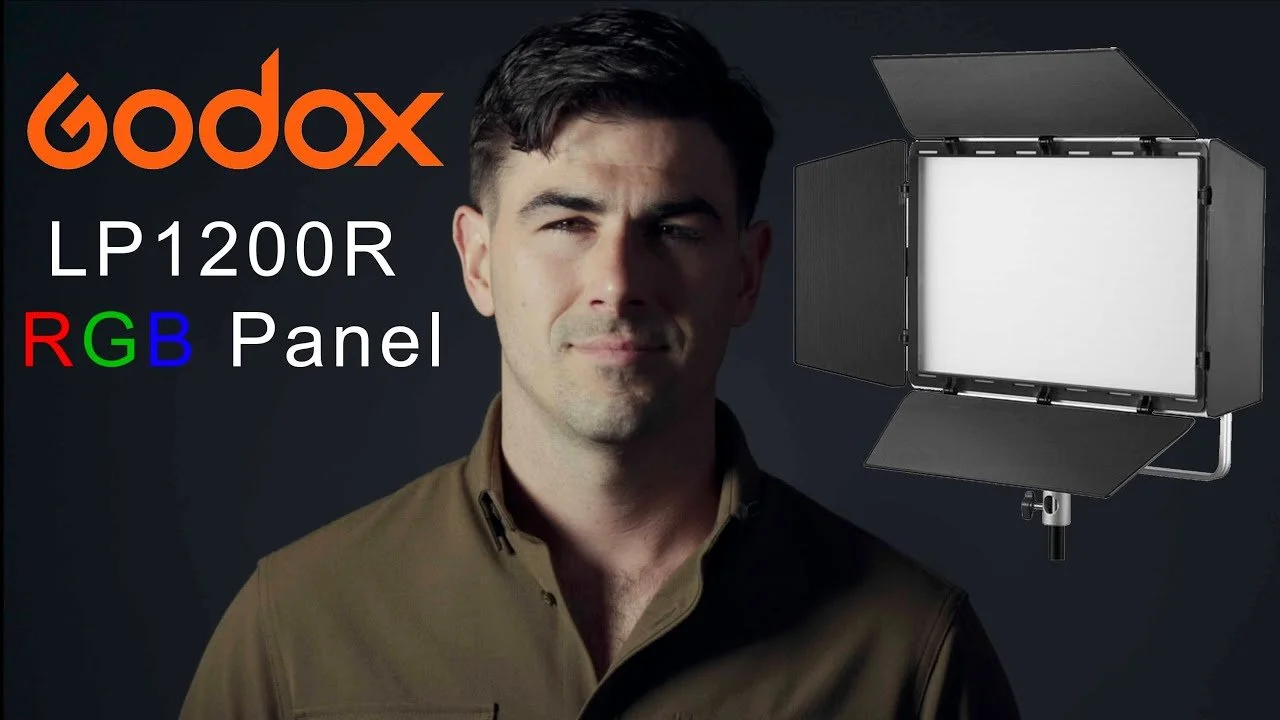
Godox Litemons LP1200R RGB LED Panel Review
The Godox Litemons LP1200R became a useful LED panel in my studio and food photography work.
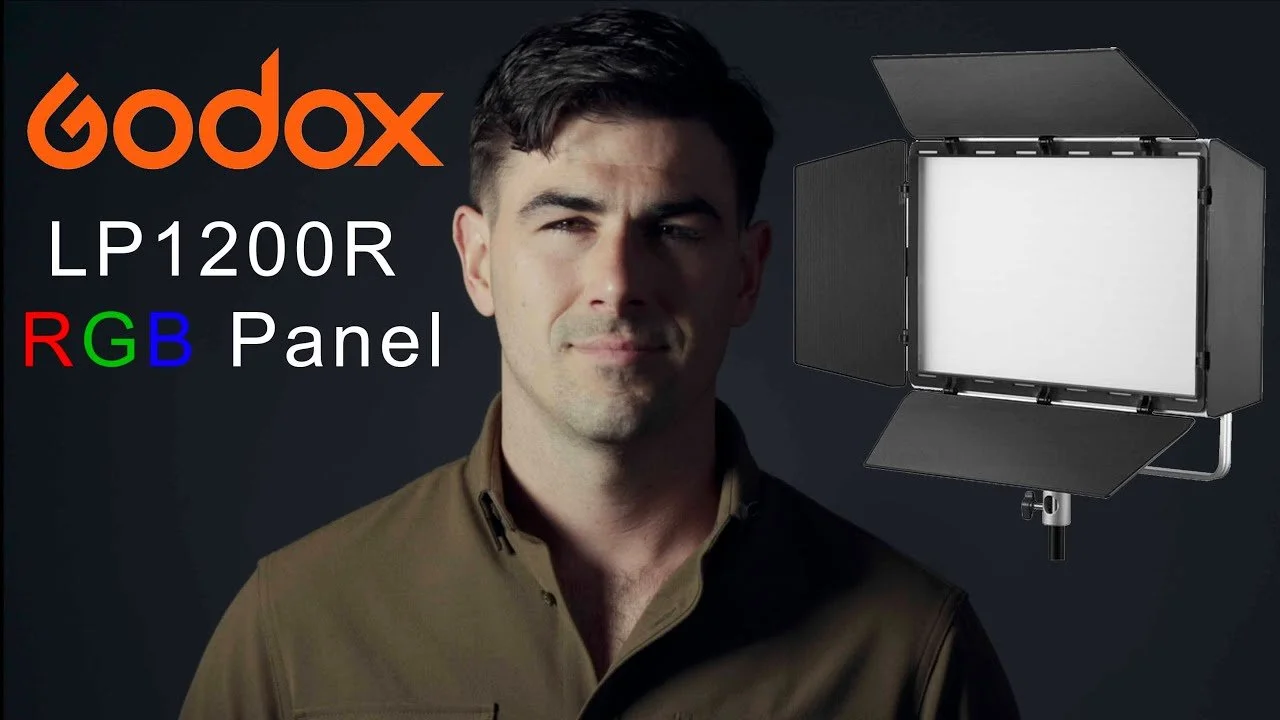
The Godox Litemons LP1200R became a useful LED panel in my studio and food photography work. This review shows its handling, power options, and light quality.
Originally published on YouTube Nov 20, 2024.
A panel for different jobs
I use the panel as a key or rim light and demonstrate the removable barn doors. I like the physical power switch and the ability to attach a V-mount battery directly for a cleaner portable setup.
See the light on a subject
The review includes a side-by-side demonstration with a Godox ML100Bi setup. The examples show how placement and modifiers change the result, which is more useful than judging a light only by its wattage.
Where it fits
For me, the panel is a practical way to add continuous or colored light to a compact setup. Watch the demonstration to assess whether its spread and output suit the portraits or products you photograph.
Watch on YouTube and view the original product links. Some shopping links in the original description may be affiliate links.

Canon R5 II for Weddings and Menu Setup
Here are my thoughts on the new Canon R5 II. Most of this video contains a menu setup.
Download and use my settings. Put this file on an SD Card and go to the yellow section number 5. Load the file. Download here
Here is my first-hand experience with the Canon R5 II as a wedding photographer.

Iceland with the Fujifilm GFX: A 10-Day Photo Journey
Explore a 10-day Iceland photo journey with the Fujifilm GFX 100S and X100V: waterfalls, glaciers, hot springs, hotels, and a full photo gallery.
Quick take: In April 2022, my wife and I spent ten days exploring Iceland with a GFX 100S, four GF lenses, and an X100V. This photo journal follows the places we visited and the gear behind the images.
Travel journal from April 2022. This records our trip and the conditions at that time.
https://youtu.be/N7IK7d5_V9I?si=dvZZKDXlhfIssMOt
In April of 2022, my wife and I took a 10-day trip to Iceland for my 40th Birthday. Where we drove close to 3000 miles around the country and I took over 5000 images. I brought along a GFX 100s and four lenses.
On this webpage, you'll see all the locations that we traveled to, and the hotels we stayed in You can also see some of our favorite Hot Springs that we visited. I hope that if you do make the trip there this video is helpful. This is just a fraction of the photos I took and it took me two years to add them all since I took so many.
I brought the GFX 100 S with the GF 23mm, GF 45mm, GF 80mm, and GF 100-200mm. I also brought a Fujifilm X100V for walking around photos. All of these images were edited with ASTIA/soft Fujifilm profile in Lightroom and my own personal edits. I can't recommend the Fujifilm GFX 100 series enough. Every time I look at these images in Lightroom, my mind is blown by the detail and color range.
I am currently photographing most of my portrait and landscape work with the Fujifilm GFX 100 II. You can see my full review on that camera here. GFX 100 II Review
Off to Seattle
 {
{


We landed at Keflavík International Airport in the morning, grabbed breakfast, and headed to hike Fagradalsfjall volcano. We rented from Dacia Duster from Blue Car Rental. The Duster was a decent little AWD car. I wanted a Defender but it was just out of my budget.
This is a very rough estimate of our trip around the Country.


Fagradalsfjall volcano


The hike was pretty easy but it was a bit windy and cold. We were also a bit tired from an overnight flight. 


Sky Lagoon
Our Second stop was Sky Lagoon. As of 2022, this was a new location on the edge of Reykjavík overlooking the ocean. This place could not have been more amazing. It was a little chilly out and the water ranged from a 50-degree cold plunge pool and 108-degree water.


Reykjavík
We finally checked into our hotel to Facetime our little baby and take a short nap. There are a lot of hotel options in Reykjavic, so I would just look on hotels.com and find one that suits you.
After a short nap, we hit the streets of Reykjavik. This city is full of quirky art and is very charming.


We stopped at a food court and at the most amazing restaurant called Skal!. It was so good we ate there again on our last night in Iceland.


After a quick breakfast at our hotel, we hit the road to see some waterfalls and begin our journey around the country.

Seljalandsfoss
Our first waterfall was Seljalandsfoss.


Driving through the southern part of Iceland was breathtaking. I had to pull over every 10 minutes to take a photo.


Skógafoss
Our Second Waterfall was Skógafoss. This is probably one of the most popular falls in Iceland and was pretty busy. I found that if you are willing to get soaked you can get a photo with no one else in it.


There was a really good fish and chips food truck next to the parking lot. We brought our own Viking Beer from the grocery store.
Mia's Country Van - Local Fish & Chips


Jokulhaus Glaciers
We stumbled on Jakulhaus Glacier and were amazed by the mass size of this ice field.


Smiðjan Brugghús
We stopped into Smiðjan Brugghús for some soup and a beer. Everything was amazing.


Reynisfjara Beach
After lunch, we drove to Reynisfjara Beach to see the black sands and some epic rock formations.


Dyrhólaey Lighthouse
We drove up to the Dyrhólaey lighthouse to see some beautiful views of The Endless Black Beach. There were also a bunch of puffins hanging out on the cliffs.


VIK, Iceland
For our second night, we stayed in VIK at Hótel Kría.


Fjaðrárgljúfur
Fjaðrárgljúfur is a must-stop. This canyon is just beautiful.


Svínafellsjökull Glacier
While driving we saw Svínafellsjökull Glacier and pulled off the road and headed out for a hike.


Fosshotel Glacier Lagoon
Fosshotel Glacier Lagoon Hotel was hands down the nicest "hotel" we stayed at in Iceland. They had an outdoor hot tub and amazing food. We stayed here for two nights because it was close to some of Iceland's best locations to visit.


Mulagljufur Canyon
After an amazing breakfast, we started our short hike up Mulagljufur Canyon. This canyon alone is stunning but it also offers some incredible views overlooking southern Iceland.


Fjallsárlón
We stopped in at Fjallsárlón and were amazed. It's hard to fathom the sizes of these ice fields. 


We saw three different herds of wild caribou on our journey.


Höfn
We drove to Höfn and stopped in at Pakkhús Restaurant to try their famous langoustine.


Stokksnes
After dinner, we head to Stokksnes for sunset. This place was out of this world. We also walked to the first Viking village for a self-guided tour.


Diamond Beach
On our way back west towards our hotel we stopped by Glacier Lagoon and Diamond Beach. One thing to note is that the tides are several feet in Iceland, so you have to catch the right tide to see the glaciers on the beach. The glaciers are sucked out from Glacier Lagoon with the tide and washed back up on shore by the waves.


Northern Lights
We drove back to Viewpoint of Fjallsjökull to wait for the northern lights. It wasn't until around 1:30 am and 28 degrees that the sky cleared, the sunset, and we were able to catch a glimpse of this beautiful light show.


After sleeping in after a late night out we drove back to Diamond Beach for another view.

Here you can see a mother swan sitting on eggs and the father protecting her.

This is the view you will see when hitting the southeast side of Iceland.


We stumbled on this little hot spring that was almost too hot to sit in. We had this spot to ourselves and it was amazing. GPS Location


Some of the roads on the east and northeast sides of Iceland can get a bit bumpy so it's nice to have an offroad capable vehicle.


Seydisfjordur
We drove over a small pass to Seydisfjordur to see where the boats come in from the Faroe Islands and Demark and stopped in for lunch.


Here is a stunning view from our way back from Seydisfjordur to stay in Egilsstaðir for the night then move on to the north. The hotel we picked for this night was next to a cow farm and a little stinky so I won't link it here.

Dettifoss
The next morning we drove to Dettifoss waterfall which was huge and had some of the most stunning views.


Svartaborg
The northeastern part of Iceland is pretty sparse so we picked a cabin in the middle of nowhere to stay in. This cabin had a private hot tub that was filled from a hot spring and this was probably one of the coolest places we stayed the whole time we were there. The cabin was called Svartaborg and it was the most we paid for one night at $250 USD.


Akureyri
The next morning we drove towards Akureyri. We had the most amazing views of these fjords like I have never seen before. The town of Akureyri was a really busy port in a good-sized town. They even had a Fujifilm store that unfortunately was not open. We stopped in for coffee and a sandwich and headed west.


We crossed this bridge and pulled over to watch what looked like a rushing river to see the tides coming back in.


Grundarfjörður
Next, we stopped in Grundarfjörður for dinner where they specialize in everything, cod and seaweed.

We ate at Bjargarsteinn Mathús where I had cod, cheeks, tongue, and gills paired with seaweed and a seaweed wine. As odd as it sounds, it was delicious.


Kirkjufell Mountain
That night we stayed at a small rental next to Kirkjufell Mountain. We had a clear view of the mountain and saw a bit of the northern lights after a beautiful sunset.


Búðir
On our way back to Reykjavik we stopped by the famous black chapel.

Friðheimar
Next, we headed to Friðheimar. This is a large tomato farm/restaurant where you can eat and drink everything tomato. From tomato soup and tomato beer to tomato ice cream it was all delicious.


Walking the streets of Reykjavik is always a good time.


Reykjavík Roasters is really good. They also have great breakfast options.


Hallgrimskirkja
This spaceship-looking building is a church in the heart of Reykjavik and is pretty darn cool.


Blue Lagoon
On our last day, we visited the Retreat at Blue Lagoon Iceland. This is one of the more well-known hot springs and was just as wonderful as you would expect. we were there on a misty day getting sprinkled with rain. You get a wristband to gain access and buy drinks in the lagoon. I can't recommend this location enough.


After relaxing in the hot springs we were rested and ready to travel home to our beautiful little girl. This trip was a trip of a lifetime, but I seriously can not wait to go back.
Fujifilm GFX 100 II Review: 25,000 Photos of Real-World Use
My Fujifilm GFX 100 II review after five months and 25,000 photos, covering weddings, portraits, editorial work, and upgrading from the GFX 100S.
Quick take: After five months and roughly 25,000 photographs, the Fujifilm GFX 100 II improved my shooting experience most through autofocus and its viewfinder. I still use my Canon bodies for faster-moving work, but the GFX is a camera I love picking up for portraits.
Watch my full GFX 100 II review
This review follows weddings, elopements, engagements, proposals, families, senior portraits, food photography, and editorial assignments. I used the GFX 100S for two years before upgrading. The video includes field focus demonstrations, photographs from real sessions, and my menu setup.
Autofocus: better, with limits
In my own shooting, I estimated a focus hit rate around 70% with the GFX 100 II versus about 50% with my GFX 100S. Those are personal estimates, not controlled benchmarks. For groups and more distant subjects, I often turn eye detection off and use a single point. For close portraits, I switch eye detection back on.
The eye-detection indicator can lag or appear slightly misplaced. The improved viewfinder helps me judge whether focus looks right. When unpredictable movement is the priority, I still reach for my Canon R5 or R6.
Viewfinder, handling, and battery life
The electronic viewfinder is one of my favorite upgrades, both for checking a photograph and showing it to a client. The body is a little bigger than the GFX 100S, but the grip fits my hands well. I also enjoy the tilting screen for still photography.
I carry three batteries. At the time of this review, I had not used up two during a wedding day. That reflects how I work with the camera, rather than a standardized endurance test.
GF lenses and adapted Canon and Sigma lenses
The GF 80mm f/1.7 remains a go-to for portraits and families. It is not the quietest or fastest-focusing lens, but I love its rendering. The Fringer EF-GFX adapter also worked on my GFX 100 II, letting me experiment with Canon and Sigma lenses.
The video demonstrates the Canon EF 35mm f/1.4 II, GF 45mm f/2.8, GF 80mm f/1.7, Sigma 105mm f/1.4, and Canon EF 100–400mm II. The Sigma became a favorite for studio headshots, often around f/1.8 or f/2. Coverage and vignetting vary by lens, and I sometimes had to restart the camera after changing an adapted lens. See my Fringer adapter tests for individual lens examples.
My settings for portraits
I use back-button focus in AF-S and enable shutter-button autofocus in AF-C. A custom button toggles face and eye detection. I record lossless-compressed RAW files to CFexpress Type B and JPEGs to SD. My usual continuous setting is 5 fps, and I prefer the mechanical shutter because I encountered distortion when using the electronic shutter.
The detailed menu walkthrough starts around 39 minutes into the video. These settings suit my still-photography workflow; they are not a video setup guide.
Editing the files
I used an M1 Max 16-inch MacBook Pro and Lightroom Smart Previews for larger shoots. Later in the video, I checked the compressed RAW files and found sizes around 80–90 MB. The files are workable, but storage and editing time belong in the decision alongside the camera and lens cost.
Is the upgrade worth it?
I did not see a dramatic image-quality difference from the GFX 100S. For me, the upgrade was about focus, the viewfinder, and enjoying the process. It did not automatically make my work more profitable; it made photography more fun. Renting a body with a GF 80mm or 55mm is a useful way to find out whether that experience fits your work.
For another perspective on output, see my GFX 100S vs X-T5 print comparison.

Fujifilm GFX 100 II Autofocus Test: GF and Adapted EF Lenses
Watch my Fujifilm GFX 100 II autofocus test with GF 45mm and 80mm lenses, plus Canon 35mm and Sigma 105mm lenses on the Fringer EF-GFX adapter.

GFX 100 II Autofocus Test
I Tested the GFX 100 II with the GF 45mm and 80mm lenses. I also tested it with the Canon EF 35mm F1.4 II and Sigma EF 105mm F1.4 lenses. The Canon Lenses were tested with the Fringer EF-GFX adapter. Watch the video to see the results.
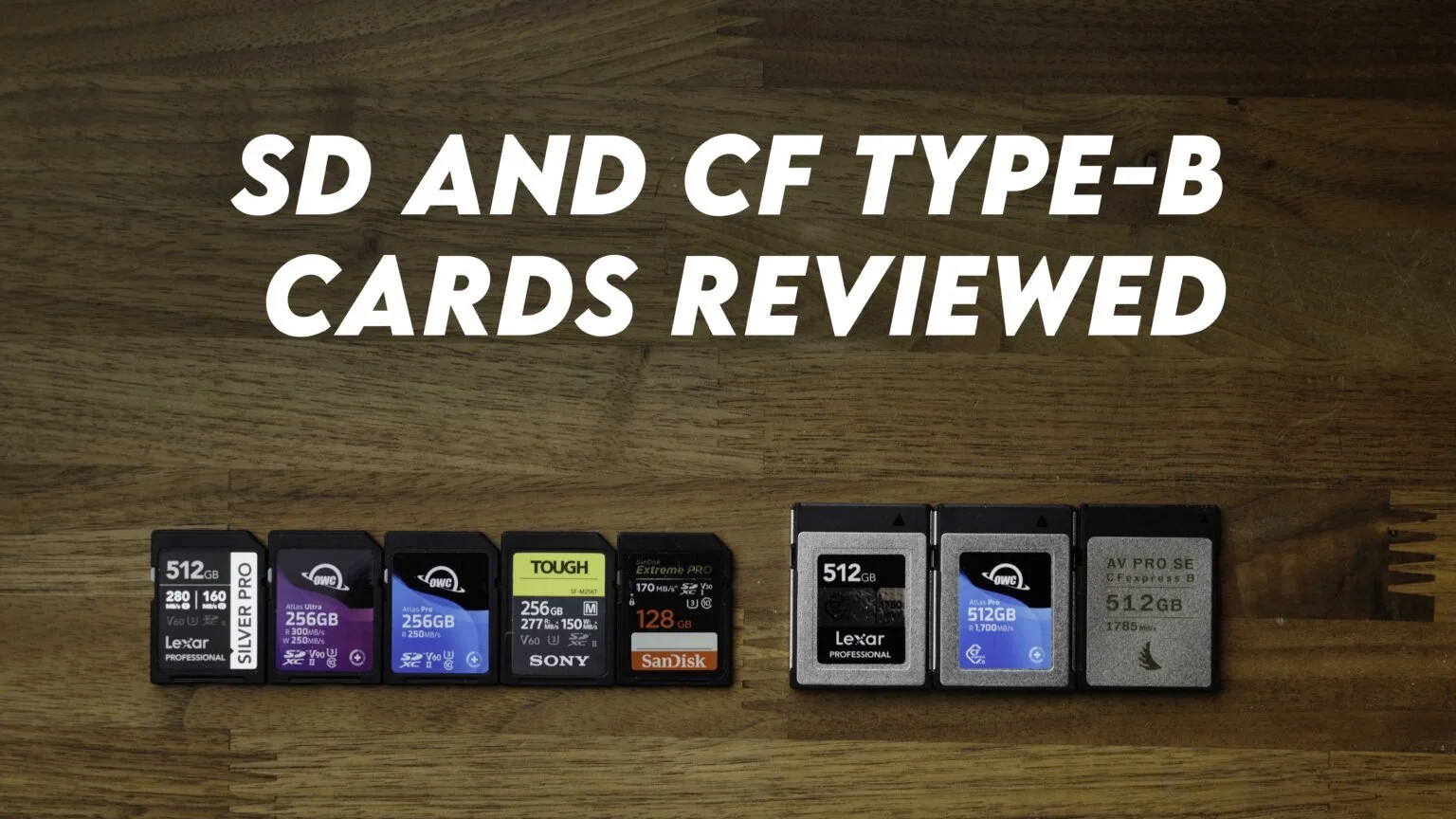
SD and CFexpress Type B Card Speed Tests for Photographers
Real-world SD and CFexpress Type B card speed tests using AJA, with read/write results, card links, and notes on photo storage and backup workflow.
Quick take: I tested SD and CFexpress Type B cards with AJA and recorded repeated read and write results. These are results from my setup, intended to help compare the cards alongside capacity, compatibility, and cost.
Test method and review disclosure
Lexar supplied the cards and portable SSD featured in this review. I purchased the OWC cards and compared the products with cards already in my kit. I ran five read/write tests with AJA. These are measured transfer speeds from my setup, not guaranteed sustained recording speeds in every camera.
The averages below have been recalculated from the five measurements printed beside each result. This corrects arithmetic discrepancies in the original article; the underlying measurements are unchanged. The video’s spoken numbers sometimes differ from this written data, so use the individual runs below when comparing results.
What matters in my photo workflow
Read speed matters to me when importing a large wedding. I also want enough writing performance for the way I shoot, rather than buying a card solely for its advertised maximum. In this review I generally kept RAW files on SD and JPEG backups on CFexpress Type B in my R5 bodies. I preferred 256GB SD cards because they could cover a wedding and stay set aside until editing was finished.
For editing, I kept originals on an external SSD, generated Lightroom Smart Previews, and disconnected the drive while working through the previews. I also maintained separate drive backups. The original prices below are historical September 2023 references.
These benchmarks and price references come from my original September 2023 tests. Retail prices and availability change; use the linked listings to check current options.
In this video, I discuss memory cards, CF Express type B cards, and solid-state drives. I start by mentioning that Lexar sent me some memory cards to review, including a CF Express type B card. I decided to compare these new cards to the ones I've been using. I also talk about my practice of periodically replacing memory cards due to concerns about their longevity, especially since I shoot a lot and often use multiple cameras.
I share the results of the tests I conducted on various memory cards, including Lexar, OWC (Other World Computing), Angelbird, SanDisk, and Sony Tough cards. I compare their read and write speeds, discussing their performance and price points. I mentioned my preference for 256GB SD cards for my workflow.
Next, I discuss CF Express type B cards, which I primarily use as backups and for video work. I compare the performance and prices of Angelbird, OWC, and Lexar CF Express type B cards, with Lexar being the fastest and most cost-effective option.
Towards the end, I touch on the use of external SSDs for editing and recommend a specific model for its speed and affordability. I stress the importance of regular backups and suggest color-coding Thunderbolt cables for easy identification.
In conclusion, the video provides my recommendations and insights into memory cards and SSDs, including their performance and pricing. I also invite viewers to share their favorite memory cards, CF Express cards, or portable hard drives in the comments section and direct them to a webpage for detailed statistics and additional information.
SD Card Test Results
Here are the megabytes per second Speed results that I got using AJA and prices will vary over time.
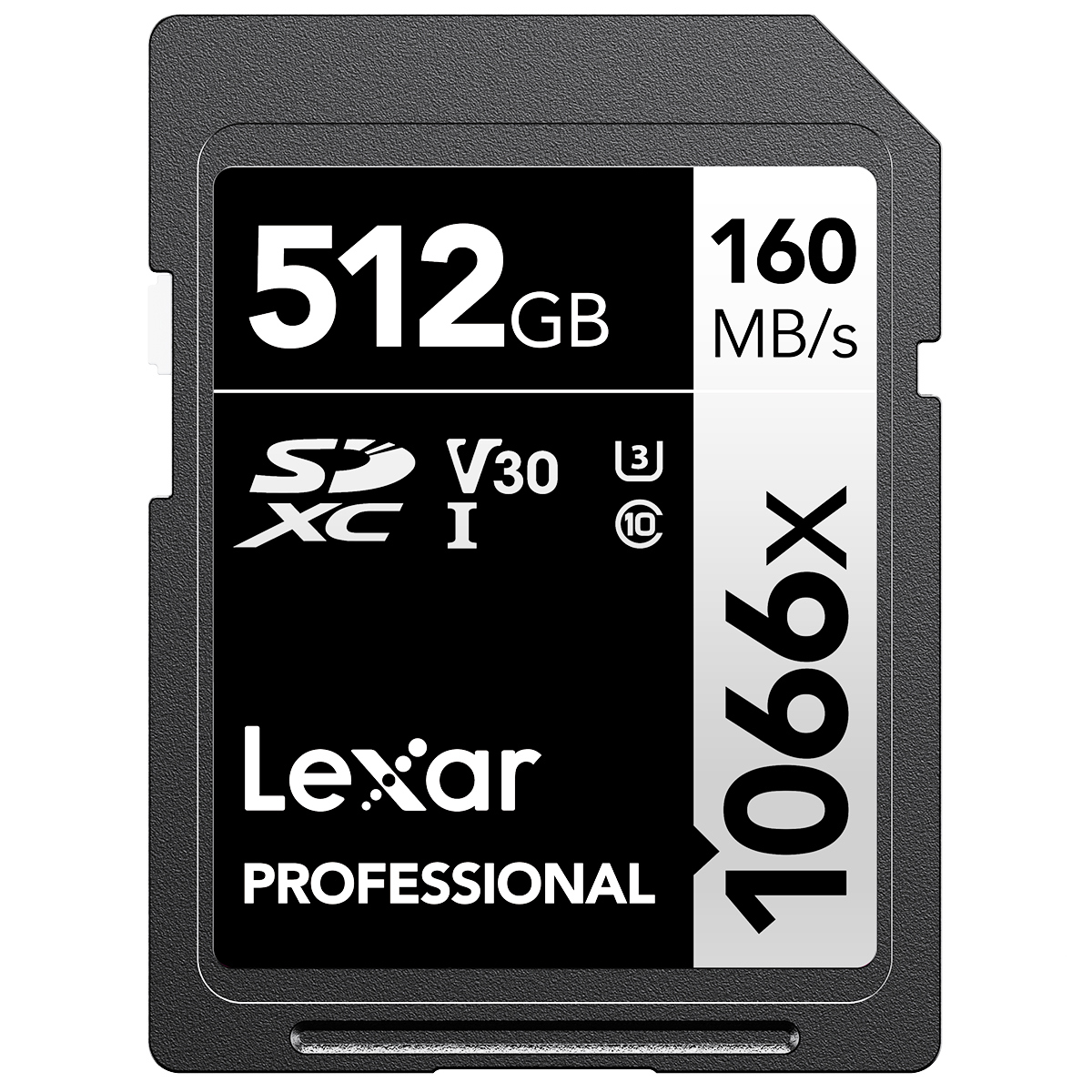 Lexar Silver Pro V60 ($59 - 256GB)($99 - 512GB)
Read 269.4 MB/s (271,270,270,268,268)
Write 134.8 MB/s (136,137,127,137,137)
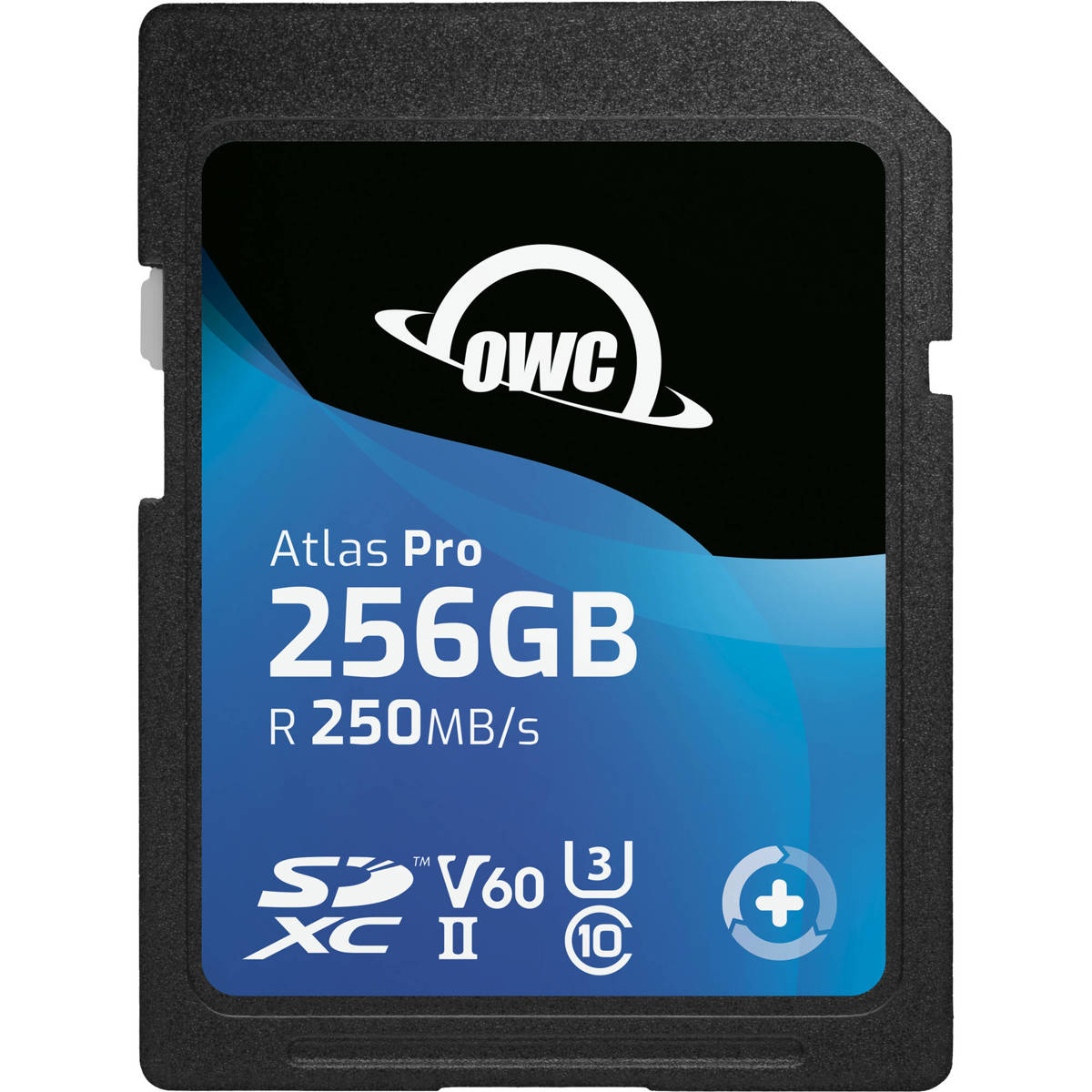 OWC Atlas PRO V60 ($54 - 256GB)($109 - 512GB)
Read 244.8 MB/s (242,246,244,243,249)
Write 128.8 MB/s (129,128,129,129,129)
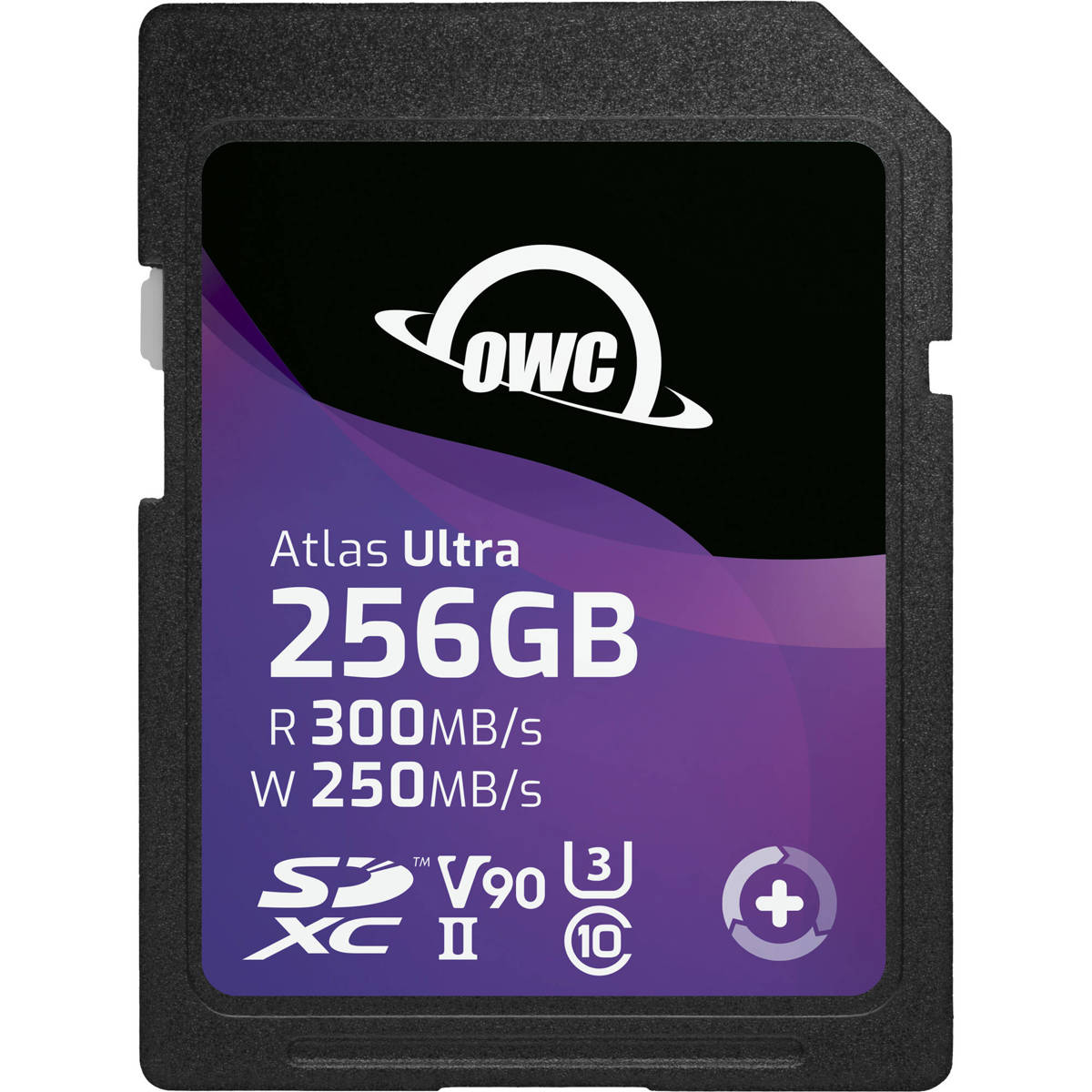 OWC Atlas Ultra V90 ($229 - 256GB) ($499 - 512GB)
Read 271.4 MB/s (278,269,273,269,268)
Write 186.8 MB/s (163,183,201,186,201)
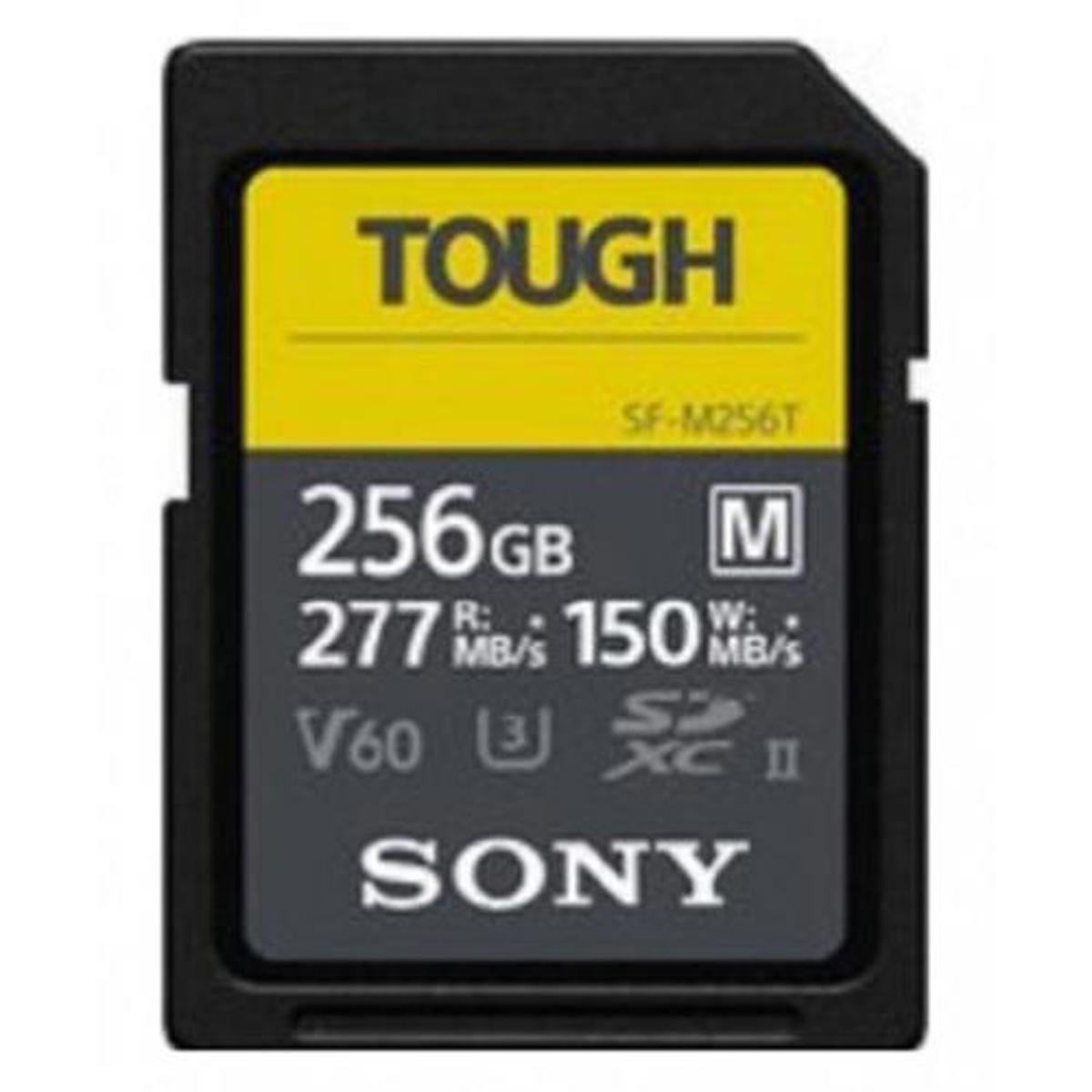 SONY Tough V60($114 on Sale - 256GB)($229 - 512GB)
Read 268.2 MB/s (268,268,268,269,268)
Write 102.2 MB/s (88,105,106,106,106)
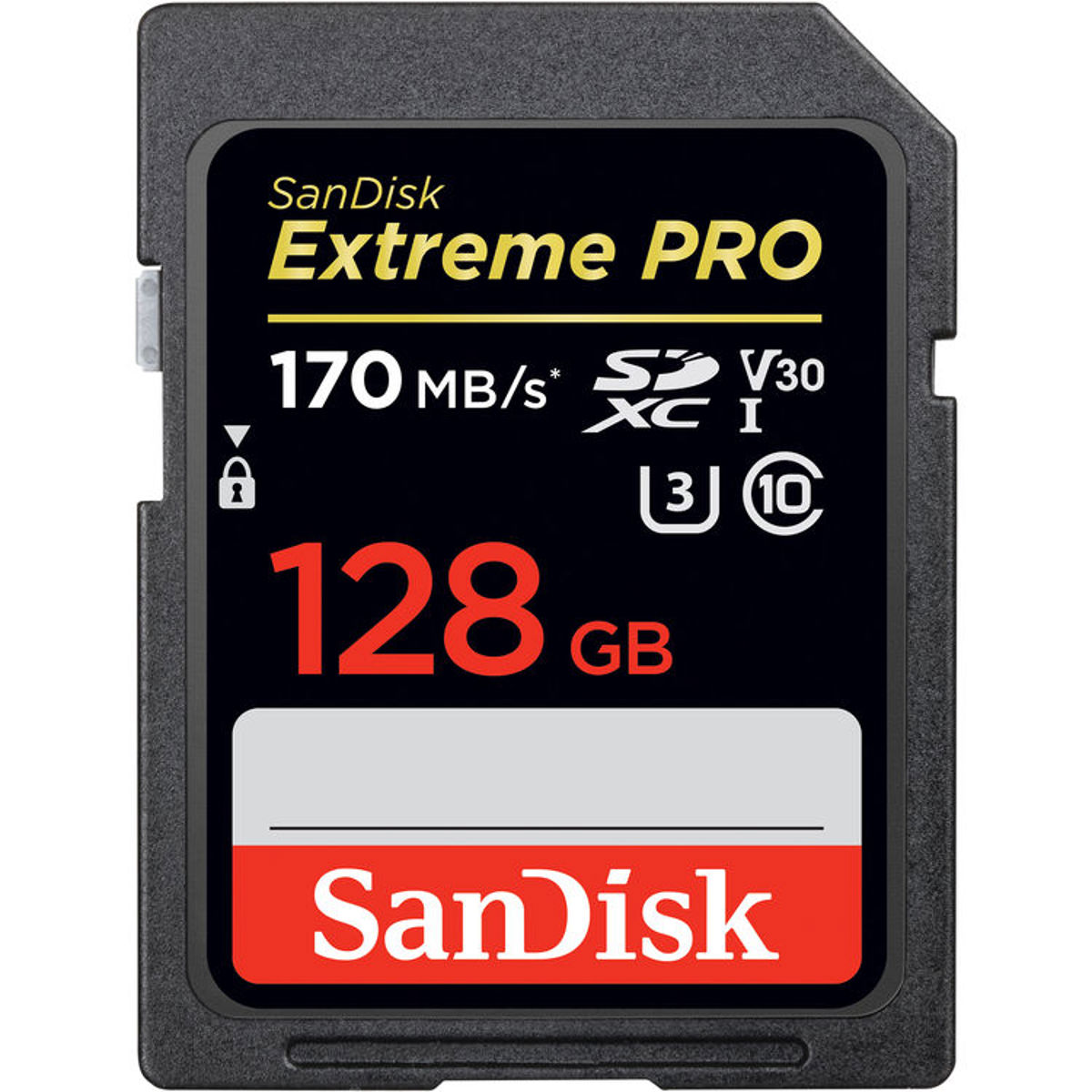 SanDisk V30 ($199 - 512GB) (256GB — price not recorded)
Read 169.6 MB/s (171,168,172,168,169)
Write 88.4 MB/s (79,99,100,67,97)
CF Express Type-B Results
Here are the megabytes per second Speed results that I got using AJA and prices will vary over time.
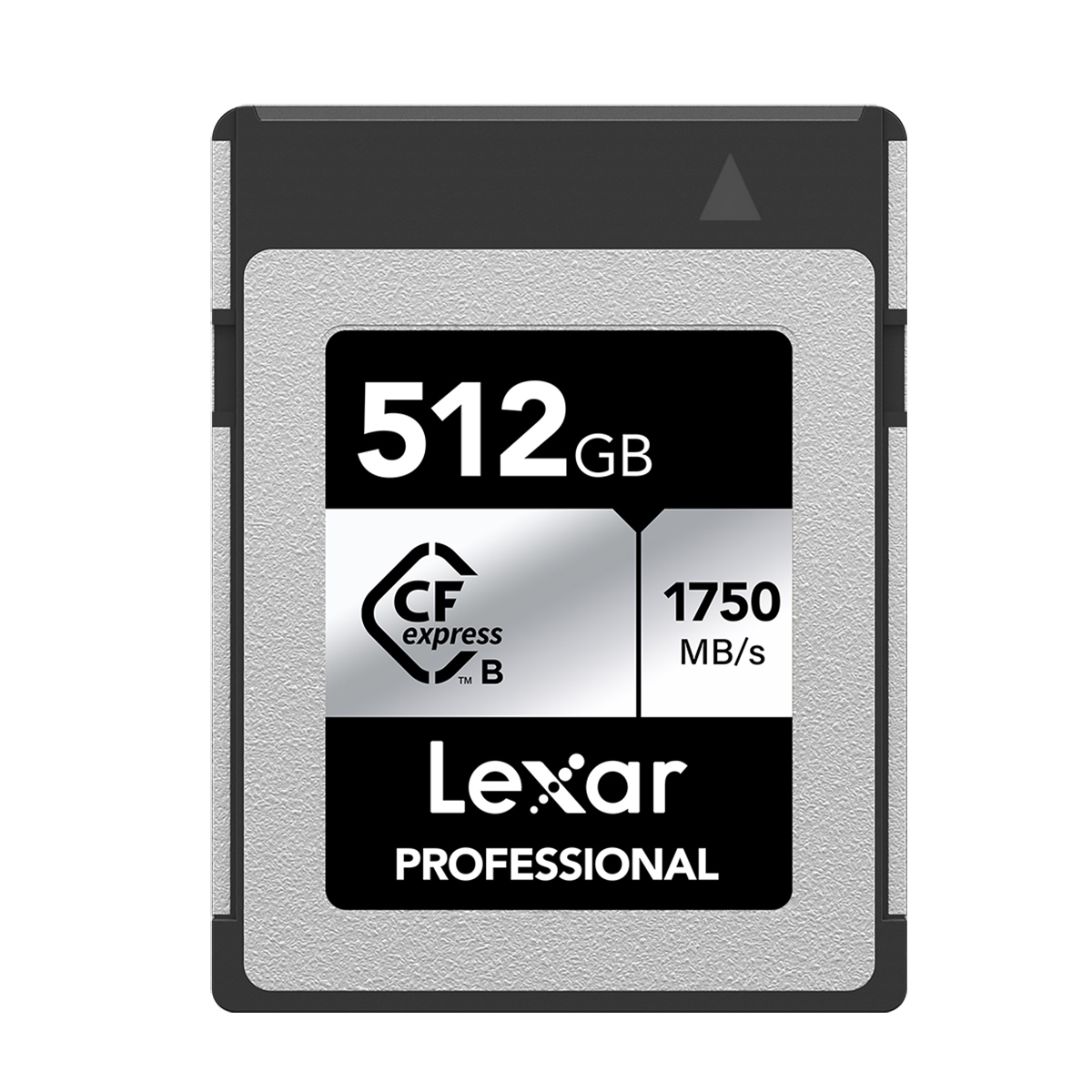 Lexar Silver Pro ($159 512GB)
Read 834.2 MB/s (835,833,836,832,835)
Write 870.0 MB/s (872,872,868,867,871)
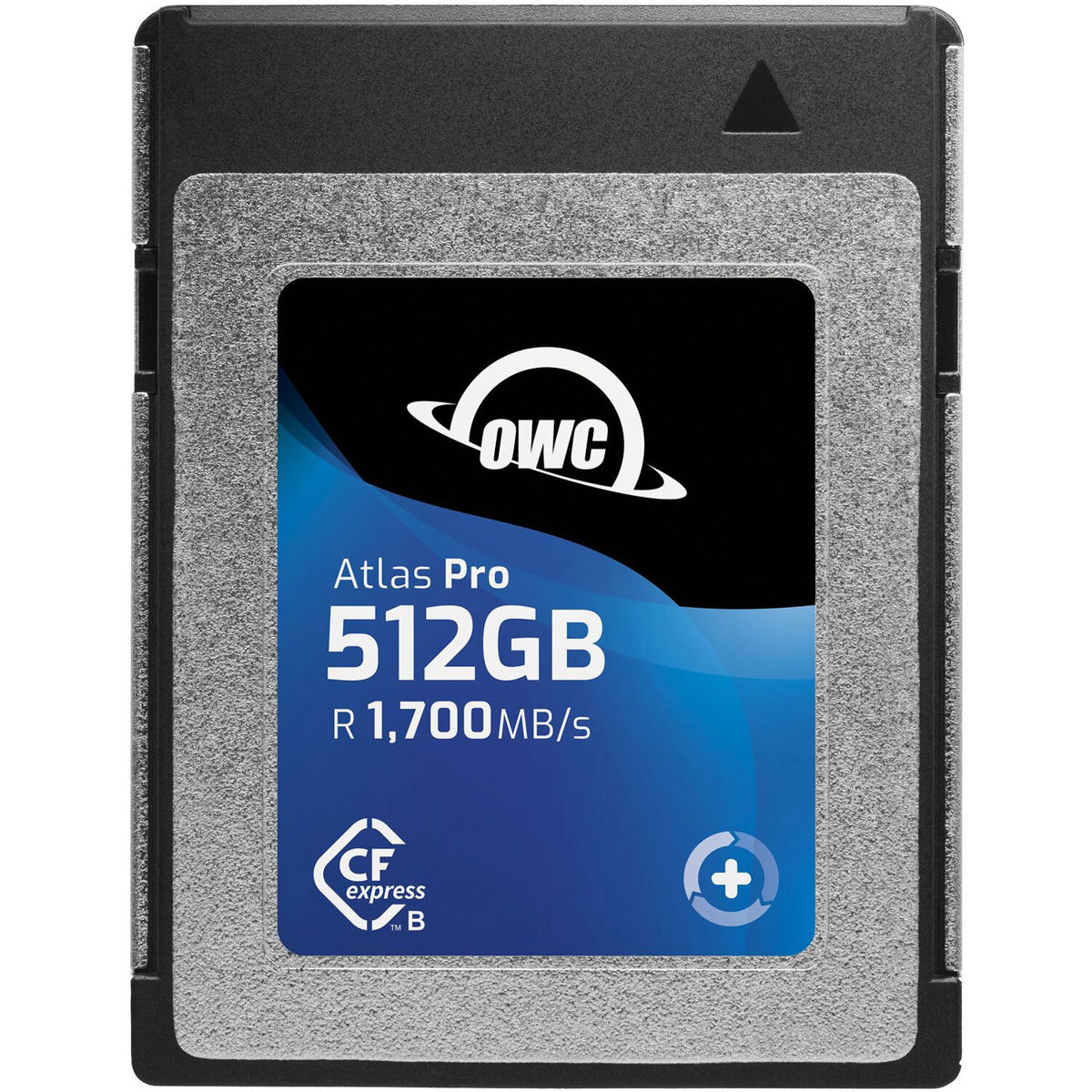 OWC Atlas Pro ($169 512GB)
Read 648.8 MB/s (648,642,641,656,657)
Write 369.4 MB/s (393,307,384,389,374)
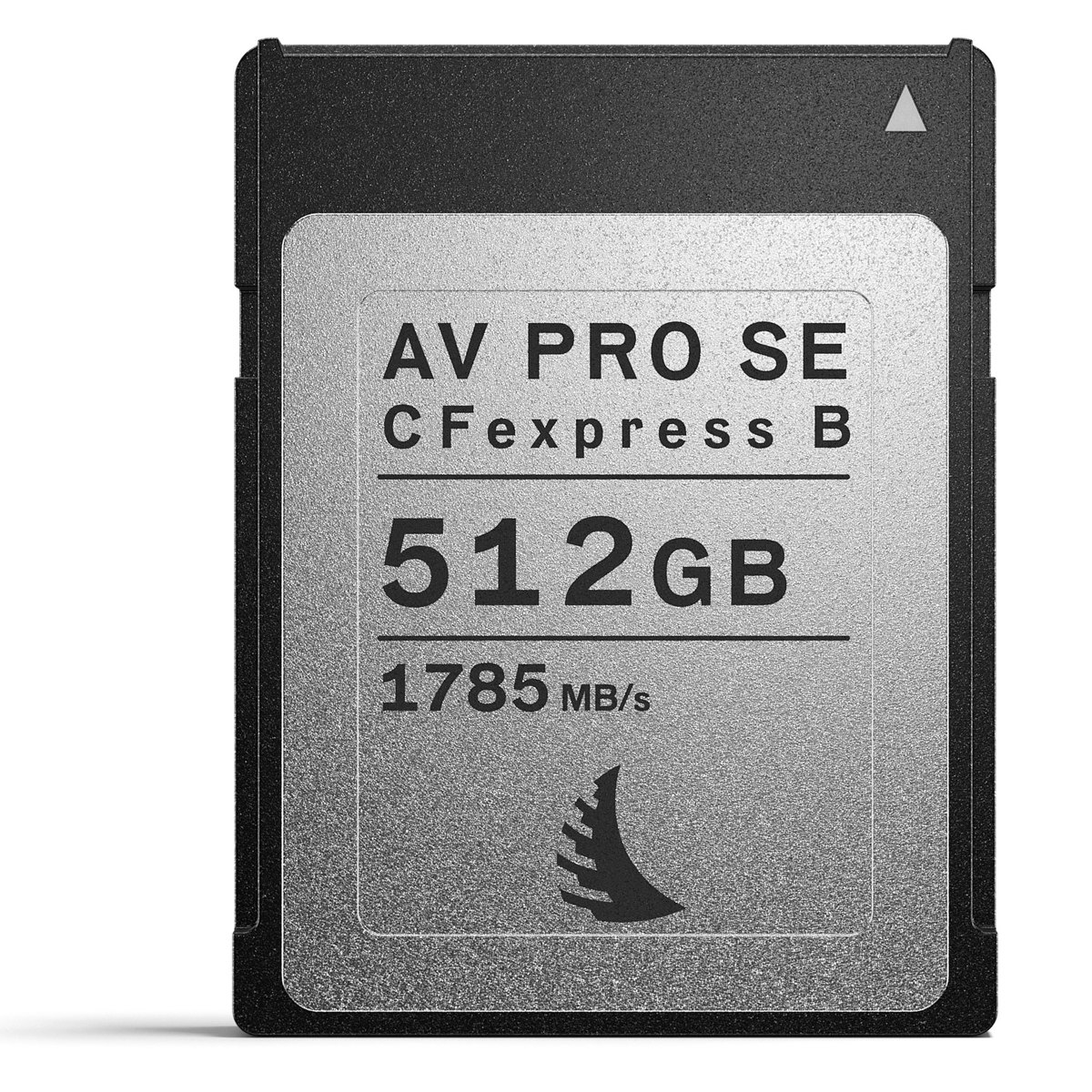 Angelbird AV Pro SE ($109 512GB)
Read 556.0 MB/s (555,556,556,554,559)
Write 793.4 MB/s (791,793,795,798,790)
 Read 928.2 MB/s (921,927,933,926,934)
Write 901.8 MB/s (888,904,902,916,899)
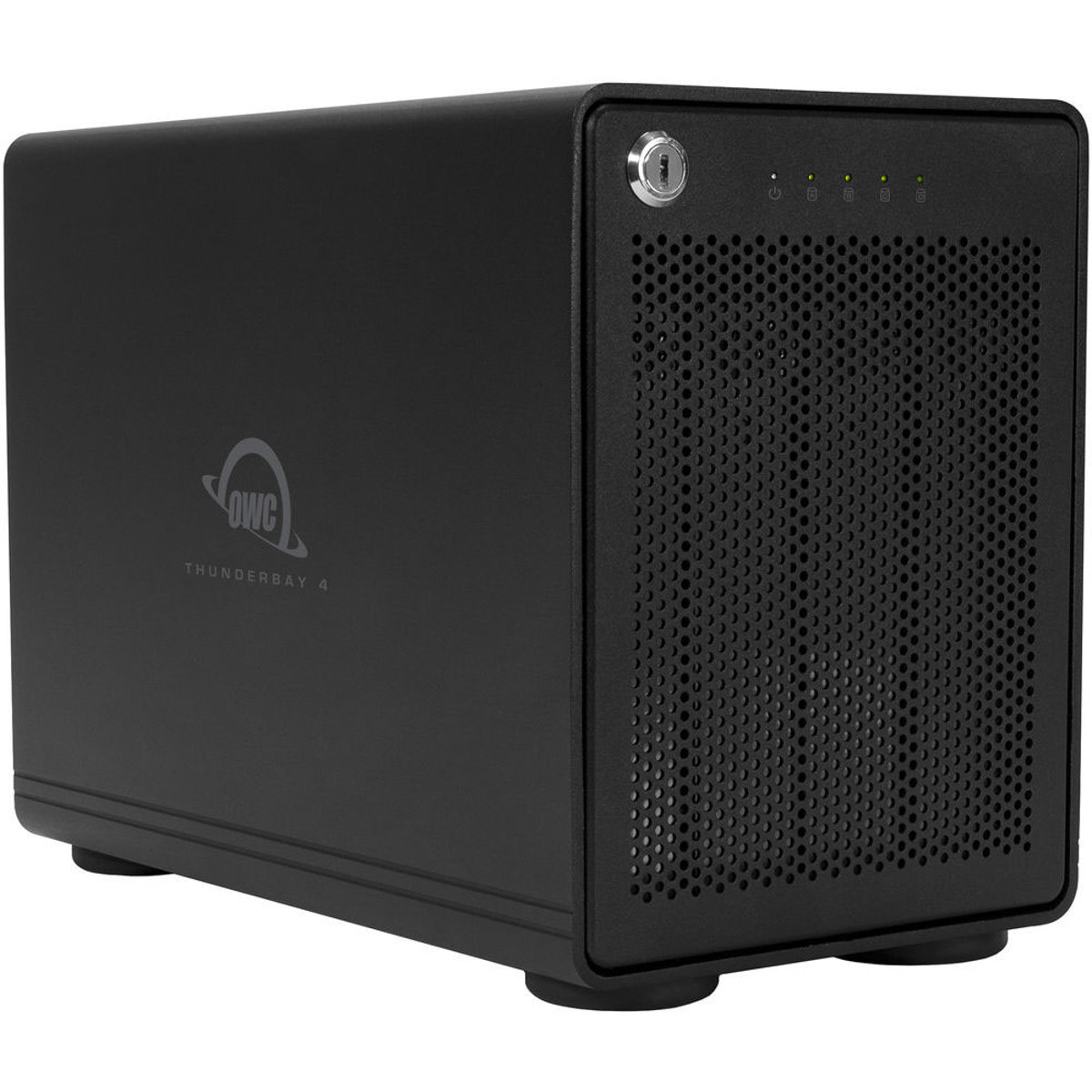 Here is the Raid Drive I use for backups and my portfolio. I have a 32TB setup on Raid 5 which gives me good speeds and 24 TB of storage.
https://eshop.macsales.com/shop/thunderbay-4/thunderbolt-3-raid-5
Carbon Copy Cloner is my favorite Backup Automation Software. https://bombich.com/

Canon R6 Mark II Review for Wedding Photographers
A wedding photographer’s Canon R6 Mark II review: 24MP image quality, ISO 10,000 results, autofocus settings, handling, and real-world tradeoffs.
Quick take: The R6 Mark II combines the image quality, high ISO performance, and handling I want for wedding work. Here is what I like, the autofocus setup I use, and the controls that still frustrate me.
What I learned after 22,000 frames
This review follows about 22,000 frames with the R6 Mark II and roughly 400,000 with my original R6 bodies. For weddings, families, and portraits, I value its handling and autofocus more than a larger pixel count. I also prefer working with two matching bodies so I do not have to think about different controls during the day.
Keeping control of autofocus
My main adjustment was setting automatic subject detection to None for general work, then assigning eye autofocus to AF-ON. That let me focus on a ring, hand, or flower without the camera pulling attention back to a face. When I am photographing people moving, I can switch people detection back on.
The video includes my daughter running and playing, tested with fast lenses including an adapted Sigma 105mm f/1.4, Canon EF 35mm f/1.4 II, and RF 50mm f/1.2. It shows both the tracking behavior and the resulting photographs, rather than relying only on the focus box.
Handling details that matter during a wedding
The relocated power switch makes one-handed operation easier for me. When using the R6 Mark II alongside an R5, I taped over the stills/video switch while adjusting to the new layout. I also taped the mode dial because I shoot manually and did not want it changing accidentally. The multifunction lock does not lock that mode dial.
In my startup comparison, the R6 Mark II displayed its focus point sooner. The R5 could already take a photograph before its indicator appeared, so this is a difference in shooting feedback, not simply a claim that the R5 cannot shoot during startup.
In this review, I am going to talk about the camera's Image Quality, High ISO capabilities, autofocus speeds, and handling. I'll also tell you why I think that the Canon R6 II is currently the best Canon Camera option for Wedding photographers.
I have been photographing weddings since 2007 and I started with the original Canon 5D which replaced my starter kit of the Canon 30D. Cameras have advanced so much from autofocus to High ISO and everything in between. It's amazing what the Canon R6 II is capable of when you compare it to the original 6D or 5D.
Image Quality
As far as image quality goes, the R6 II is perfect. 24 megapixels is plenty of resolution for weddings and most photography. These files edit wonderfully and the dynamic range is more than I could ask for. For a more in-depth Image Quality review head over to my R6II vs R5 comparison HERE, where I show how the R6 II holds up against the Canon R5 when printed.
In my opinion, which is very subjective, the colors out of the Canon R6 II are my favorite Canon colors so far. Fuji will always be my first love when it comes to color, but the R6 II is definitely number two. I use the Neutral profile in Lightroom to achieve my favorite color tones. It's not just the colors but the way the files handle the tone curve, contrast, and natural dynamic range that make me choose this camera over any Sony camera. Sony cameras are phenomenal and usually leading in features, but they just don't have any good profiles and I don't like the way they edit.
High ISO
The high ISO capabilities of this camera accompanied by lower aperture lenses allows you to photograph any scene. I feel comfortable delivering images at 10,000 ISO with no issues.
For a more in-depth review high ISO review head over to my R6II vs R5 comparison HERE.
autofocus System and Speed.
The Canon R6 II autofocus system is insanely fast and accurate. I can't tell a difference between the R6 II autofocus and the Canon R3. The only problem I have faced is that it's too jumpy and unpredictable when you have subject detection turned on. I found that turning off subject detection and setting a button to Eye autofocus, gives me more control of what I am focusing on. I did turn the subject detection back on when photographing my daughter playing soccer and riding her bike and it worked perfectly for those applications.
Handling
First of all, this camera turns on so fast! This may not affect everyone but in order to save battery life and avoid changing settings I turn my camera on and off multiple times all day. This is just something that is necessary with EVFs (electronic viewfinders) and Screens draining batteries more quickly these days. Gone are the days when the SLR would last all day long no problem.
I have larger hands and this camera fits my hand great with no pinky grip needed. The buttons are all in natural places and I like that my thumb rests on the small joystick.
The new joystick is convex vs concave and feels a bit different, but this hasn't caused me any problems or annoyances yet.
The fact that Canon moved the power button to the right side is a huge win for me. Although I am still training my brain on this switch. Now I can turn the camera on with one hand, just like every other camera.
One big advantage that the R6 II has over the R3 (other than price) is the smaller size. The Canon R3 was wonderful for photographing weddings, but when yielding two cameras the size really got to me.
I do wish that they had put a locking dial on the PASM dial. This is something that I accidentally change all the time when pulling my second camera out of my bag with my left hand. Maybe it's just me but it happens enough that I just put tape over the dial and that's a good enough fix for me. I did the exact same thing with the first R6.
The EVF and flip screen is great. They are not the highest resolution but I find them to be sufficient. One big noticeable difference between Fuji and Sony is that they are very bright screens.
Conclusion
I think that this is the best current Canon option for wedding photographers when you add up all the features that it offers at such a great price. Check the price here👇
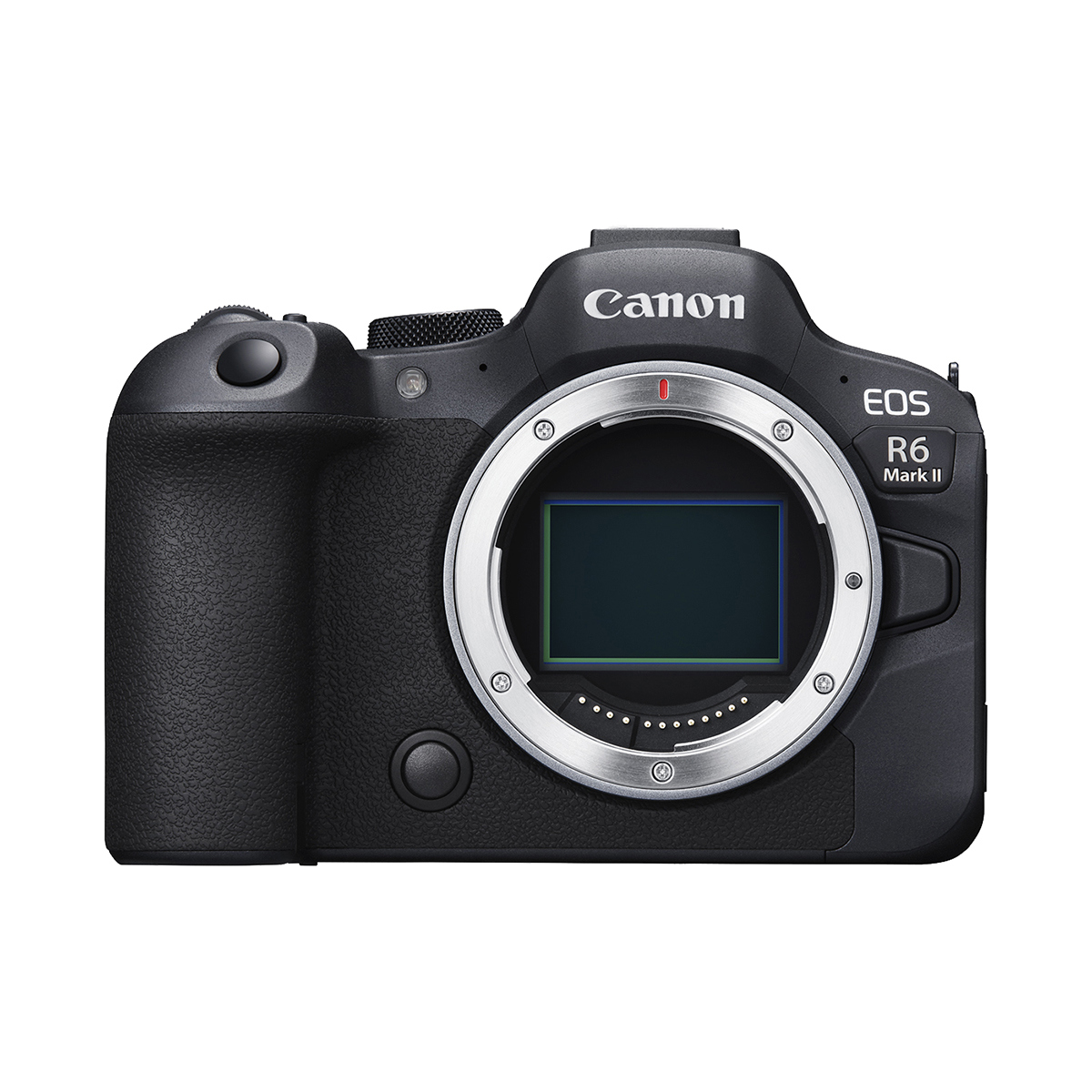

Canon R6 II vs R5 Image Quality Tests
A real-world print comparison of the Canon R6 II and R5 at ISO 100 and ISO 10,000, with downloadable RAW and JPEG samples.
For this test, I compared the 24 Megapixel Canon R6 II to the 45 Megapixel Canon R5 to see how they compared when printed at 100 ISO and 10,000 ISO. I have used cameras over the past 17 years ranging from 20 to 102 megapixels and looked through well over 1,00,000 images in thousands of different environments. I wanted to see how different these two cameras were when it comes to ink and paper and not just pixels on a screen.
Download the RAW and JPEG sample images to draw your own conclusion: Download here.
I cropped 22x17 and recomposed the crops so the images would look as close as possible for print. I used the Canon Prograf-1000 with 22x17" Canon Pro Luster Paper and Ink Owl's refill kit for the ink.
Resolution Comparison When Printed
For the first test, I used the Canon RF 70-200mm @ f2.8, 100 ISO and 1/400th. I photographed and composed as identically as possible. I enhanced the Canon R6 II photo, which doubles the resolution on the short and long end, quadrupling the overall pixel count. Some Adobe magic... So in the end the pixel resolutions are R5 5465 x 8192, R6 II 4000 x 6000, and R6 II "Enhanced Super Resolution" 8000 x 12,000.
High ISO Comparison When Printed
For this second test, I wanted to compare the high ISO capabilities when printed. These images were taken with the Canon 28-70mm at 70mm, F2.0, 1/200th, and 10,000 ISO. The room was pretty dark and we both held really still. I've also included an enhanced noise-reduction photo of the R5 in the sample images. The Canon R6 II holds up against grain a bit better in these images, but once you apply the new Lightroom Denoise feature they both look amazing. I still think that they don't look bad at all for 10,000 in their original state. It's all very impressive when you compare it to the original Canon 5D that I started with in 2006.
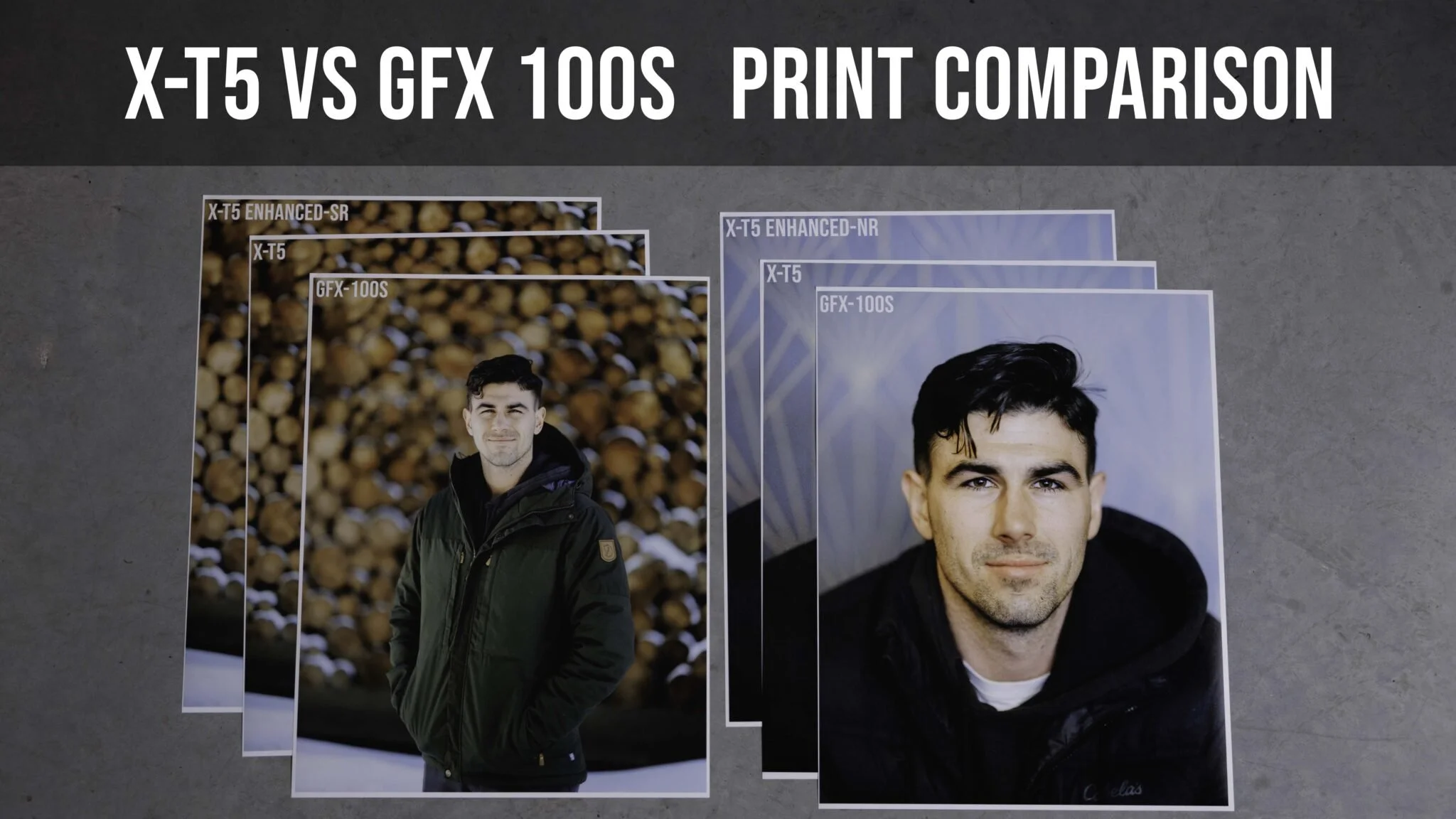
Fujifilm GFX 100S vs X-T5: Image Quality and Print Tests
Compare Fujifilm GFX 100S and X-T5 prints, resolution, Super Resolution, and ISO 8000 results. Watch the video and download RAW and JPEG samples.
Quick take: This comparison is about finished prints as well as pixels. I tested native resolution, enhanced X-T5 files, and ISO 8000 images, with downloadable samples so you can make your own comparison.
How I compared the cameras
I printed the test images at 17 × 22 inches on Canon Pro Luster paper with a Canon imagePROGRAF PRO-1000. The GFX 100S used an adapted Sigma 105mm f/1.4, and the X-T5 used the newer XF 56mm f/1.2 WR. I tried to match framing and distance, then cropped for the same print shape. This is a practical comparison of two kits, not a perfectly isolated sensor test.
What changed in the prints
At ISO 100, I found the differences much smaller in the prints than when inspecting pixels on screen. The native X-T5 file already looked excellent at this size, and increasing its resolution did not create an obvious improvement to my eyes in that print.
At ISO 8000, the X-T5 showed more noise, and Lightroom noise reduction at an amount of 20 made a visible difference. The GFX frame in that part of the test was slightly back-focused, so it should not be used as a clean sharpness comparison. Download the RAW files, exported JPEGs, and photographs of the prints to judge the examples yourself.
Hey everyone. Here are the results of my image quality testing between the GFX 100s and the Fuji X-T5.
You can Download the RAW and Jpeg Sample Images Download here So you can draw your own conclusion.
For this test, I used the GFX 100s with the Sigma 105mm f1.4 (Fringer GFX-EF Adapter was used) On the X-T5 I used the Fuji 56mm f1.2 WR. These seemed to be the closest focal lengths for the field of view and the depth of field was pretty close. My main goal was to keep the same distance from my subject. I cropped 22x17 and recomposed the crops so the images would look as close as possible for print. I used the Canon Prograf-1000 with 22x17" Canon Pro Luster Paper and Ink Owl's refill kit for the ink.
Resolution Comparison When Printed
For the first test, I exported the prints in full resolution and then I also added in an enhanced Super Resolution for the X-T5 changing the original pixel ratio from 5152 x 6667 pixels to 10,304 x 13,335 pixels. The GFX 100s image was 7936 x 10,270 pixels. These were the dimensions after exporting to jpeg and cropping for print.
In this link you can access the RAW images, the Jpeg before-print images, and then images of the actual prints. So please go and check them out so you can find your own results.
My thoughts are that the GFX provided me with a really fun perspective that stands out and is native high resolution. The X-T5 provides plenty of resolution and can be enhanced to take it even further. This is not a focus test review but I do find that the X-T5 is a much much easier camera to use based on a much better AF system and it is so compact. These are just my thoughts and this test is to help you decide what works best for you.

High ISO Comparison When Printed
For this second test, I wanted to compare the high ISO capabilities when printed. I know that the GFX is the best high-ISO performer when looking at pixels, but I wanted to see what happened when I print them.
I captured these images at 8000 ISO and 1/160th. The GFX 100s had the 105mm @f1.4 and the X-T5 had the 56mm @f1.2. I also used the Enhance feature in light for noise reduction at 20%. So you can see all three images. The room was really dark with some available window light. Use the link above to download the RAW images, Edited Jpegs, and photos of the prints to draw your own conclusion.


Canon EF 35mm F1.4 II on Fujifilm GFX 100S: Austin Photo Review
Canon EF 35mm F1.4 II sample photos on the Fujifilm GFX 100S with a Fringer adapter, including my Austin trip in a 65:24 panoramic crop.

Here are some sample images from the GFX 100s taken with the Canon 35mm f1.4 II using the Fringer GFX-EF Adapter. I photographed most of our trip to Austin in a 65x24 crop. This was a super fun aspect ratio. It pushed me to be more creative and the wider lens and shallow depth of field allowed me to capture scenes pretty much anywhere.
Sample Images: Download here
We started our trip at 4 am only to find that our 7 am flight was delayed until 1 pm. So here are a bunch of pictures of us wandering around a tiny airport with nothing to do.😂


 We finally caught a flight to Denver where we took advantage of our priority pass for free food and drinks.


After a super long day of traveling, we arrived at the South Congress hotel where we received a really nice upgrade to a huge suite. It pays to use hotels.com's rewards program. 


We grabbed some late-night pizza at Home Slice and then finally got some sleep. This place is pretty darn good.


 On our first full day in Austin we attempted to walk into every retail store on South Congresss. Was fun day.


 We discovered Joann's Fine Foods on the first day and ate almost half of our meals there. It was just too good.


Fringer EF-GFX Adapter Review: Canon and Sigma Lenses on GFX
Fringer EF-GFX adapter review on the GFX 100S, with Canon and Sigma lens tests, video comparisons, sample downloads, autofocus, and vignetting notes.
Quick take: Adapting full-frame lenses to the GFX system gives me more creative options, but coverage varies by lens. The longer Sigma primes worked well; the wider 24mm and 35mm options needed cropping to handle the corners.
Here is a review of the GFX 100s Fringer EF-GFX Lens Adapter. I adapted the Sigma 105mm f1.4, 85mm f1.4, 50mm f1.4, 35mm f1.4, and 24mm f1.4. I picked the Fringer over other adapters because it has an aperture ring. This makes using the GFX system much easier. When compared to native lenses the autofocus was paralleled. The only difference I noticed was that the Sigma lenses were quicker to focus and much quieter. the 35mm and 24mm struggled a bit more to focus at f/1.4. I also experienced the Fuji 23mm f/4 struggling as well. So my conclusion is that wider lenses just don't work as well on the GFX system when comes to autofocus.
You can watch the individual reviews to see how well they work on a Medium Format system. The 105mm, 85mm, and 50mm show little signs of vignetting which were easily corrected with a lens profile. The 35 and 24mm do have some corner issues that cannot be corrected. I had to crop the images with a 4x6 or 16x9 ratio. I'm fine with this since it allows me to get some creative wide images with some amazing depth of field and allows for lower-light portraits.
Sigma 40mm f/1.4 Review
Sample Images: Download here
This lens was fun but pretty darn huge.
Canon 35mm f/1.4 Review
Sample Images: Download here
This was and is my favorite wide-angle lens option for the GFX system at the moment.
Sigma 105mm f/1.4 Review
Here is a video of how well the Sigma 105 f/1.4 lens works on the GFX 100s with the Fringer EF-GFX Pro Adapter
Canon EF 85mm II F/1.2 Review
Sigma EF 85mm F/1.4 Review
The Sigma 85mm worked great with the Fringer Adapter. It slightly outperformed my Fuji GF 80mm when it came to some green fringing. When compared with the 80mm the Sigma 85mm was just as sharp at F1.8. It was definitely softer at F1.4 but allowed for some extra character.
Canon EF 50mm F/1.2 Review
Sigma EF 50mm F/1.4 Review
the Sigma 50mm F1.4 was super fun. I had no vignetting that wasn't able to be corrected in Lightroom. This lens is very sharp and holds up well at 100 megapixels.
Sigma EF 35mm F/1.4 Review
The Sigma 35mm F1.4 was fun. I did have some harsh uncorrectable vignetting on the corners. I had to crop into a 4x6 or 16x9, but this lens is still fun.
Sigma EF 24mm F/1.4 Review
The Sigma 24mm F1.4 had the worst vignette of all of the lenses. It still worked when cropping to 4x6 and 16x9.
Canon 100-400mm MK II and Tamron 150-600mm Tested
I tested the Canon 100-400mm F? 4.5-5.6 MK II and the Tamron 150mm-600mm F/ 5-6.3 G2. I decided that for my portrait and wedding work, the Canon 100-400mm was the lens for me. It was slightly sharper, had better Eye AF, and a bit more character. The lower aperture also helps when handheld. The Tamron 150-600mm was also a great lens and would be great for wildlife or sports.

My 2023 Canon Wedding Photography Gear
The Canon cameras, RF lenses, lighting, memory cards, bags, and straps I used for wedding photography in early 2023.

This is my early-2023 kit, preserved as a historical gear list. Availability and product lineups have changed.
Best Canon Wedding Photography gear from lenses to camera bodies. I also include some other tools that have helped me over the years.
Here is the gear that I have been using since the fall of 2020 until now in early 2023. I am currently using Canon Cameras and Lens. There is also some other gear in here that I find to be helpful.
Canon Bodies that I recommend.
Canon Lenses that I recommend.
Samyang RF 14mm 2.8 (now hard to find)
Samyang 85mm F1.4 (now hard to find)
Lights
Flashpoint Zom LI-ON X R2 C
IViSii G2 RGB Light
Softbox AD-S60S Sony
SD Cards
Camera Bags
Tenba DNA Bag I use
Tenba Slim is also a great option
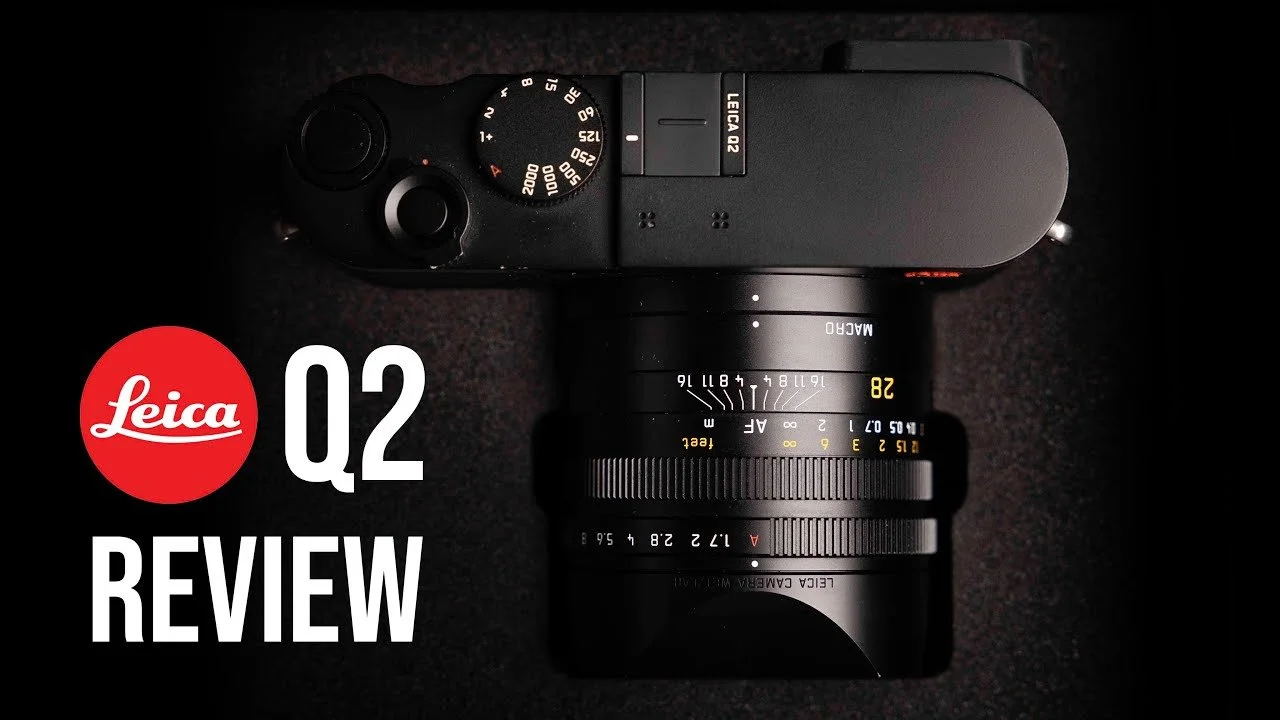
Leica Q2 Review: Why I Bought and Sold It Twice
My Leica Q2 review from family trips, daily life, and an elopement: beautiful image quality, a sharp 28mm lens, and autofocus tradeoffs.
Quick take: I bought and sold the Leica Q2 twice. Looking back through its photographs still makes me want another one. I love the sharp lens, color, and simple experience of carrying one camera, but its autofocus frustrated me when I tried to keep up with my moving child.
Watch my Leica Q2 review
This review is based on my experience owning the Q2 and on the family, travel, and occasional work photographs in the video. The final portion also includes photographs from the original Leica Q, which I rented before buying a Q2. Those are two different cameras, and I keep that distinction clear below.
Why I kept coming back to the Q2
The photographs are what draw me back. When a Q2 image appears among my personal photographs on the TV, I remember how much I enjoyed the camera. The lens produces clean, sharp detail, and I especially like the colors, skin tones, and black-and-white results.
The examples in this review are edited with presets I developed over time. They show the finished photographs I enjoy making, rather than untouched files or a laboratory comparison. Light and editing both contribute to the look.
Living with a fixed 28mm lens
The fixed lens is both the limitation and the appeal. I can leave home without deciding which lenses to pack. For travel and everyday family photographs, that makes the camera easy to bring along. I took the Q2 to Kauai as my only camera and did not regret it.
The 28mm f/1.7 lens can give good subject separation when I work close enough, and macro mode lets me move closer for small details. I also enjoy the 35mm crop framing. It is a crop, rather than a second optical focal length, but the resolution gives me room to adjust the composition.
I generally used Auto ISO while setting the aperture and shutter speed on the physical controls. The video shows ordinary moments at home, travel in Nashville and Colorado, and family photographs in Hawaii.
Autofocus was the reason I hesitated
The Q2 was less satisfying when my daughter would not hold still. I could get lovely photographs, but slower autofocus meant missed moments and frustration compared with the Canon cameras I use for work. That was part of why I sold it, bought it again, and eventually sold it again.
For slower, deliberate photography, I found the experience much more rewarding. I would not choose it because I needed the fastest possible tracking; I would choose it because I enjoyed carrying it and liked the photographs it helped me make.
Low light and occasional wedding work
In the video, I show ISO 4000 and ISO 6400 examples. Some ISO 4000 photographs looked good to me, while ISO 6400 was around the point where I became more selective. I sometimes liked the grain in black and white. That is a personal assessment of these examples, rather than a hard limit for every situation.
I also brought the Q2 to an elopement as a third camera. It produced portraits, ceremony photographs, and mountain sunset scenes that I enjoyed. Some frames missed focus or showed motion blur from a shutter speed that was too slow. Those examples are useful context: the camera can make beautiful work, but I get the most from it when I give myself time.
The original Leica Q in Palm Springs
Before owning the Q2, I tried to rent one for a trip. When that rental became unavailable, I received an original Leica Q instead. The Palm Springs, Orange County, and Joshua Tree photographs near the end of the video come from that original Q.
I enjoyed its colors and the same freedom of working with one lens. Both cameras gave me photographs I love, but the original Q examples should not be treated as Q2 image-quality samples.
Who I think would enjoy it
The Q2 makes the most sense to me as a camera for personal life, travel, and deliberate photography when a wide fixed lens suits the way you see. It is less compelling when fast-moving subjects or changing focal lengths are central to the job.
If you are considering one, try it with the subjects you actually photograph. My strongest recommendation is to judge both the pictures and the experience of carrying it. In my case, the photographs kept pulling me back, even though the autofocus meant it was not always the right fit.
This article reflects the experience described in my original video. Price, resale expectations, and speculation about future cameras from that recording have been omitted because they are no longer a useful basis for a buying decision.

Canon RF 28–70mm F2 Review for Weddings
Canon RF 28–70mm F2 wedding review with a full video and sample photos. Explore image quality, the f/2 aperture, handling, and lens tradeoffs.
Quick take: The constant f/2 aperture is the reason this standard zoom stands out to me. Use the review video and wedding sample gallery to judge its rendering alongside the practical tradeoff of carrying a large lens.

The Canon RF 28-70mm F2 Lens is a versatile, high-quality standard zoom lens designed for Canon's full-frame mirrorless cameras. With its fast constant aperture of F2 and excellent image quality, it's the perfect choice for photographers who want to capture a wide range of subjects, from portraits to landscapes and everything in between.
Key Features
- Focal length: 28-70mm
- Maximum aperture: F2
- Image stabilizer: No
- Weather sealing: Yes
- Autofocus system: USM autofocus
Build and Design
- Solid, durable construction with weather sealing
- Metal lens mount with positive click
- Large, substantial construction; consider the size and weight for long wedding days
- Includes lens hood
Image Quality
- Excellent detail and sharpness throughout the aperture range and zoom range
- Accurate, vibrant colors
- Well-controlled distortion and chromatic aberrations
- Minimal vignetting even at wider apertures
Performance
- I love the fast constant aperture of F2 for excellent low-light performance
- USM autofocus system for quick and accurate autofocus
- Great for a wide range of shooting situations, from portraits to landscapes
Compatibility
- Compatible with all Canon full-frame mirrorless cameras
- Can be used with a range of accessories, including filters and lens hoods
- Third-party options available
Value for Money
- Offers excellent value for its performance, image quality, and versatility
- A great choice for photographers who want a versatile, high-quality standard zoom lens that offers professional-level results
Conclusion
The Canon RF 28-70mm F2 Lens is a top-quality lens that offers excellent image quality, performance, and versatility. It's a great choice for photographers who want a versatile, high-quality standard zoom lens that can handle a wide range of shooting situations, from portraits to landscapes, and who are willing to invest in a premium product. If you're looking for a fast, constant aperture, standard zoom lens that offers professional-level results, the Canon RF 28-70mm F2 Lens is a great option.
Sample Images
Here are some sample images from the last two years.


Canon RF 24–70mm F2.8 Review for Weddings
Canon RF 24–70mm F2.8 review after 100+ weddings and 150+ other sessions, with video, sample images, autofocus notes, and image stabilization.
Quick take: My video review draws on more than 100 weddings and 150 other sessions. The 24–70mm range, f/2.8 aperture, and image stabilization make this a flexible lens to consider for a wedding kit.
Canon RF 24-70mm Review

Introduction The Canon RF 24-70mm F2.8 Lens is a top-of-the-line lens designed for Canon's full-frame mirrorless cameras. With its versatility and professional-level image quality, it's the perfect choice for photographers who want a do-it-all lens that can handle a wide range of shooting situations.
Key Features
- Focal length: 24-70mm
- Maximum aperture: F2.8
- Image stabilization: Yes
- Weather sealing: Yes
- Autofocus system: Nano USM autofocus
Build and Design
- Solid, durable construction
- Metal lens mount with positive click
- Includes lens hood and soft case
- Slightly larger than some other standard zoom lenses, but still relatively compact
Image Quality
- Excellent detail and sharpness throughout the entire zoom range from 24-70mm
- Accurate, vibrant colors
- Smooth, creamy bokeh
- Well-controlled distortion and chromatic aberrations
Performance
- Quick and accurate autofocus
- Effective optical image stabilization system (up to 5 stops)
- Smooth zoom and focus rings for easy adjustments
Compatibility
- Compatible with all Canon EOS R full-frame mirrorless cameras.
- Can be used with a range of accessories, including filters and lens hoods
- Third-party options available
Value for Money
- Offers excellent value for its performance, image quality, and versatility
- A great choice for photographers who want a high-quality, all-around lens
Conclusion
The Canon RF 24-70mm F2.8 Lens is a top-quality lens that offers excellent image quality, performance, and versatility. It's a great choice for photographers who want a do-it-all lens that can handle a wide range of shooting situations, and who are willing to invest in a premium product. If you're looking for a high-quality, all-around lens that offers professional-level results, the Canon RF 24-70mm F2.8 Lens is a great option.
Sample Images
Here are some sample images from the last two years.


Canon RF 70–200mm F2.8 Review and Sample Photos
Canon RF 70–200mm F2.8 review with video and real-world sample photos. Explore telephoto framing, image quality, autofocus, and stabilization.
Quick take: This telephoto zoom pairs a constant f/2.8 aperture with image stabilization. The video and sample images show how its reach and rendering fit portrait and wedding photography.

Introduction The Canon RF 70-200mm F2.8 Lens is a high-quality, professional-level telephoto zoom lens designed for Canon's full-frame mirrorless cameras. With its fast constant aperture of F2.8 and excellent image quality, it's the perfect choice for photographers who want to capture portraits, sports, and wildlife with clarity and sharpness.
Key Features
- Focal length: 70-200mm
- Maximum aperture: F2.8
- Image stabilizer: Yes
- Weather sealing: Yes
- Autofocus system: Dual Nano USM autofocus
Build and Design
- Solid, durable construction with weather sealing
- Metal lens mount with positive click
- Relatively compact and lightweight for its class
- Includes lens hood
Image Quality
- Excellent detail and sharpness throughout the aperture range and zoom range
- Accurate, vibrant colors
- Well-controlled distortion and chromatic aberrations
- Minimal vignetting even at wider apertures
Performance
- The fast constant aperture of F2.8 for excellent low-light performance
- Dual Nano USM autofocus system for quick and accurate autofocus
- Image stabilizer for steady shots
- Great for portraits, sports, and wildlife photography
Compatibility
- Compatible with all Canon full-frame mirrorless cameras
- Can be used with a range of accessories, including filters and lens hoods
- Third-party options available
Value for Money
- Offers excellent value for its performance, image quality, and versatility
- A great choice for photographers who want a high-quality, professional-level telephoto zoom lens that offers professional-level results
Conclusion
'The Canon RF 70-200mm F2.8 Lens is a top-quality lens that offers excellent image quality, performance, and versatility. It's a great choice for photographers who want a high-quality, professional-level telephoto zoom lens that can handle a wide range of shooting situations, from portraits to sports and wildlife, and who are willing to invest in a premium product. If you're looking for a fast, constant aperture, telephoto zoom lens that offers professional-level results, the Canon RF 70-200mm F2.8 Lens is a great option.
Sample Images
Here are some sample images from the last two years.


Canon RF 50mm F1.2 Review and Sample Photos
Canon RF 50mm F1.2 review with video and sample photos, most shot at f/1.2. See sharpness, background blur, handling, and low-light considerations.
Quick take: The gallery is the heart of this review: most of these sample photos were made at f/1.2. Look through them for the lens’s rendering and background blur, then watch the video for my experience using it.

The Canon RF 50mm F1.2 Lens is a versatile, high-quality lens designed for Canon's full-frame mirrorless cameras. With its fast aperture and excellent image quality, it's the perfect choice for photographers who want a lens that can handle a wide range of shooting situations, from portraits to landscapes.
Key Features
- Focal length: 50mm
- Maximum aperture: F1.2
- Image stabilization: No
- Weather sealing: Yes
- Autofocus system: Good enough.
Build and Design
- Solid, durable construction. Feels like a big hunk of glass.
- Metal lens mount with positive click
- Includes lens hood and soft case
- Larger than some other standard lenses, but still relatively compact
Image Quality
- Excellent detail and sharpness throughout the aperture range
- Accurate, vibrant colors.
- Beautiful bokeh, even at wider apertures
- Well-controlled distortion and chromatic aberrations
Performance
- The fast and accurate autofocus system
- Fast aperture allows for excellent low-light performance
- Control and focus rings for adjustments
Compatibility
- Compatible with all Canon full-frame mirrorless cameras
- Can be used with a range of accessories, including filters and lens hoods
- Third-party options available
Value for Money
- Offers excellent value for its performance, image quality, and versatility
- A great choice for photographers who want a high-quality, all-around lens that can handle a wide range of shooting situations
Conclusion
The Canon RF 50mm F1.2 Lens is a top-quality lens that offers excellent image quality, performance, and versatility. It's a great choice for photographers who want a lens that can handle a wide range of shooting situations, from portraits to landscapes, and who are willing to invest in a premium product. If you're looking for a high-quality, fast-aperture lens that offers professional-level results, the Canon RF 50mm F1.2 Lens is a great option.
Sample Images
Here are a bunch of sample images from the 50mm F1.2 from the last two years. Most of these images were shot at F1.2.


Rokinon RF 14mm F2.8 Review and Sample Photos
Rokinon RF 14mm F2.8 lens review with video and sample images. Explore its ultra-wide view, image quality, and creative composition possibilities.
Quick take: A 14mm lens gives a very different perspective from a standard zoom. This review and sample gallery focus on the expansive view and creative compositions possible with the RF 14mm f/2.8.

The Samyang RF 14mm F2.8 Lens is a high-quality, ultra-wide-angle lens designed for Canon's full-frame mirrorless cameras. With its fast aperture and excellent image quality, it's the perfect choice for photographers who want to capture expansive landscapes, architectural shots, and creative compositions.
Key Features
- Focal length: 14mm
- Maximum aperture: F2.8
- Image stabilizer: No
Build and Design
- Solid, durable construction
- Metal lens mount with positive click
- Includes lens hood
- Lightweight and compact for easy transport and storage
Image Quality
- Excellent detail and sharpness throughout the aperture range
- Accurate, vibrant colors
- Well-controlled distortion and chromatic aberrations
- Minimal vignetting even at wider apertures
Performance
- Fast aperture for excellent low-light performance
- Check the exact AF or MF version when comparing this lens
- Great for creative compositions with its ultra-wide-angle view
Compatibility
- Compatible with all Canon full-frame mirrorless cameras
- Can be used with a range of accessories, including filters and lens hoods
- Third-party options available
Value for Money
- Offers excellent value for its performance, image quality, and versatility
- A great choice for photographers who want a high-quality, ultra-wide-angle lens that offers professional-level results
Conclusion
The Samyang RF 14mm F2.8 Lens is a top-quality lens that offers excellent image quality, performance, and versatility. It's a great choice for photographers who want a high-quality, ultra-wide-angle lens that can handle a wide range of shooting situations, from landscapes to architectural shots, and who are willing to invest in a premium product. If you're looking for a fast-aperture, ultra-wide-angle lens that offers professional-level results, the Samyang RF 14mm F2.8 Lens is a great option.
Sample Images
Here are some sample images from the last two years.


